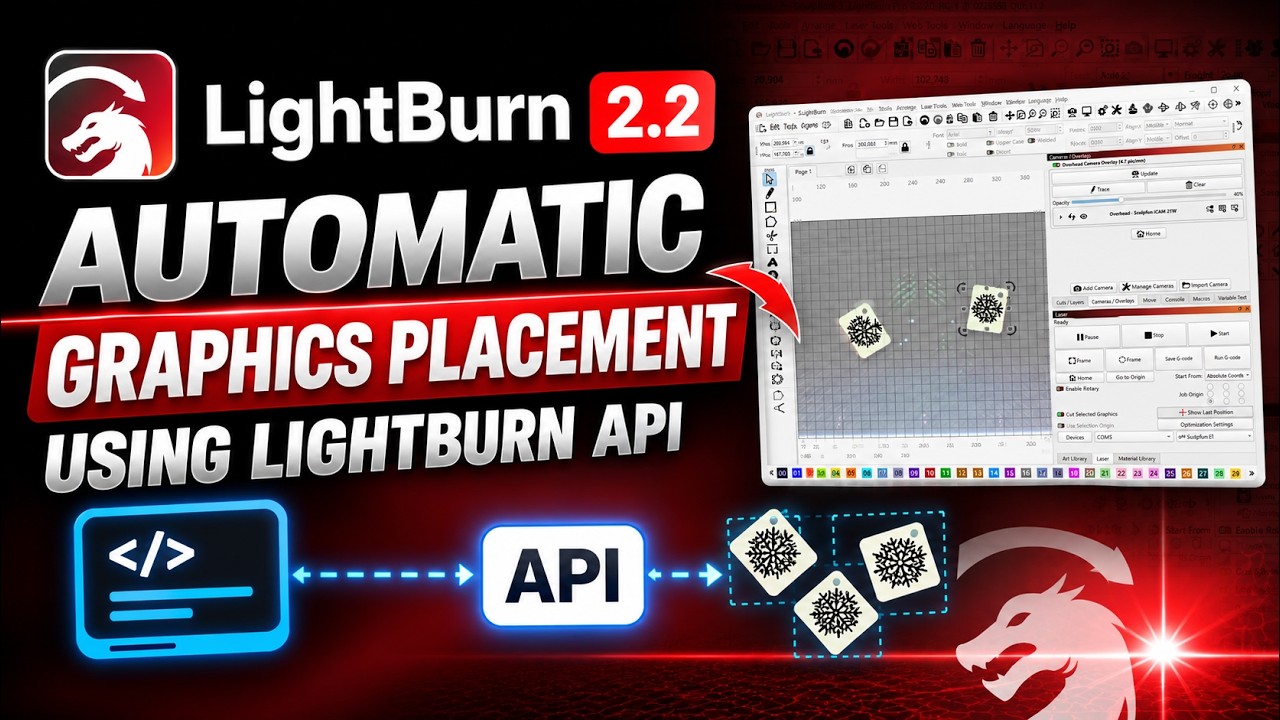
Over the years, the following use case was raised every once in a while: detecting objects in the camera overview and place objects automatically. Other software allows this already, and using the API, it was just a few hours of talking to AI to finish a first prototype:
It’s a small Python app that loads the camera overly, searches for shapes; the user can choose an SVG file, select the desired shapes, and the tool sends the SVG scaled and rotated back to LB.
Of course—much detailed work would be required to make it really usable, but I was already happy with it.
Hi Melvin, I couldn’t get it to work. It has nothing to do with your program, it’s just been too long since I’ve worked with Thonny/scripts and I wasn’t very good at it either
But I’ve read your description of the script and understand how it’s supposed to work.
I’ve also been to your HP to see if there’s any additional information. Even though I couldn’t find anything about your last project, I’m very impressed by your fine work within diode laser machines and their peripherals, you can find many gems in the different sections.
I think/believe that LB will and must integrate tools like the one you’re working with, not least to maintain its leading position within laser control programs.
Are you using Windows? Then I guess you need to install Python first (Download Python | Python.org). Afterward, extract the zip to a folder and open the windows command line and jump into that folder. Then you might need to run the first command once (installing the libraries) and then you can run the tools with the simple command.
Though I don’t know if I have installed some other stuff over the years of development