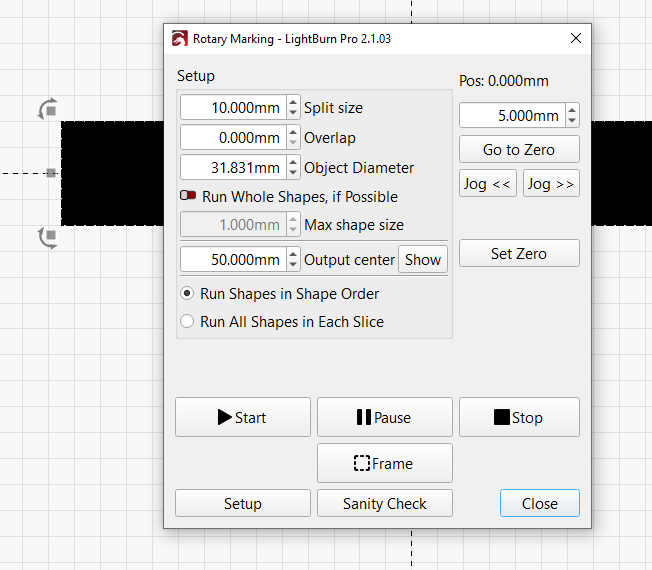
Hi, i ran into a problem with the way Lightburn does passes in rotary mode when using “run all shapes in each slice” and cutting in “line” mode
Ill explain my problem like this.
Lets say i want to cut 3 lines perpendicular to the rotary axis (wrapping around the object) and these lines each require 30 passes. Lets call the lines A, B and C
I use the setting “run all shapes in each slice”
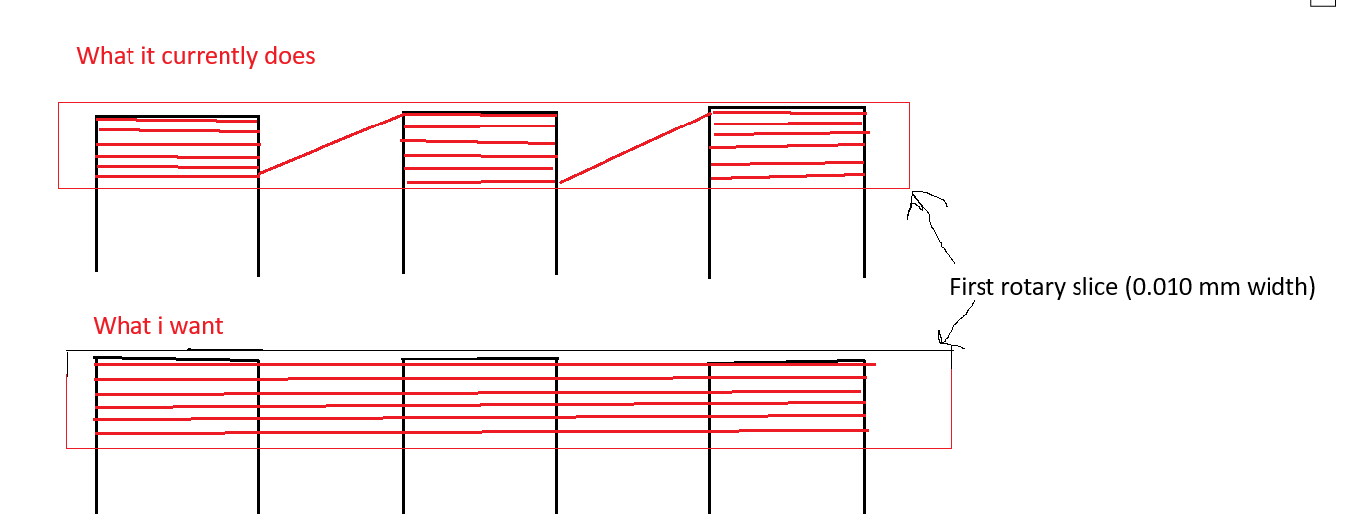
What i would like to happen is that in each slice the laser moves
Pass 1 = A → B → C → repeat 30 times
But what actually happens is:
Pass 1 = A (30 times) → B(30 times) → C(30 times)
I hope that makes sense. Im making very thin cuts with a UV laser into 0.1 mm stainless steel and this causes problem with overheating, I basically want the laser to run each pass as a raster, but i have to use line mode for this procedure as the goal is cuts that are as close to the laser spot size as possible.
One thing you can try, since you want to be in line mode is to use sub layers. Lightburn allows up to 10 sub layers, for a total of 11 layers in one set. You could run that, then duplicate to another layer with the same settings twice giving you up to 33 passes. You need to set the settings for each sub layer individually as just adding it does not duplicate the main layer settings.
What i mean is that if i have 3 shapes with same settings i want the laser to scan left to right across all shape once per pass. Remember this is in rotary mode
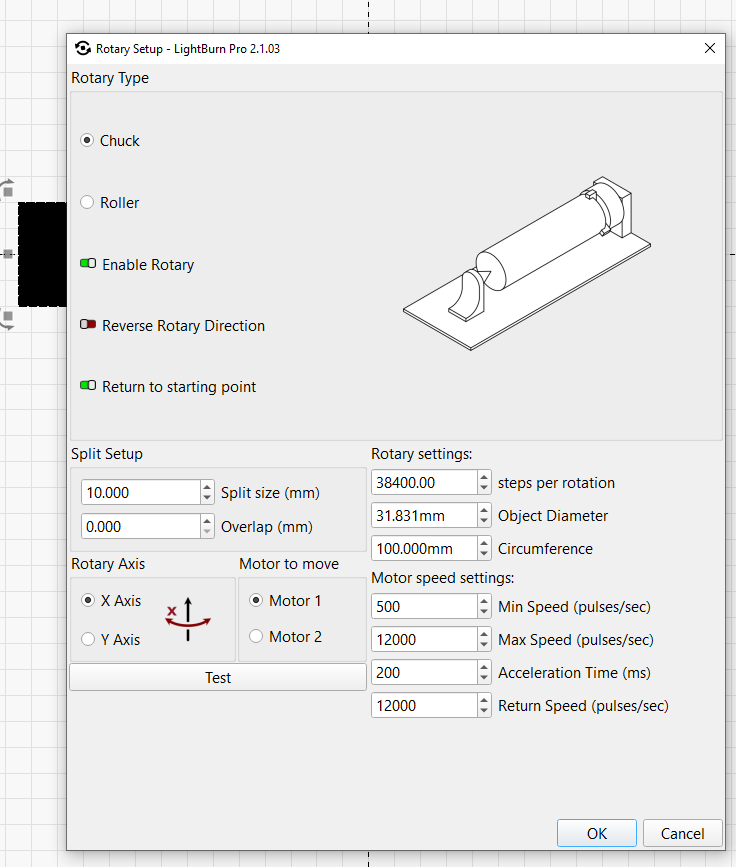
Im not sure i understand, how does the sublayer affect the way a “pass” is processed, isn’t it mainly for running separate passes with different settings, like cleanup? I posted a sketch to show what i mean. The sketch just shows the first 0.015 split (Rotary mode segments the tube into tiny planes)
you set 1 pass per sublayer. layer 1 engraves everything 1 time sublayer 2 engraves everything 1 time again, etc. until all of your sublayers have run. since you want 30 passes and there can only be 11 per layer set you need to duplicate your art twice, placing each duplicate on it’s own layer with identical settings and sublayers until you reach your goal of 30 passes.
Ahh okay i get it. Is there really no better way to do this? The 30 passes was just an example, in reality i use around 80 passes so this method will be too much work.
Thanks alot for the possible option though, will be useful later.
I run into this dilemma occasionally seems like a lot of sub layers/ layers is the only solution, but, huge memory suck and time consuming, and when duplicating art and adding more layers, easy to make mistakes.
for rings and stuff like that where I’m looking for depth I end up setting up duplicate sublayers and just re-running over and over manually. It’s unfortunate but I think we are at the limit of Lightburn>BJJCZ board>Rotary.
Out of curiosity, may I ask what you do on the rotary that requires 80 passes?
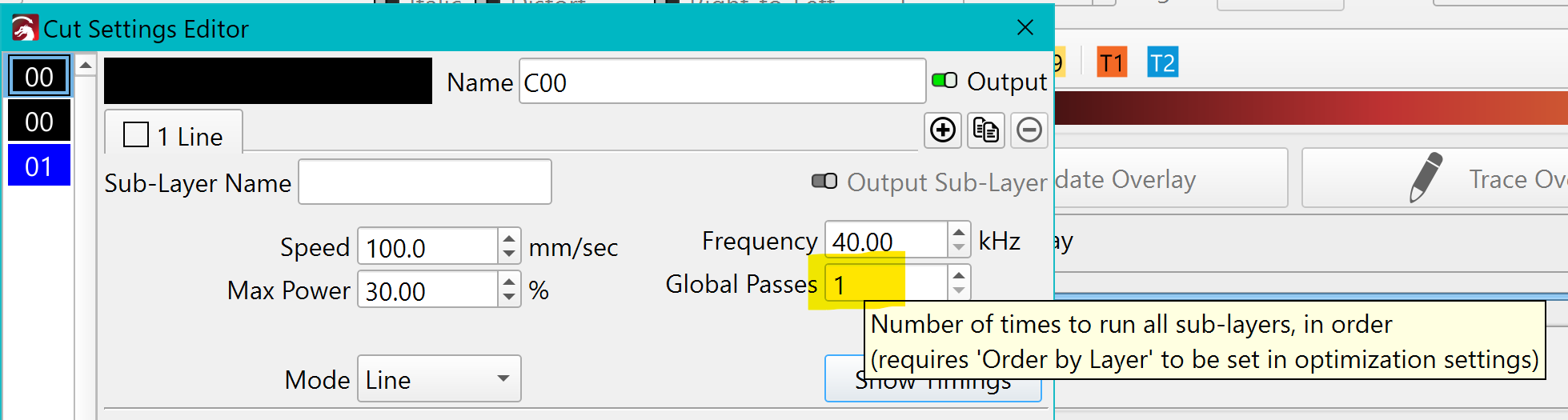
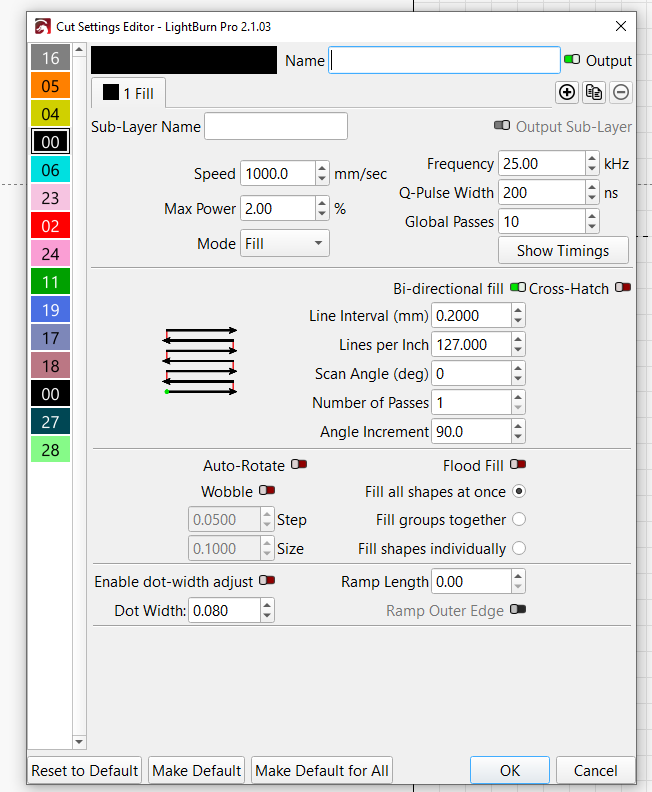
Unfortunately, from my experimenting, global passes apply to each slice, like if you have 10 global passes each slice will run 10 times before moving to next slice. Just tried again to be sure same results. The rotary made 1 rotation and returned, each slice scanning 10 times.