I have the LP4 and want to burn designs on my creation urns all the way around. So far I can burna design halfway around but I dont know how to continue the design to the other half. I tried making the initial design on the artboard to continue for the circumference of my cylinder but the software said I was out of the design limits. So, I was able to shrink the design to halfway. Is there a way to continue the design? If I just pussh start again it will just do the same thing.
Hi Dave and welcome to the forum.
Sorry for the late reply.
The perimeter of the urns is within the LightBurn workspace?
If so you have to use artwork that correspond (or a tad bigger) to the perimeter of the urns and place the artwork in the middle of the workspace by selecting it then pressing P key..Test with paper towels inner roll.
Maybe when you use the rotary you can set Y to 628mm following the Rotary Extension Accessory Set up gif video:
https://support.laserpecker.net/hc/en-us/articles/7638927193231-Operating-LP4-with-LightBurn.
In LightBurn the best bet is to create one device X=160mm Y=120mm for flat and another with X=160mm Y=628mm for rotary.
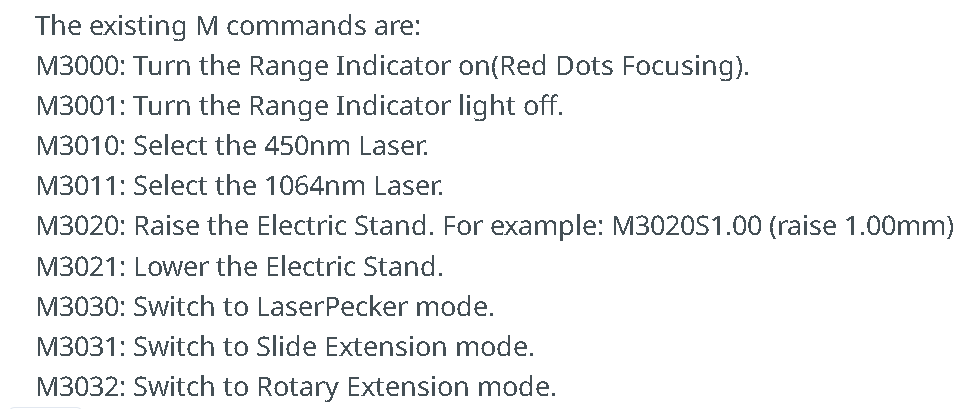
A few M Codes for LP4 already in the device macros.