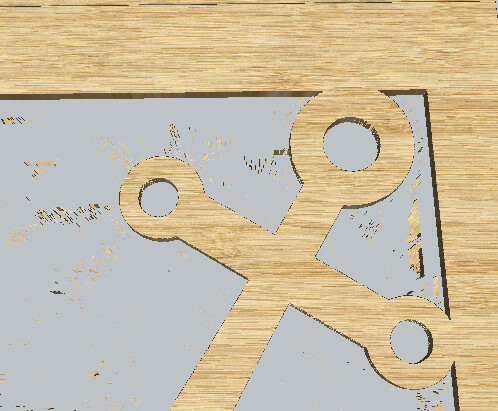
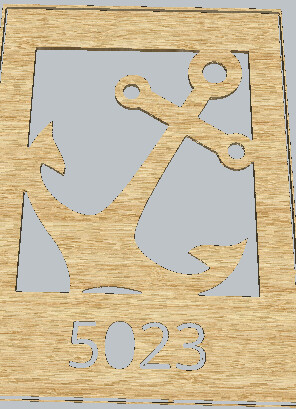
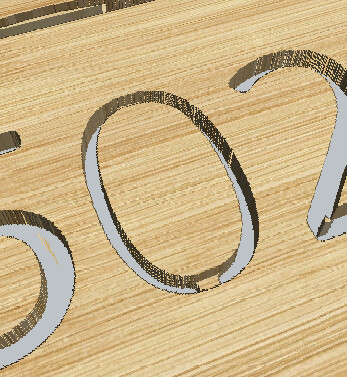
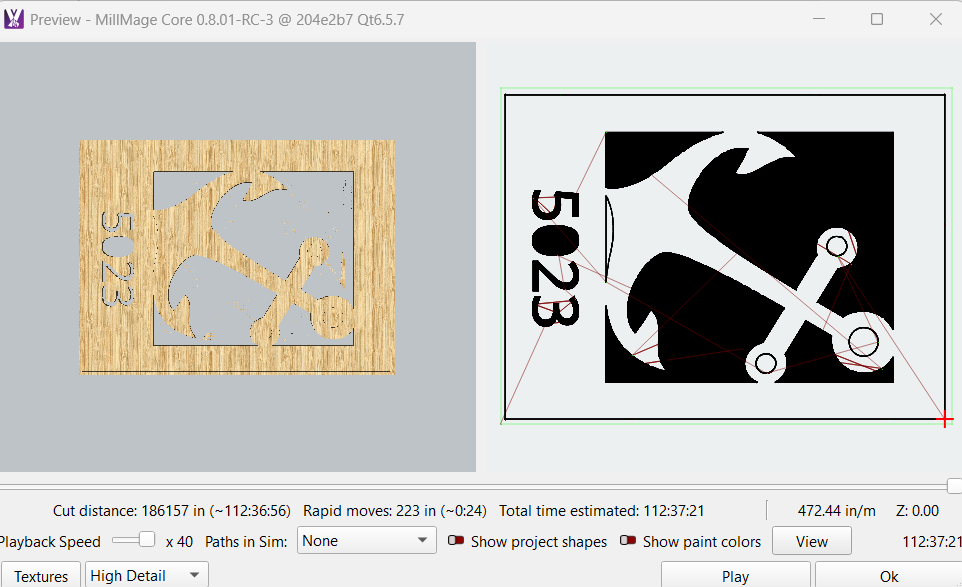
I am trying to get an anchor with an address to cut out of 1/4 inch pvc using an o flute. It all shows correctly in the preview but 3 circles and the bottom of the anchor. These 4 items do not cut out, but do see them on the ‘non wood’ preview (the right image on the preview). They are well within the boundaries of the material.
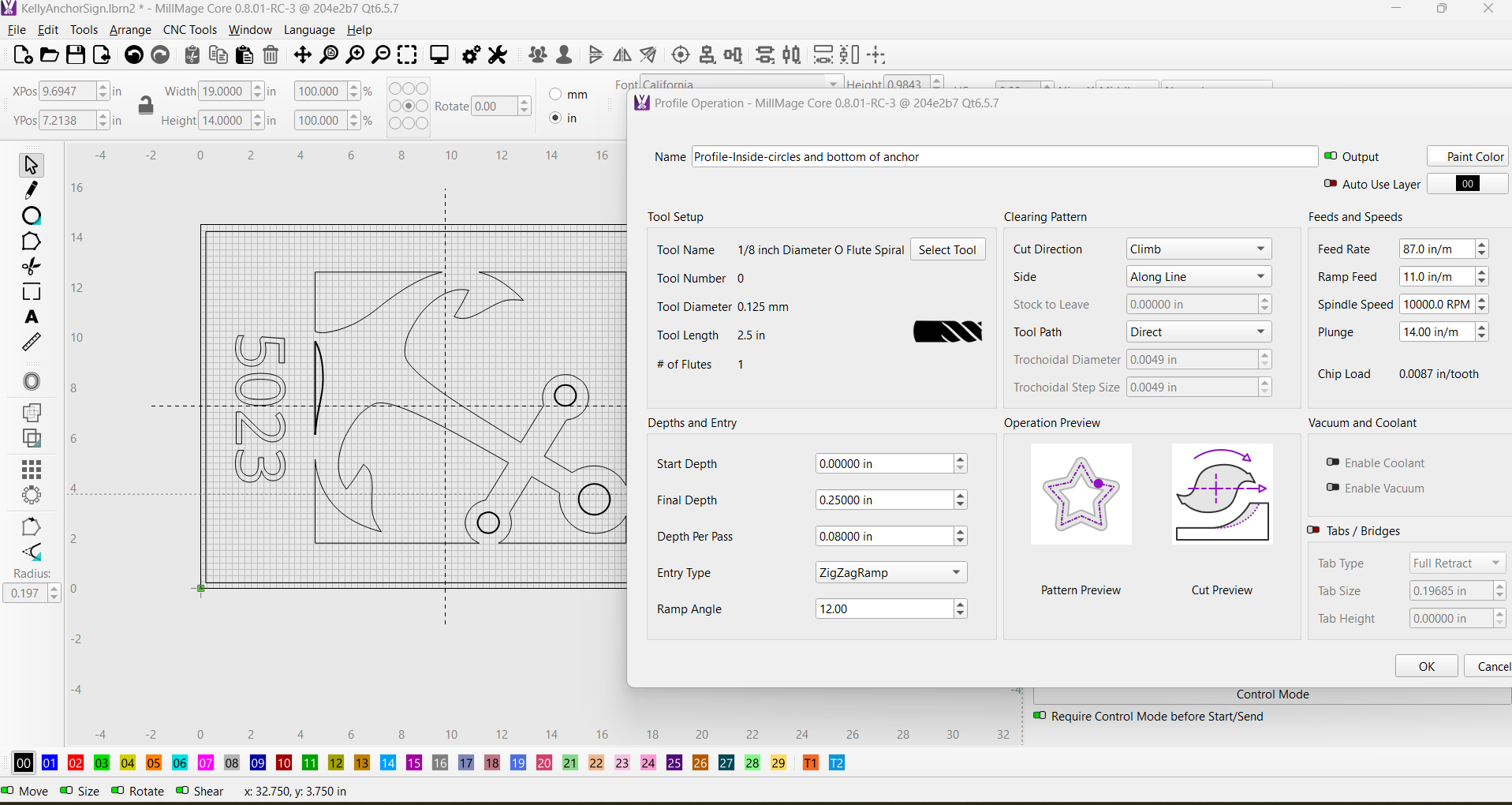
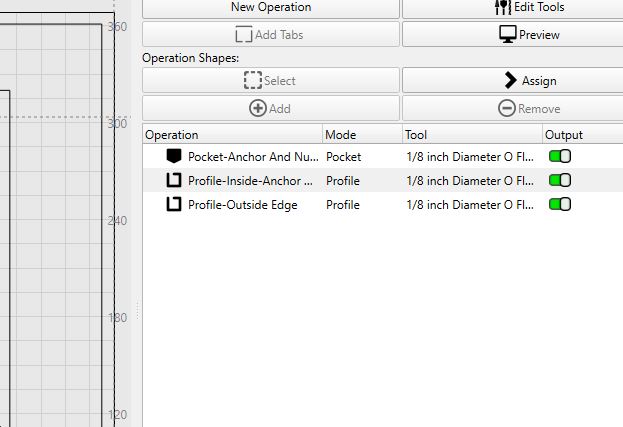
When I click on the operation (inside Profile) all 3 places I want cut are assigned as they are all bolded.
I’m fairly new to millmage (been using lightburn), so most likely a user error.
FYI: I originally designed in Lightburn and exported/imported into millmage then created my operations here in millmage.
Are you able to select the 3 circles and the space below the anchor and assign it to the 2nd op? I have done this, but maybe I’m doing it wrong?? When I select on the 2nd op, it highlights the 3 circles and the space below the anchor so i’m assuming this means its assigned to it.
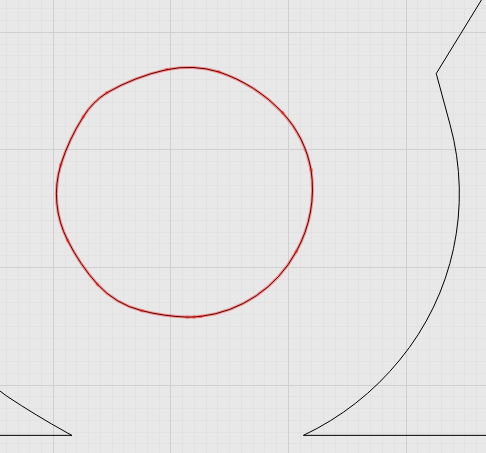
yes but in preview they are not closed circles on left but look like there is no gap in tool path on right, odd,
maybe try drawing new circles delete originals re assign operation and than preview could be in issue in the original file but if still same, above my pay grade
If you have paid for a MillMage core licence I would advise you download and install the released version rather than the RC version you are currently on.
Thank you! This did the trick, then I realized I needed to do an inside profile cut in order to reduce the time since its just a cutout needed not a pocket. Reduced my time dramatically and you helped figure out my missing cuts as well. Appreciate it!
Here’s my new millmage file. Down to 47 minutes! KellyAnchorSign.lbrn2.mage (46.3 KB)
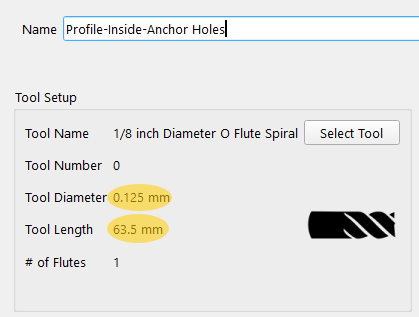
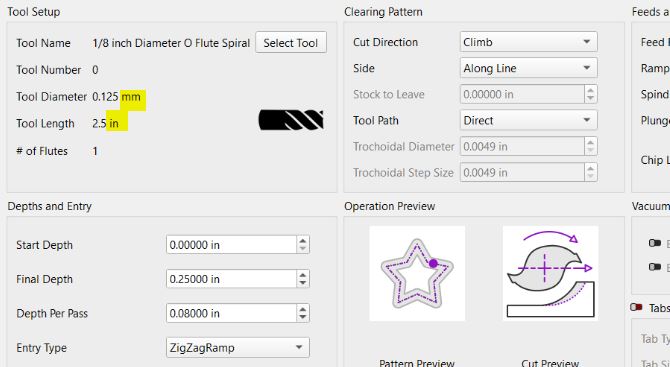
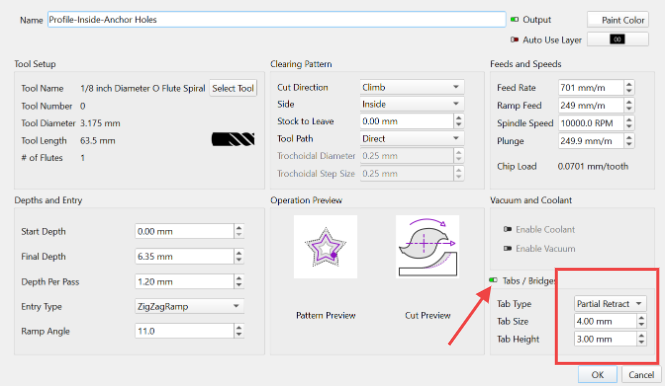
yip prob right there, i only had time to have quick look last night the unclosed circle was the 1st thing i noticed, , your highlighted MILLMETERS made me re read the thread
in original screen shots it shows mm and inches, my eye must of concentrated on the tool length in inches , so in my head I went 0.125in to mm = 3mm tool yip looks right, as this tool path isn’t actually in the uploaded file it doesn’t stand out to any of us and i went to preview 1st not operations
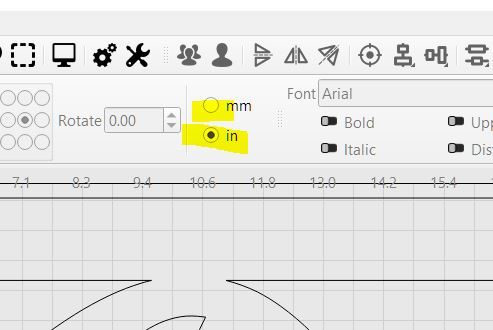
correct me if wrong but how can it be in inch’s and mm at same time, shouldn’t it be one or the other, wouldn’t that also throw everything out ,
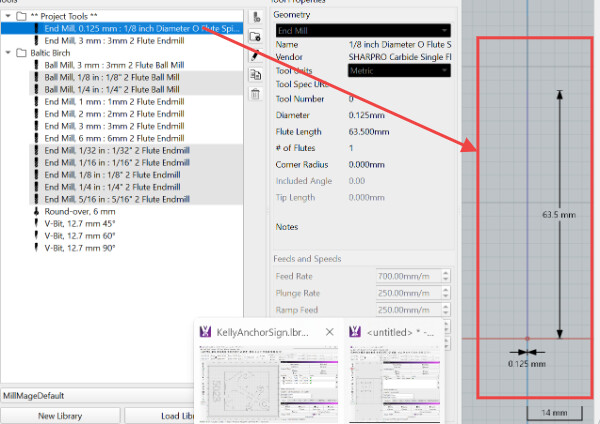
ive tried creating a new tool selected metric as units , in flute length typed in 3inches it converted to 76.2mm in tool preview as i would expect as metric is what i chose for units
i did manage to get it to recreate by changing to in and mm from here
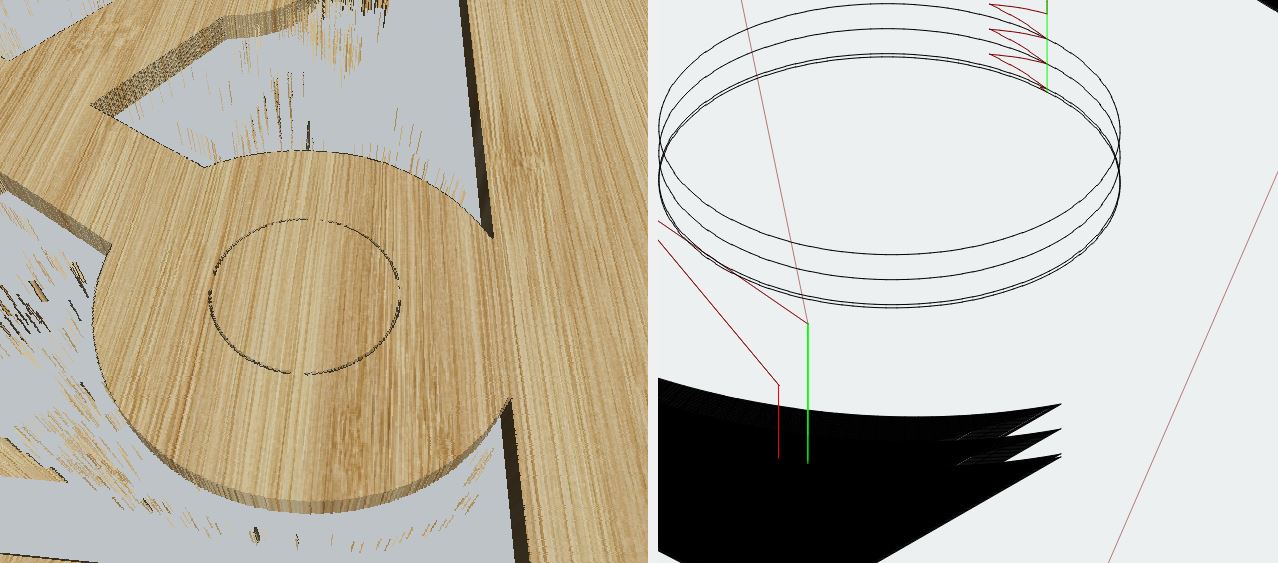
 It should be an internal profile cut surely?