how to connect line with two squares using nodes
line a and line b are connected but how can i connect line c with a and b??
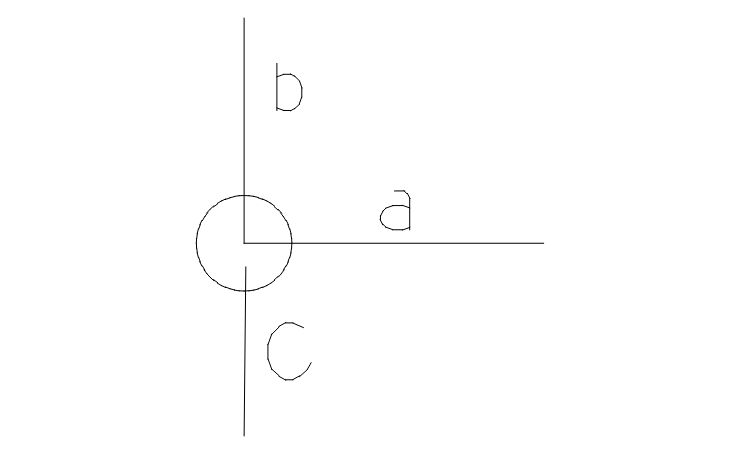
Jehan
Select the line to place the square on and On my keyboard I press Shift + I (check withe Lightburn Doc’s to make sure).
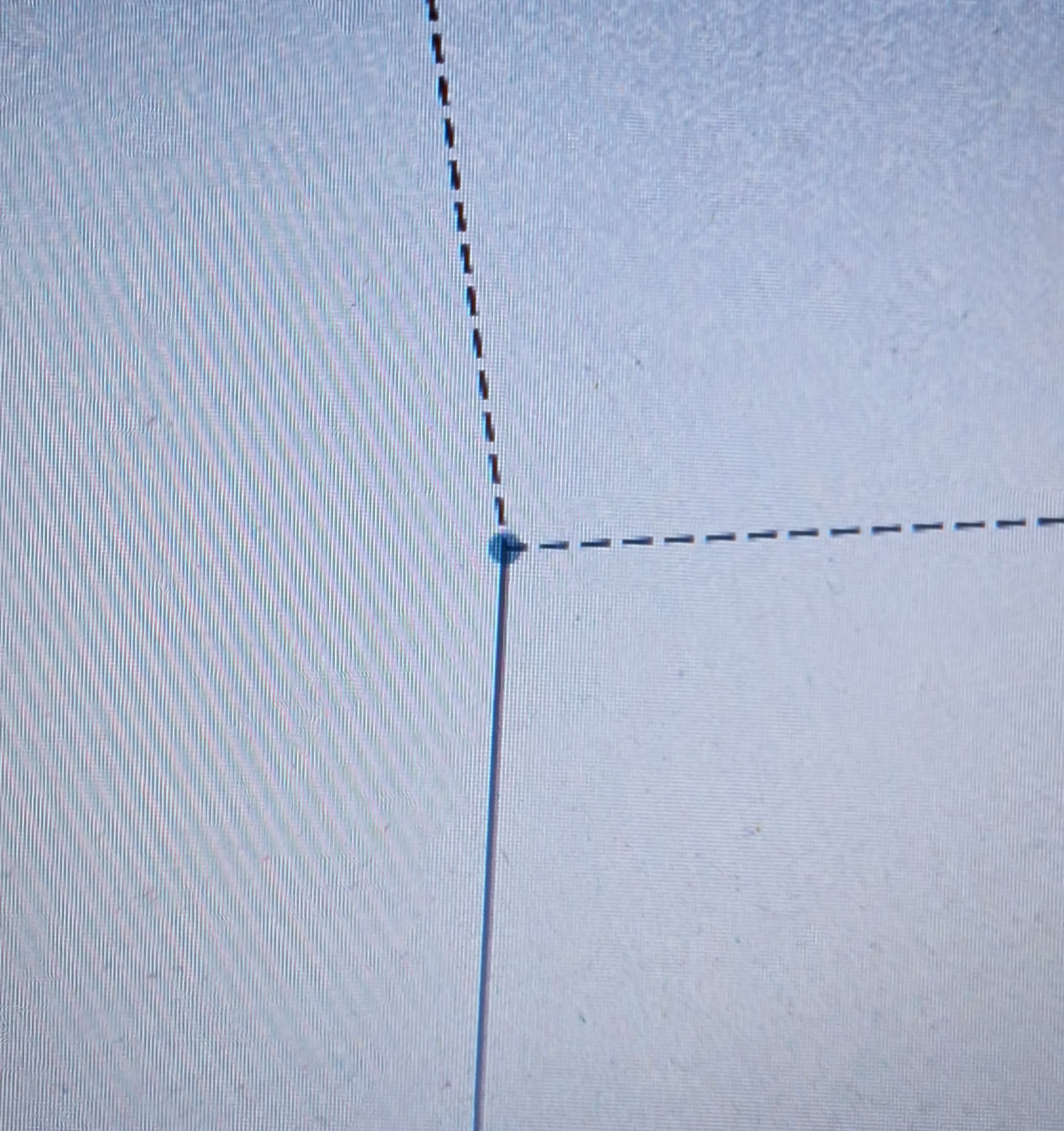
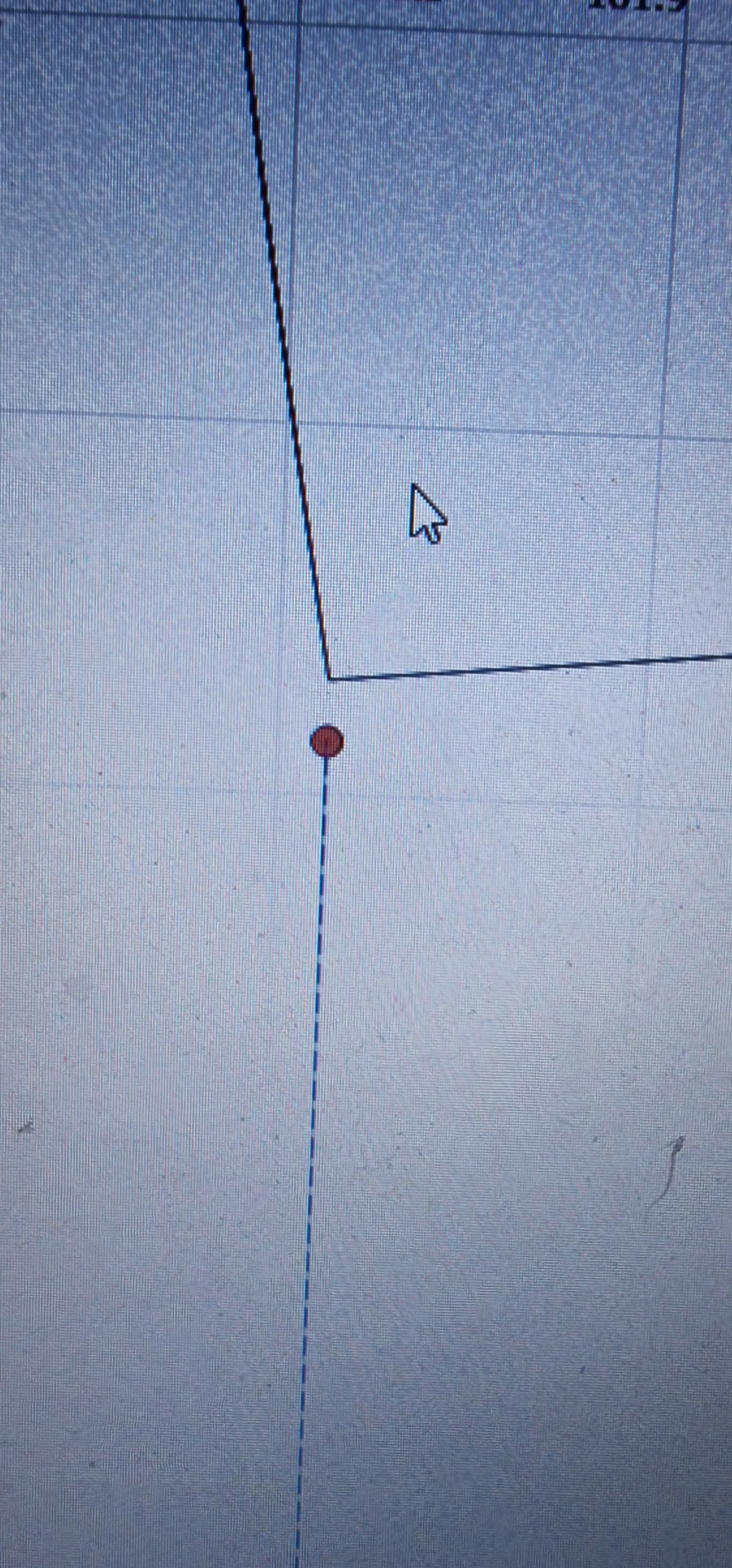
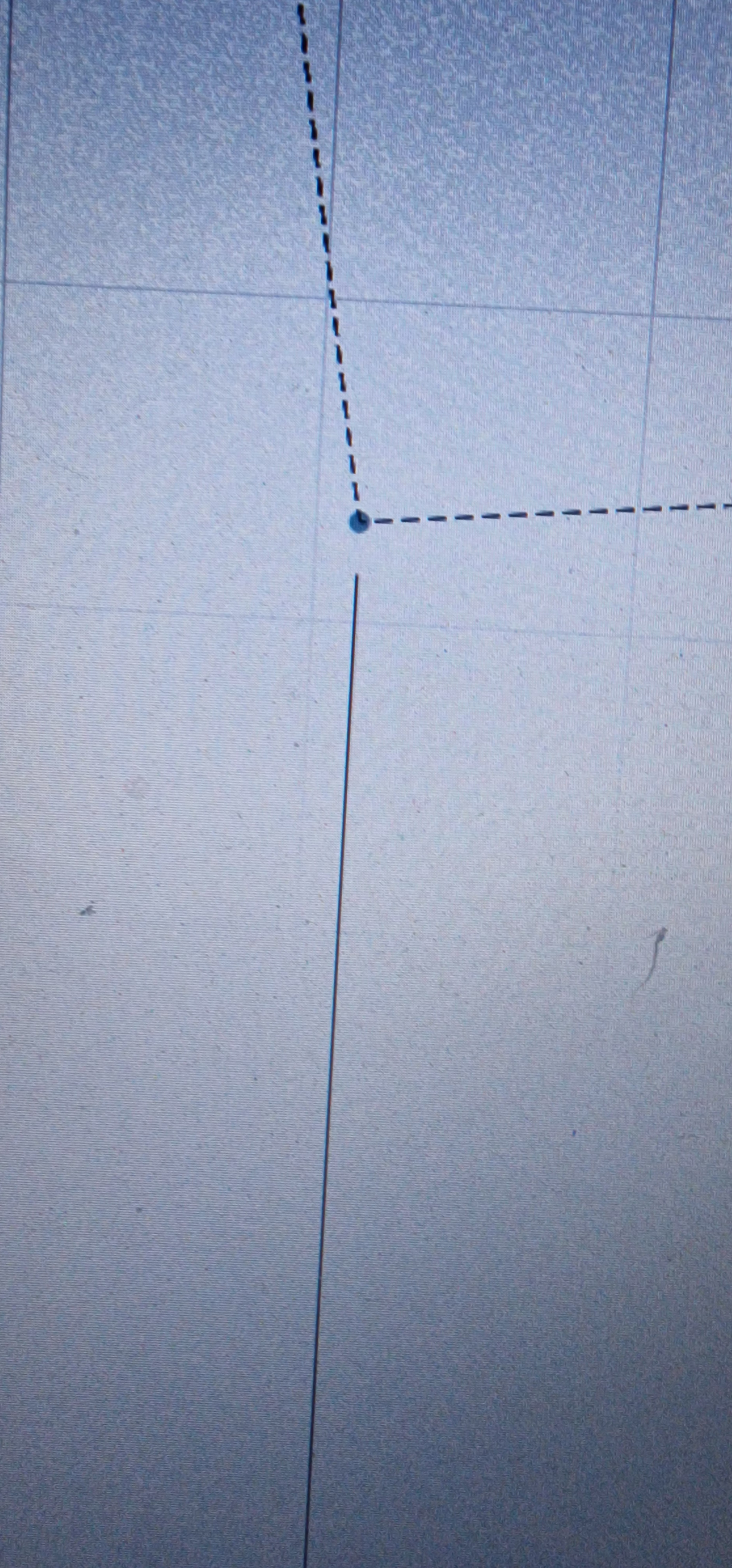
still no connection
You cannot do that, because a node can connect only two lines / vectors.
That’s by definition of Beziér curves & splines, which is what LightBurn uses to build shapes:
Reviewing the doc on shapes may help:
You can position a node atop a junction, so that it looks like it’s joined to the other node, but the result remains two separate curves.
Ed
Thanks for the link to Doc’s. I just noticed the circles in the above images whereas I usually deal with green and red squares…Different LB versions I suppose.
If line A has a corner in it, and line B end node is placed over that corner…Will the cut/engrave be processed separately but still result in the desired outcome.
It depends on what you mean by “desired”. 
The nodes form a path along which the laser will move, which poses a problem when two different paths have overlaid nodes, because the laser will finish one path before starting another. You have little control over which path comes next, so the outcome may be surprising.
There’s some regrettable overloading of those colors & shapes.
In Edit Nodes mode, which is what’s going on in the original question:
- Green squares mark the start / end nodes of the path
- Reddish squares mark the remaining nodes
However, that applies only to Corner nodes. When you convert the node to a Smooth node, two squares emerge to mark the node’s Beziér handles and the node becomes a circle.
The doc goes into more detail:
When you’re not in Edit Nodes mode:
- A green square marks the
Job Originset in theLaser Window. - A red square marks the
Machine Originset in theDevice Settingsto match the corner with the home switches.
Reviewing the doc for those may clarify that part of the puzzle:
I think I figured it out. Since I work mostly with images of late, I do most of the node work for edges in the image software and nothing further in LB. I must read the Doc’s and get some practice in, maybe do some flourishes and frames for around the images.