Connecting my XT Laser to Lightburn

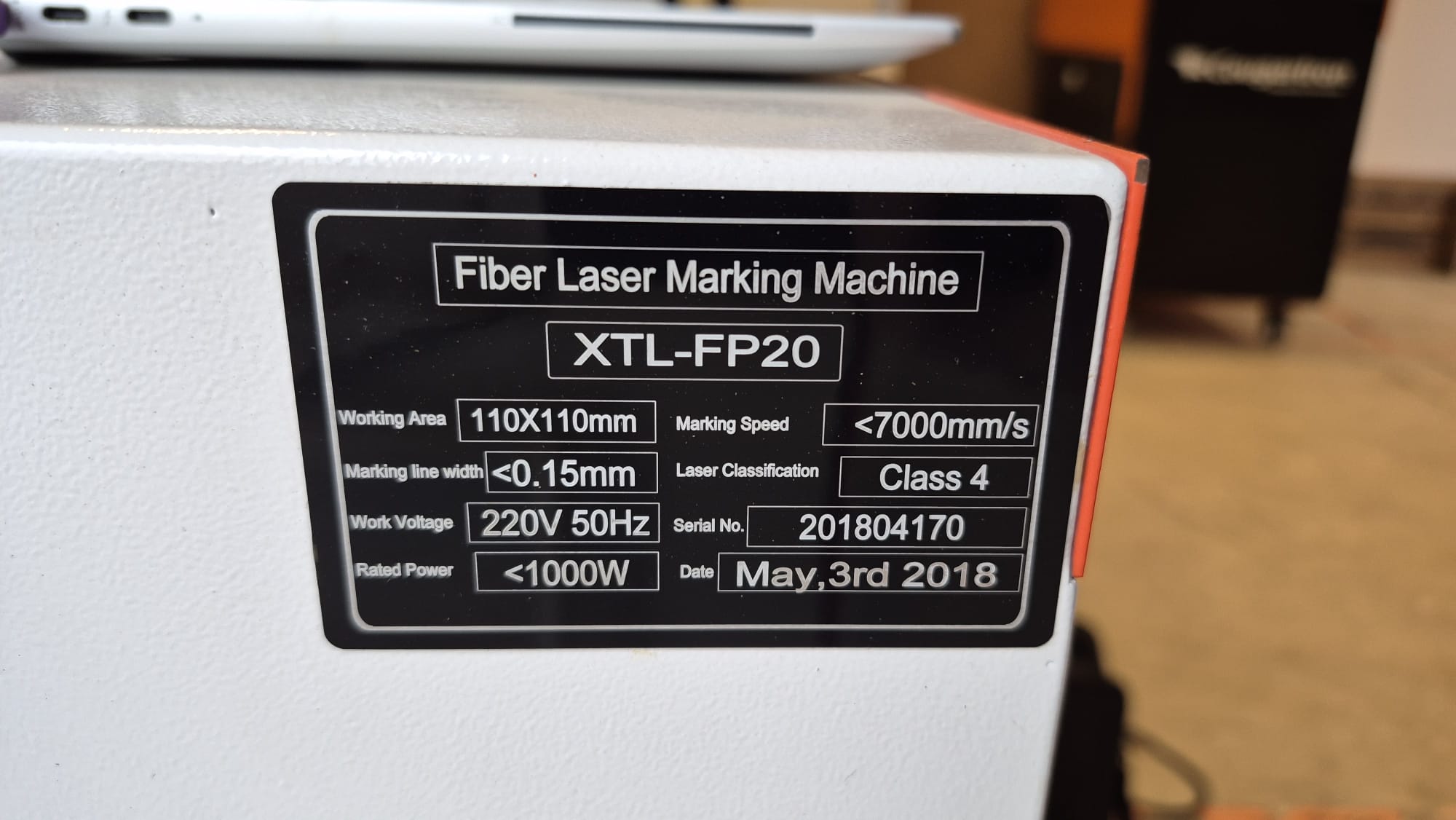
I have a 2018 XT Laser laser marking machine, which I am trying to connect to Lightburn.


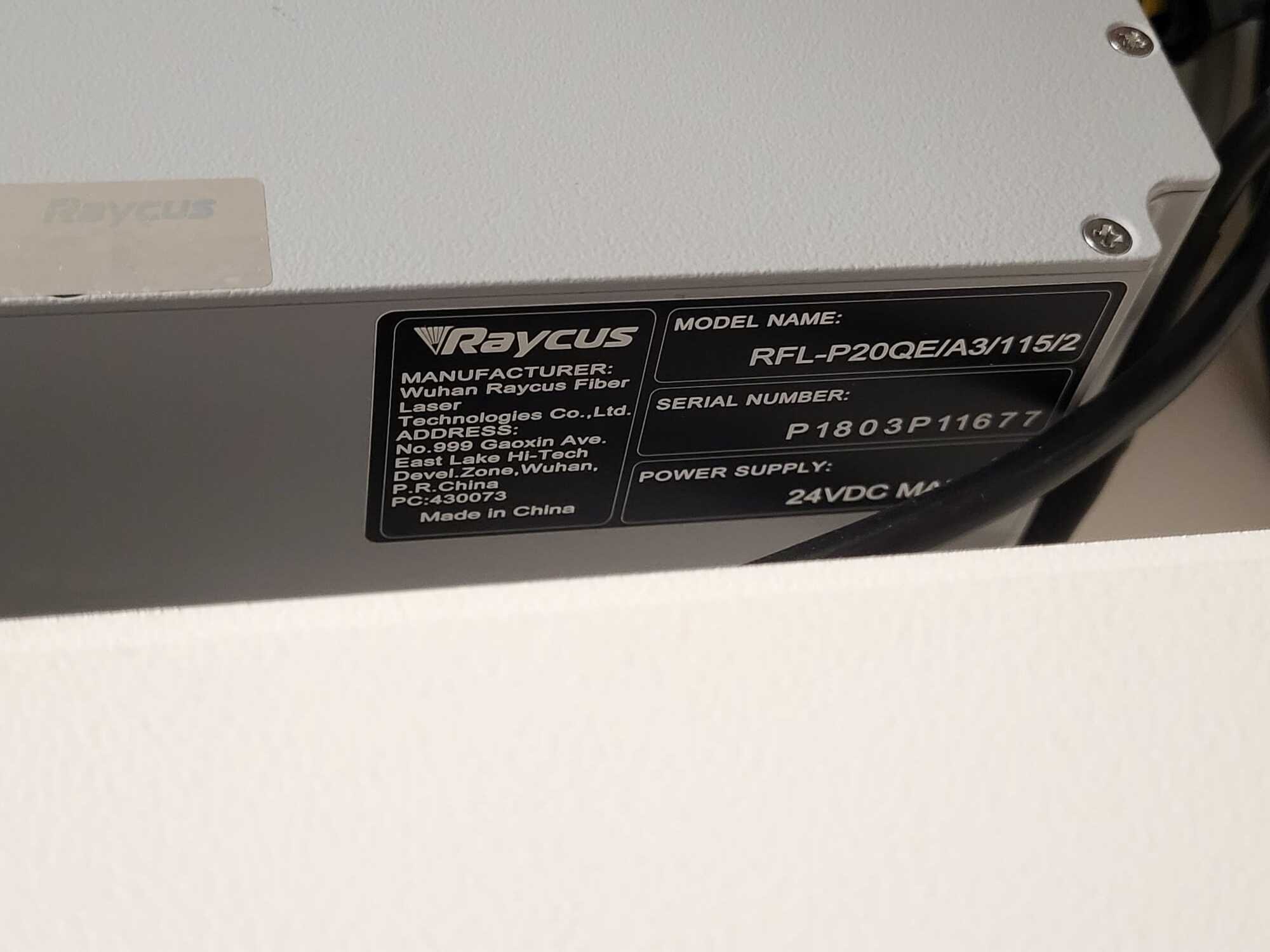
The laser source is Raycus, and it currently works with an old Win7 laptop using Ezcad2. However I am trying to get the laser to work with a Lightburn Pro demo version on my Win11 laptop.

I have installed the JCZ driver, and the laser shows up correctly in device manager. I have added the device in lightburn, it won’t find the laser on scan, so I added it manually, choosing JCZFiber, and importing the config file from the old Win7 laptop.

However the laser still shows as disconnected, can you help?
Hi @mark.edwards
Since the machine works in EZCAD on the old Win7 laptop, we know the controller itself is probably fine.

If LightBurn shows “Disconnected” on your Win11 machine, the issue is almost always one of these:

  1. The device in Device Manager is not loading as a proper BJJCZ / USBLMCV device.

  2. You’re using a Windows 11 ARM machine — JCZ drivers do not work on ARM architecture.

  3. EZCAD is still running and holding the controller serial connection open.

Importing the config file only sets field/lens parameters — it does not affect whether LightBurn can connect.

Please post a screenshot of Device Manager showing the exact name of the device entry, that will help narrow down the problem.

Be aware the driver used in windows for EZCad2 is not the same as one for Lightburn. If you have driver loaded and it shows up in the Windows device manager, a different driver may label it something else.

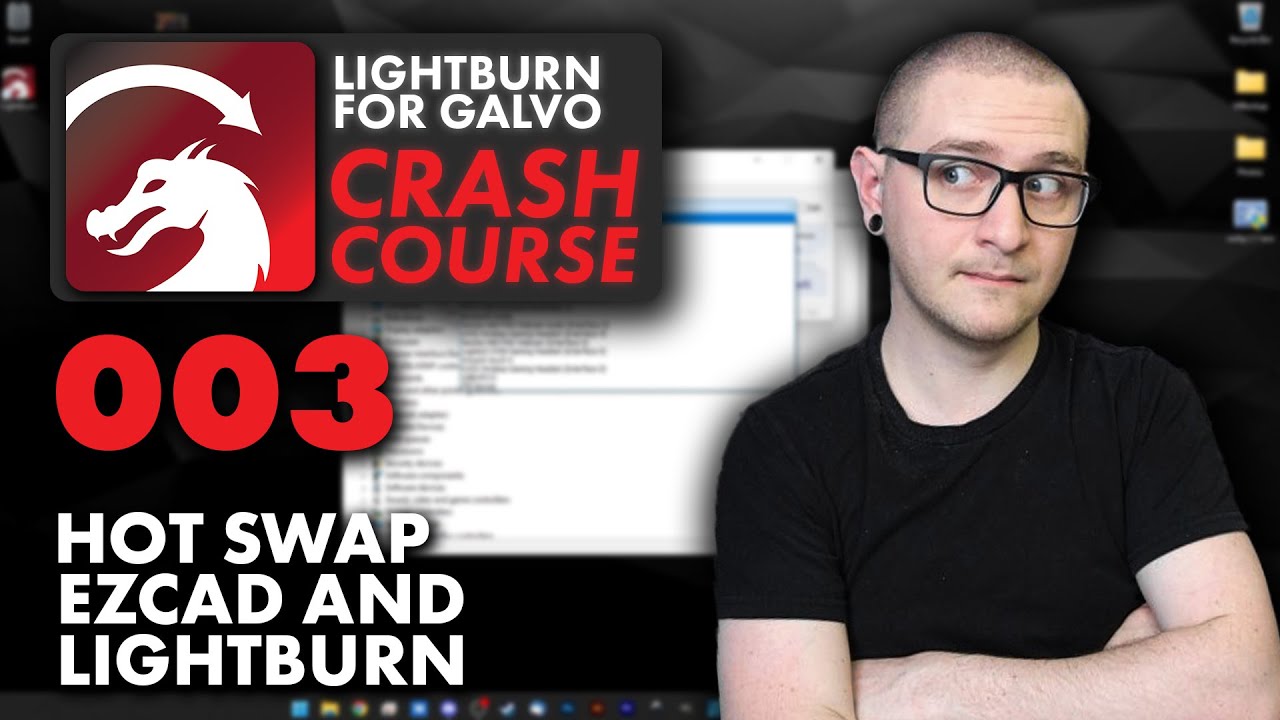
Might want to watch this video and see if it helps.

Good luck.

:grinning_cat:

I have a 2018 XT Laser laser marking machine, which I am trying to connect to Lightburn.


The laser source is Raycus, and it currently works with an old Win7 laptop using Ezcad2. However I am trying to get the laser to work with a Lightburn Pro demo version on my Win11 laptop.

I have installed the JCZ driver, and the laser shows up correctly in device manager. I have added the device in lightburn, it won’t find the laser on scan, so I added it manually, choosing JCZFiber, and importing the config file from the old Win7 laptop.

However the laser still shows as disconnected, can you help?
Thanks, this worked!

1 Like

Glad you’re up. It’s one of those subtle things that come up… I’m sure @Dominic knows about it and forgot to mention it when he posted.

Have fun.

:grinning_cat:

1 Like

This topic was automatically closed 30 days after the last reply. New replies are no longer allowed.