I have a JBCCZ (sp?) ExCAD3 Galvo laser with automatic Z-Control.
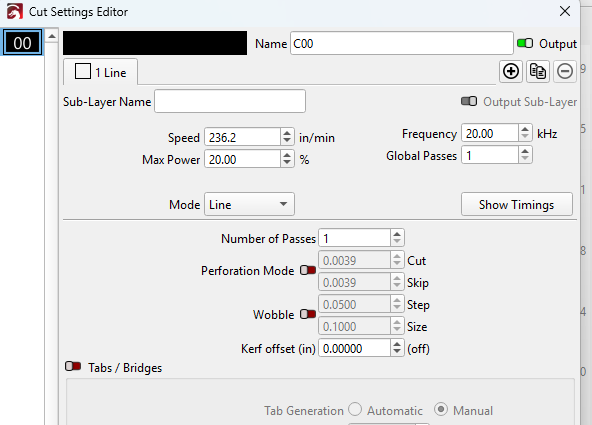
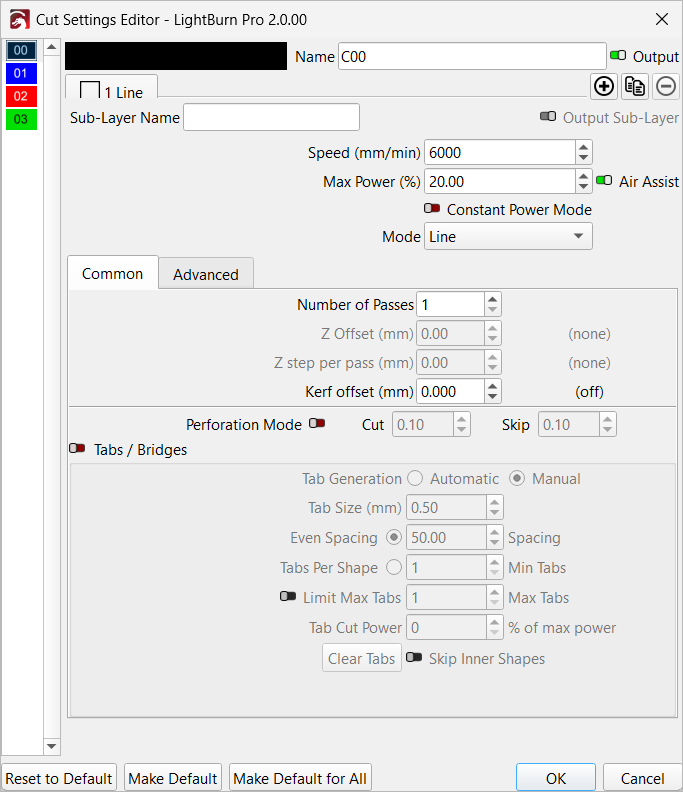
I have newest Lightburn 2.2 release - pulled settings in and everything seems fin - except I cannot for the life of me figure out how to adjust Z-height/focus. Some docs made references to there being a “z-offset” in the cut parameters (if Z is enabled) - but I see none. There was a reference somewhere to a page in the docs describing this - but it gave me a 404 error!
I would expect to see a tab or something that would let me raise, lower, home and go to explicit offset - but I also can’t find any of there.
Ironically - when I go into “Device settings for EZCad3” and look under “enable homing” (which is checked) - the home and up/down buttons DO WORK PROPERLY there! So the underlying hardware and stuff is all working. There just doesn’t seem to be any “Z-Offset” settings or any other way to actually adjust the “Z” position. If I remember correctly - there WERE a couple of other ways (buttons) to do this in an earlier pre-release version of 2.2 (or 2.1?) - but it has some other issues.
So this is less of a “low-level control” issue (which works) - and more of a “Seems to be missing in GUI” issue.
Thanks!