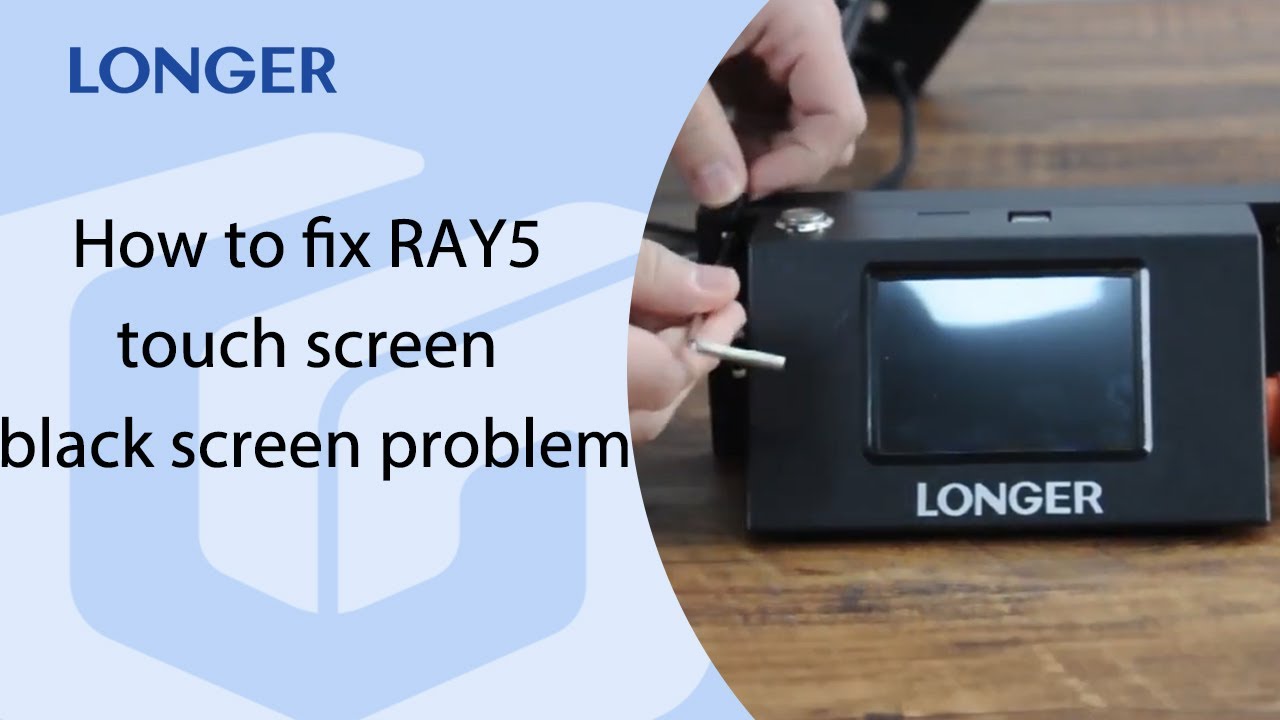
I am new to all of this, and I’m definitely sorry if this has been answered or it’s in the wrong section. I downloaded and tried to do the firmware update on my Longer Ray5 10W machine, it was failing (freezing, never a fail result) in the MKSLASERTOOL, so I went to Gemini for help (because I suck a lot with all things technology) it suggested a different download tool (Espressif Download Tool), and it went all the way to finish. Followed the rest of the steps it told me and when I powered my engraver back in the screen was black and still is. I’ve tried everything I could find and realized Gemini may not be the best place to go for these things haha.
Any information how to factory reset it, or for me to see what’s going on, I would greatly appreciate it. I’ll do my best to answer any questions as well. Thank you all for your help.
Lightburn isn’t really involved in this type of problem. You’re only hope would be to find the correct firmware and reload it.
Maybe @misken can help you, he knows much more about these type of machines. Might be able to direct your to a firmware source for you machine. Hang in there, he will materialize.
This was definitely user error on my part, I had downloaded the wrong firmware. I downloaded the right one, had to use the ESPTool because the MKSLASERTOOL wasn’t wanting to play with me at all. It works now, screen back up, and is recognized on LightBurn. Now I just have to figure out why it’s triggering the limit switches and continuing to try and move instead of stopping itself.