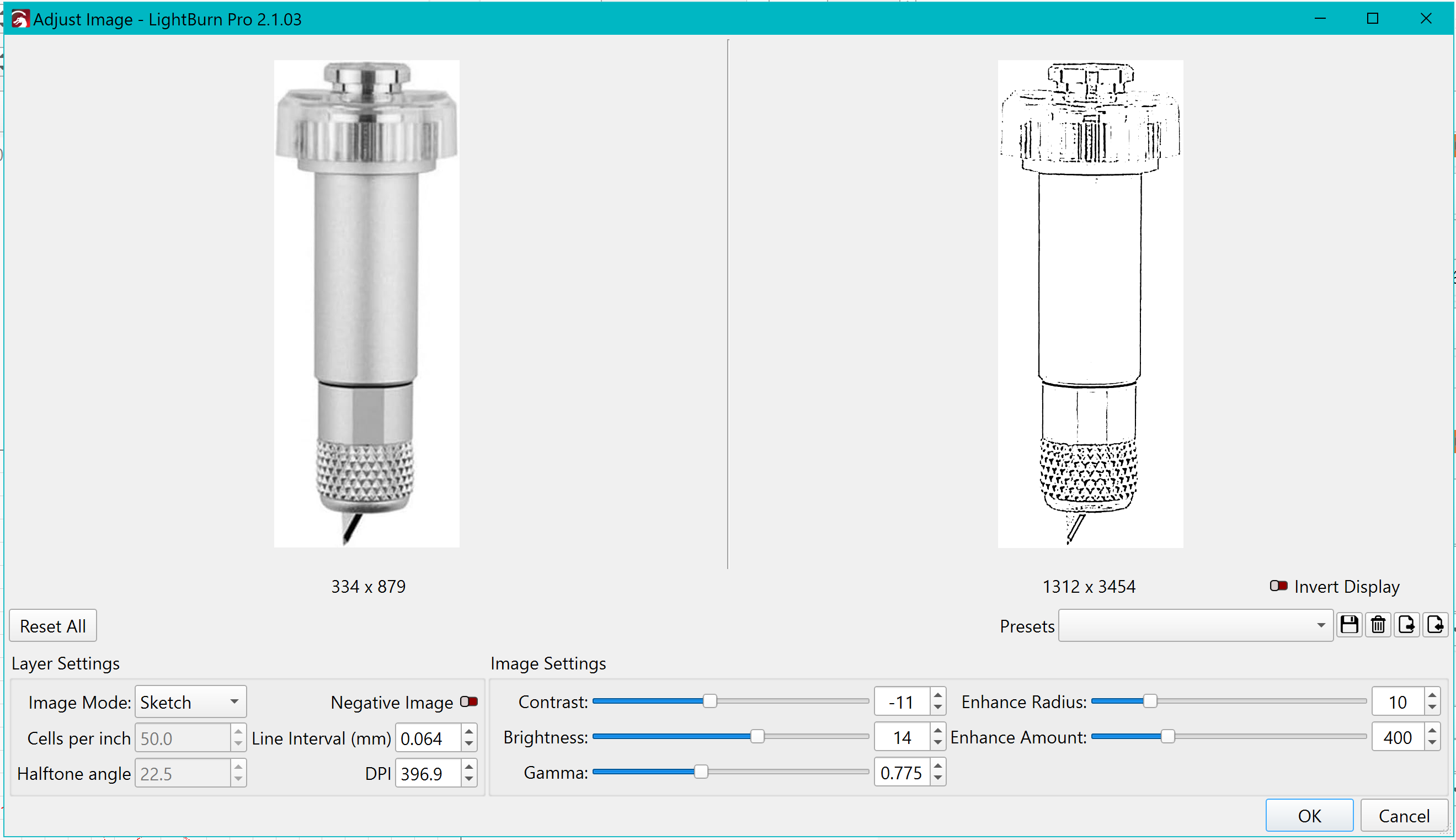
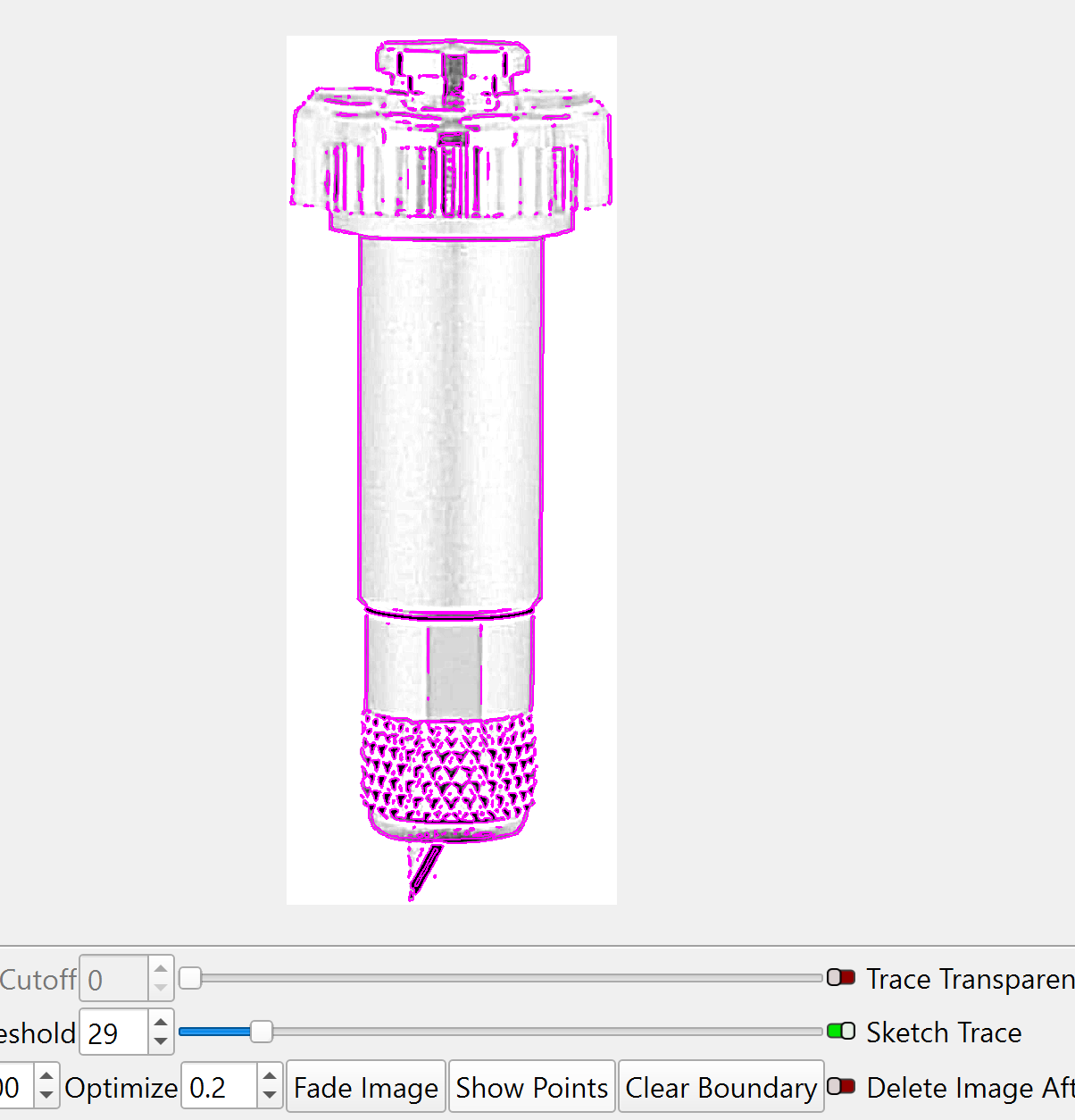
I have a picture that I used Trace image, I only want the outline of the item in question, so I removed all of the inner shapes, but the outline was a dashed line and I can’t figure out how to make it solid. See attached LBRN file.
@Gpourt The file you attached only appears to contain the broken vector outline — I don’t see the original image in the project file.
For image trace to work well, it needs a clean starting image with good contrast between the object and the background. If the trace produces lots of short/broken segments like this, it usually means LightBurn is trying to follow shadows, gradients, low contrast edges, or noise in the image.
Could you upload the original image you’re trying to trace? That would let us give more specific advice on how to clean it up or adjust the trace settings.
This section of the docs is also worth working through, as it explains how to get better results from Image Trace: