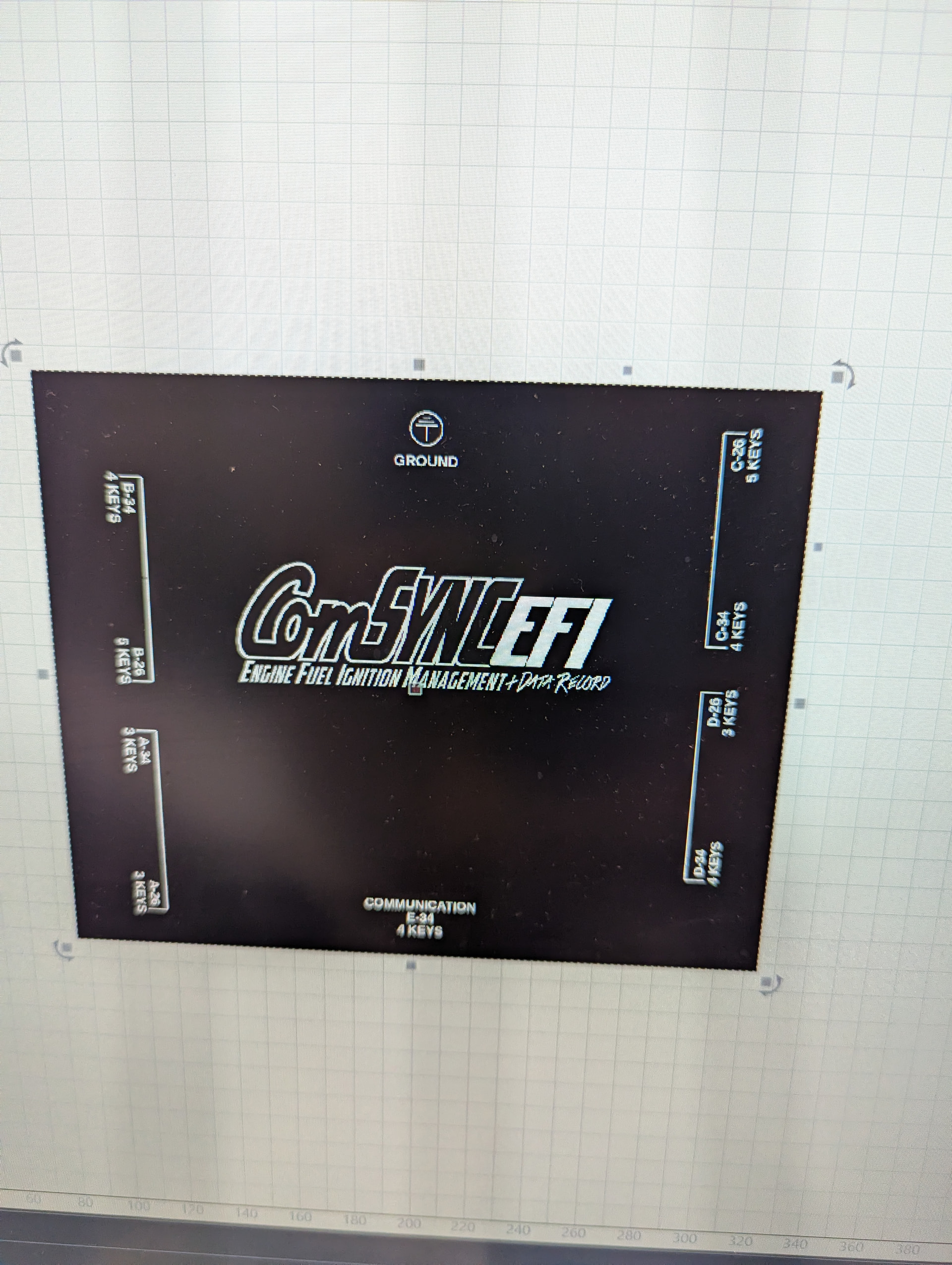
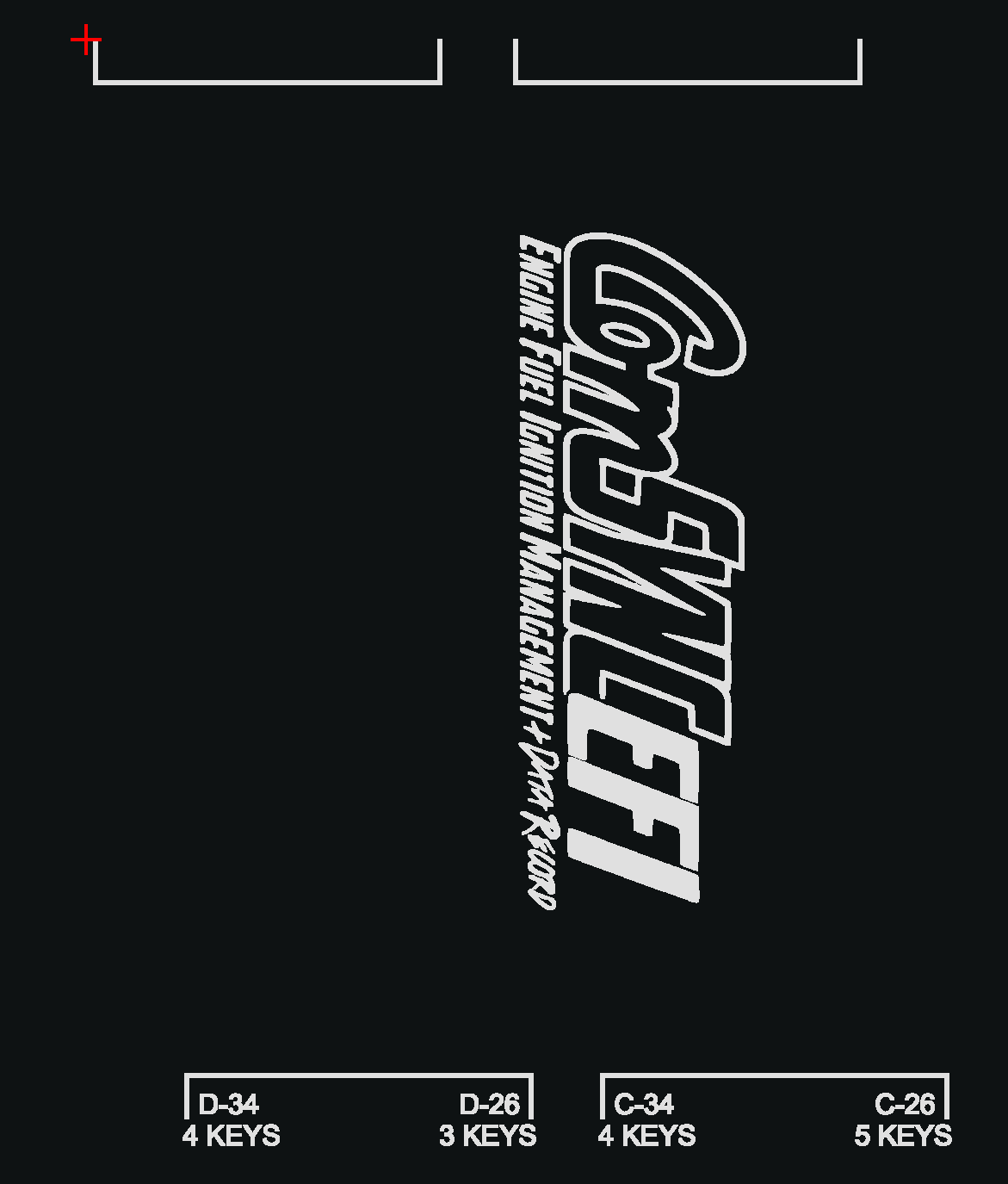
This is anodized aluminum, Im trying to cut down the cutting time as the laser travels clear across the screen to make those vertical lines a dot at a time. Im cutting horizontal bottom to top.
Can I cut this into 3 parts and burn the left side, middle and right side one at a time?
Or is there a better way?
thanks
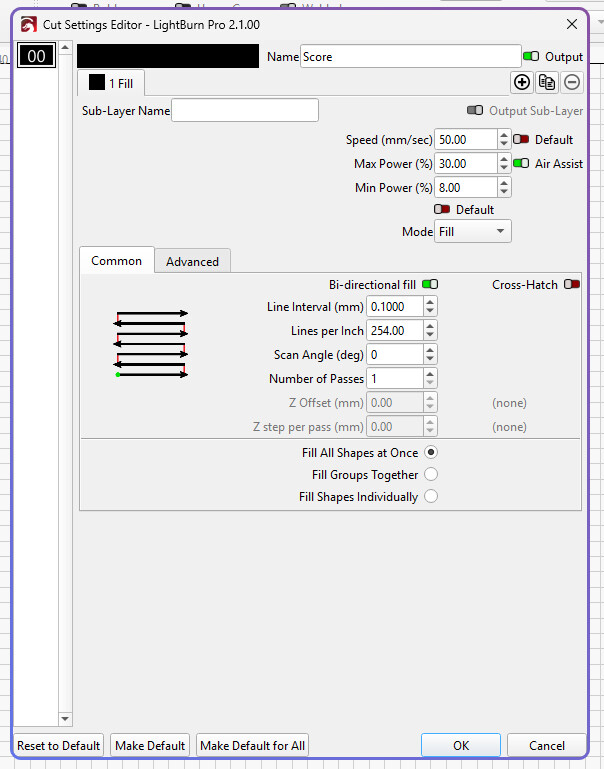
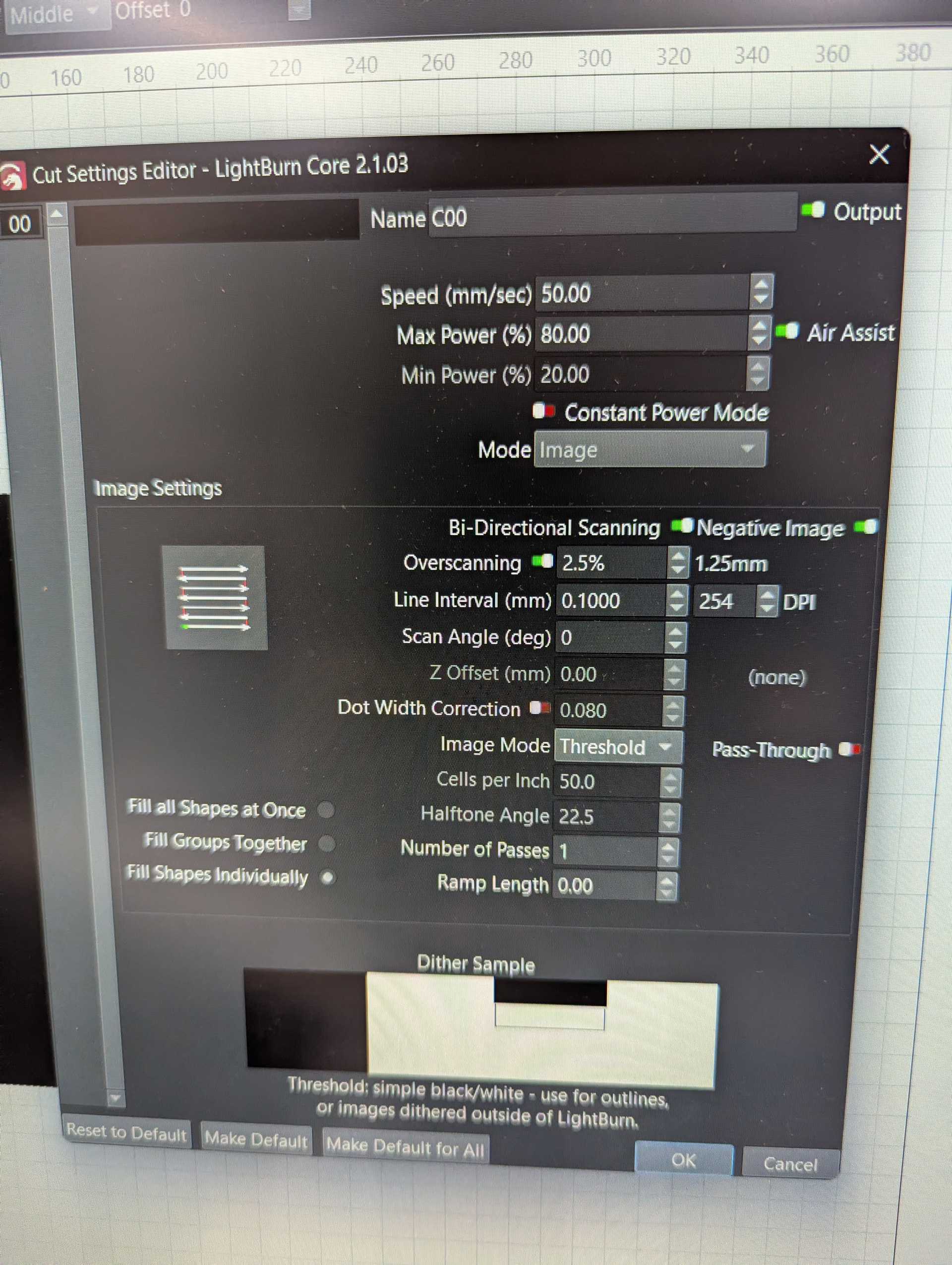
Double click on the layer to get into the cut settings editor.
Change to either “Fill Groups Together” or “Fill Shapes Individually” and observe the results in the preview window. You’ll see quite an improvement.
You are working with a raster image, not a vector graphic. The only solution I know of for this is to trace the image, turning it into a vector and then breaking it into parts.
After you do the trace, and delete the image, it will be a lot smaller. Based on your image, the Trace may be less than optimum. Upload the image so we can process it instead.
My advice was given before I saw that you were working with an image rather than an (SVG) object.
Your trace result is a SVG. Select the result and double click on the layer to open that menu. Now you will have the advanced tab. Unde that tab you can select FLOOD fill.
the trace ended up being a black screen, during the trace procedure, it showed the trace with some artifacts (less with threshold maxed) but when i checked delete image and processed it it ended up as a black screen
redid the trace with the threshold lowered and got an image that can be seen but poor quality and the file is even larger even though i deleted the image
You don’t need to upload lbrn2 files to google drive. You can just drag and drop into your message.
I removed the background and turned ths into an SVG file, ungrouped it and selected fill individually. The original image isn’t great, but it’s decent. If you need better quality, you will need to ask the creator for a SVG file rather that an image. Obvoiusly you will need to set your speed/power for your machine. ComSync Top3.lbrn2 (299.0 KB)
We cannot fix what is already bad in Lightburn (except @thelmuth, he is a miracle worker). Give us the image so we can process that first, then add it to Lightburn. Otherwisw, WYSIWYG.
i set the speed and power, centered the work piece, the laser will move to the correct corner or center of work piece, but when cut, the laser goes all the way to the bottom left stop of the machine and tries to cut.