How to separate selections

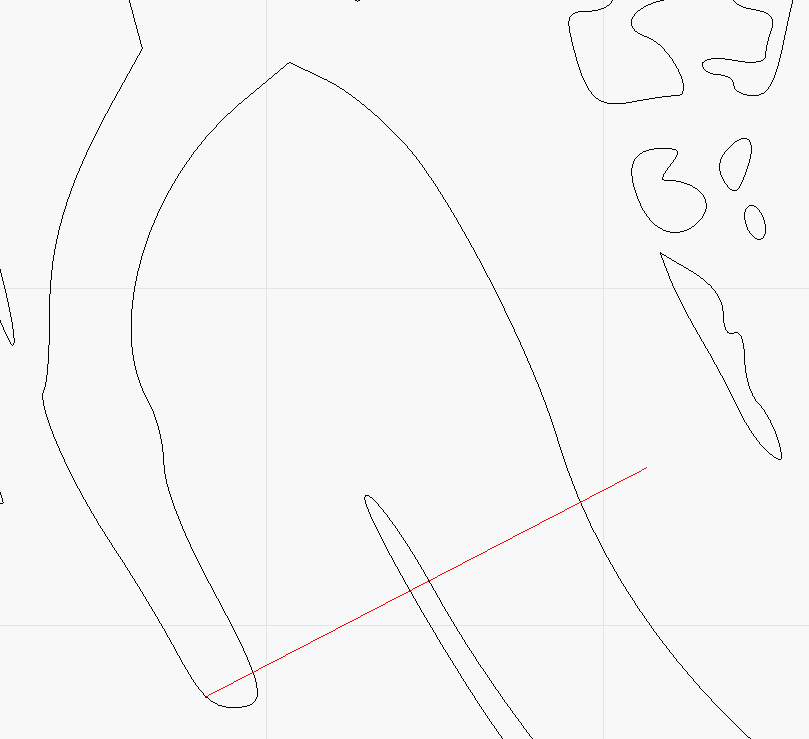
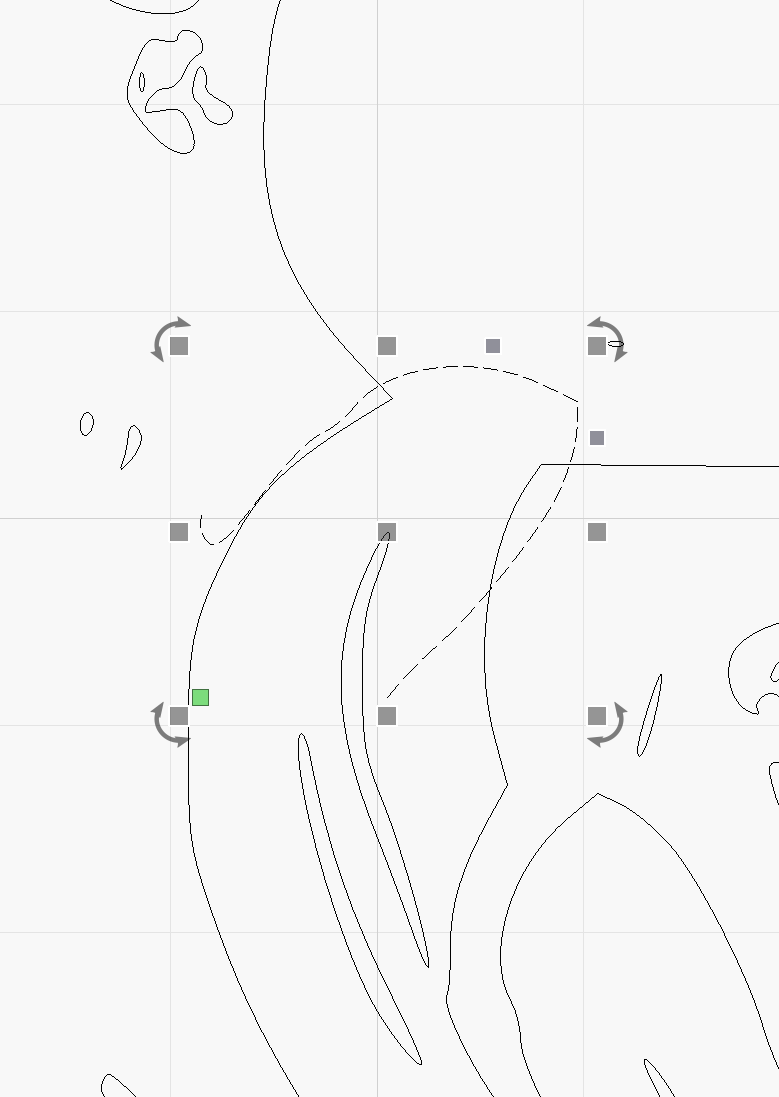
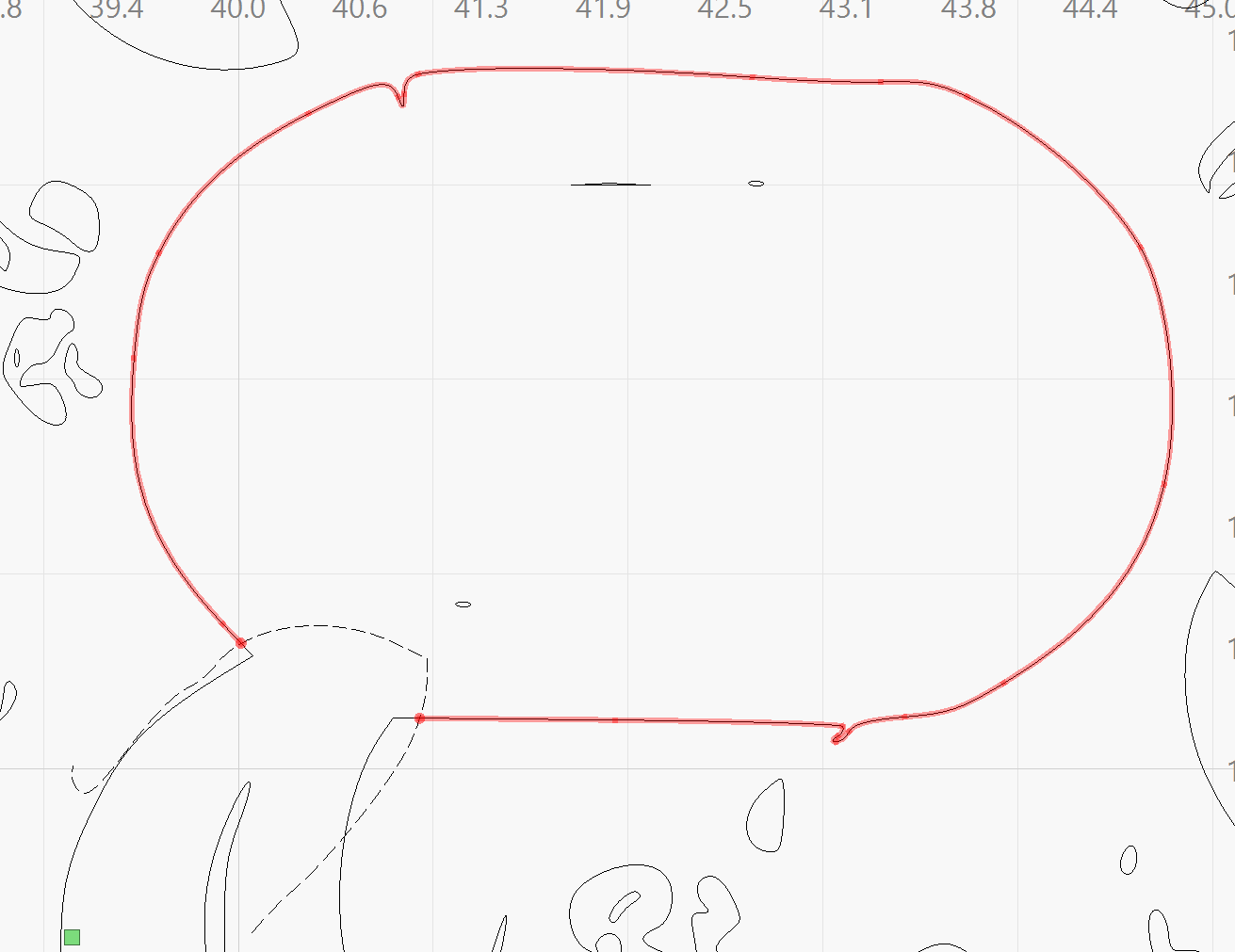
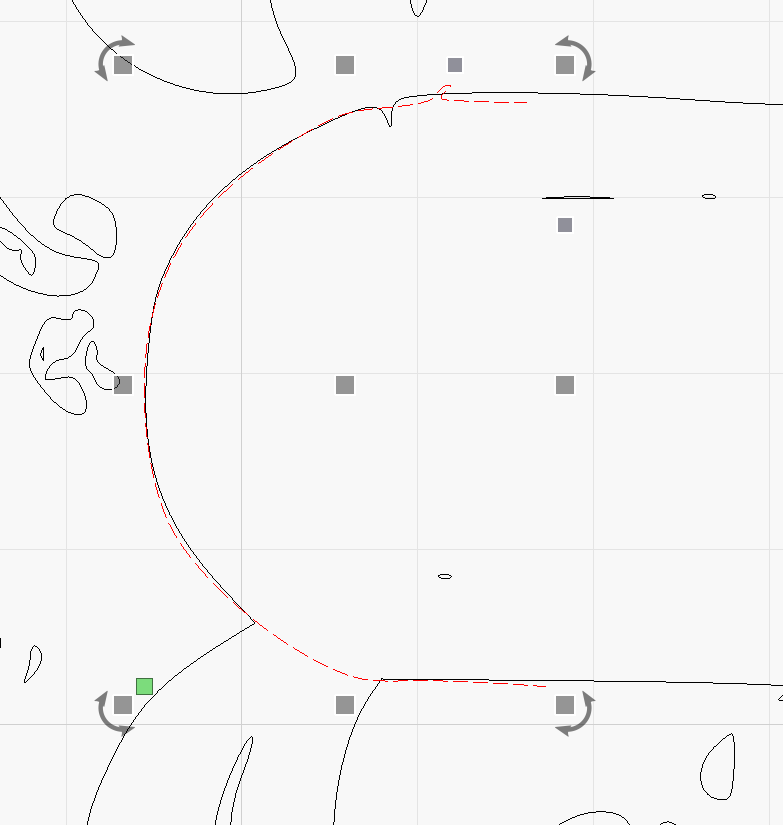
I am trying to separate the selection shown in the images. I want to cut it where the thick red line is and complete the oval shape and then touch up the other part to look like the scroll work.

Can it be done? Thanks for any tips.

G19-top-front-round-nose-upscale.lbrn2 (456.6 KB)

You can Ungroup then select any path individually. Be aware you have a lot of distinct paths when you Ungroup, but this cannot be avoided.

In the image “oval-sight-hole-01”, that added black line will create problems unless you intend to Trim something. You cannot have a 3-line intersection for a Path.

Duplicate the shapes, ungroup and draw a line them use the Trim Shapes Tool:

Rotate the shape place in place and Trim Shapes again:

..

At the end use the Edit Nodes Tool.

Thanks for the reply but I need to have the oval completed and not part of the scroll work.

You cannot have a 3-line intersection for a Path. There shouldn’t be once I get them separated.

Sorry for the oval is the same. From the copy cut and grab a part of the oval from the oposite side then mirror and use the Trim Shapes Tool:

Just use line tool and node editing.

Thanks, everyone I got it as best I can.