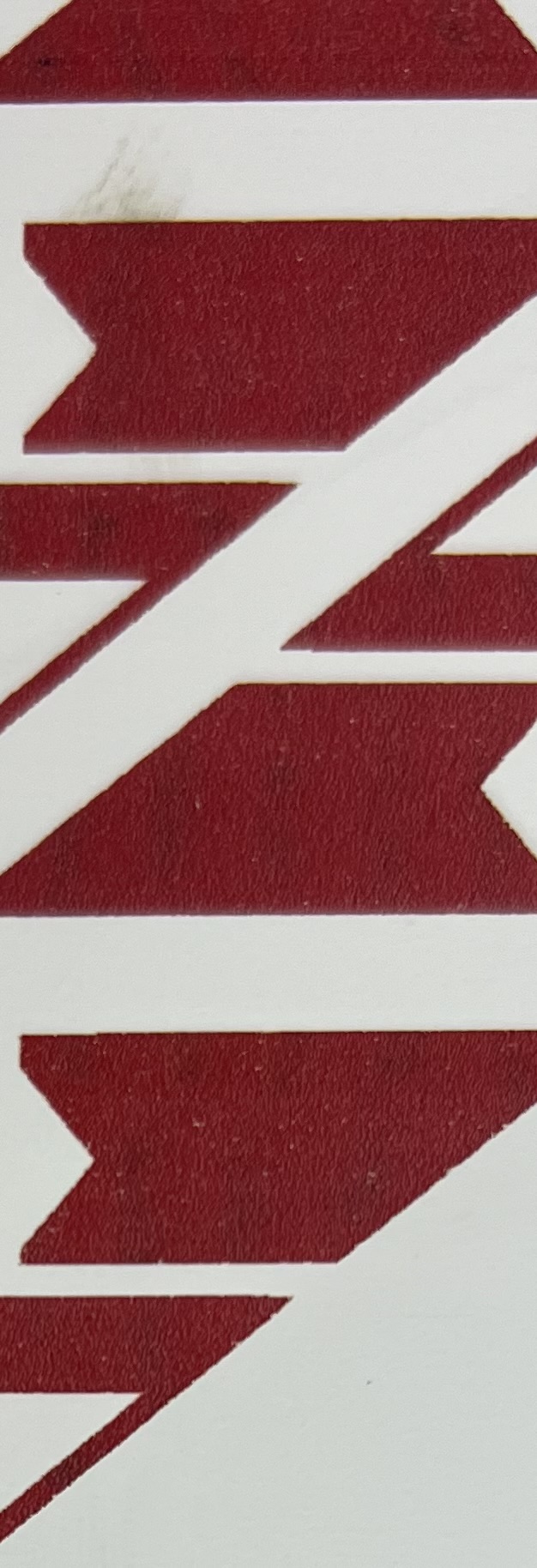
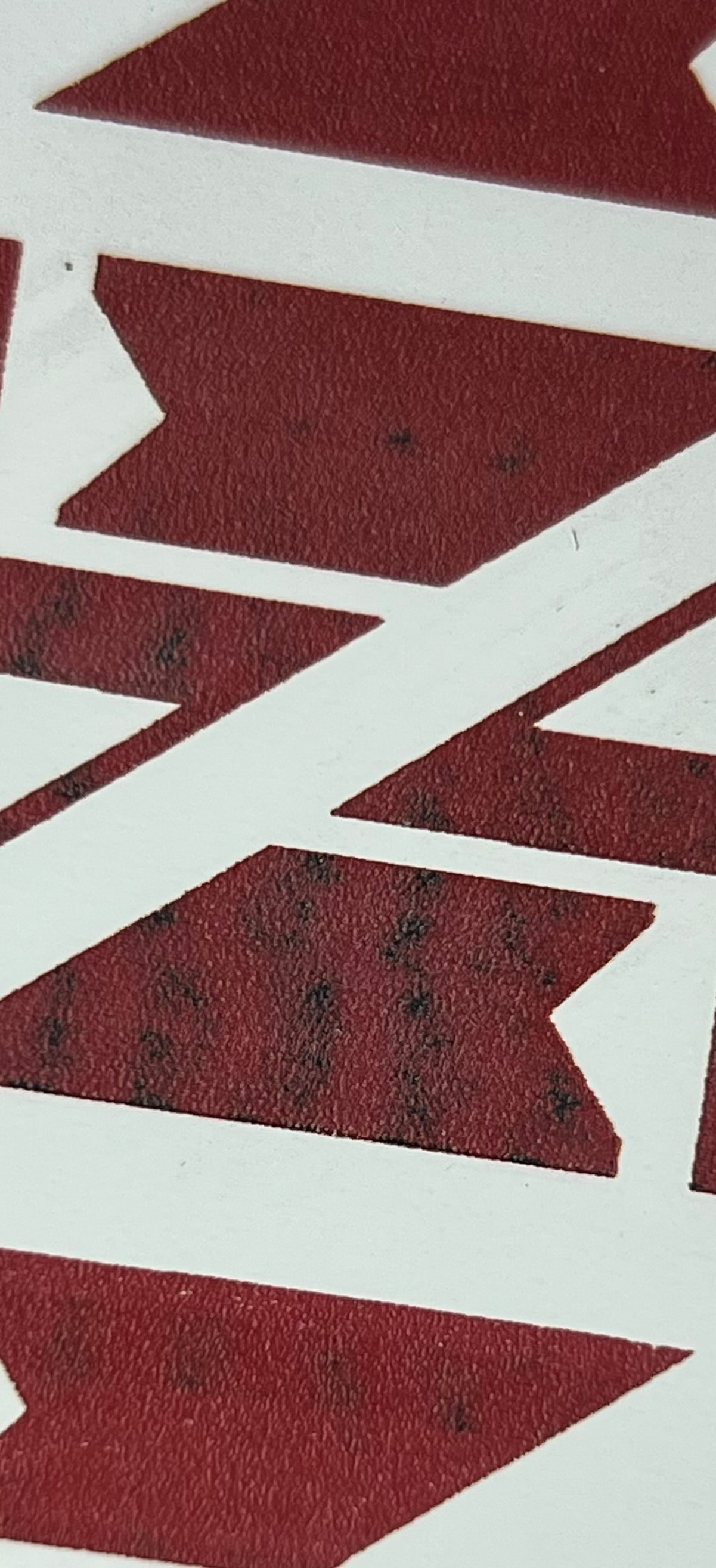
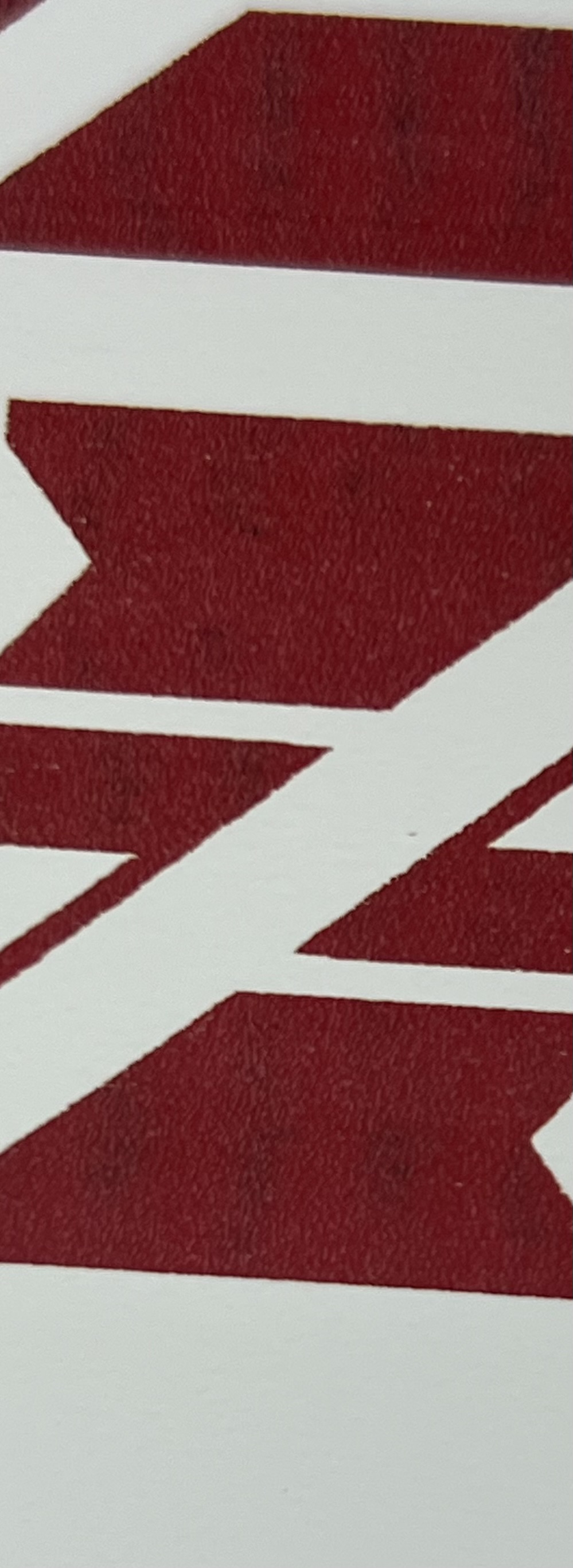
Before I go blaming material I need some advice, I’m in the middle of a pretty large job and have completed half of it and I had to order more material, the material is rowmark tri-layer acrylic. So I get the new material in and now I start having this weird issue that I can’t resolve. Iv engraved around 100 sheets of this stuff and iv never seen this and I feel iv exhausted my options for my knowledge base.
I’m attaching some pictures to show what’s going on and iv aligned the machine and checked the alignment 2 more times, iv checked the Z alignment across the bed, iv cleaned all mirrors and replaced number 3 because of a small scratch, i cleaned the focus lens and checked it over and then replaced it because at this point im willing to throw parts at it because im lost, i also adjusted my settings all over the place once the alignment was done.
what tells me its not my settings is the fact that its not engraving through in random spots but bleeding to layer 3 in verticals streaks, many times i have a horizontal line but never a a vertical one because well thats not the way it engraves so if someone would like to save my sanity i have a first born child thats already good at baseball to give away
Hey before I saw this I found a partial sheet of the same material just old stock I had and I put it in the machine with the exact same settings with no issues, would you think it’s the material?
Yeah the odd thing about this is I can’t get any settings to work, it’s like the second layer is too thin to work with because if you clear the top layer the red layer isn’t even all the way across and has black streaks. I wanted to slam my head against a wall earlier
Yeah I messaged our vendor and told them, iv never had this material not engrave through the top layer fully but also have stripes of the bottom layer bleeding through so hopefully they replace it. I even offered to ship this half sheet to them so they could test it but I’m 100% positive at this point that they will come to the same conclusion