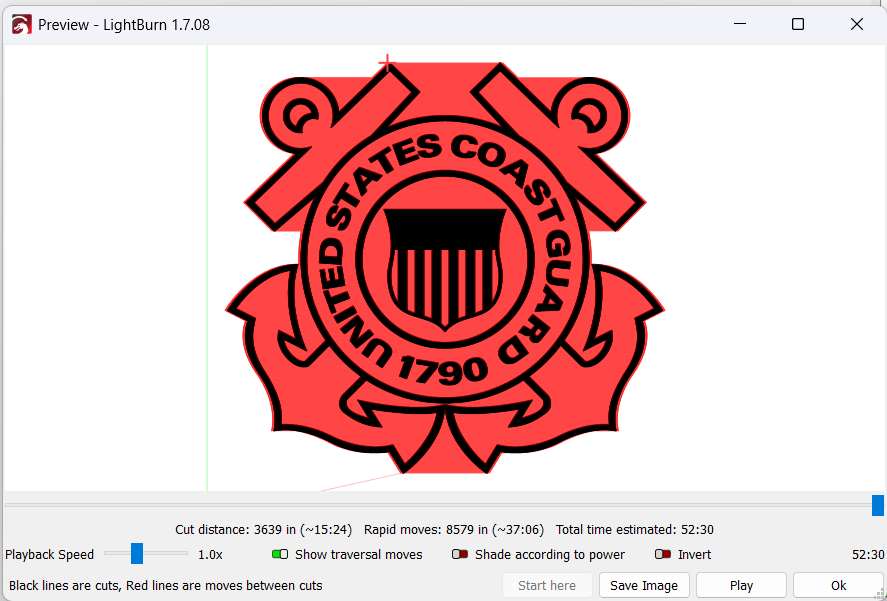
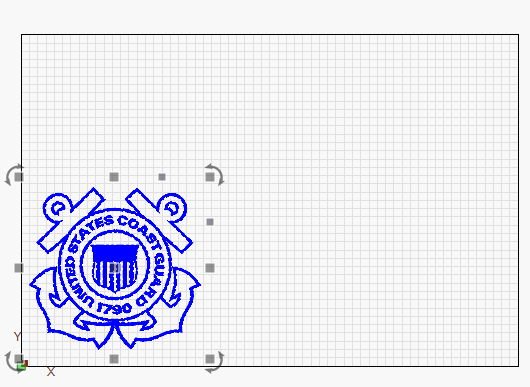
Hello, can someone tell me why this SVG image, after I fill it, comes out this way on the preview.
Thanks.
Turn off Show traversal moves in the Preview window. That red is showing the path of the laser when it is moving between (traversing) the Light Them Up points.
Perfect. Thanks.
Note the red region outside the design shows where the laser head travels during the overscan required to reach the layer speed.
If any part of the red region touches the green border showing the machine travel limits, you must move the design farther from the side.