Babyshark155
October 4, 2026, 10:10pm
1
Hi everyone.
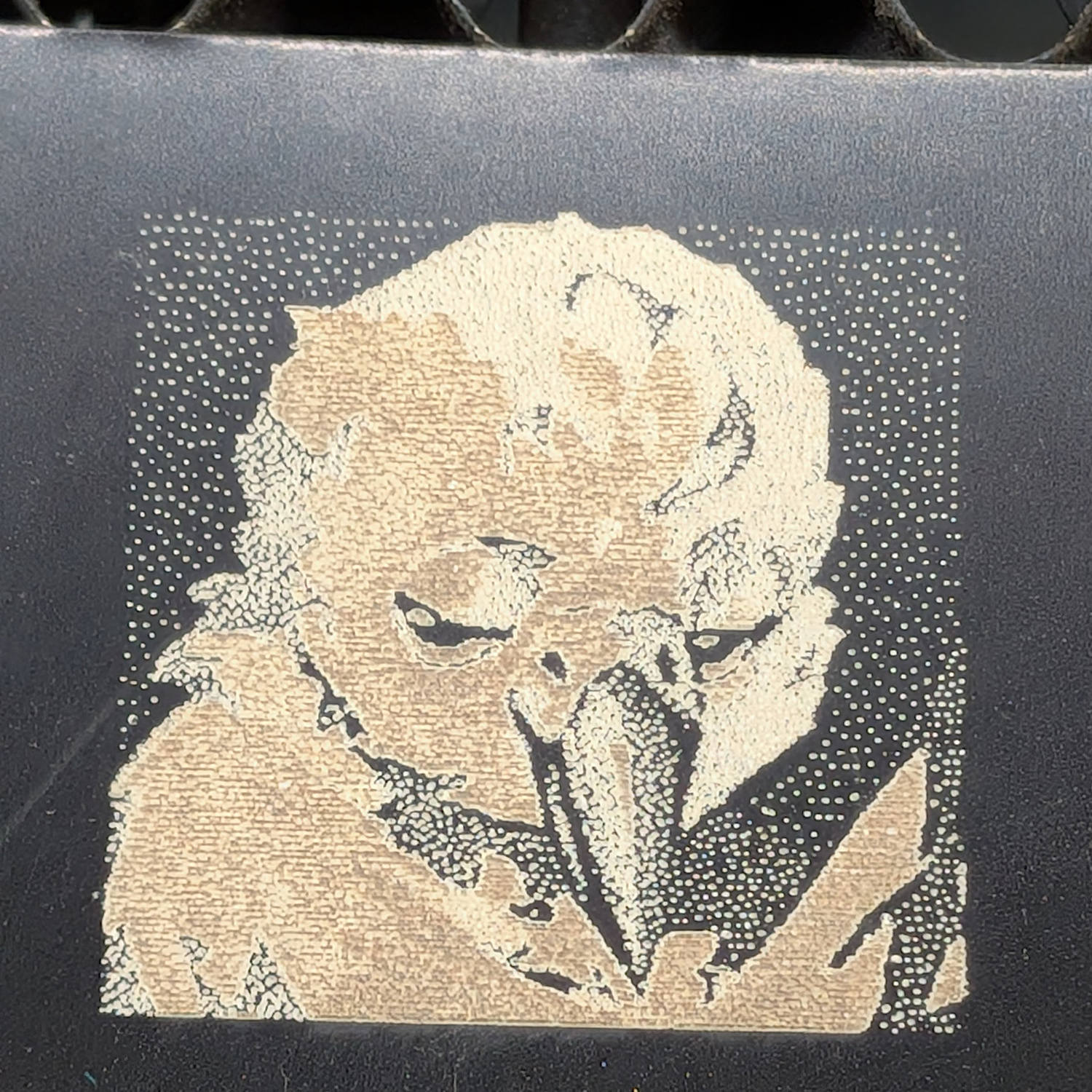
I’ve tried tracing it and adjusting it. I’ve also tried various picture settings—all without success.
The laser I use is a NEJE 80W.
The material is 3 mm plywood.
The image must be 25x25 mm in size.
jkwilborn
October 4, 2026, 10:32pm
2
Might want to post what your results are.
Either you doing color somehow, but we need to see what you’re ending up with along with the cut/layer settings.
Babyshark155
October 4, 2026, 10:41pm
3
I plan to try this tomorrow, but I’m honestly at a loss as to what to do.
ednisley
October 4, 2026, 11:05pm
4
Babyshark155:
turn into anything other than a black mess
3 mm plywood
It’s a really low contrast bird, so goose the gamma really hard:
Done on black test paper (with Negative image On ):
Random plywood at 400 mm/s and 40 / 20 / 15 % with a 60 W CO₂:
I suspect fiddling with the image adjustment settings will get you most of the way there, then more speed / less power for the win.
Babyshark155
October 5, 2026, 10:25am
5
Thank you very much for that. I will try that. Is there a way I can remove the black background in the picture?
ednisley
October 5, 2026, 10:50am
6
Assuming you want to keep it as a raster image, then the best way is using an image-processing program.
For example, in GIMP (doc ):
Select by ColorToggle Quick MaskOn
Scribble over the bits with a wide black Pencil
Toggle Quick Mask Off
Use Bucket Fill
Which looks like this:
Then proceed as before.
You could tinker with the contrast & suchlike in GIMP, but LightBurn seems good enough.