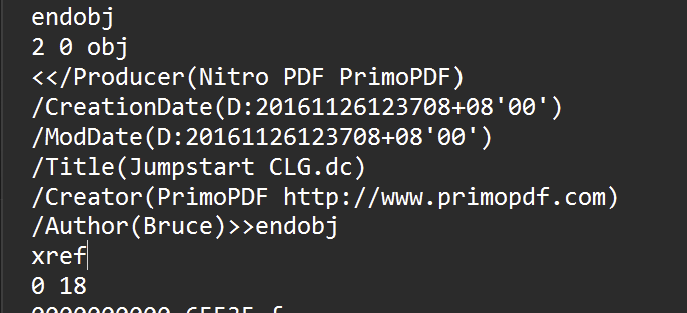
Opening the pdf with a text editor revealed that it was created by printing a file to PDF using the “Primo PDF” printer driver. (From a file called “Jumpstart CLG.dc” Likely from within DesignCAD.)
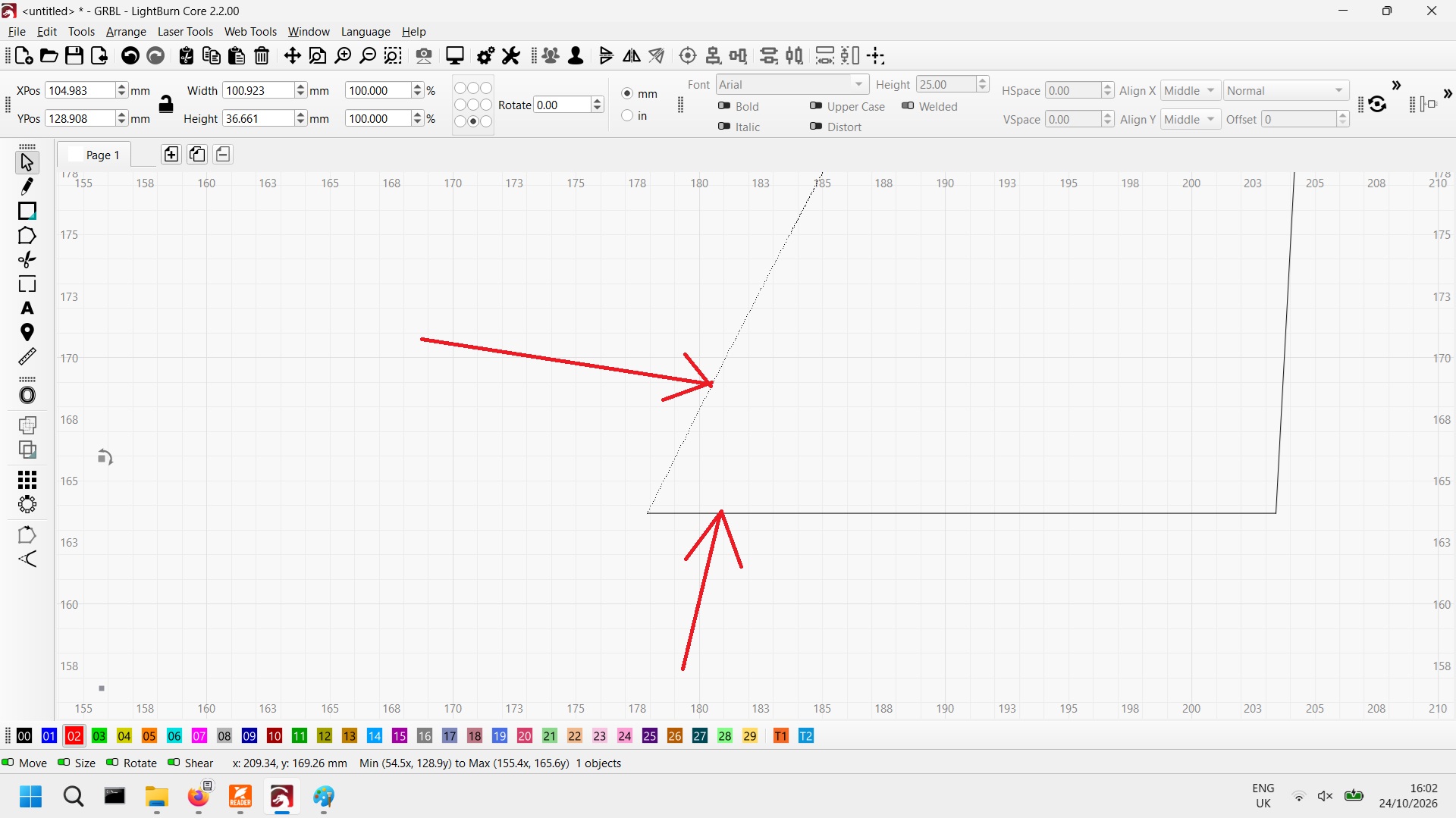
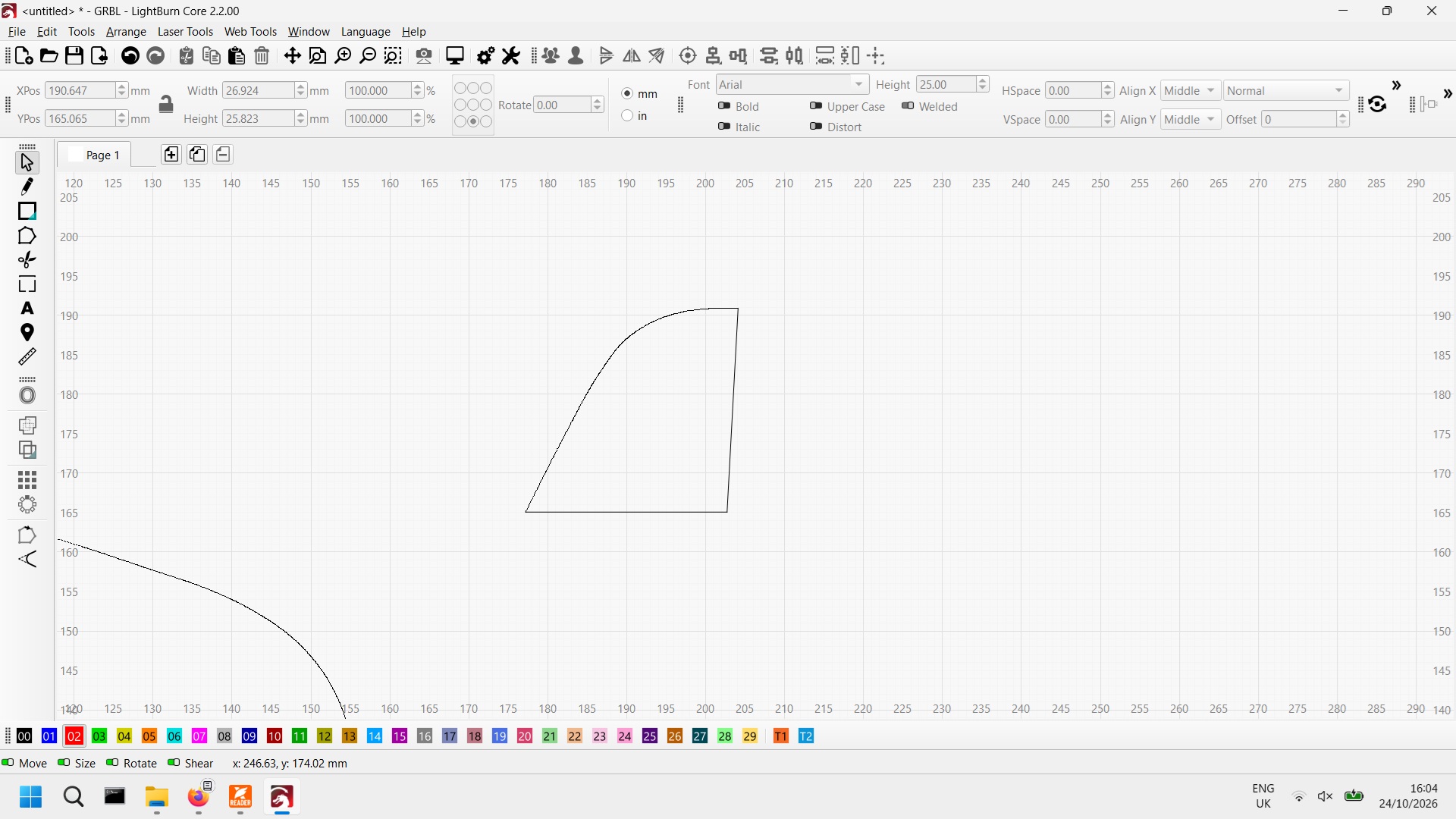
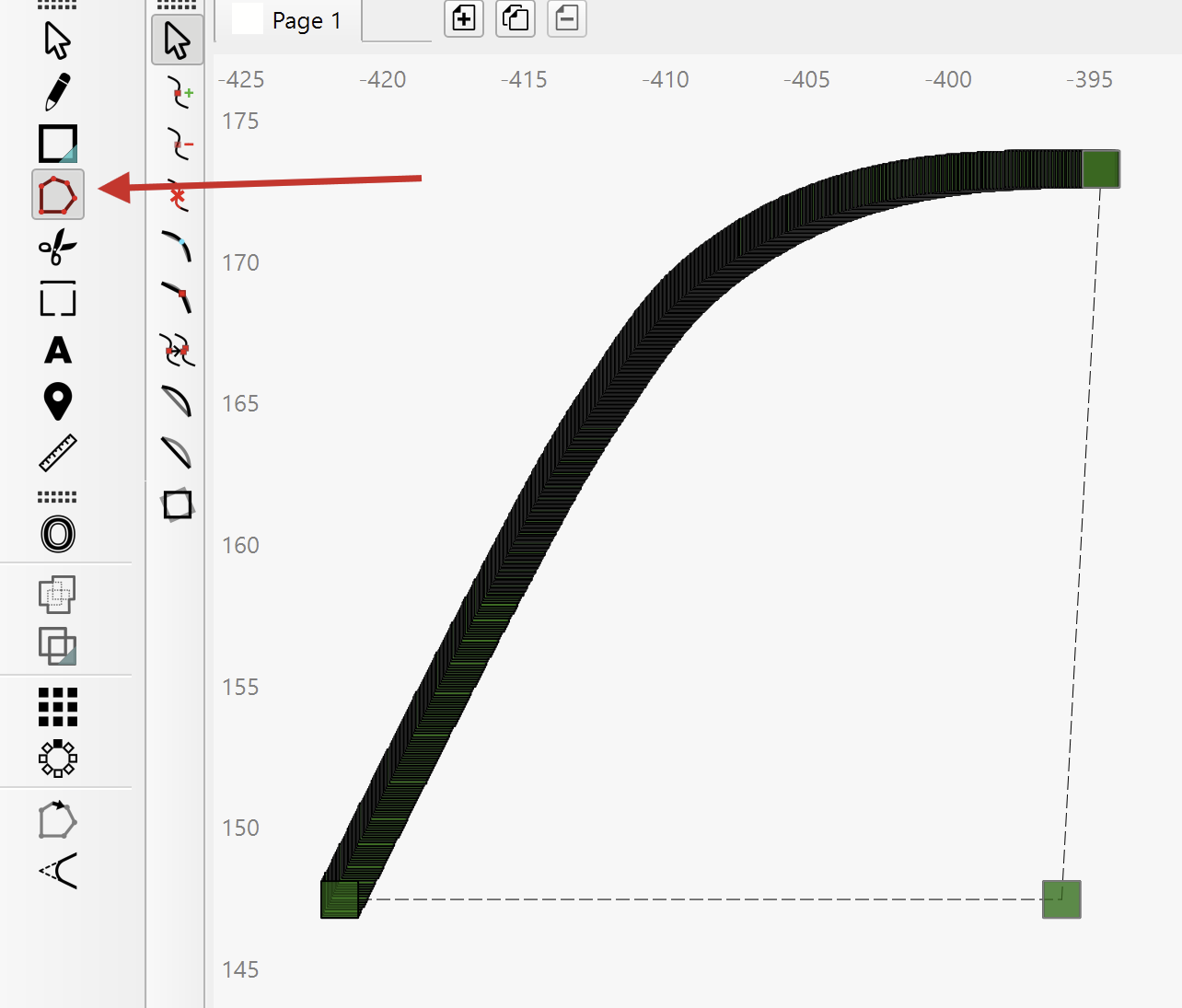
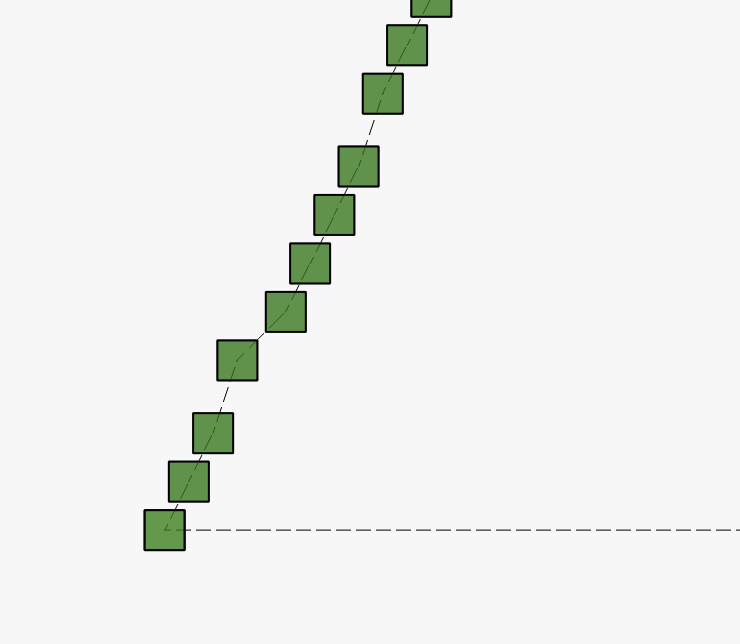
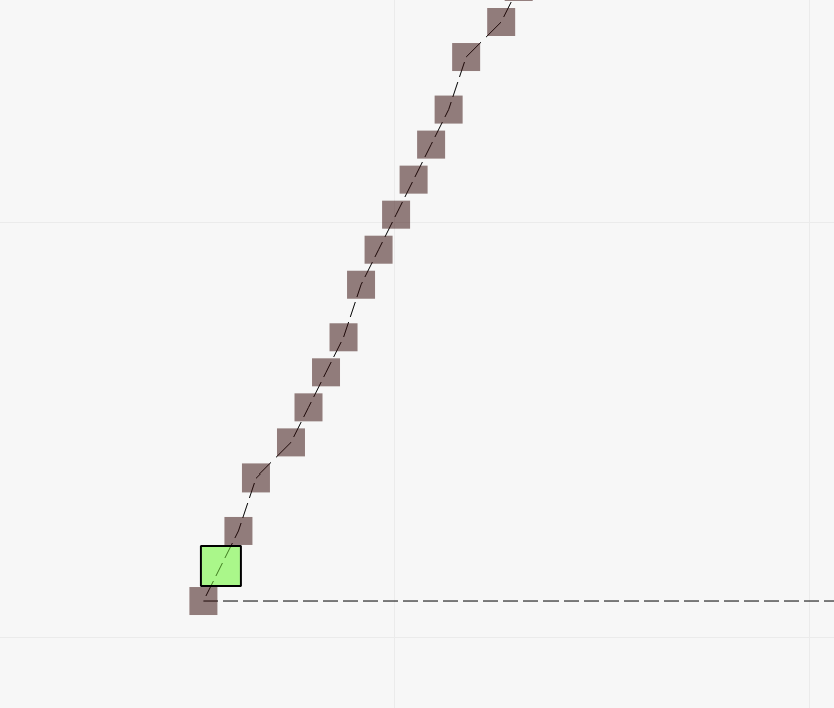
@Aaron.F found the issue. If you zoom way in, you will see a zig-zag line instead of short joined segments forming the arcs. I did nothing to compensate for this in the attached file. I left that for you to practice on. I put a Tool Layer box around just the 2 figures for a visual cue.
You cannot have a T-junction in a path, so I isolated one segment to a blue layer and turned that layer off. Then I selected the rest and used the Auto-Join Selected Shapes to close the path of each of the 2 figures.