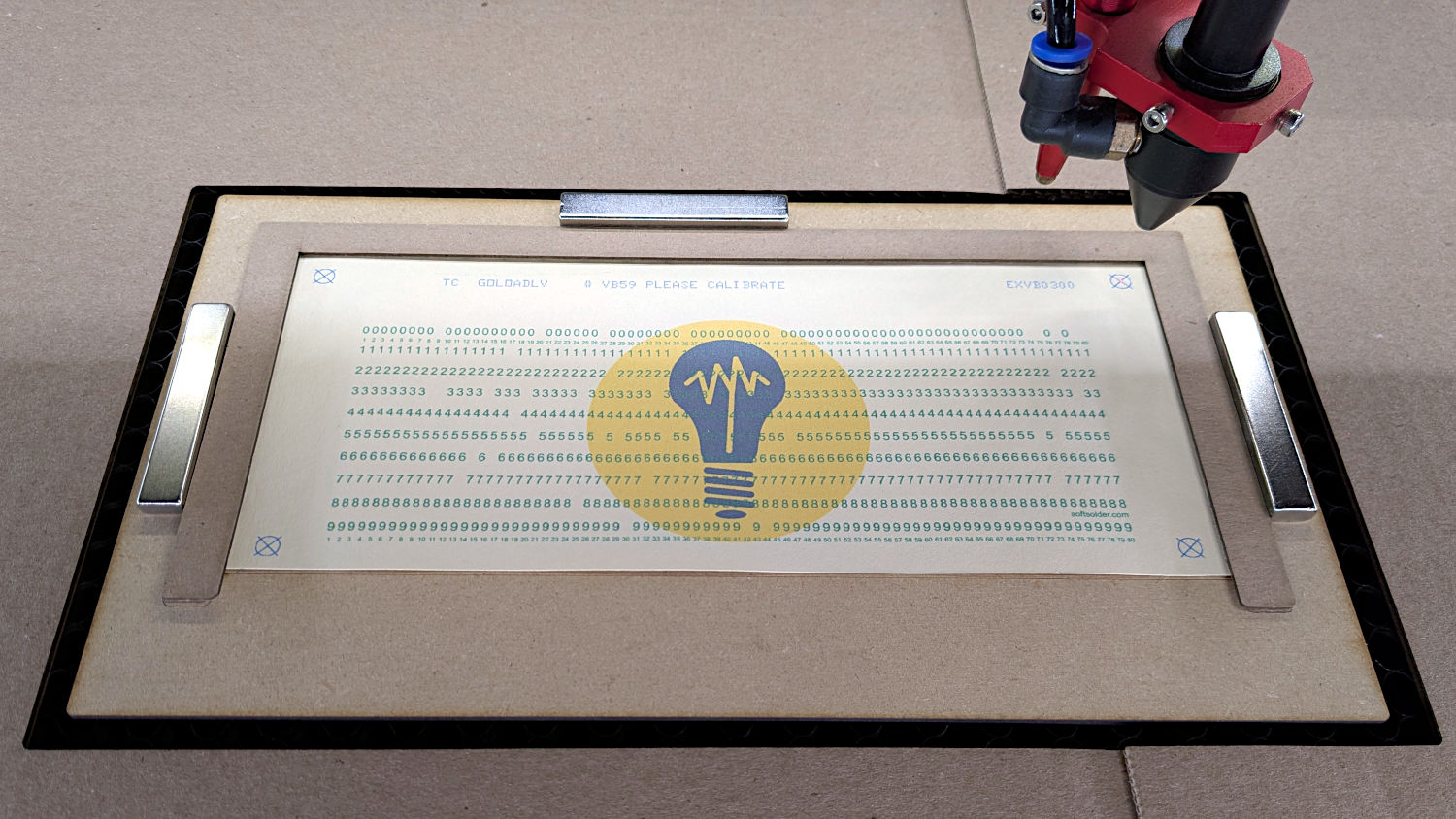
Assuming:
- The printed targets match the LightBurn targets, so
No scalingalignment works - All the printed sheets are the same size
- The (visible) laser can turn On at a low power or there’s a red-dot pointer for invisible lasers
Then this technique is surprisingly fast:
- Use
Position Laserto put the laser head at one LightBurn target - Slide the sheet to put that printed target under the laser’s dot
- Use
Position Laserto put the laser head at the other LightBurn target - Slide the sheet to put the corresponding printed target under the laser’s dot
- Check that the first target is still aligned
- Iterate until satisfied
- Fire The Laser
I made a few hundred punched cards that way and it was much faster & easier than Print-and-Cut: