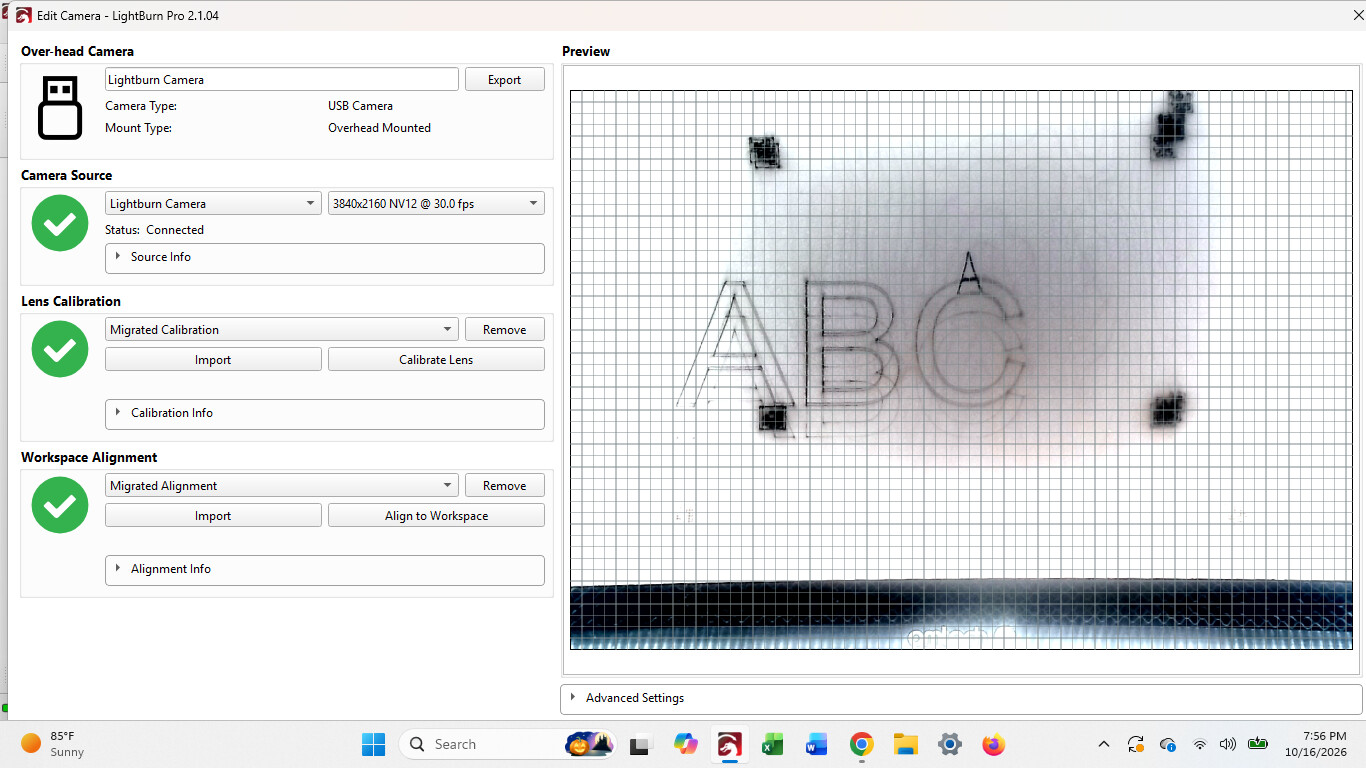
I haven’t checked camers calibration and alignment for a few months, so I clicked on Laser Tools, Manage Cameras, once I selected Lightburn camera, no further choices appeared. Where did these menue selections disappear? How can I setupvmy camera?
You may have to redo the calibration and alignement.
Check the new docs:
Thank you for your response. I’ve already tried to add my camera. which I think I’ve accomplished. Then, I get the following page that gives me options to calibrate and align; fine. After clicking calibrate, the next screen pops up, and as you can see, there are no selections I can choose from on this screen. So, I click the X to get out of that window. When I do, it takes me back to the Lightburn Workspace. Although there are green check marks, I have no idea if the camera is calibrated or aligned or not. This was a dumb change.
I’ve wasted hours trying to figure it out, all I have left is disappointment.
What was wrong with the old calibration and alignment tools. They were easy enough for a caveman
Dale