Thanks to you two guys for helping me troubleshoot. I admit, after hours of banging my head against this thing, I was nearly ready to give up.
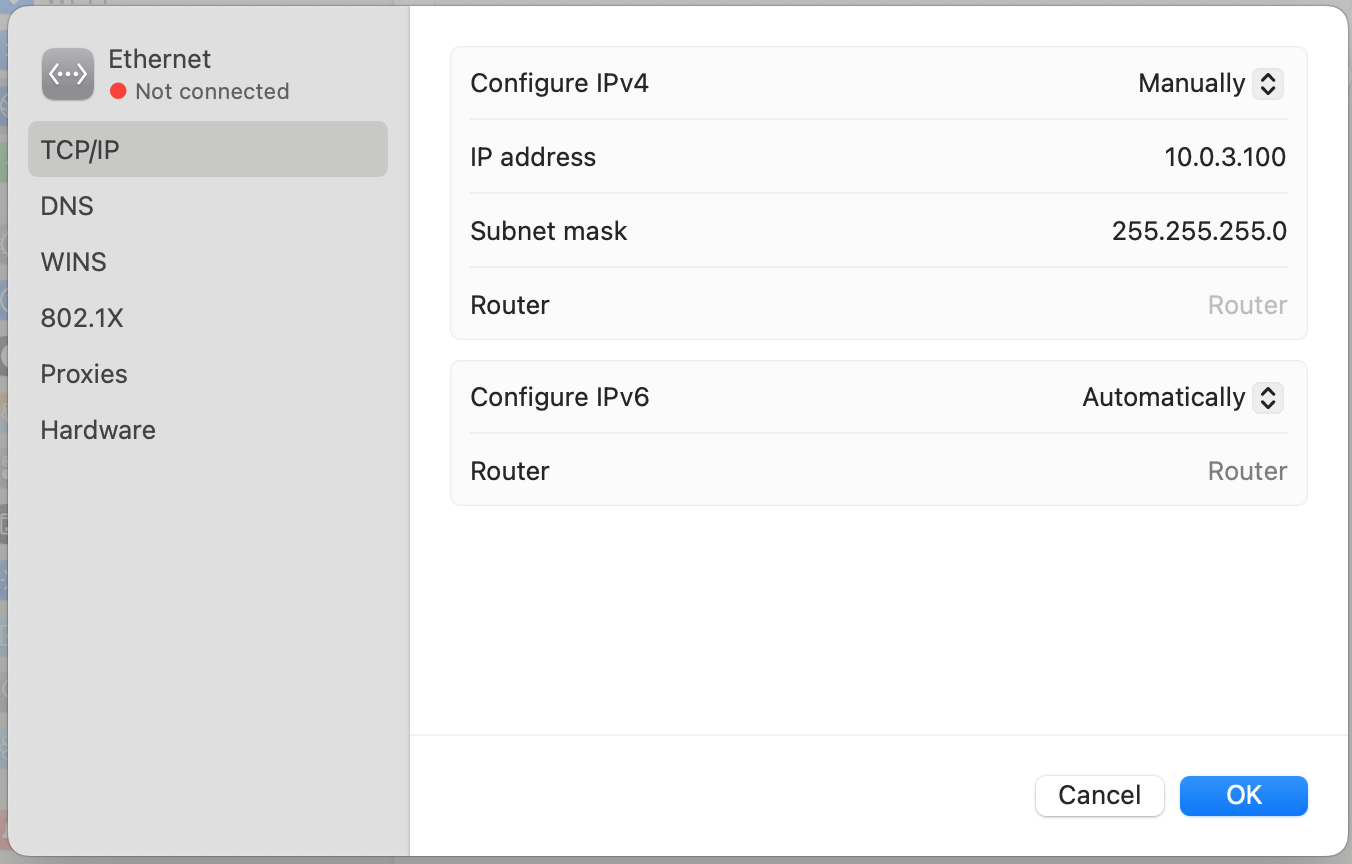
I tried everything you guys suggested: checking LED indicators, configuring Ethernet on the Mac, making sure the Bridge was unplugged/powered off, etc. At no time was I able to get any Ethernet lights to turn on or indicate the presence of network traffic.
In a most unexpected turn of events, I finally solved the problem.
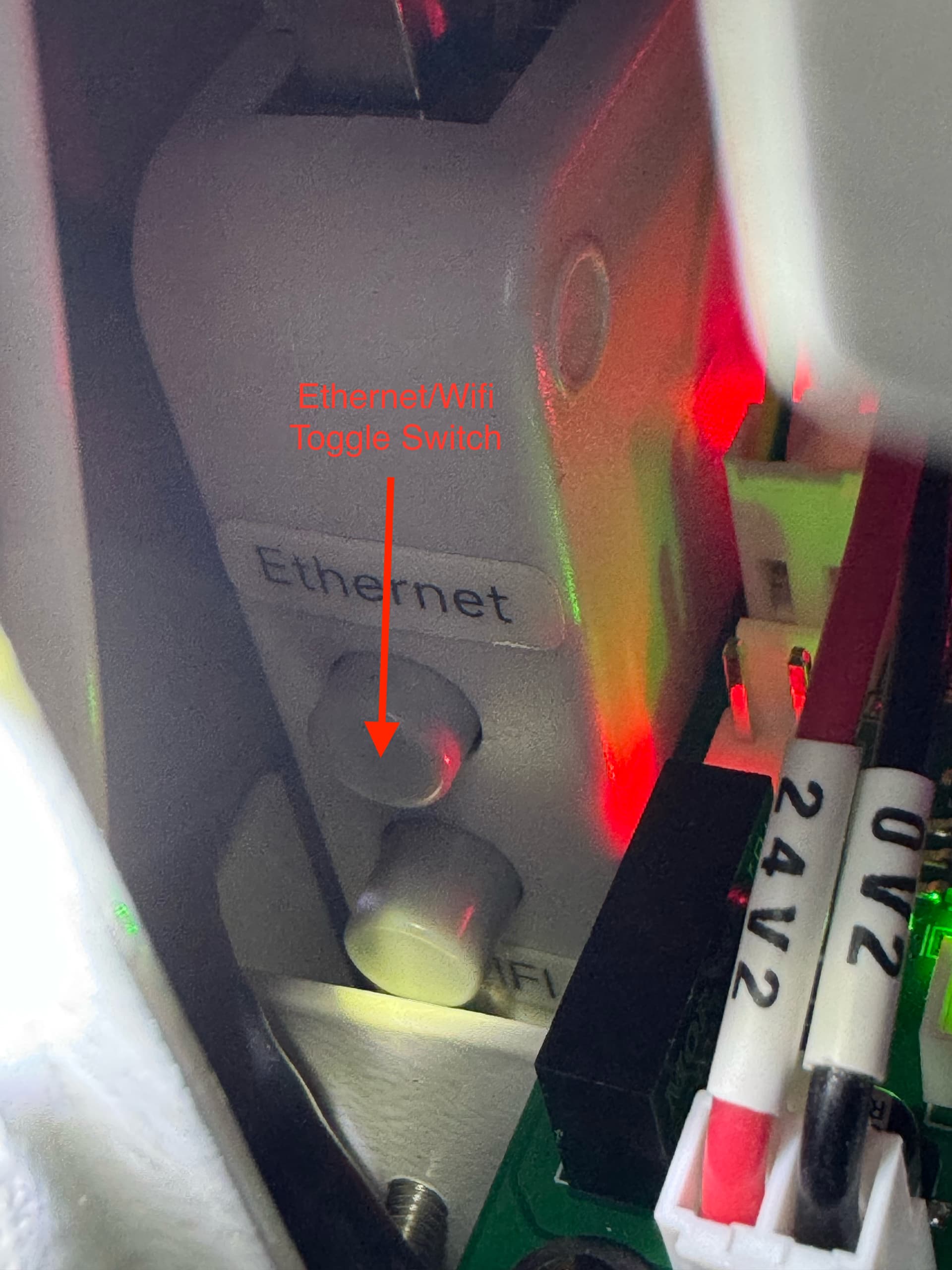
I took the machine covers off to look at the Ethernet routing inside the box. This machine includes a wifi bridge interface. I found a manual toggle switch to switch between wifi and Ethernet. (See images included below.).
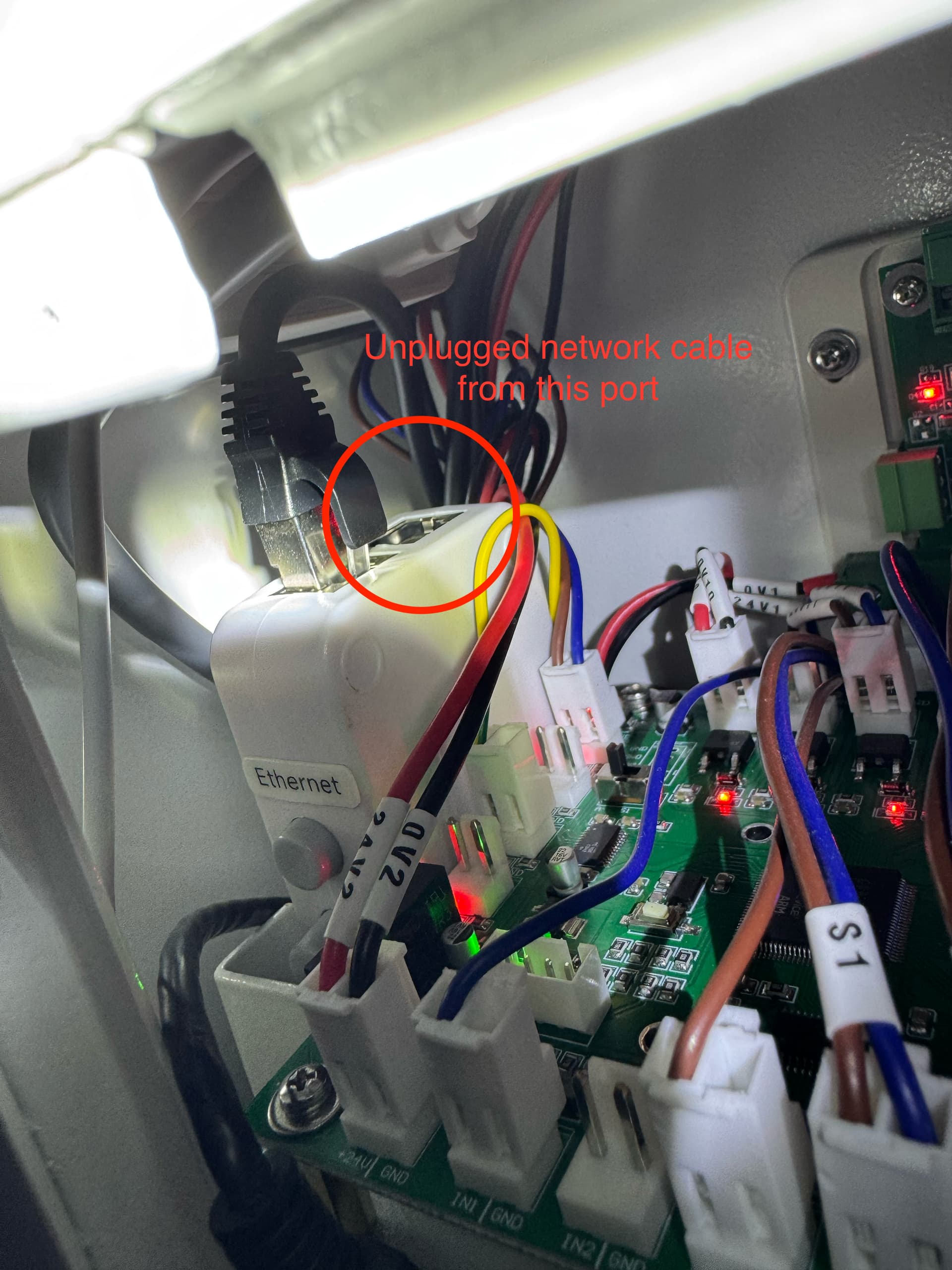
I toggled off Wifi, and this had no effect. At that point, I unplugged one of the network cables that was inserted into the toggle switch. Instantaneously, network traffic started flowing and my Mac could see the laser on 10.0.3.3.
I can confirm now that all move commands, camera controls, and the “Start” option in Lightburn work correctly without locking up. I’ll attach photos of my setup here to this thread for any future OneLaser XRF owners who may run into the same problem.
Thank you guys for your help!