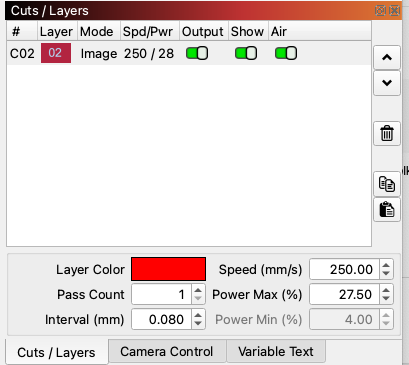
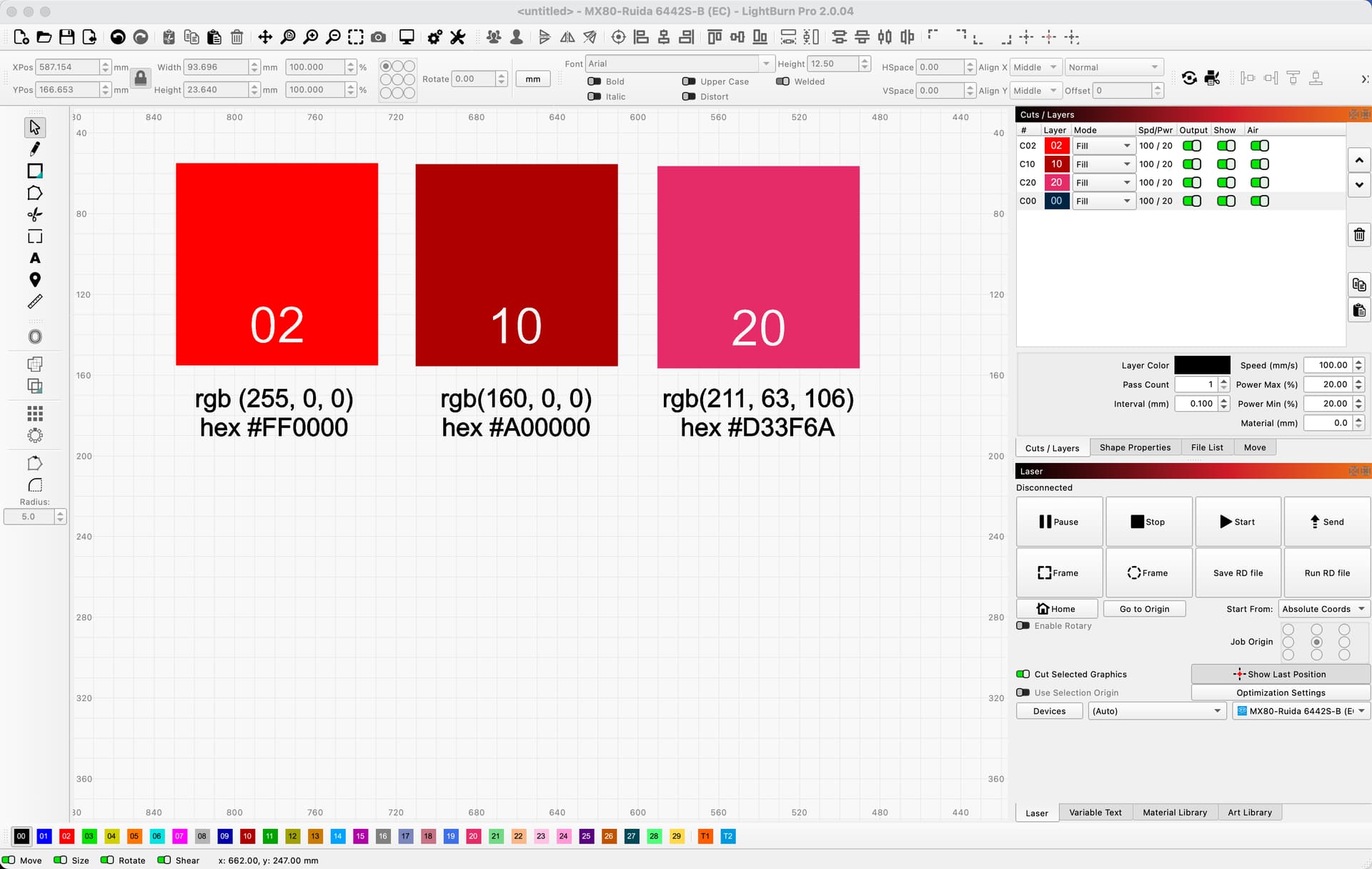
Red color number 02 is magenta, color 20 is bright red
In other words they are turned around
Red color number 02 is magenta, color 20 is bright red
In other words they are turned around
A screenshot will let us see what you see and details of the Mac hardware / monitor mentioned in your profile will definitely be needed to let other folks take it further.
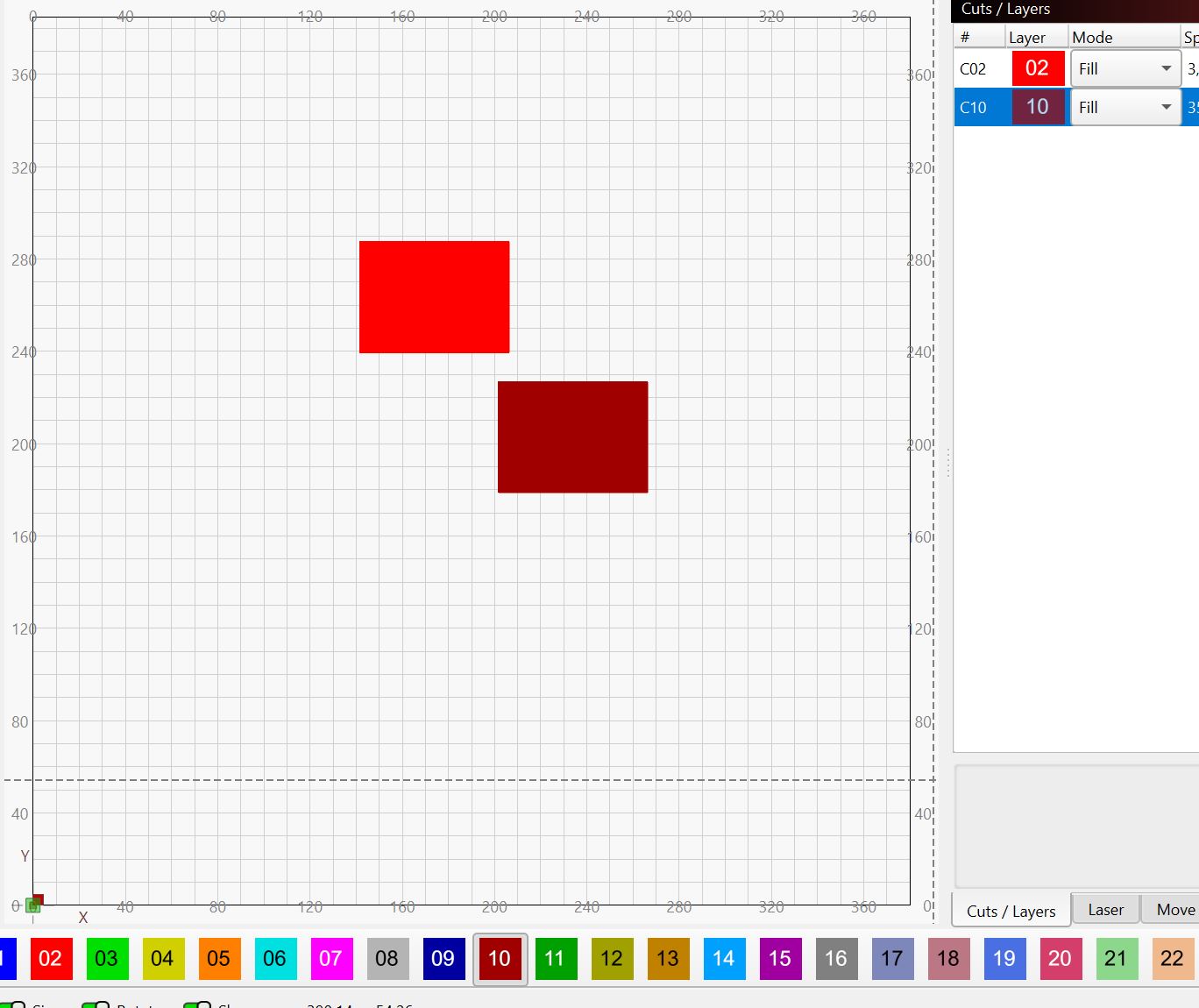
Looks OK on Win 11 24H2:

It’sa good thng they were kind enough to put numbers along with colors for us colorblind.
Folks with excellent color vision can suppress the labels:
I think the switch defaults to On, which is a Good Thing™.
The programmers will find that information useful.
From a MacBookPro. 
The color difference you may be noticing in the Cuts / Layers window is due to the layer 02 being the currently highlighted layer.
That isn’t the way it is working but that’s okay, I will just act as though I do not know what I am seeing
I recently saw a switching of the colors in v2.0.04 on a Win10 machine. It only happened once and “cleared up” before I got around to reporting it. In my case, I think it was C02 and C20 affected. Wrong in the Cuts line, but okay in the Layer Color box below.