So, if I understand what you are saying here, if I have more than two shapes, I can group them together to make this work? But I need 2 shapes or 2 groups.
Can’t have 3 or more. Only 2.
(Tested, it works)
I can work with this. For my own curiosity, may I ask why just 2?
It doesn’t matter how many shapes you have in those groups, as long as they are a group and the shapes are closed. This applies to both “cookies and for the cutters”.
You can also collect multiple groups into one group, such as either workpiece or tool.
I’m having an issue when saving G code and then uploading it to my one Finity CNC machine the images upside down and the tool path is erratic. Can anybody help me with this please?

This happened after the new update.
@cjcarpenter82 Please do not double post.
When doing so, it consumes resources and is not needed. We will get to you and address the issue. I now see you sent a ticket into support and posted here. Please choose only one in the future. Our team will continue to address your report via the email ticket started.
Thank you all for your feedback. 
Please provide feedback in new post.
2 posts were split to a new topic: Ruida Connection lost 2.0.0 and 2.0.01
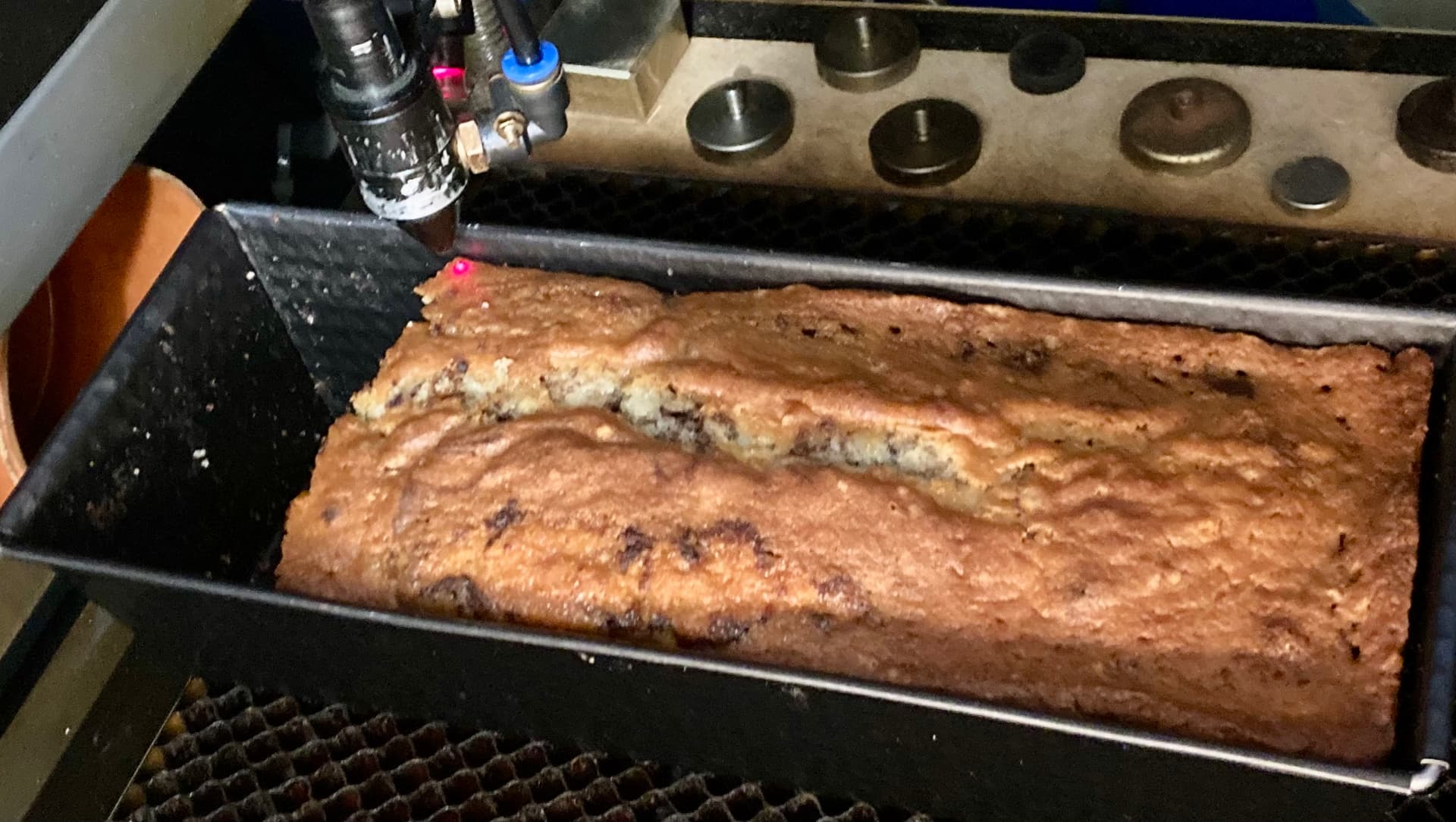
You can make cookies with Lightburn?
…of course, with a strong laser you can also bake a cake or roast a turkey, as long as it fits on your machine bed. 


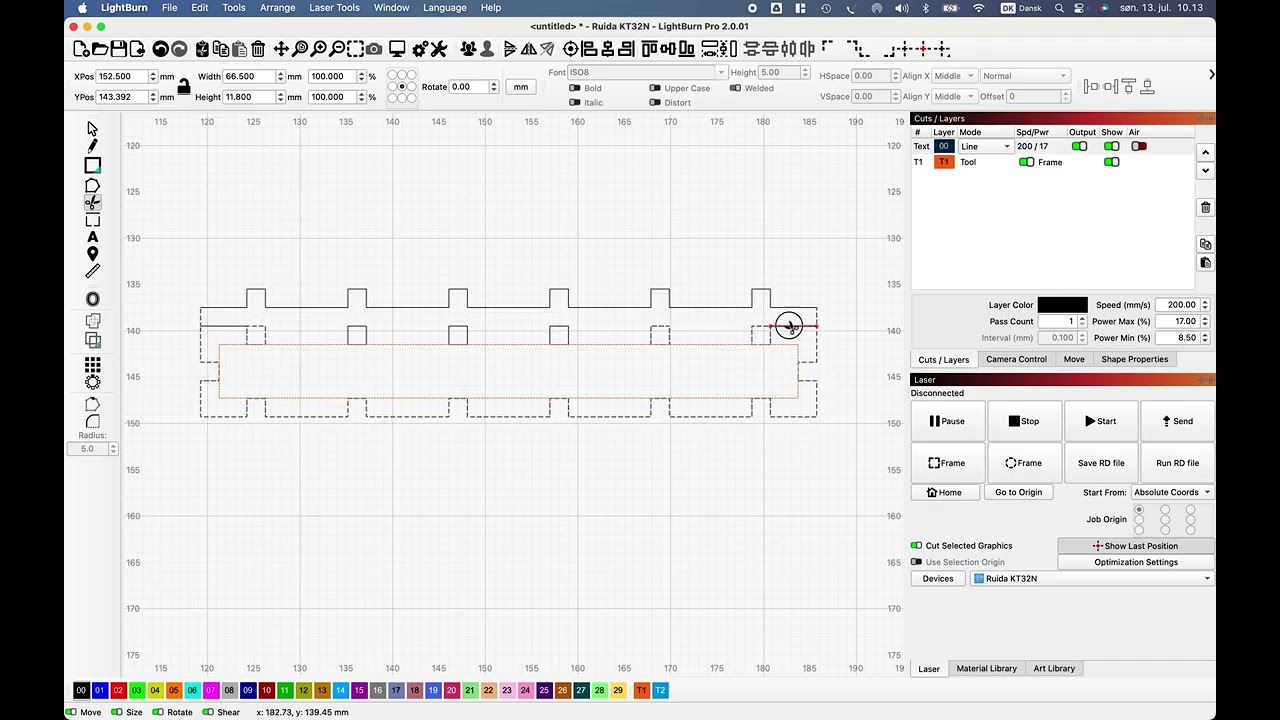
Small anomaly when using scissors tool in LB 2.0.01
I think we had this problem before but got it fixed, now we have it back in 2.0.01 (1.7.8? - not tested)
Hi Bernd,
Thank you for reporting this
Could you possibly share that LBRN file so we could give a try to replicate that?
Sissor-LB.lbrn2 (11.3 KB)
Error when editing nodes
When editing nodes, the arrow keys move the selected nodes as they should.
However, when using the input field (X,Z) to move the selected nodes - the entire shape moves.
If what I’m trying to say is not clear, I’m willing to make a small video.
I think this is working as intended.
We do not have node control per input box yet.
In fact you might notice X and Y box values remain the same as you shift the selected node.
That’s true Gil, I just never really noticed it.
I often use moving individual or a group of nodes and use the arrow keys in combination with shift, ctr…the keys and the values set here fit it nicely. But today I wanted to move some nodes an irregular distance and the X,Z input menu was ideal for that…
Thanks for your response.
This topic was automatically closed 30 days after the last reply. New replies are no longer allowed.