We’ll get to them soon, we’re obviously busy making sure we fix bugs as they come in 
1 Like
all good. hopefully not to many bugs
2 Likes
With View Paths enabled I can´t Undo nothing, although the Undo icon is highlighted.
You shouldn’t be able to do anything in toolpath view, other than quit, or exit toolpath view.
2 Likes
Some events appear to be local/session-specific/unique, yesterday I was chasing the fact of the 2nd page shapes still appear in the Preview after deletion:
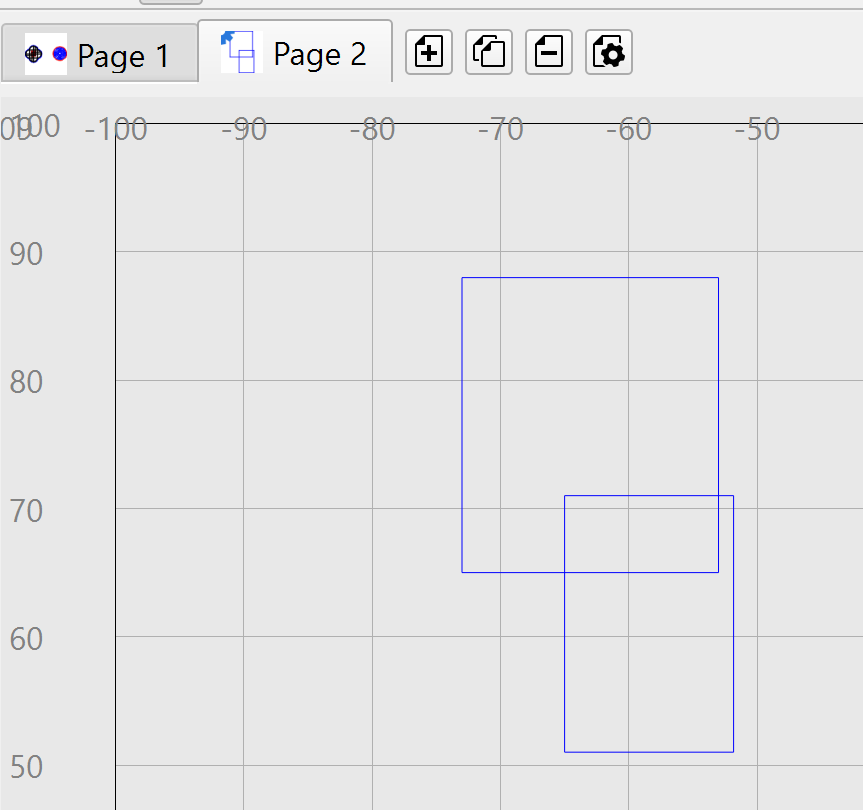
After reopening the file the issue goes away, I even restarted the design but can´t repeat.
.
But found this replicable one with View Paths enabled:
Page 1
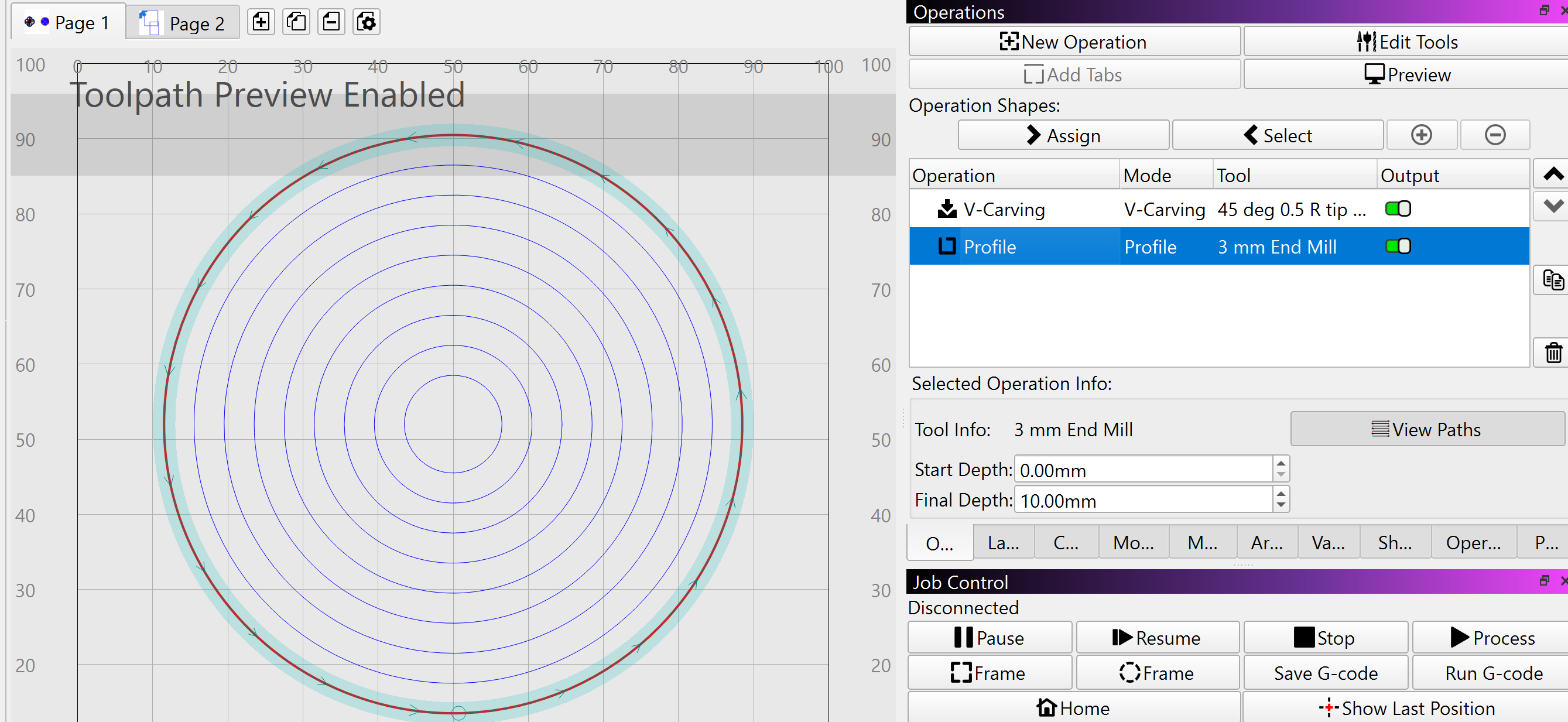
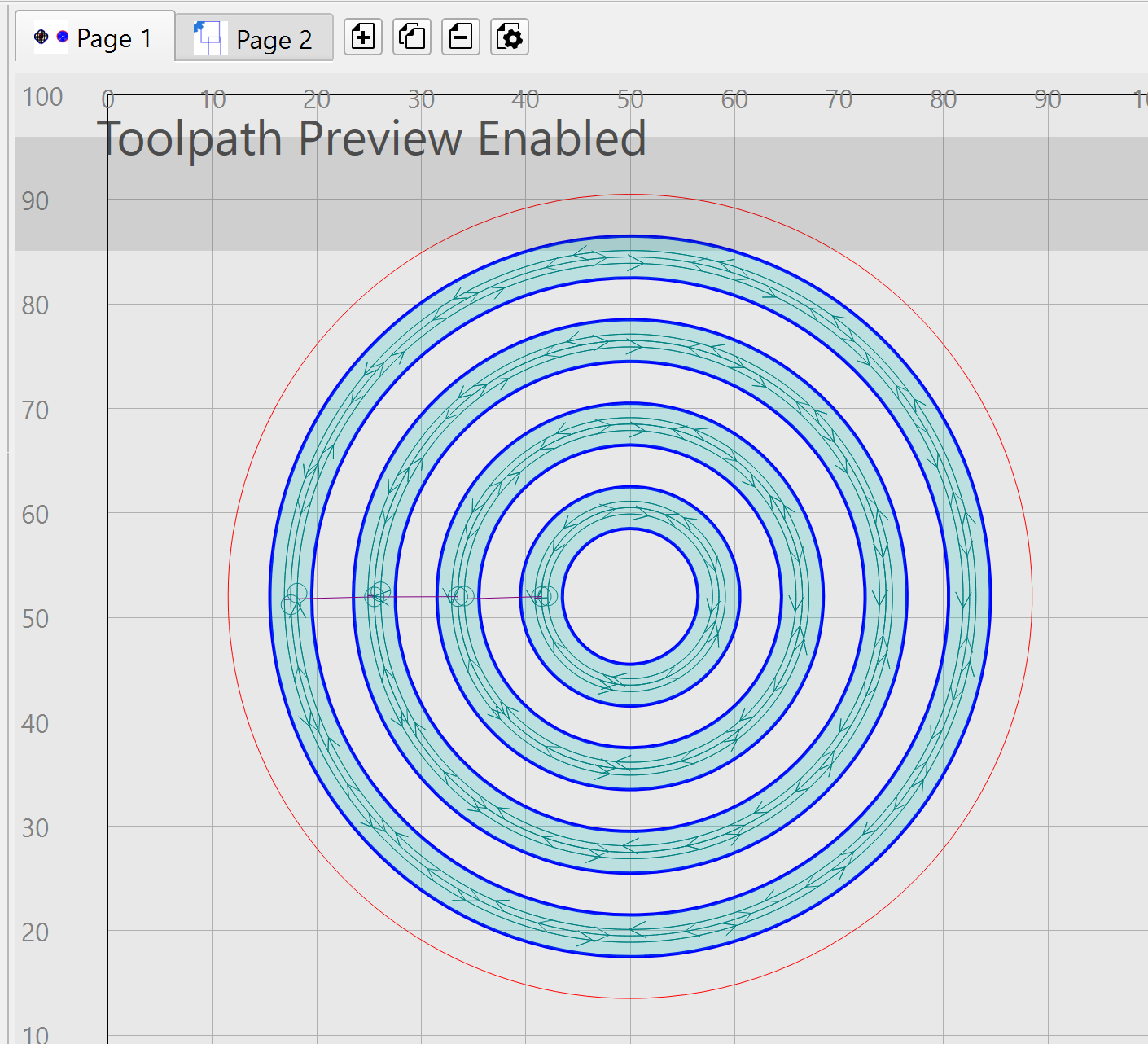
.
If I switch to Page 2 the paths/shapes are kind of mixed:
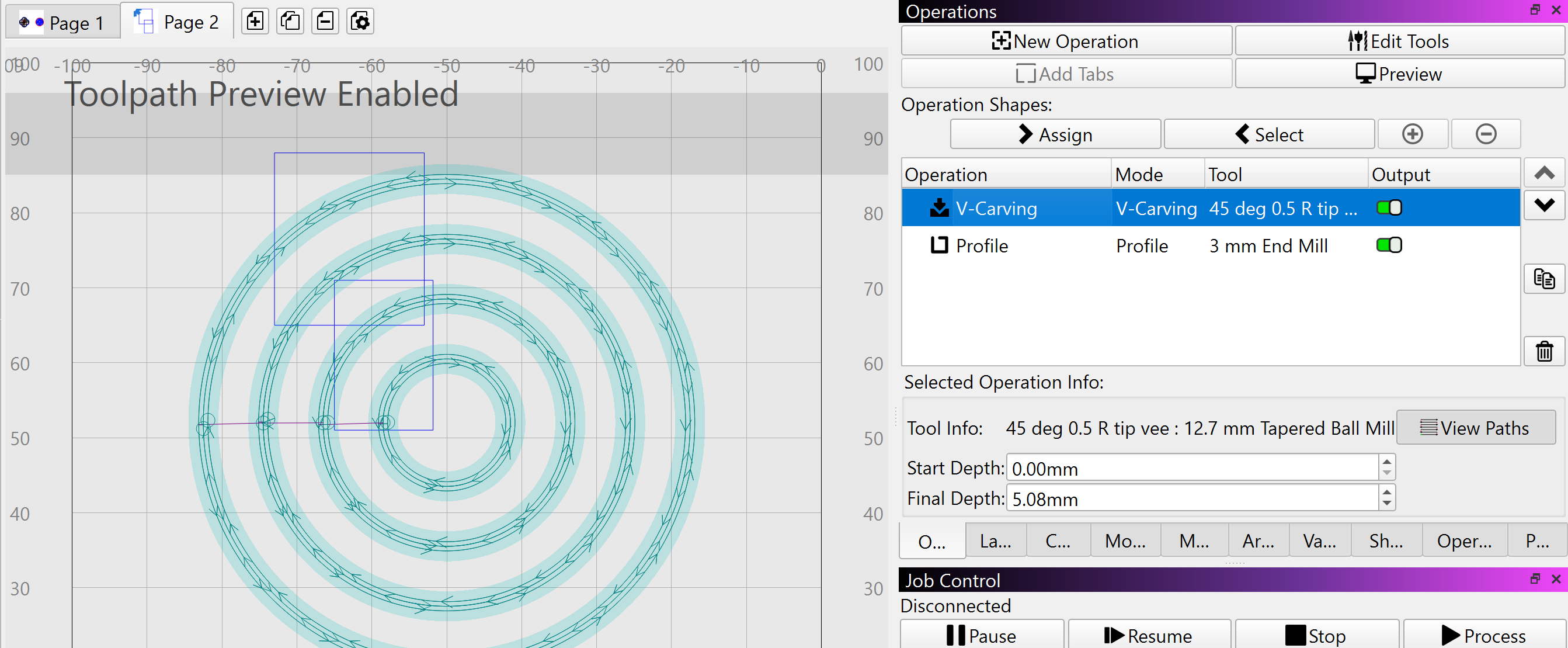
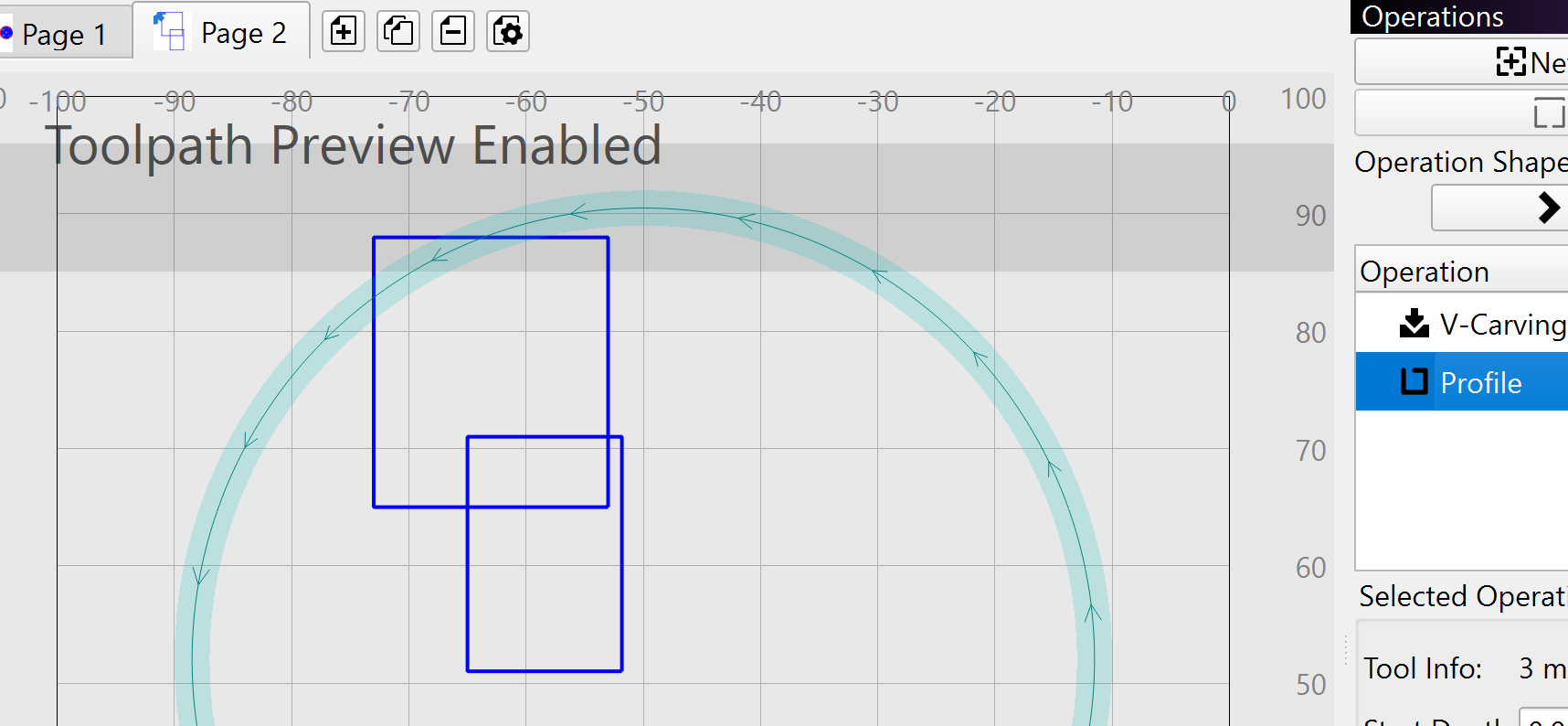
millmage-page_issue.mage (43.5 KB)
2 days ago i installed pro my my computer at cnc it did same as install in house asked me to accept etc it imported most of settings from core but didn’t import templates again which are stored in same c drive folder as pref
day one i set up a few job files for v carve saved them etc etc all good
yesterday opened 0.9 it brought up the agree terms etc box again ? and than did like a new install everything from day before gone even the setting it put in some of the custom g codes are not what i have in core 8 , in recent files it has files from about 6 mths, not any from last few weeks
as a new install should it actually load any previous projects
EDIT: i uninstalled pro from computer reinstalled using same download on start up it brought all all recent files forgot to look in template folder to see if they were there
the install i deleted had 2 devices. only ever had 1 device in setting , it had loaded a device a deleted long time ago from nearly RC
just installed rc2 got same pop up as last time , i did save MM as trusted install last time , so just clicked except and it installed ok
We should honestly disable the pages button entirely when you’re in “toolpath view”, because changing pages will require rebuilding all the cached gcode. The cache is only the current page, and the toolpath view uses the cache.
2 Likes
This topic was automatically closed 30 days after the last reply. New replies are no longer allowed.
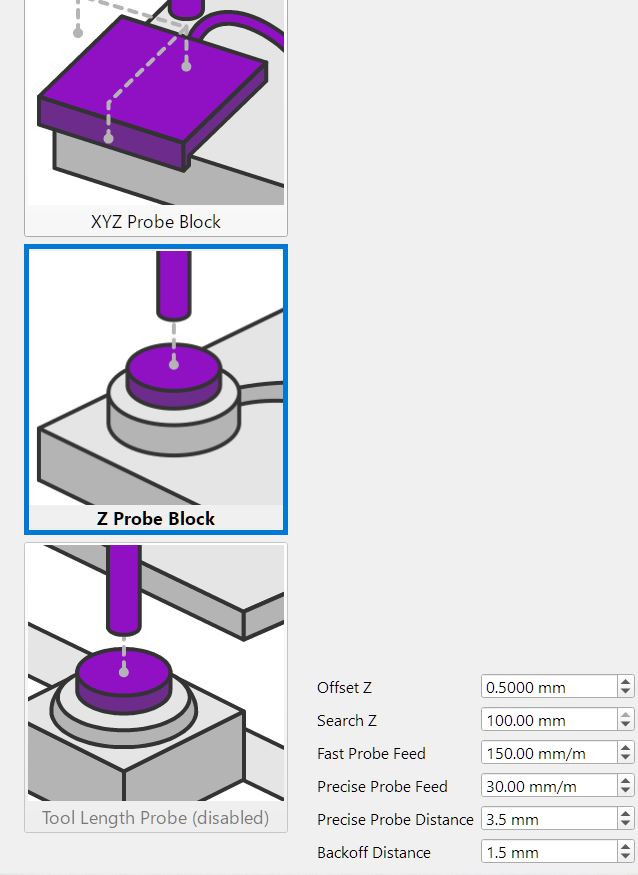
No, the Z probe definition is stored in the device preferences, because it dynamically re-creates the gcode of where to probe based on where you placed the block on your workpiece.
The idea is that you put it on top of your workpiece, which will move around on the machine. It’s a 1-dimensional version of the XYZ probe block just for setting your Z height.
1 Like