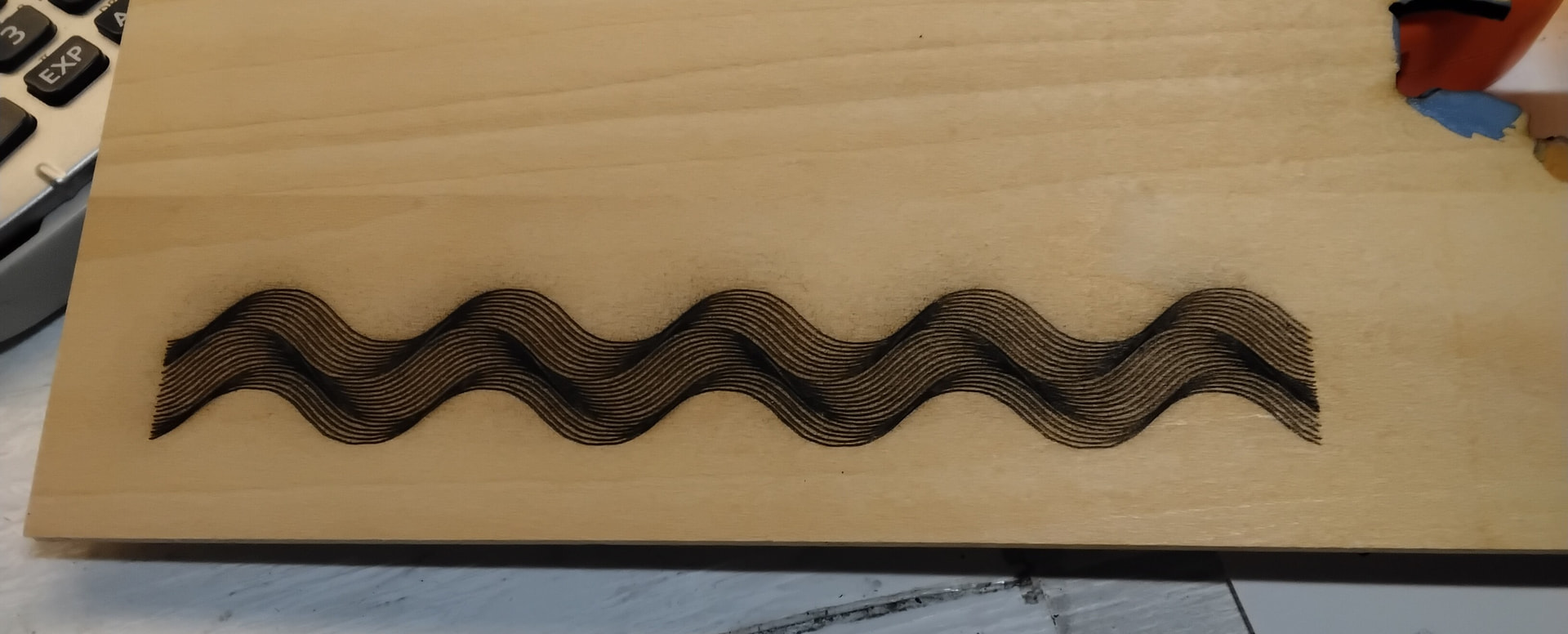
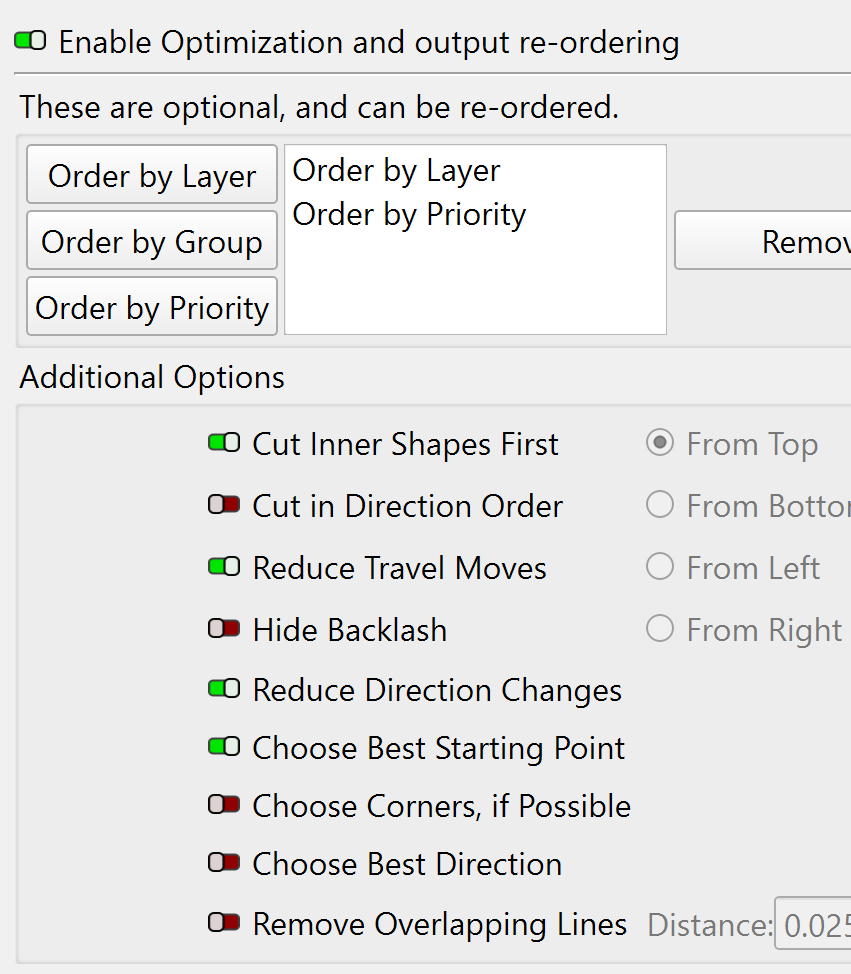
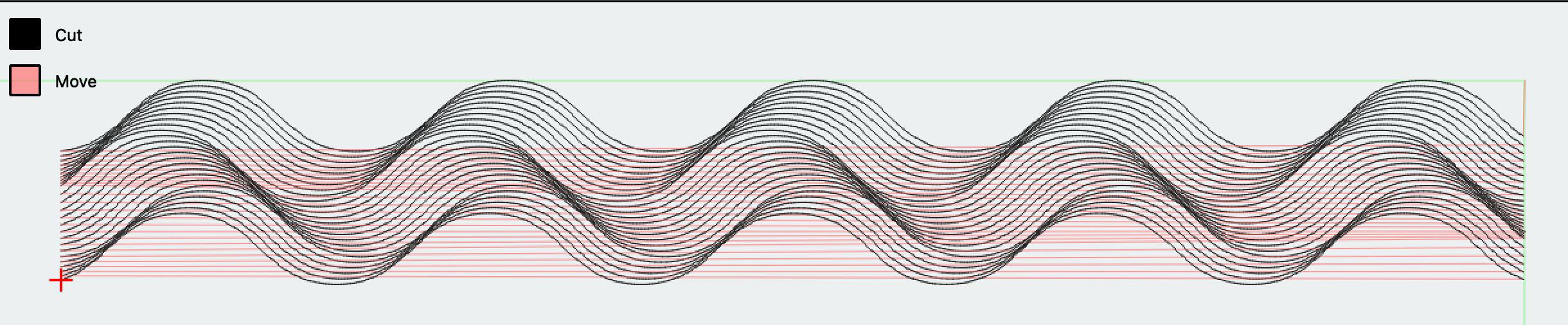
I’m testing the latest version of Lightburn and noticed my production times were significantly increased in certain files. After a lot of troubleshooting I realised the laser is now only cutting individual lines in one direction and traversing back across the cutting area to start the next line. This is creating a huge amount of unnecessary traversal moves and massively increasing the cutting times.
In previous versions the laser would move from left to right and cut the individual lines in both directions. I have now tried every combination of optimisation settings I can think of but nothing has helped. I haven’t changed my work in any way and never had any problems like this in versions before 2.0
I’m using a CO2 laser with a Ruida controller and attached a sample file for testing.
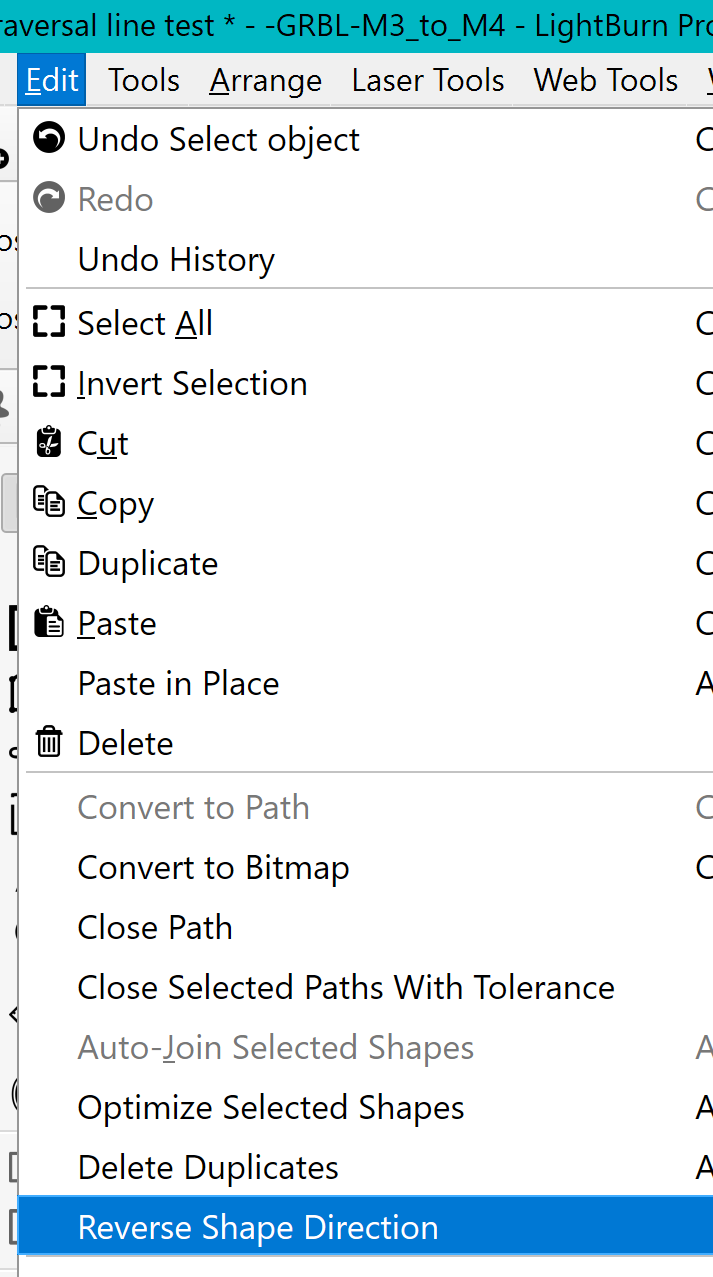
After further investigation the only thing that has made any difference is by selecting every other line and changing the shape direction from the edit menu. However his would not really be a feasible fix as I have many files with hundreds of individual lines in large engraved patterns.
Has there been a change with optimasation parameters in the latest version? Is there a way to stop the shape direction from overriding the optimisation settings and causing the laser head to traverse back to the start of every individual line?
Thanks in advance.
[Whale_New Size_20x16_HZ_LF.lbrn2] removed by request of author
Why so slow? I scaled it to 140mm x 20mm to fit on a scrap, and ran 4000mm/m, 40% pwr, 1 pass on a 20w diode laser. This gave me a deep enough burn where the pattern has a texture you can feel with the finger. On a 10w laser, I would have used 1200mm/m and 20% power with the same result.
Hi, no changing the shape direction is not a solution here as I have many files like this in various different sizes with literally hundreds of engraved lines. It would take days to go back through everything and try to “fix” these files that weren’t broken before. I’m posting here because I hoped the devs would look in to why the optimisation settings were no longer working as they have previously versions and also why the shape direction is now suddenly overriding the normal flow of marking in both directions.
Also to clarify I’m talking about marking one line from say right to left and them marking the line below from left to right instead of traversing all the way back to the right.
Hi, sorry I should have stated that the actual timings of the attached files are completely irrelevant as the file was sent from my home laptop which has not been linked to a machine. On my work machine I noticed a file that would normally take 8 minutes using the old version of lightburn would take 12+ minutes using the newer version. It may not seem like a lot but an increase of 50% compounded throughout a full working day would mean i would be way less productive. This increase of at least 50% in timing was pretty consistent on all the files I tested.
Hi, sorry the timings of the attached file are irrelevant as it was uploaded from my home laptop that has not been attached to a machine. On my work machine the file runs at 140mm/sec. My issue isn’t the time but the machine only marking in one direction as shown in the top option of the file. The “fix” is when I changed the shape direction to force the machine to mark in both directions.
Hi, I’m sorry I don’t understand your explanation here. Could you outline the steps you made to get the top example in the file to cut in both directions?
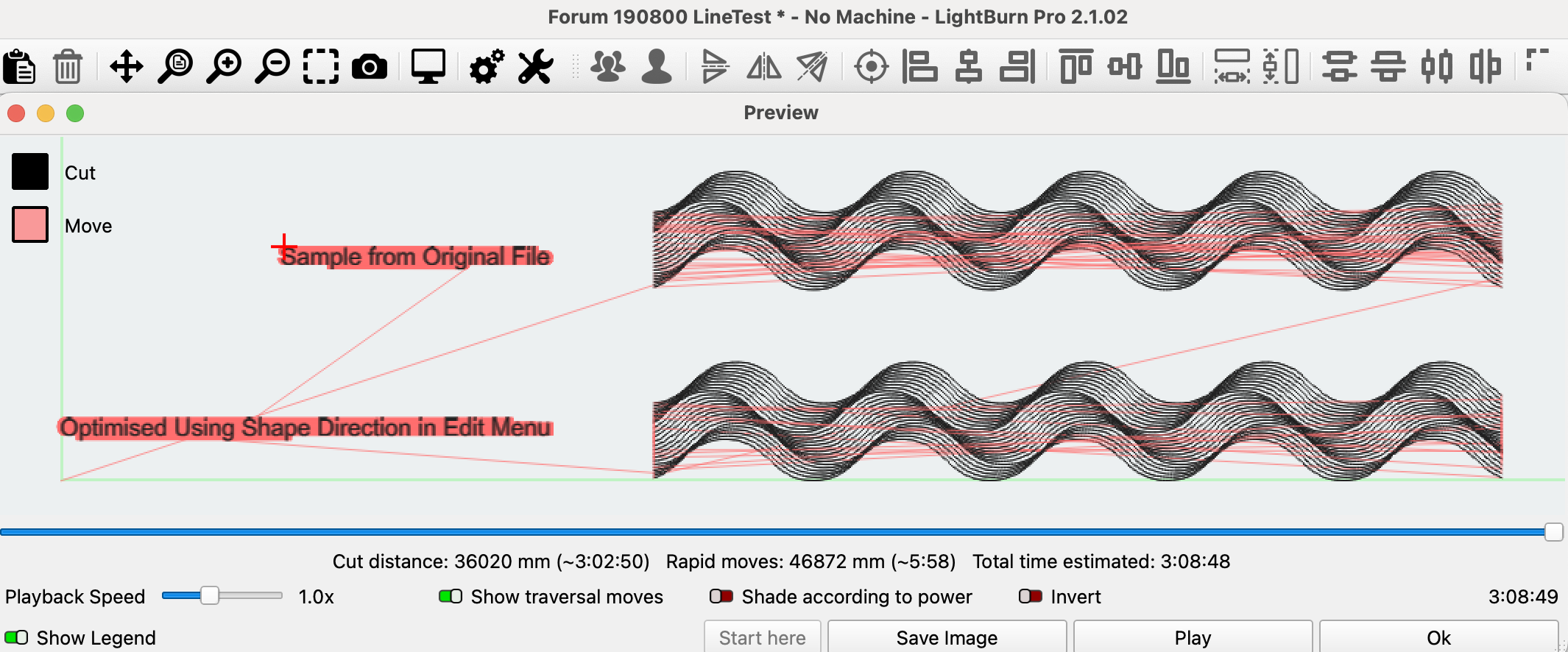
To avoid confusion over timings I’m uploading an alternative test file from my work machine. To clarify this post is not about adjusting timings or speed. It is to ask the devs why the lines in the top example of the attached file only mark in one direction in newer versions of lightburn?
In my case from right to left, the laser head will then traversesall the way back to the right hand side before starting another cut. In my older version of lightburn these files will cut in both directions.
The 2nd example in the attached file is where I have individually selected every 2nd line and reversed the shape direction using the edit menu. This “fix” would take days of work to adjust all my designs and involve selecting thousands of individual lines.
Important: I have just noticed that the option to reverse shape direction is not available in my older version of lightburn. Can any devs say when this feature was introduced?
Hi, I’m really sorry but I don’t think you have understood my original post. If you check it I have already included the “solution” you’re suggesting in my attached test file.
The 2nd example in my test file has the start point of every other line manually reversed. As I said before this is not a solution in my case as I have thousands of individual lines across many different designs, it would take weeks to adjust them all.
The older version of lightburn works perfectly fine and is able to cut in both directions as it ignores the shape start point. I wanted to upgrade my license and continue to the support the company but I can’t do that if the newer version insists on traversing all the way back across the cutting area to the start point of every individual line. It makes no sense to not cut in both directions.
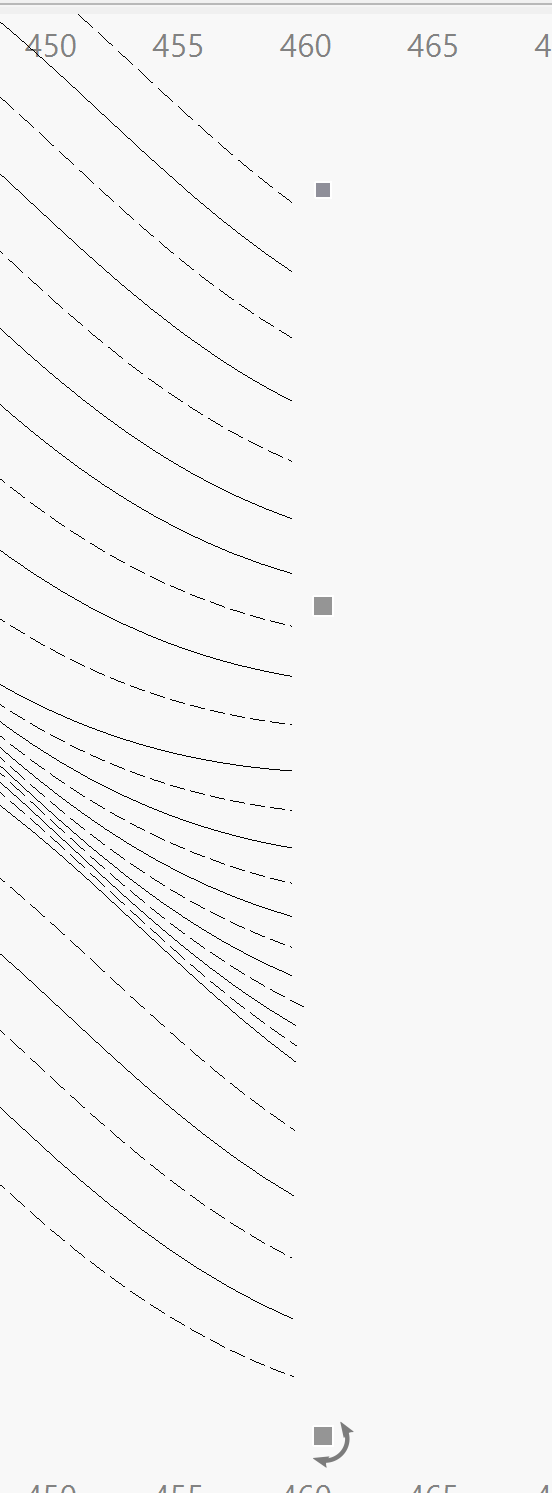
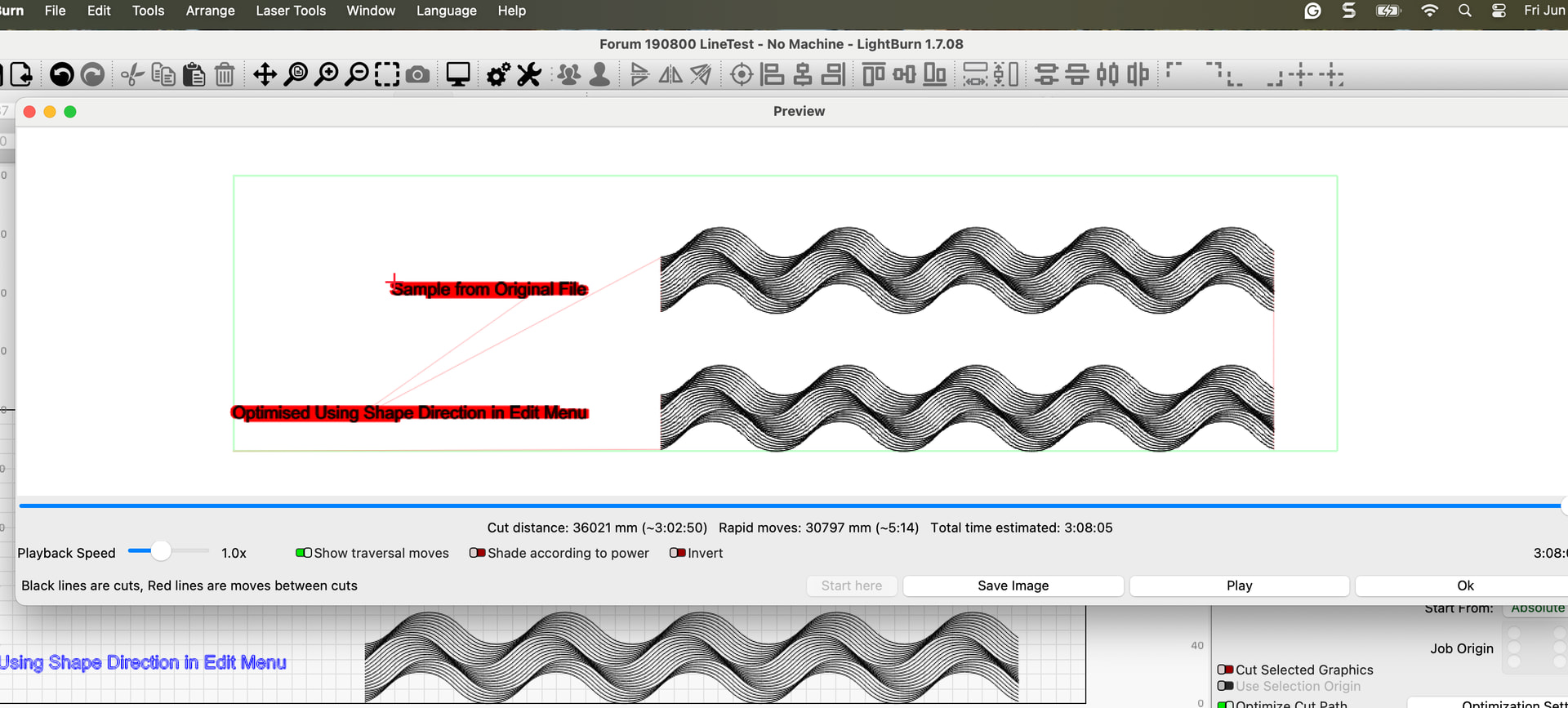
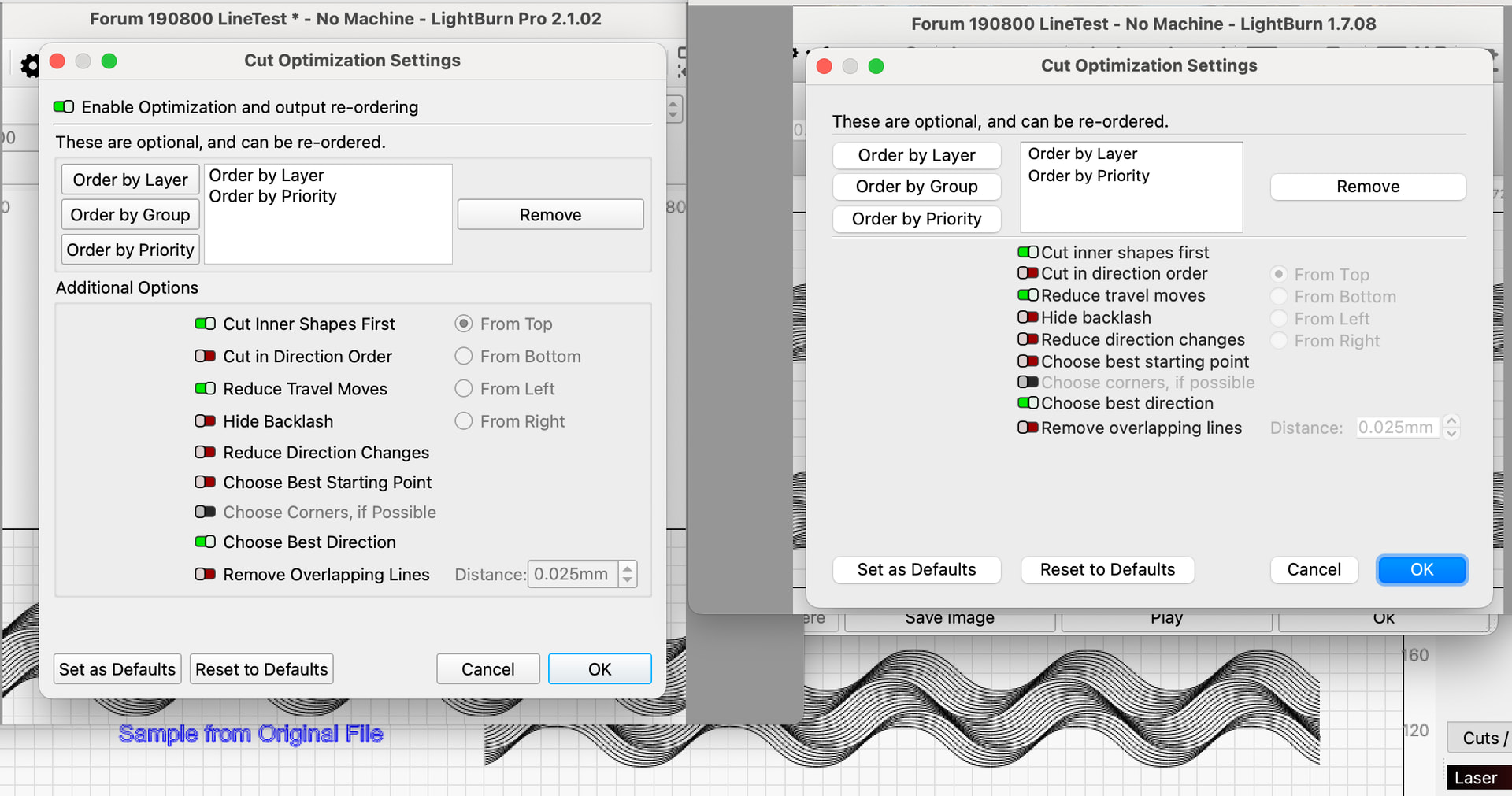
I’ve attached software previews from both the old and new versions of Lightburn. Both examples have show traversal moves switched on. The difference in wasted traversal moves in the new version is very clear.
The text below is taken from the current user manual.
Default and user-defined Start Points are overridden by certain Optimization Settings. If you select Choose best starting point or Choose best direction, LightBurn will select a different Start Point if doing so will reduce overall cutting time.
As this does not seem to be the case in my example is there a way to report the issue as a bug to be looked in to?
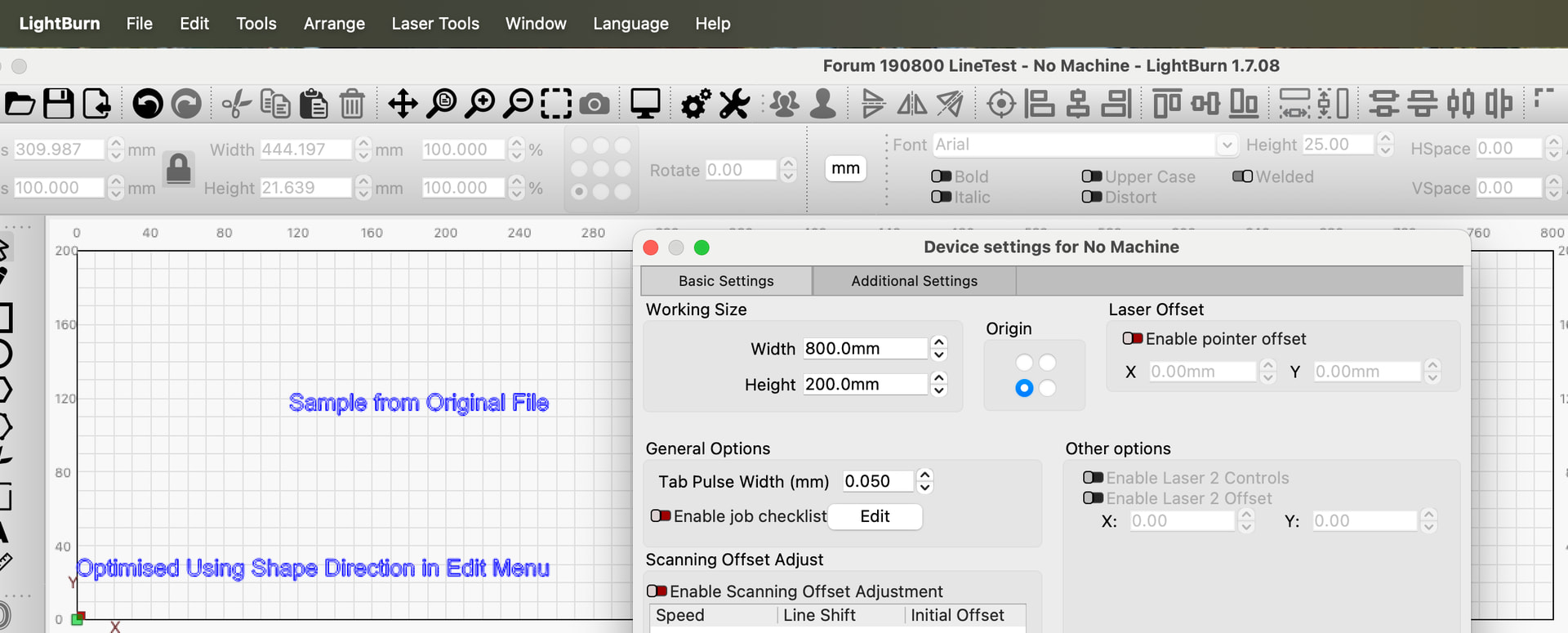
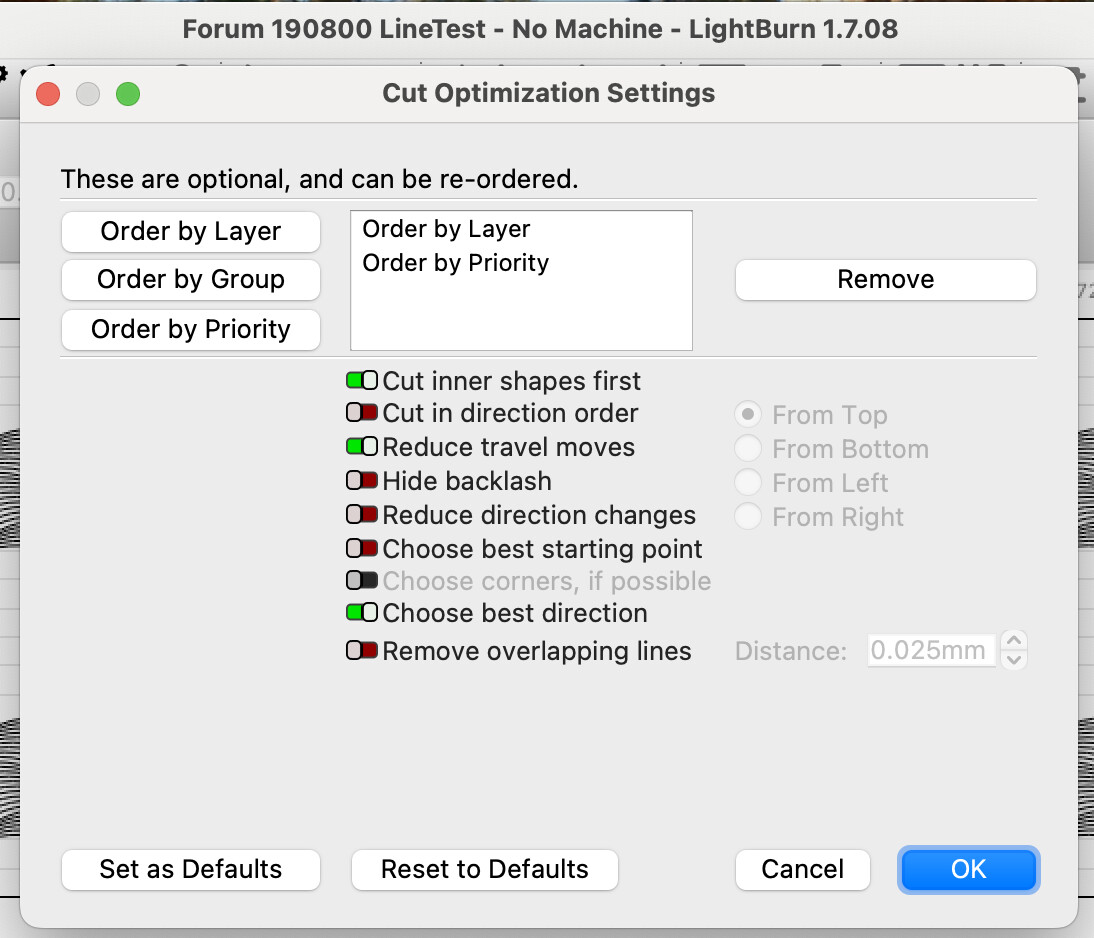
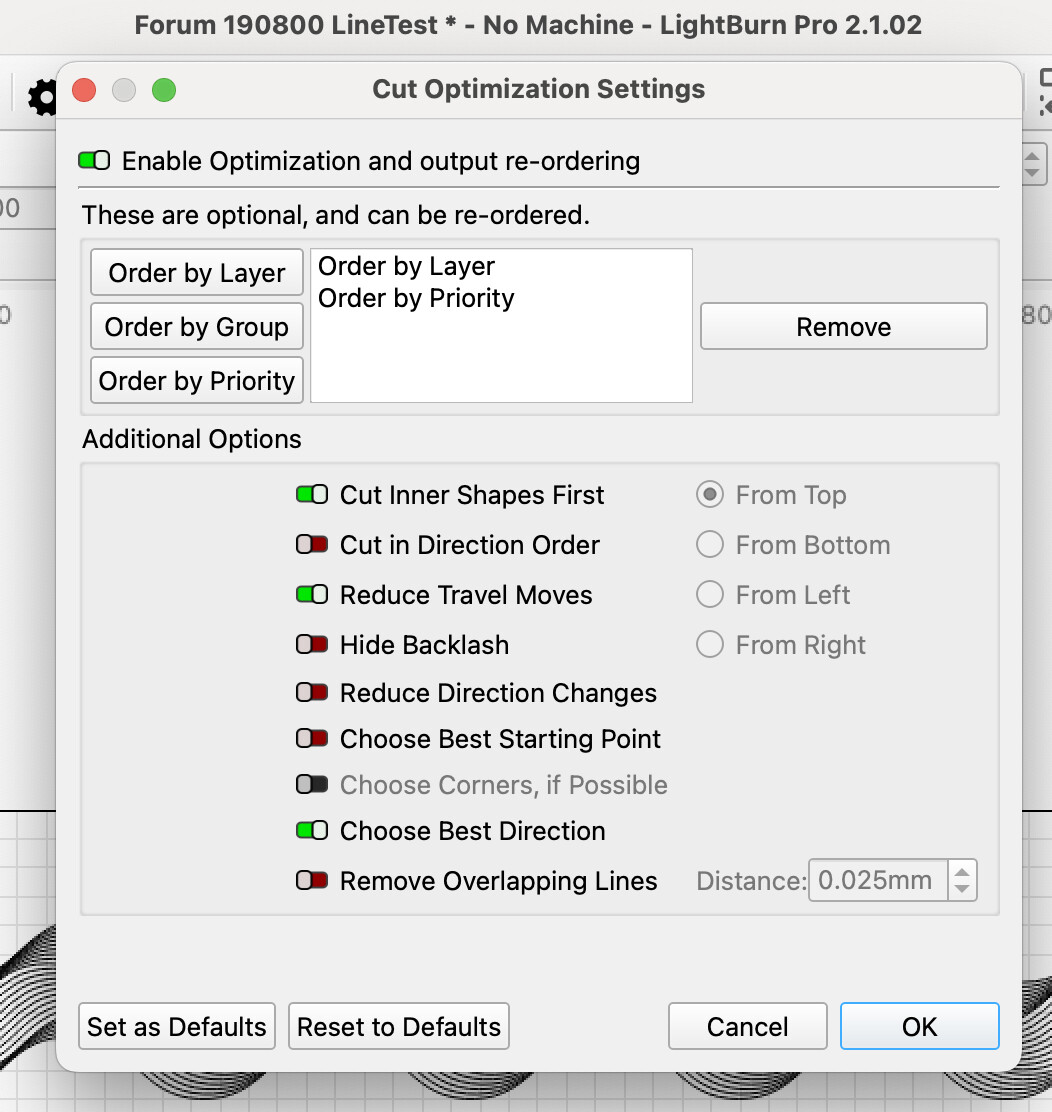
I decided to give this a whirl with LightBurn 1.7.08 and LightBurn 2.1.02 on a Macbook M4 to see if I could see what was happening here.
The test file loaded as ‘No Machine’ but the waves were out of the workspace. I changed the X-Axis setting to 800 mm to ensure I could to ensure the test file was fully in the preview window.
After the screen captures, I quit LightBurn without saving.
I launched LightBurn 2.1.02 and the widened X-Axis setting in Device Settings was preserved.
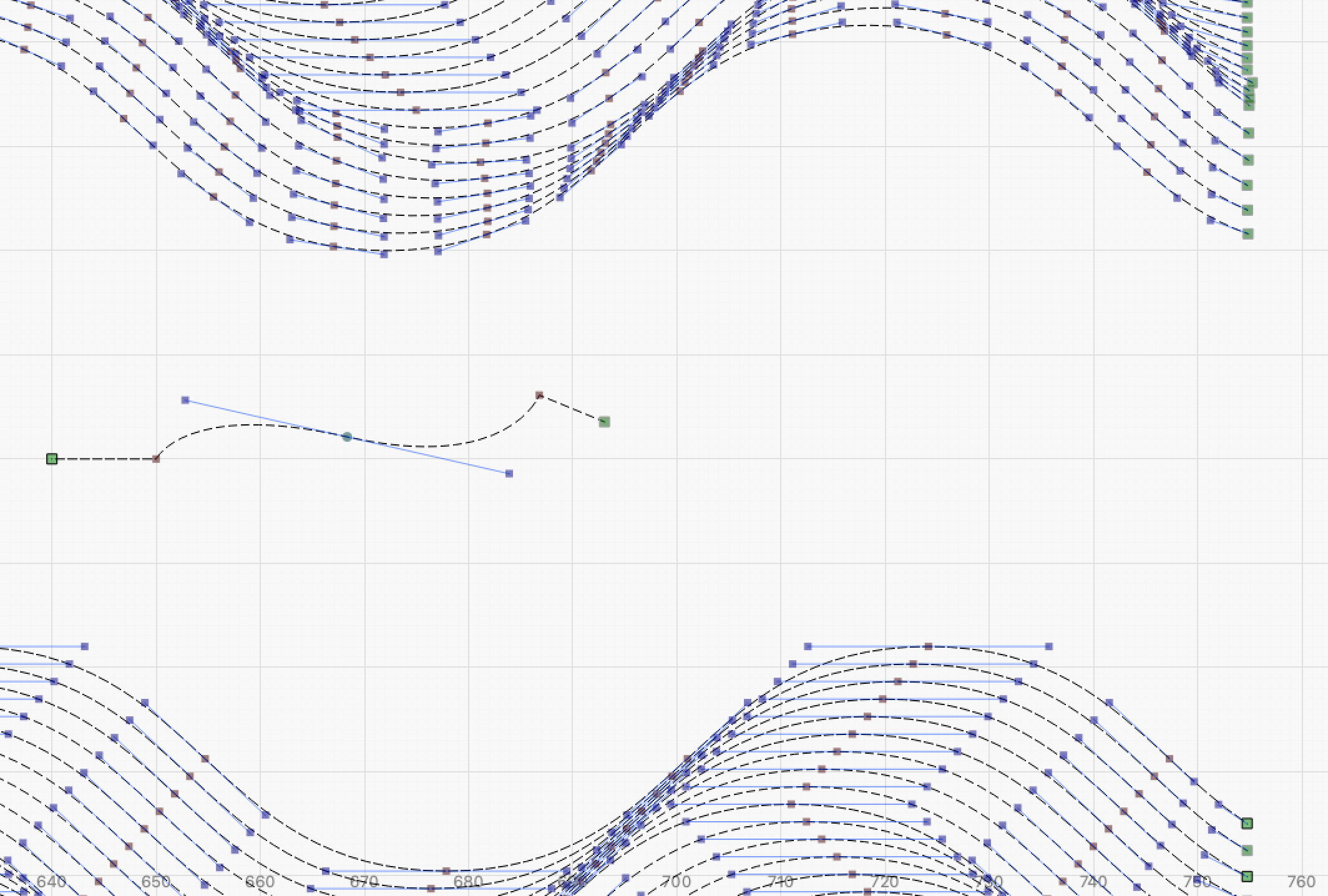
The additional traverse lines are present for part of one of the ‘waves’.
The two sets of waves are drawn differently. The Outlined Green square is the Start point and the Green square without the outline is the end point. I did a quick doodle to confirm the behavior and reselected all the lines and selected Node Editor.
The upper wave has identical start Directions, Left to Right like my test doodle. The lower wave has alternating start Directions. I picked at a few more Cut Optimization Settings but I have not yet found a setting to reverse the direction of the engraving to effectively reduce the travel moves.