Ok thank you for that.
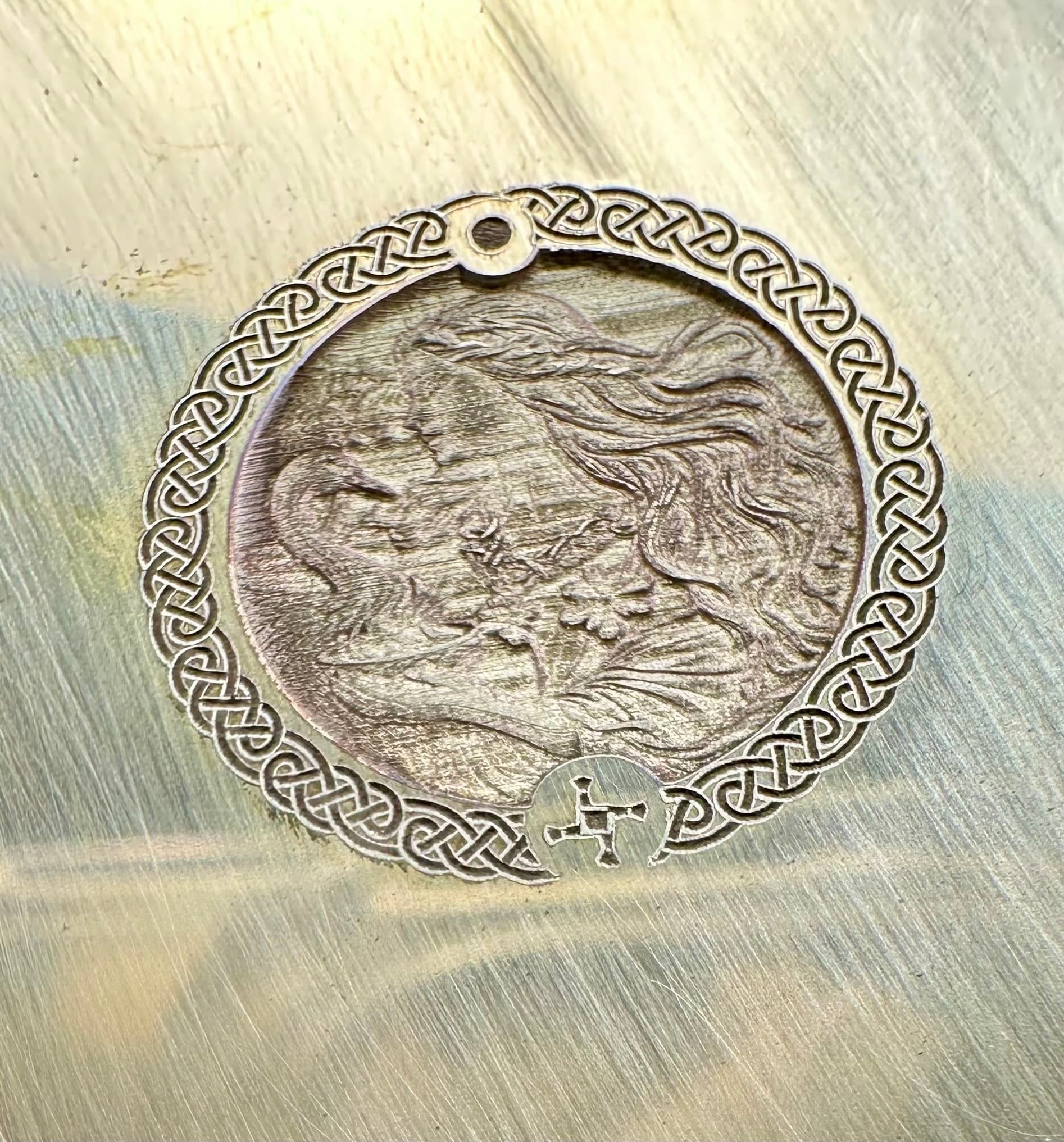
I made the adjustments to the file as you suggested, calibrated the , and reduced the amount of passes and the size from 30-18mm.
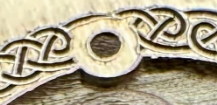
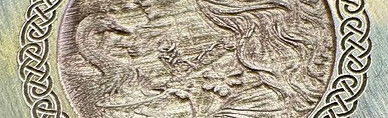
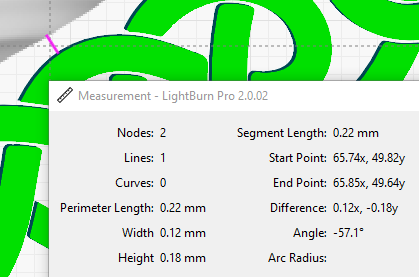
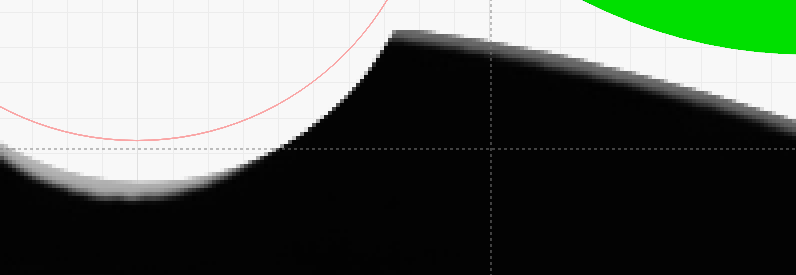
the vector border is fine but the image still cuts out of the centre.
Yea, sorry I’m not more help. Looks a lot closer though. Kinda looks like it is amplifying the imperfections in the artwork.

Clean and deep don’t exactly stack.
Maybe stacking tolerances, maybe just the limits of the equipment on this small of detail. IDK.
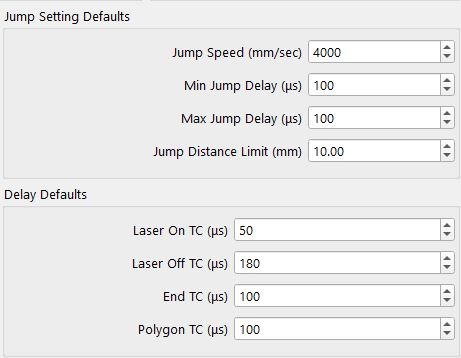
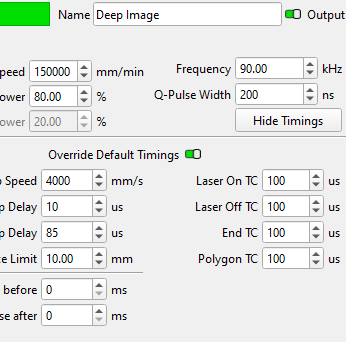
One last thought, now that you have calibrated your timing, there are options to override those settings per layer. Maybe you want to try different TCs for the 9,000, 90,000 and the 150,000 speeds?
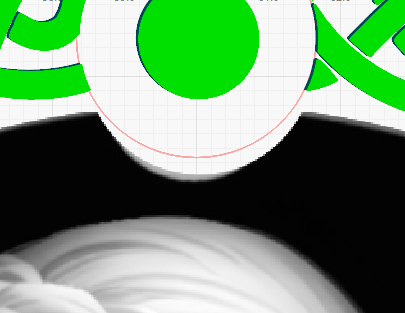
Hi Al, yes the circle size was me changing things up to test the positioning, so now I will try your suggestions per layer. Thank you for your assistance I will see how I go.
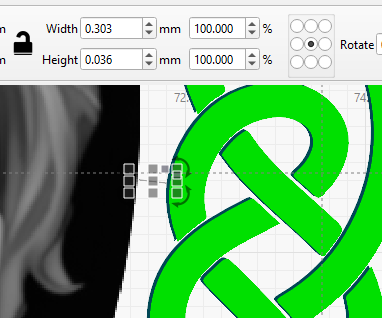
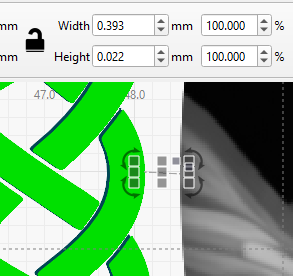
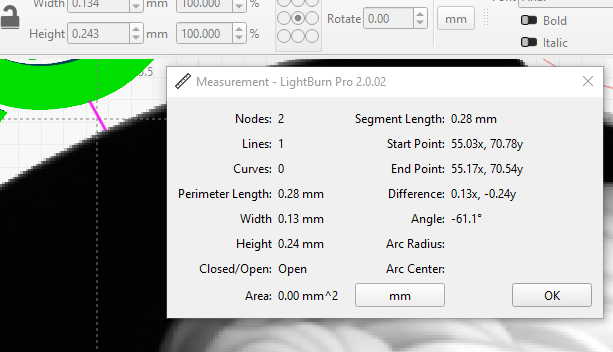
Although a royal pain to start a new file after all the work you have into this one, you might want to start over and first make, position, and duplicate all your positioning and mask layouts before bringing in the artwork so things stack perfectly.