Having issues with Positioning, i set image origin to top left and set at coordinates 10mmx and 10mm y, laser or software cuts off top portion of image and cutout. but if i lower y position to 40 its accurate, how do i fix y positioning to not waste material and help with alignments
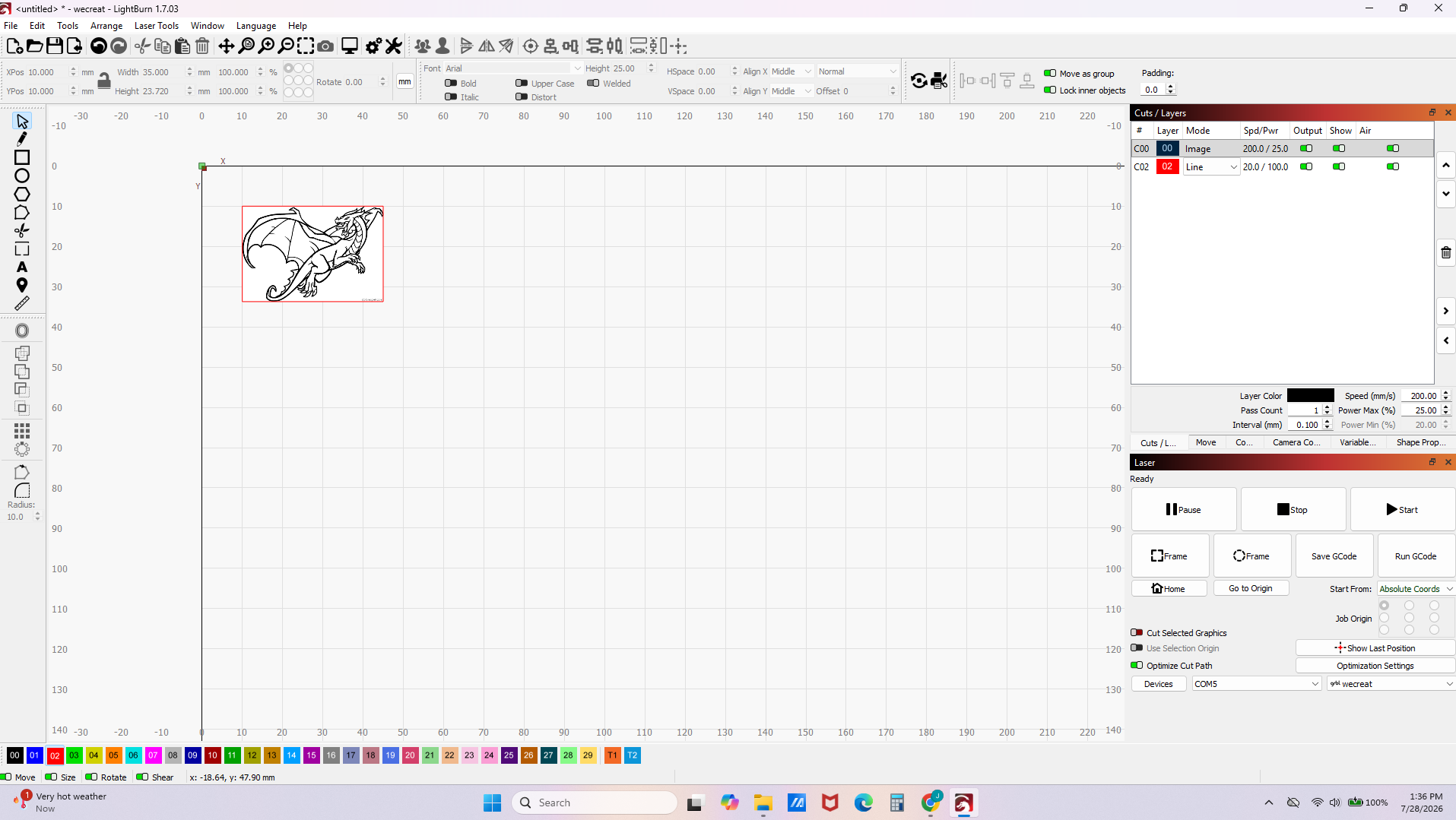
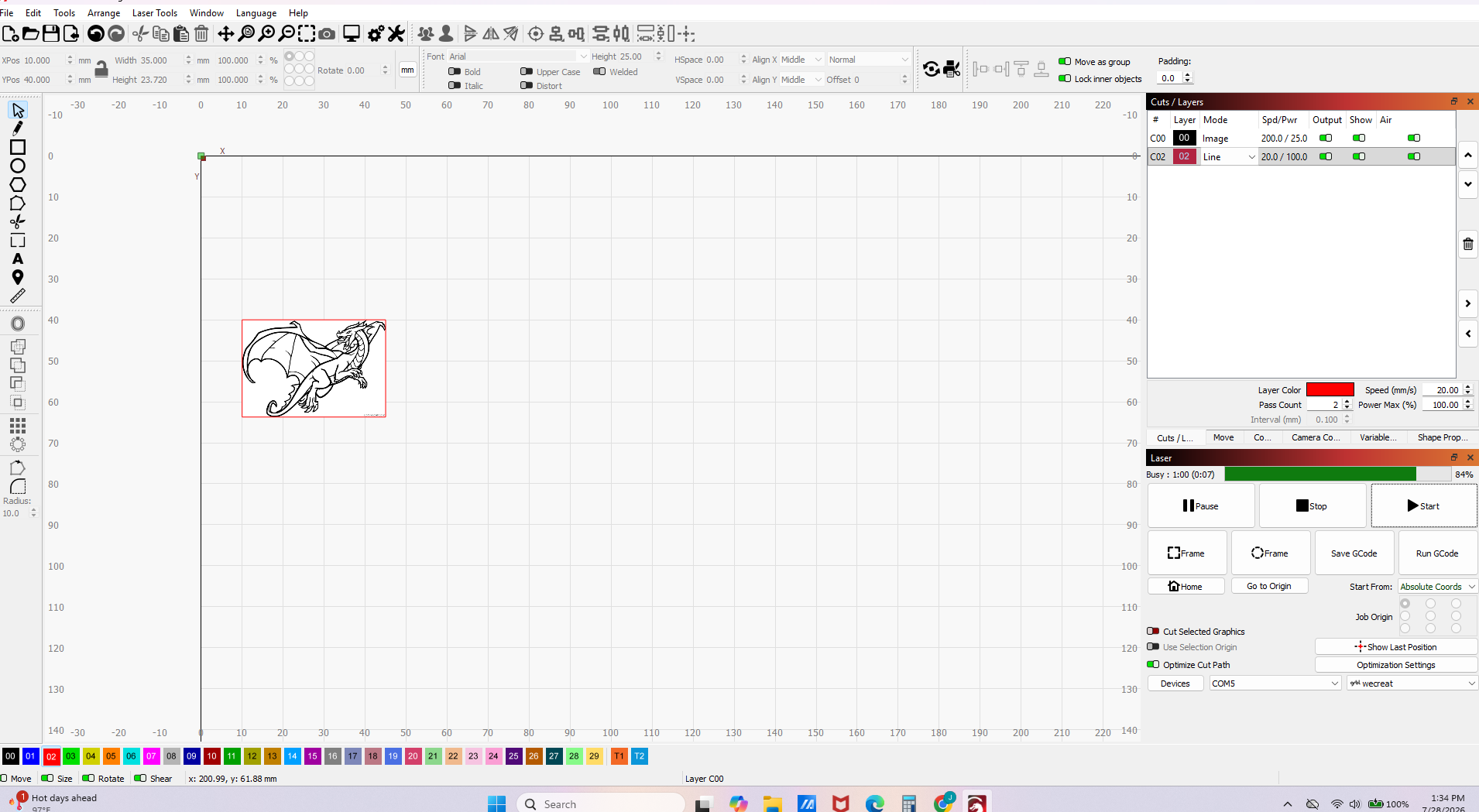
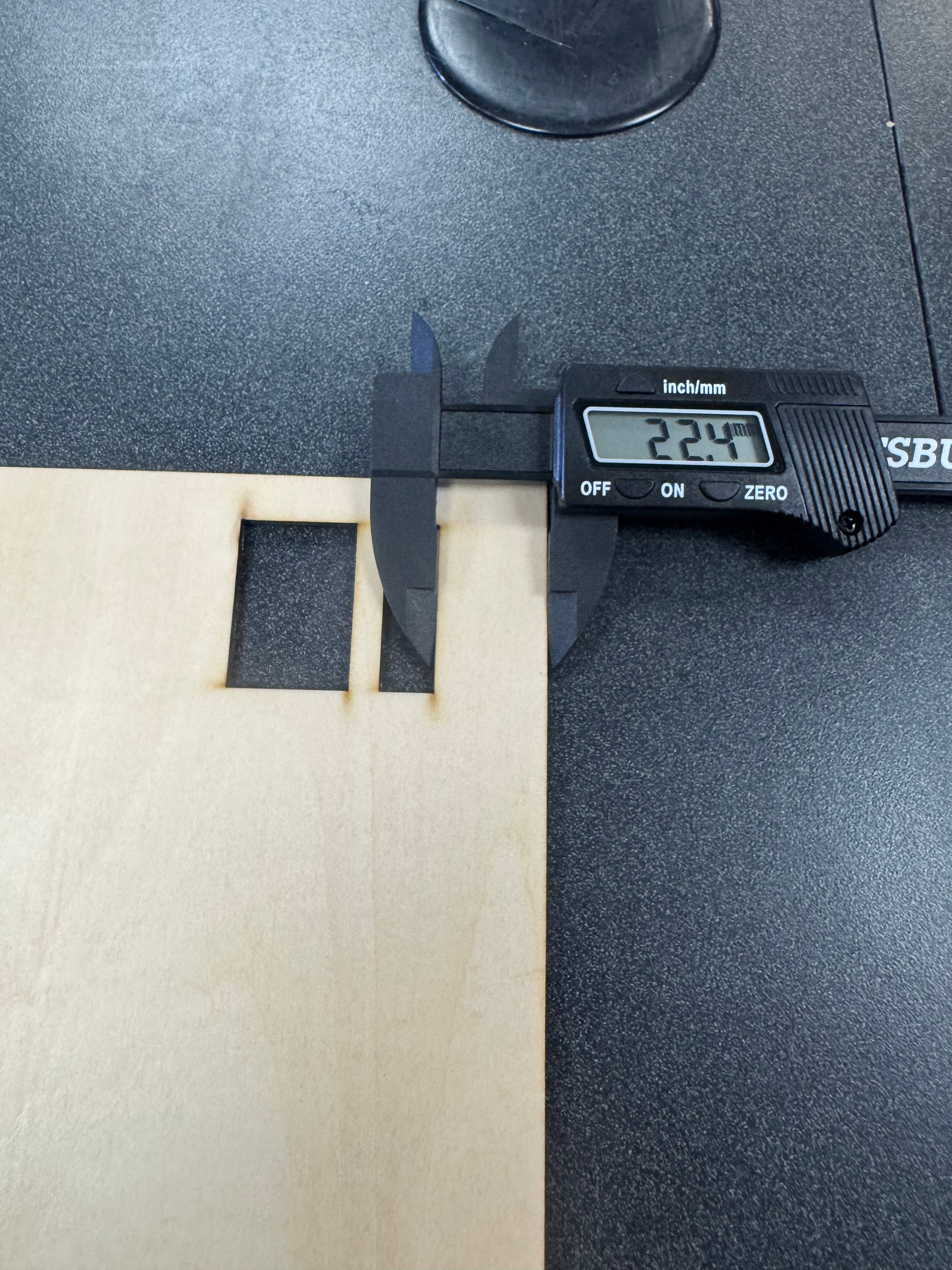
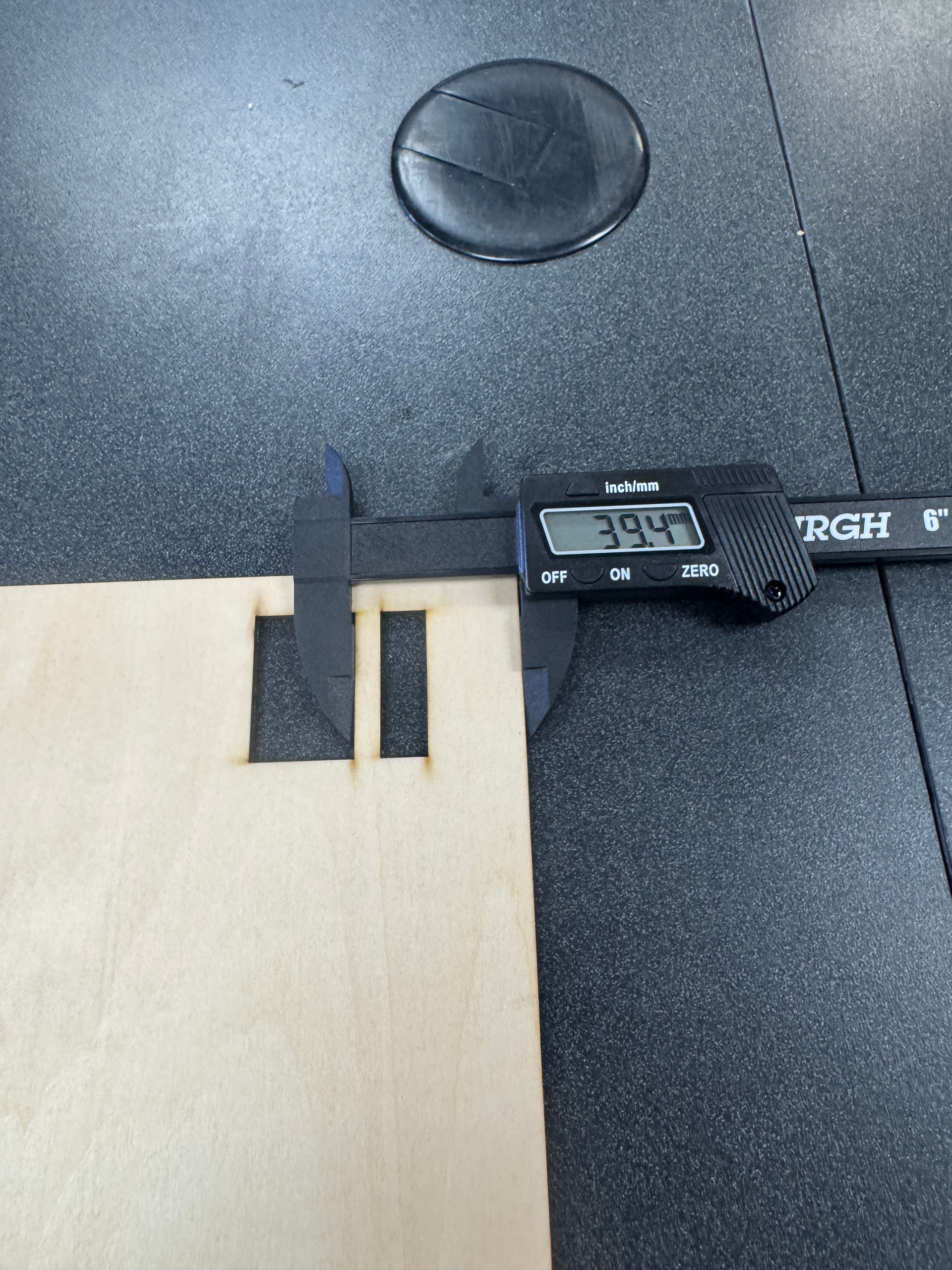
Edit: Machine is WeCreat Vision

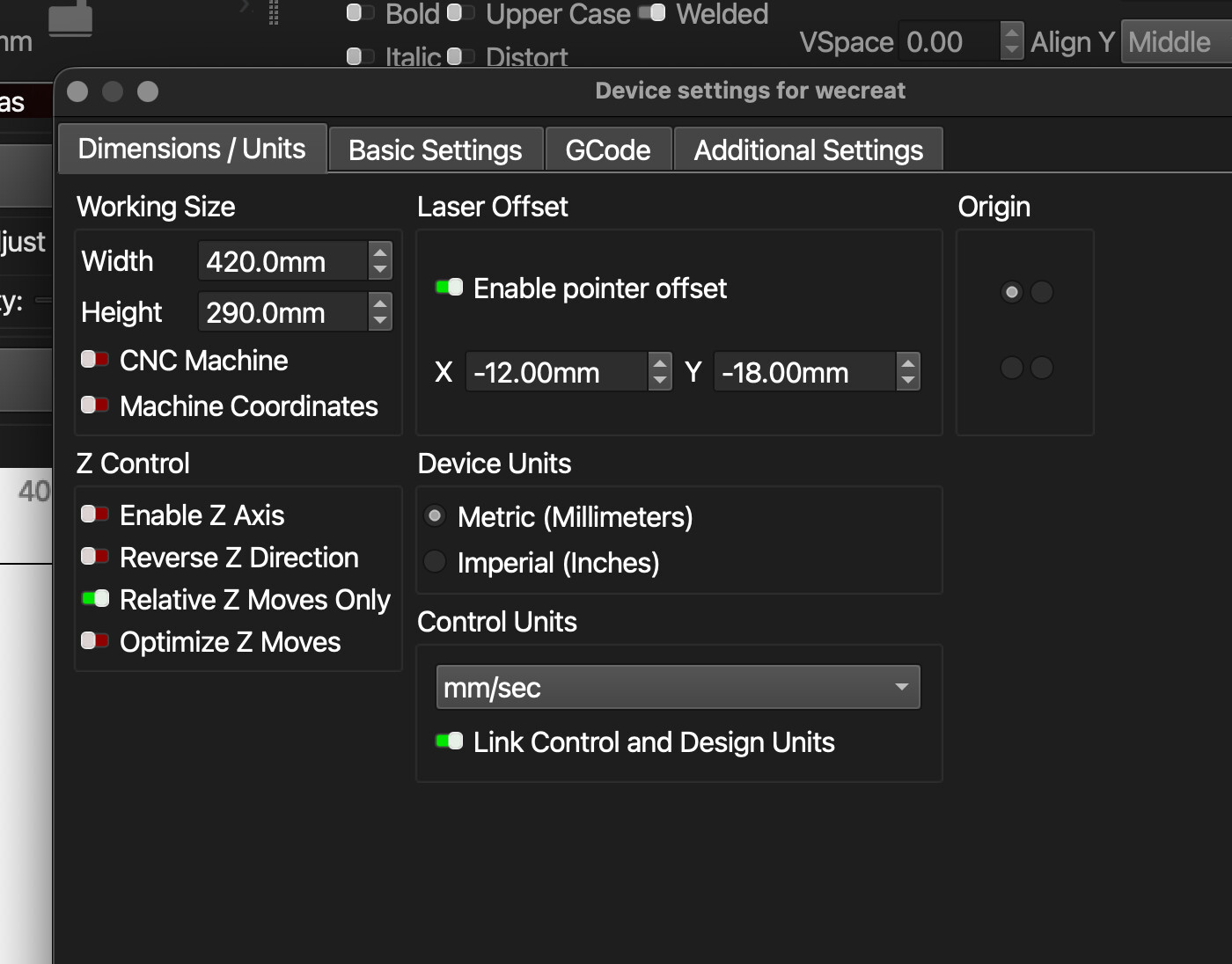
While you are in the process of working out the spacing and controls, I highly suggest you use cardboard scrap (Amazon box) instead of expensive wood. Cardboard cuts clean at low power.
Also use the FRAME command to check the layout on against the material.
yes i downloaded and imported the setting directly from WeCreat, and i do have the laser offset enabled been tweeking the values back and forth
thank you for the advice, what power settings do you use for cardboard?
The 10 watt diode will mark cardboard at 15-20% power and 3000 mm/m.
Just as additional remark: be aware that the zero position of the material usually does not correspond to any marking on the laser bed / honeycomb / axes. So do the homing cycle and check at which position the laser is sitting, this will be the origin for your material. So maybe you just misplaced it?
It might not be the case here, but many users struggle with rulers printed on the machines that have nothing to do with actual positioning.
Good point, @Misken. I have spent a lot of time finding my machine’s 0,0 and it is a good idea to re-check that point. I have a metal cutting floor installed with multiple reference points marked on the wood waste board beneath it. Having a physical index point for jigs is also a pro-class move. It saves a lot of time and swearing when setting a job for production.
A good starting point for those with a wooden waste board, is to make a line cut all the way around the workable area - it is as easy as making a rectangle in LINE mode, make it as large as the workspace on Lightburn and you have a visual guide for your laser-able area. I like to mark the middle of the work area too as a reference.
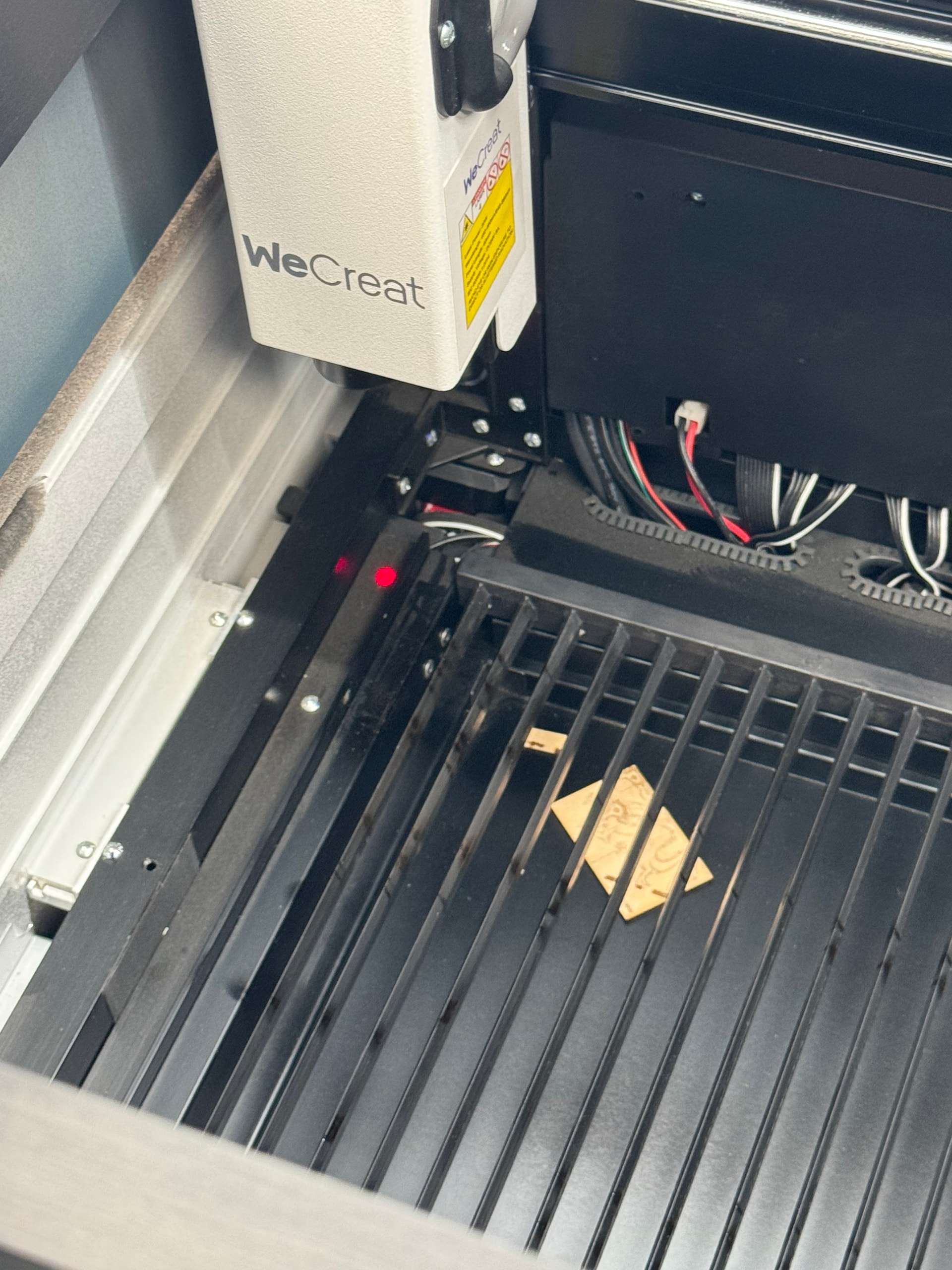
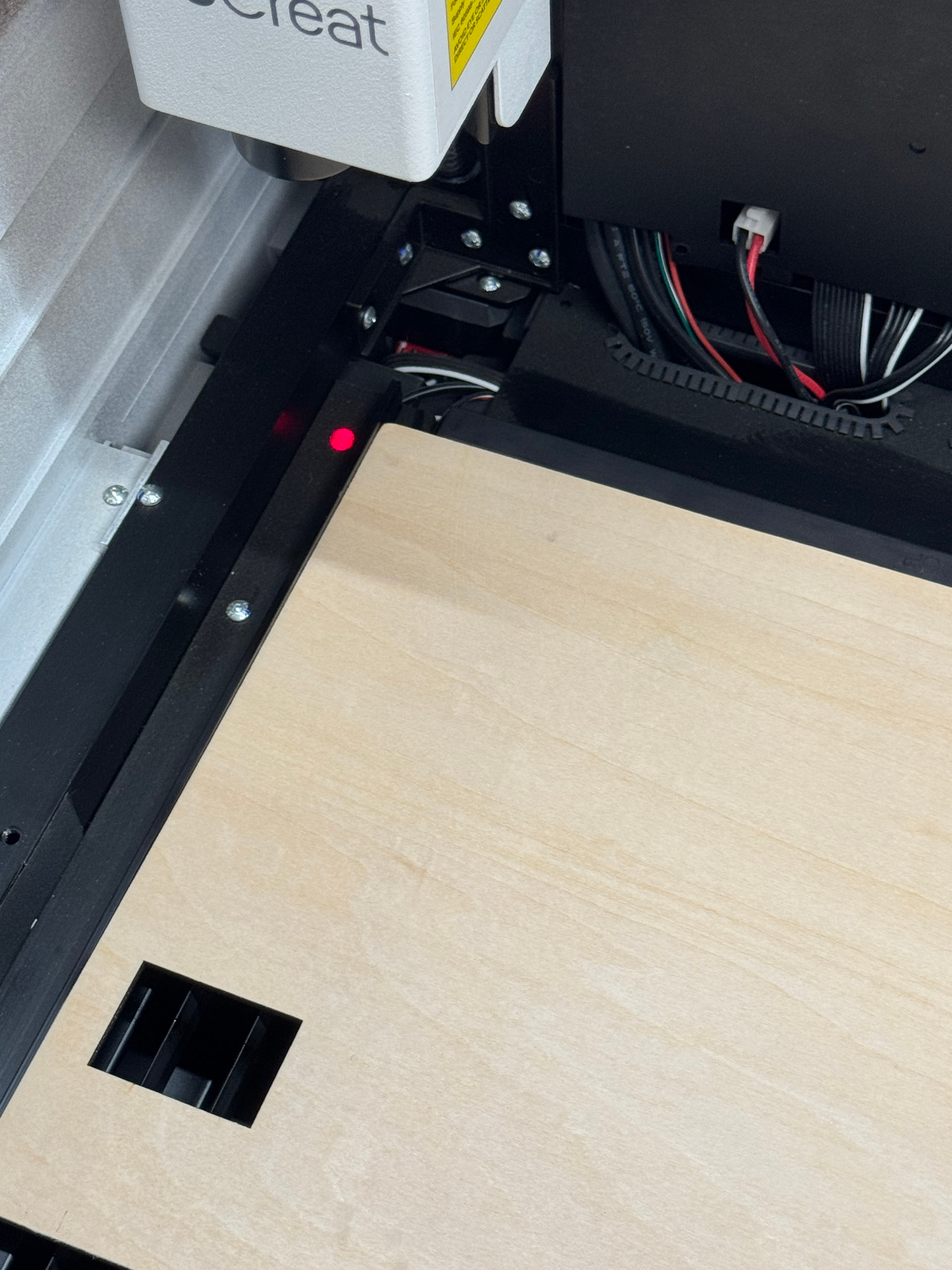
@Misken I’ve looked for any kind of reference point on the bed but i don’t see any apparent ones so i butt the material into the rear left corner where laser homes to, seems to be the logical position I’m supposed to put it at but maybe I’m wrong and missing something.
When a machine homes, that is the 0,0 location (usually). No matter what It is the Origin to the contreoller. We all know this.
About those rulers…
My honeycomb has slightly higher frame rales. When I put a board in it, I make sure Home is exactly in the corner. Add taller guide rails if needed.
In Lightburn, I use Absolute Coords. So in my case, the front left corner of the [1] Laser, [2] honeycomb, and [3] board are all the same.
Now when I design, I make a Tool outline of my material, typically 12" square. That [4] box gets bottom-left corner aligned in the Lightburn grid. If you look straight down into the laser table. all of these parts share a common point.
Put your design in that box. Everything aligns without throwing alarm or error messages.
The only two moving parts are your material and your Lightburn design.
If you want to know how I deal with odd shape materials or using material scraps, ask.
I make jigs for most everything, and index off the metal cut floor. Getting the metal floor set to match the machine 0,0 was tedious but manageable. I try not to disturb the Zen 