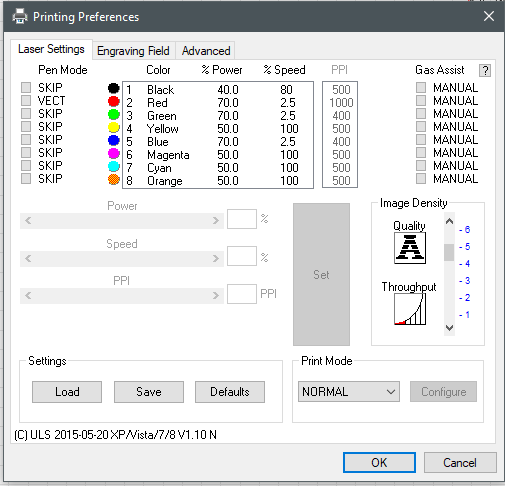
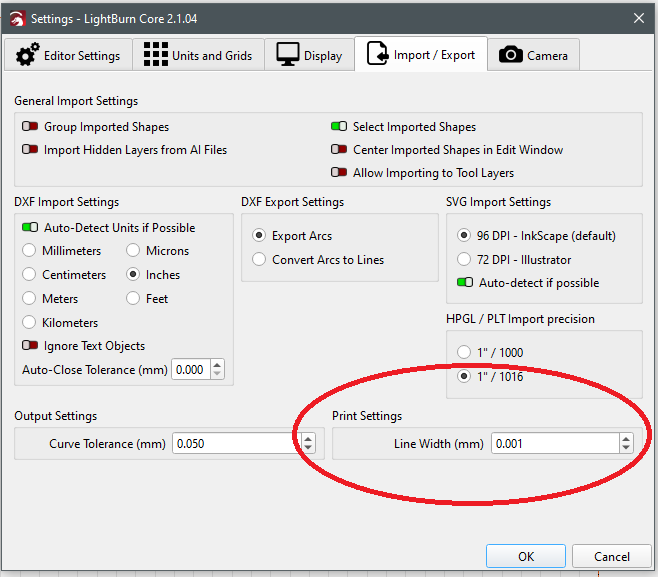
In the Setting dialog box selecting the Import/Export tab under Print Settings I tried setting the line width to 0.001" or 0.0254mm so my CO2 laser will recognize a vector line then I can use the Print Keep Colors to my C02 laser print driver but its not working as expected, I was hoping to get the same functionality like Inkscape and CorelDraw they also have what’s called a hairline that works..
Could this be adjusted to accommodate for 0.001" or 0.0254mm?
I’ve had a co2 for over about 7 years now. If I can reach a spot size of 0.10mm I’m doing pretty good. Most of the time, I use a 2" lens and it’s closer to 0.20mm.
You generally should start at or near your spot size for interval.
In your case, if it’s 0.20mm, that’s likely the best you can do. If you have an interval of 0.20mm, then with an interval set to 0.0254mm, than 0.10/0.0254 = 7.8 passes over the same area… is that what you want?
It’s always nice to tell us more about what you’re doing and a photo or more of what results you are getting. You may be smart to post the cut/layer settings for all of your layers. You could just post the .lbrn2 file for us to carouse.
I have only one lens, out of four, with a spot size of <0.020mm or 20 microns and they’re all for my fiber.
LightBurn “knows” only 2 types of lines. All construction lines are displayed in the same thickness and the layer-dependent/representative color. T1 and T2 are different from that in that they are “auxiliary lines” that are not processed by the laser.
Have you seen that there are options for importing settings for svg from some other programs?
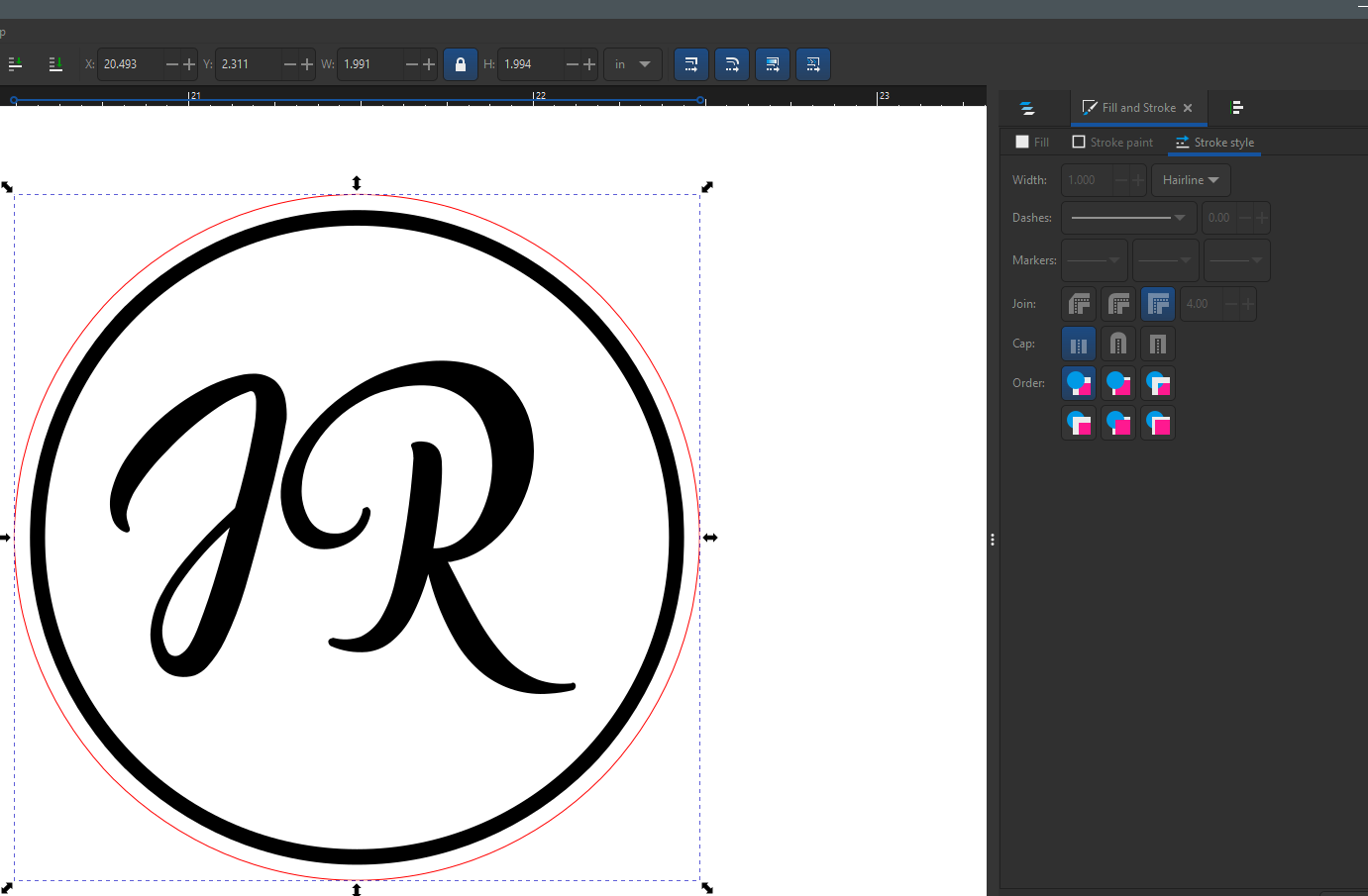
I recently inherited a Universal V-460 50w C02 Laser it uses a print driver to control the laser settings I set my colors in Lightburn select print keep colors then choose my printer and operation Raster, Vector or skip that color, if I am just doing a Raster Lightburn works perfectly but not if I want to vector. When I need to vector I export the file out in SVG to Inkscape and set the red stroke style to Hairline and it cuts as expected.
My google search brought me to this forum and this post,
Long read but a lot of useful information.
Did some testing today,
CorelDraw:
Line width 0.001" works
Hairline works
Inscape:
Stroke style 0.001" does not work (odd this didn’t work)
Stroke style 0.025mm, 0.024mm does not work
Stroke style Hairline works, (tried many small sizes this was the only setting that worked)