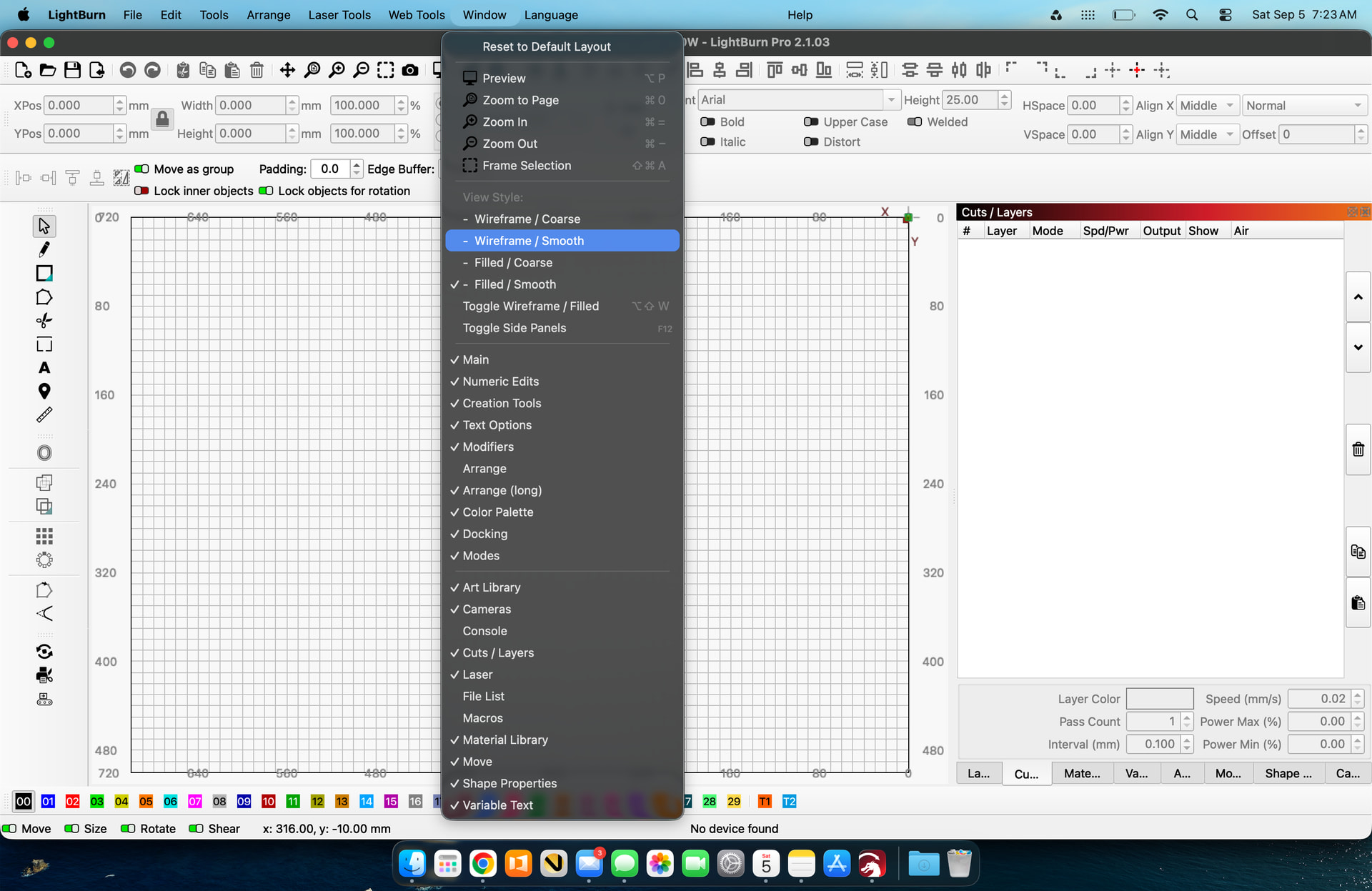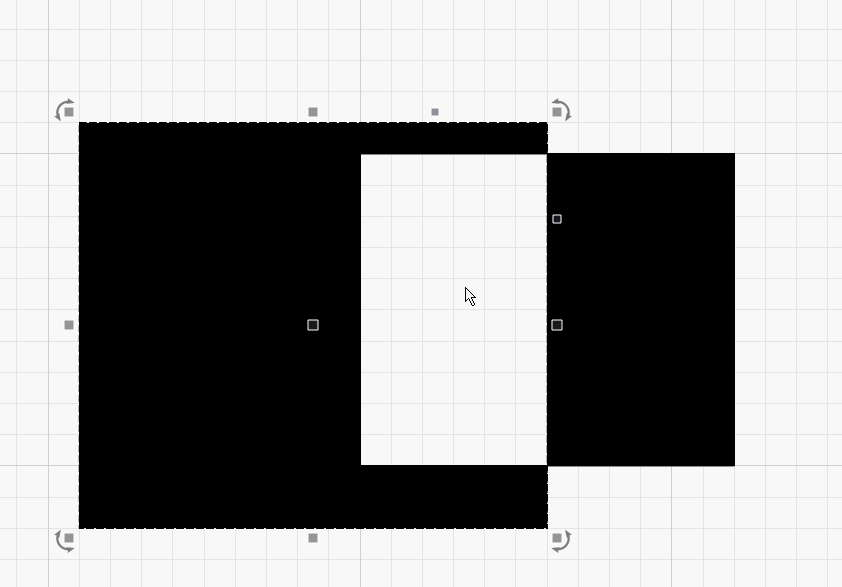
i cannot select the right square from where my cursor is, it allways selects the left one which i have placed first.
regardless of how many times i press the arrange - move to back / front or press page up or down button, changing the draw order doesnt do anything either
this is just a example, i have other work where a object is fully overlapped by another one and i just cannot select it at all without moving the top object first
clicking a object again on the same spot should select the object below, then the one below that and so on.