Just started today, been running the same settings for 1.5 yrs & then out of the blue…Im unable to frame with the laser head moving just a few mm.I have deleted all the files from the controller. I also have tried framing on two other files with the same issue.
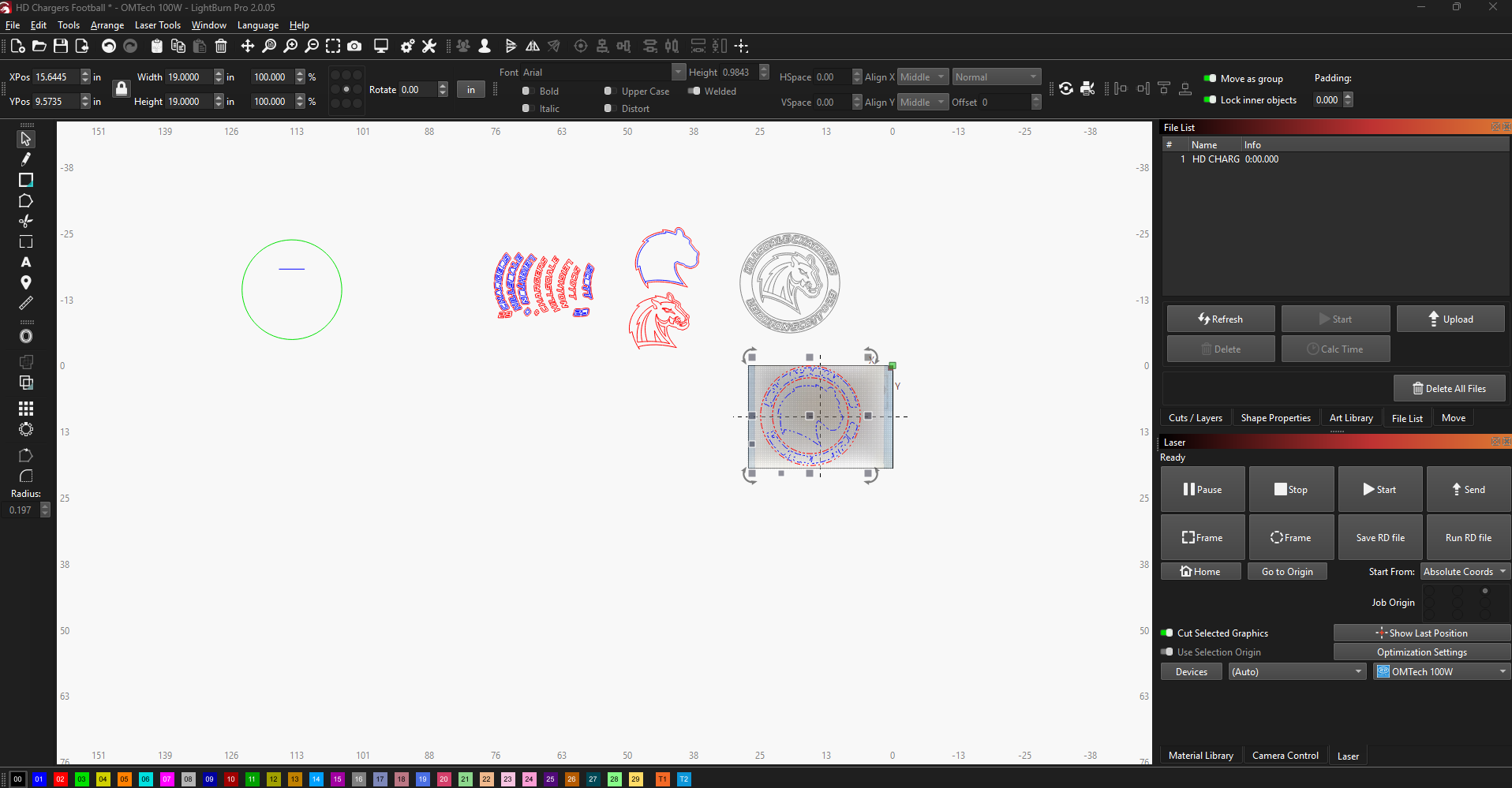
The file list suggests the file resides in the controller, so what happens if you select it from the machine display and hit the Frame button there?
The list also shows a zero time estimate, which suggests the controller thinks it has nothing to do.
Do all the layers in the selection have their Output switch set On?
Upload the lbrn2 file so the hive mind can ponder the settings.
HD Chargers Football.lbrn2 (376.3 KB)
It frames correctly here and (with the HV power turned off) the machine goes through the proper motions, so the file seems to have no problems.
The movie shows LightBurn Send-ing the design to the machine to create a named file on the controller. However, you must select that file in the controller’s filesystem by hitting the File button on the controller, scrolling to the filename in the list (if there’s more than one), then hitting Enter on the controller. The machine LCD will then preview the pattern, the Frame button will frame it, and the Start button will run it.
The LightBurn Start function creates a file on the controller named TEMPFILE and immediately runs it. The TEMPFILE does not appear in the file list and my KT332N controller does not preview it in the LCD, but the Frame button does frame it. Your 6442 controller may behave differently.
The 6442 manual goes over some of that, but it’s always a challenge relating the manual to the hardware: