I have a file that has 3 Christmas trees in it and the middle one is inverted and nested between the outer 2. Now these trees have various slots and engravings on them and the 3 together are to big. So I have to move one of the outside trees but I cannot click one without taking part of another. Three hours is long enough, so I ask for help. I know, it’s probably simple. Thanks in advance, pulling my hair out/
Without being able to see your file, we can only guess, send the file.
Ungroup first and take a look at the following docs:
maybe this one will help you get there:
candlestick tree nativity 0.125in.dxf (841.0 KB)
I selected the shapes and set to another layer just to check if everything is selected.
tree nativiti.lbrn2 (806.4 KB)
with shapes separated:
tree nativiti_.lbrn2 (787.9 KB)
Remember following the docs I posted above you can click and drag to the right to select enclosed shapes. With the add from the modifiers keys this helps you achieve what you intended.
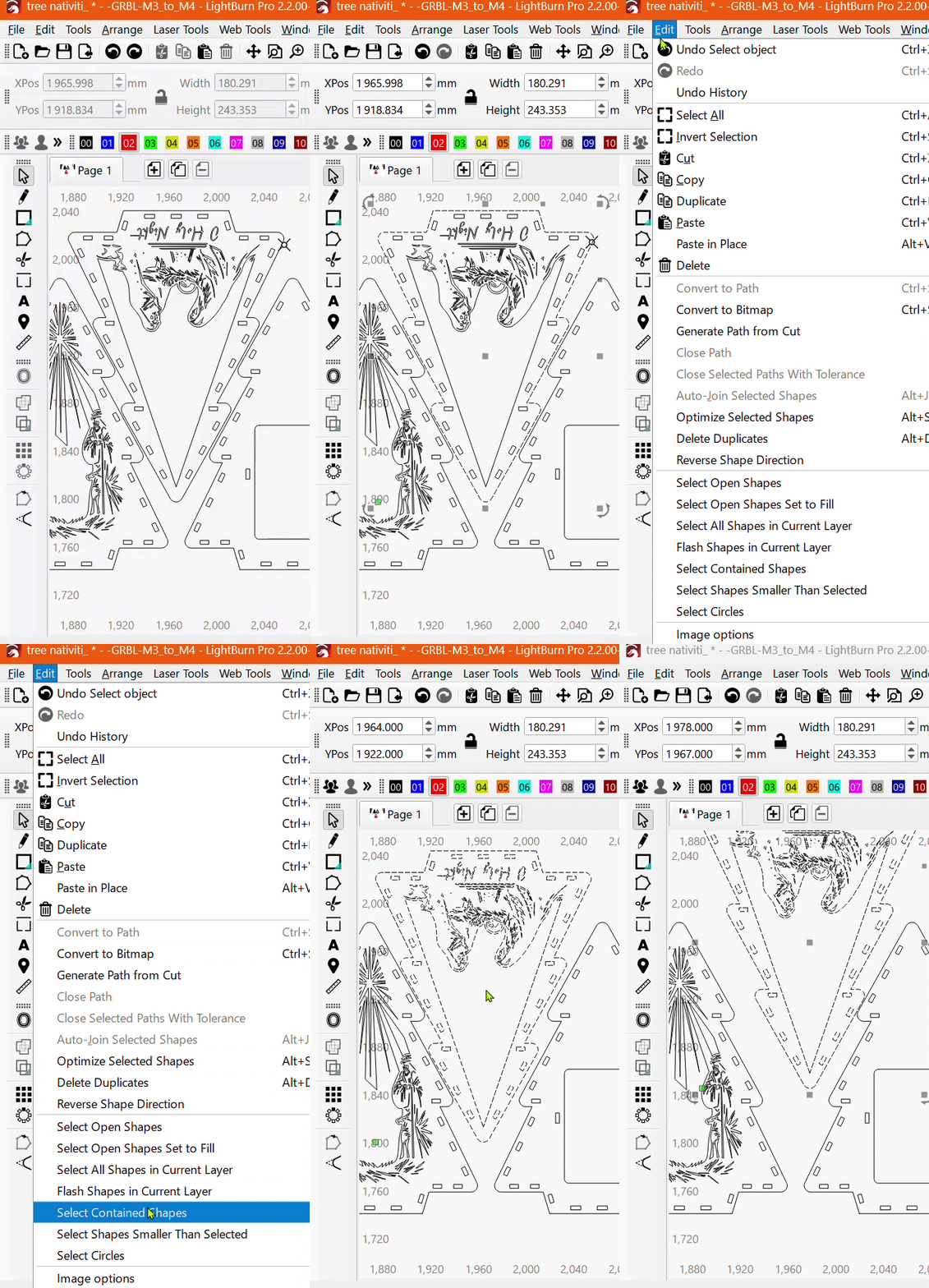
And if you select the outside tree and Contained Shapes it´s only 2 steps.
Thank everyone for your input and help to resolve my delima. Now all that is left to do is remember it, which is getting to be a big problem.
Dennis
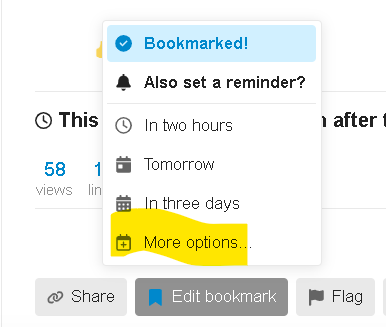
In any topic you can click the highlighted button;

Then click More Options;
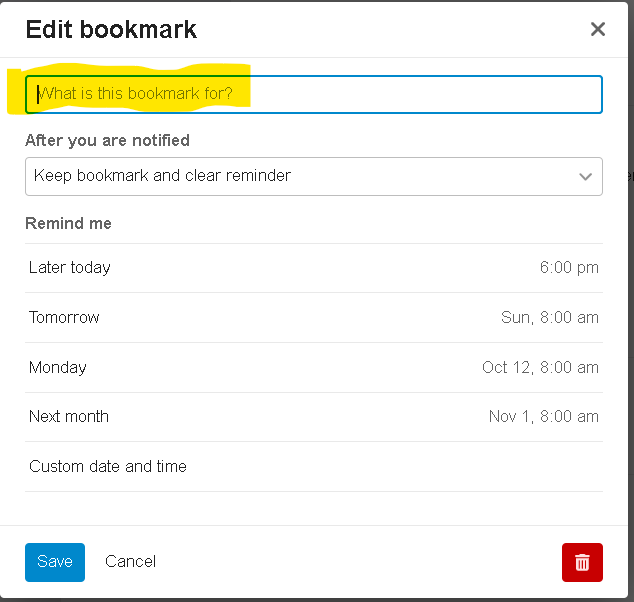
And add a description that is easy for you to remember;
.
You can also Bookmark a post:
Click the 3 points
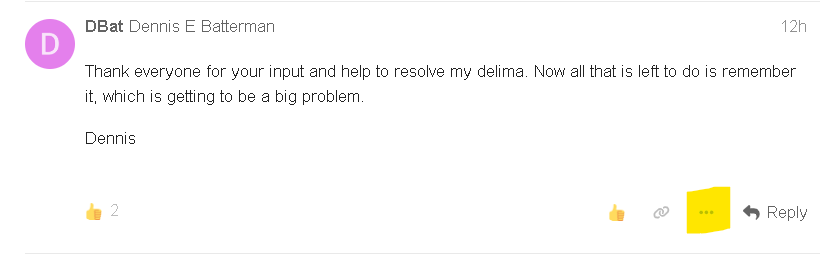
then the Bookmark Icon:
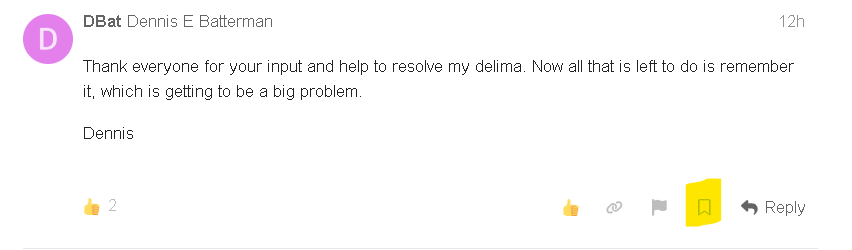
You can hoover over the icons to see the Tips.
.
.
Then goto your Account click Profile > Activity


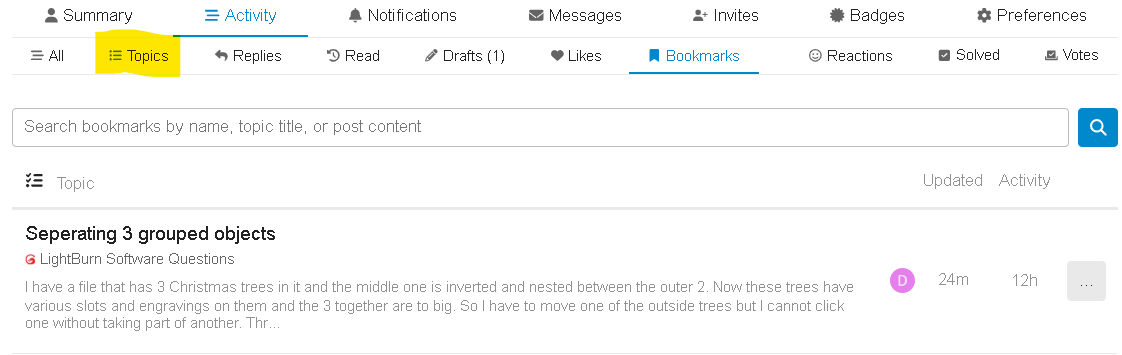
Click Bookmarks:
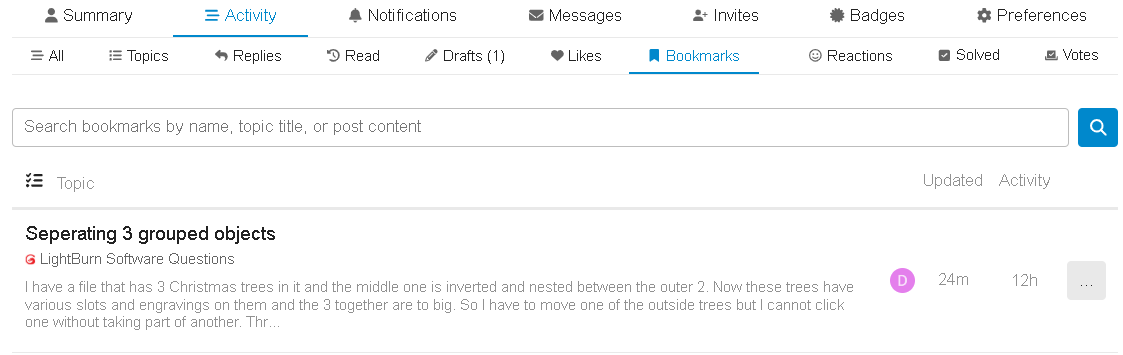
You can even search your Bookmarks.
.
.
If you want to see the Topics you created click the Topics option: