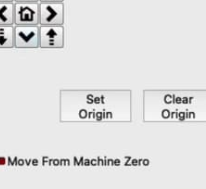
Hi, Where can I find the “Set origin” button? 
Thanks, Lukas
This should help
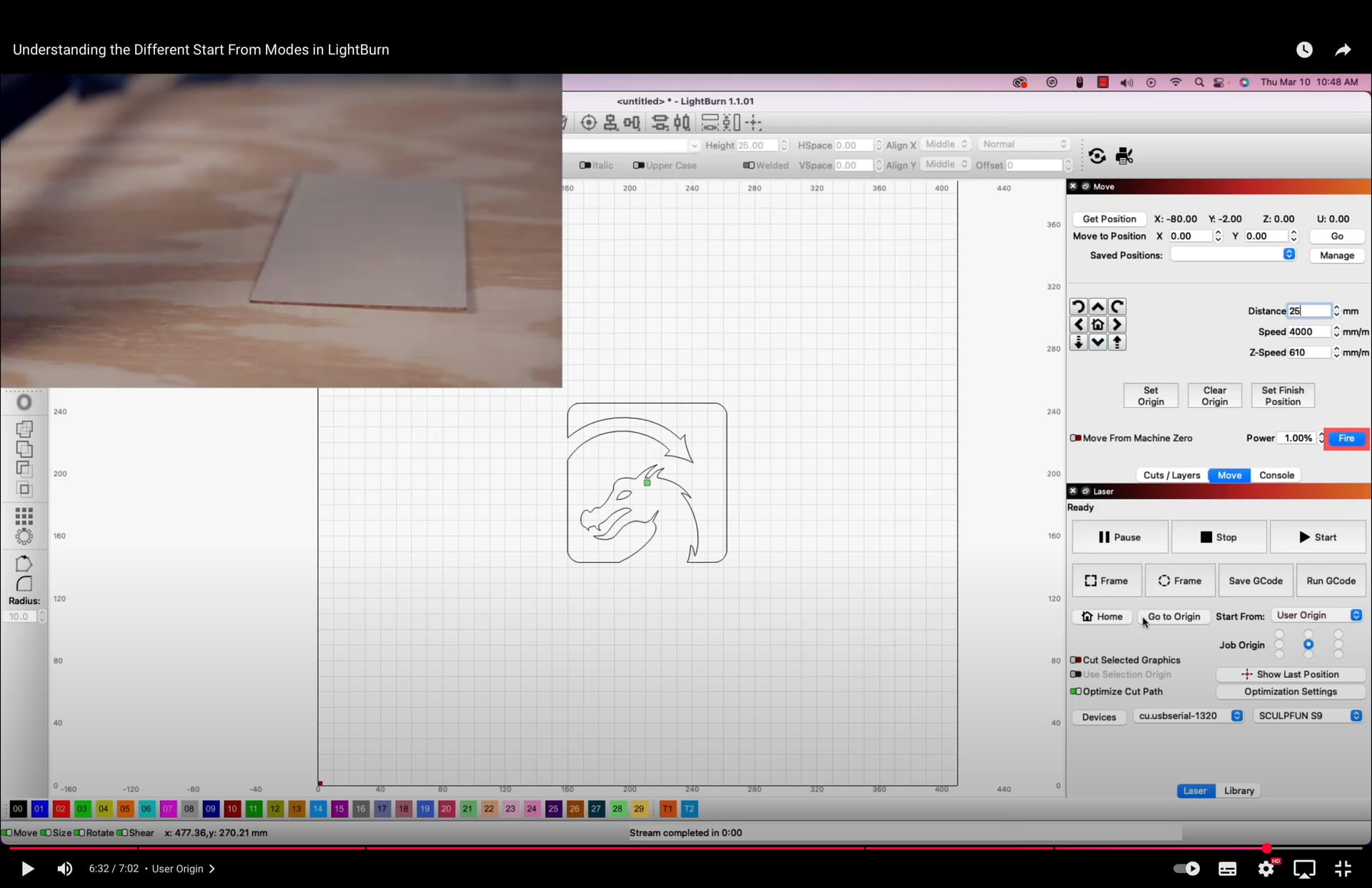
Its Job Origin. Right above Show Last Position
I just don’t get it. Such a simple function of one button and I’m gone.
I don’t know what to do
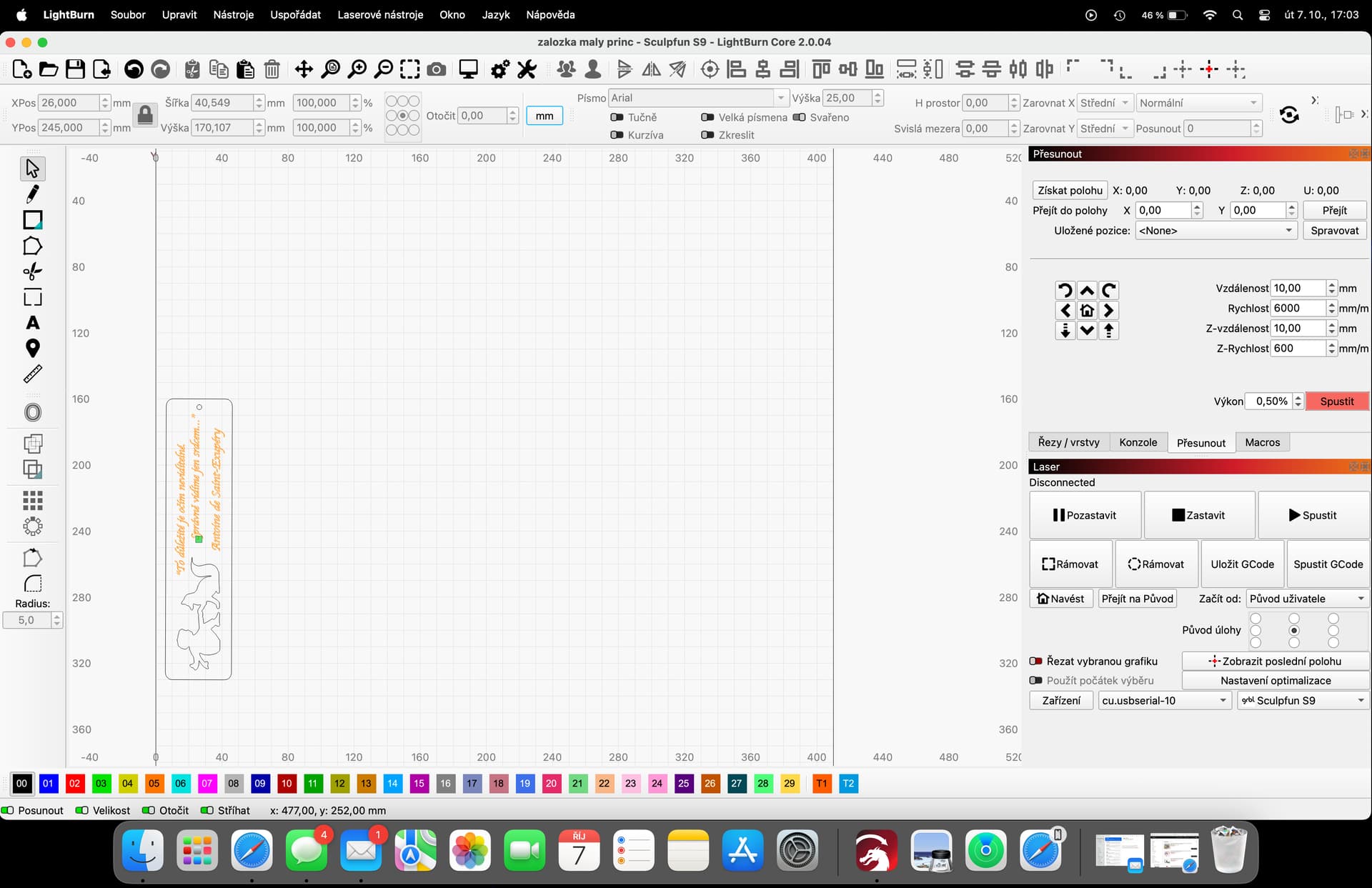
I don’t have it there. Look at the picture. One is a tutorial where the button is. The other is my SW where it’s missing 
Although both screen shots show the device name as Sculpfun S9, perhaps the underlying device type is different.
A screenshot of the Devices window will help verify the type: click the Devices button in the Laser window.
yes, both are Sculpfun S9. Now after restarting the computer everything is fine. The button is in place
Thanks
Those buttons are hidden when you’re using Beginner Mode. Did you disable Beginner Mode before taking the above screenshot, and restarting?
Changing out of Beginner Mode requires restarting LightBurn. Restarting your computer isn’t required, but would have had the added effect of restarting LightBurn. So that could explain why the buttons appeared afterward.
My mistake. I didn’t see that. Those buttons are really missing in beginner mode. Unfortunately, the last update reset everything to the default settings. Thanks for the help.
This topic was automatically closed 30 days after the last reply. New replies are no longer allowed.