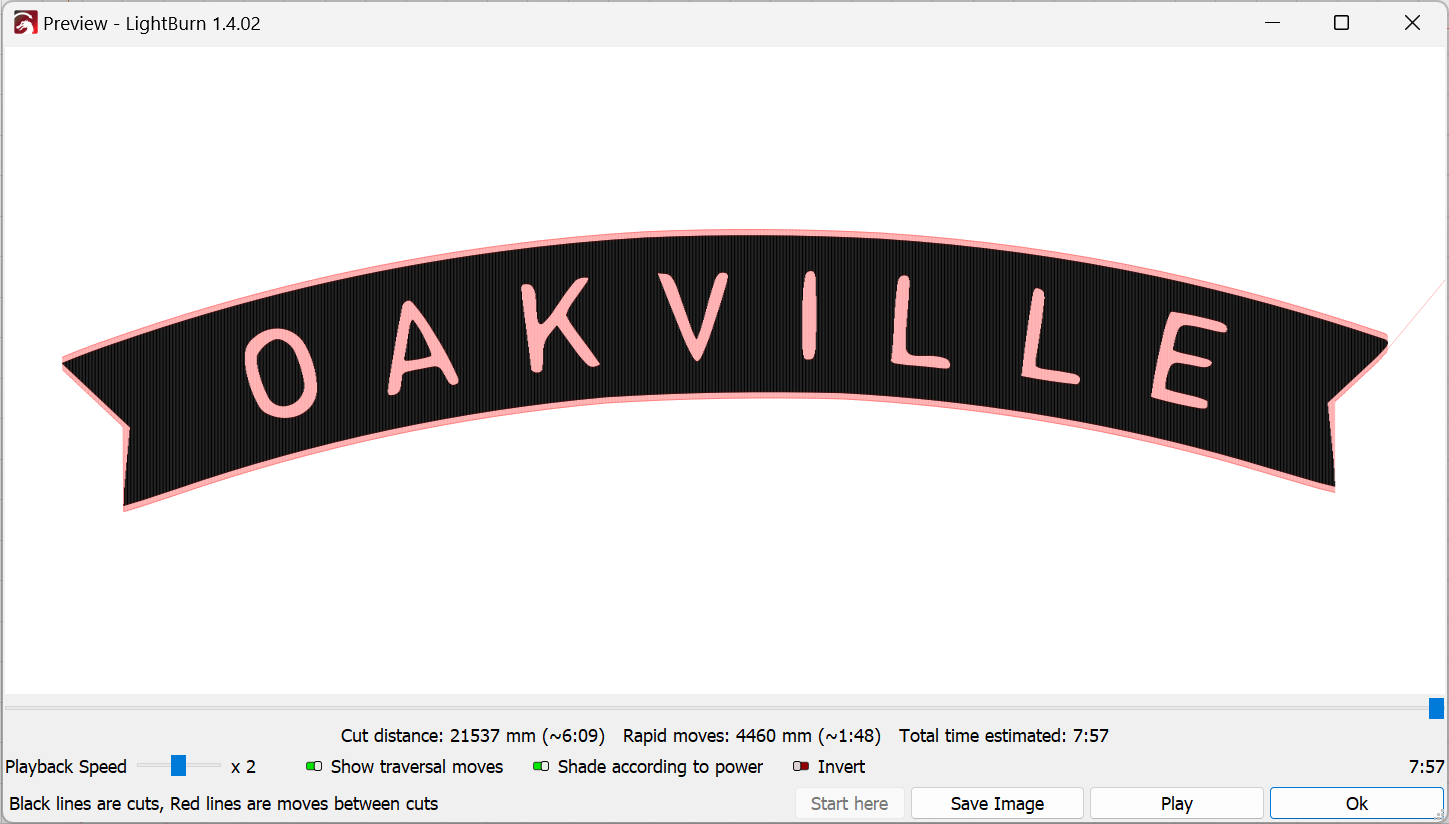
I’m rethinking if I understand what it is that you think is wrong.
Question, have you deliberately set the power scale on the individual shapes of the design?
If not, select all the shapes in the design and set the power scale in Shape Properties to 100. You may need to ungroup the shapes to do this fully.