Since installing the latest update may laser isn’t cutting and the speed is the same no matter the settings. I am using the Toocaa L2 which has been great up until the update.
Thanks Mike. Tried what you suggested and it still doesn’t work. Only setting I can get to cut 1.5 mm plywood 20 speed and 80% power.
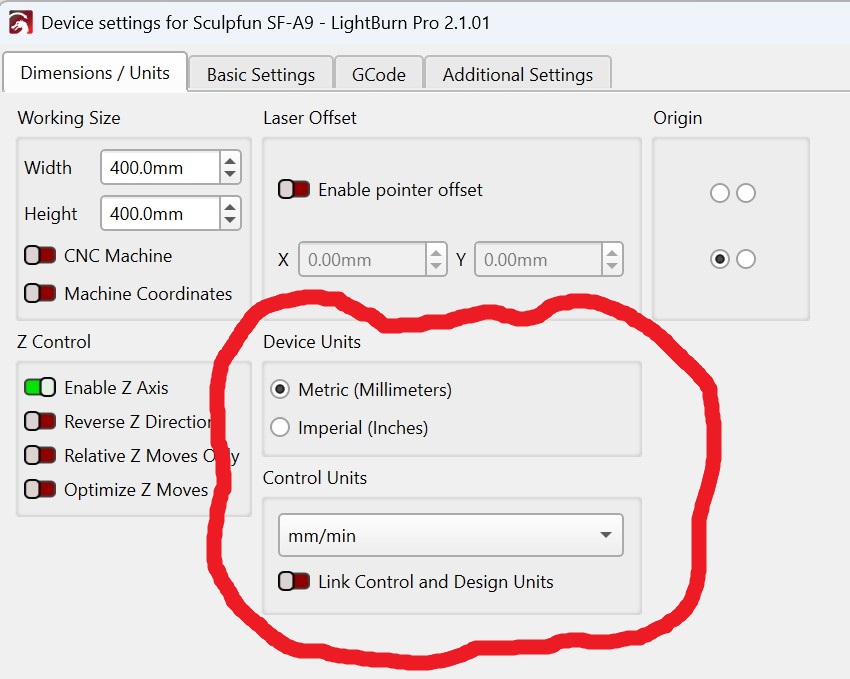
Don’t say 20 Speed. That tells us nothing. There are 4 distinctly different speed settings; mm/min, mm/sec, in/min, & in/sec. Which speed setting are you using? A diode laser typically is set to mm/min. Post a screenshot of your entire Lightburn window with the project loaded with the laser and cuts/layers windows visible.
For example, 20 in/sec is 30480 mm/m, or blazing fast (Warp 8) for a diode laser.
We also need to know the laser output power so we know 80% of what.
This is a great clue.
Because the device is moving, and because adjusting the speed settings doesn’t change the speed, there is only one condition where this happens.
The speed requested exceeds the speed limits of the device.
It’s probably the units of speed that got mixed up from the update.
20 mm per minute is 1/3 mm per second (0.00075 MPH)
20 mm per second is 1200 mm per minute (0.045 MPH)
20 inches per second is 1200 inches per minute. (1.14 MPH)
20 inches per second is 30,480 mm per minute
The internal settings are most often stated in mm per minute in the controller settings.
When GCode controllers for diode laser engravers are commanded to exceed the maximum speed, they hold the maximum speed and laser power output is reduced by the amount of the slow down. This can cut the power output dramatically.
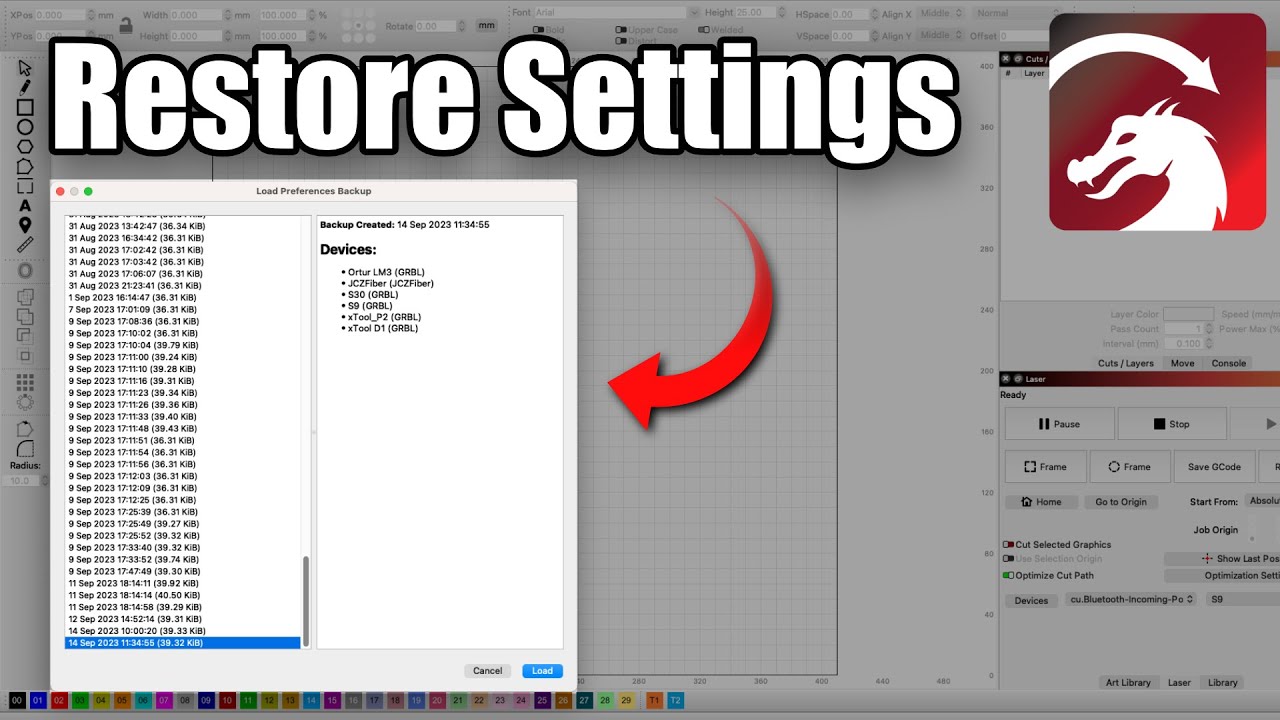
Restoring the user preferences (lbprefs file) will probably resolve this: