Would I be wrong in saying that 290mm/min is maybe a touch too fast! It’s been months since I cut ply and maybe it’s me and my preferences but I always found 210mm/min, 85-90% power, 6-8 passes with 20w diode, But it’s all very dependent on the material…And I have some ply that’s been sitting in the workshop waiting to be repurposed cause it wasn’t consistent enough for lasering/cutting and it’s colour and grain look very similar to that in Joshua’s pic’s.
Also, if there’s a perceived drop in power check the lenses is clean and unmarked…most likely Josh has done that given the Wall test. Different batches of ply will engrave and cut differently.
You sure about the speed? I have not cut 4mm with my 20w setting, but I would start at 1200mm/m with your settings. My 40w cuts 3mm ply and 1/4 MDF at 2500mm/m, 90%, 6 passes.
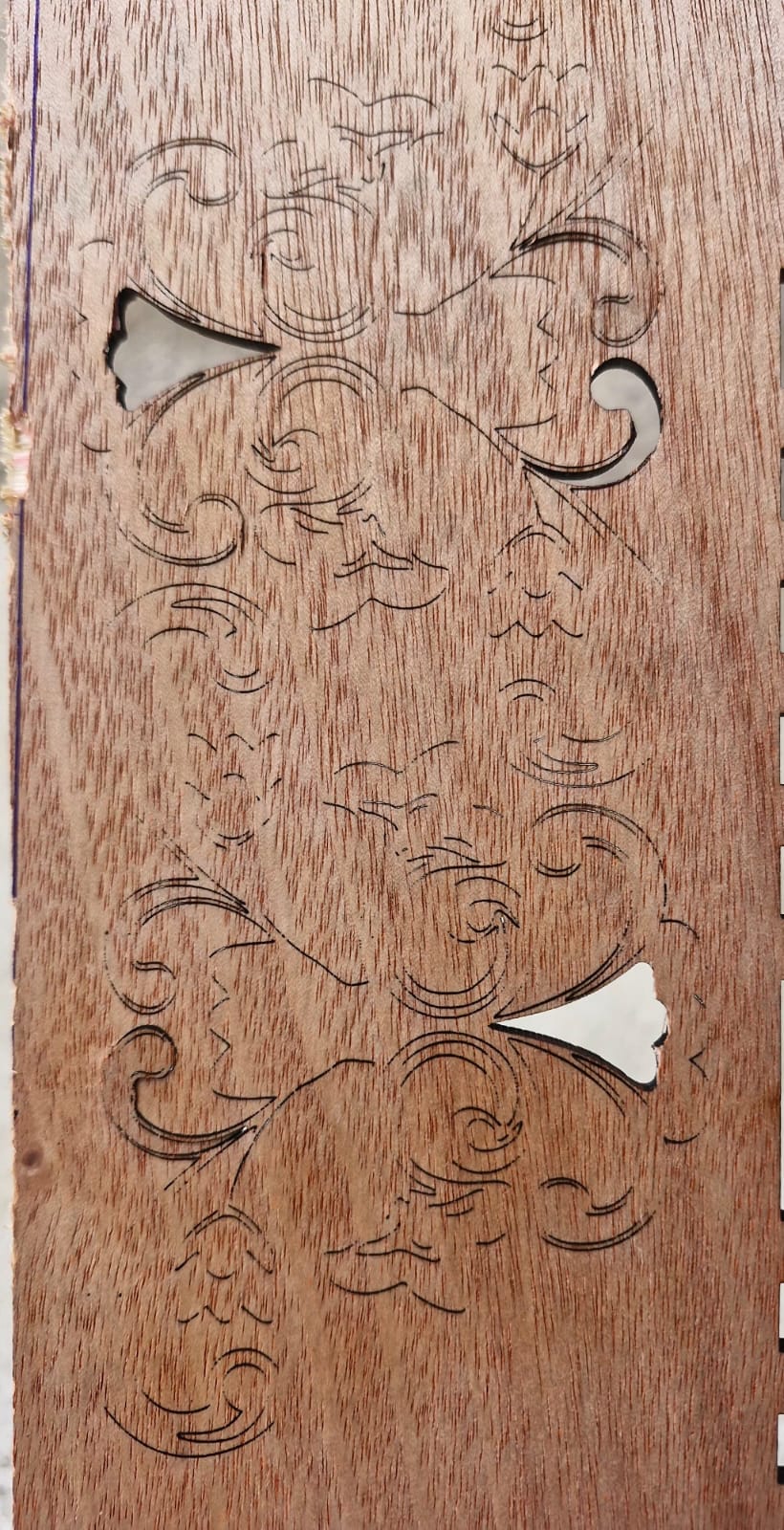
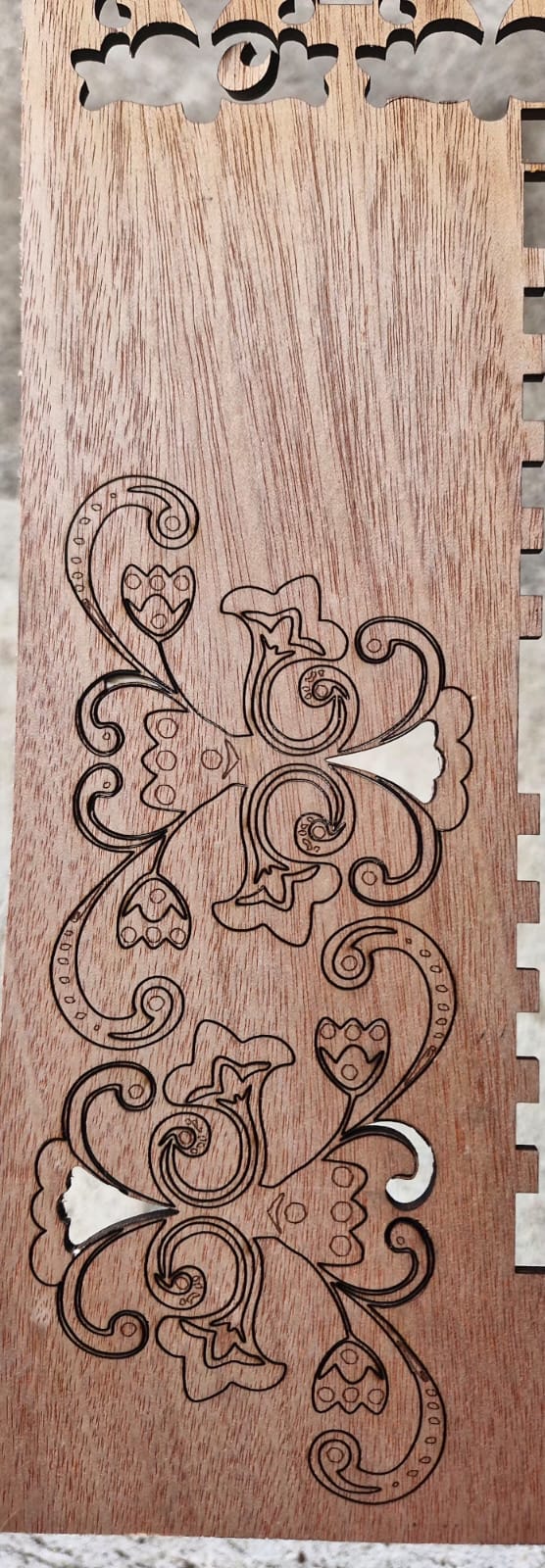
Thanks all for the replies. What I find strange is that mid-August it cut perfectly with those settings, and 2 weeks later with the same settings it leaves bridges - one axis cuts fine, the other doesn’t cut through. I even rotated the material and the issue stays on the same axis.
And those cuts were in
a single pass. I’m still
new to the laser
engraving world, so I’m
not sure if I’m
misunderstanding how
the laser is supposed
to behave.
I really appreciate you
taking the time to help me figure this out. I’ve
had the machine for less than 4 months, and when I first tested it on 4mm plywood it always cut fine at 290 mm/min and 50% power in one pass. But since I’m just starting out, I’m not sure if I’m expecting too much and if that’s actually normal for a 20W diode laser. I tried it on 3mm MDF and the result was even worse than I expected.
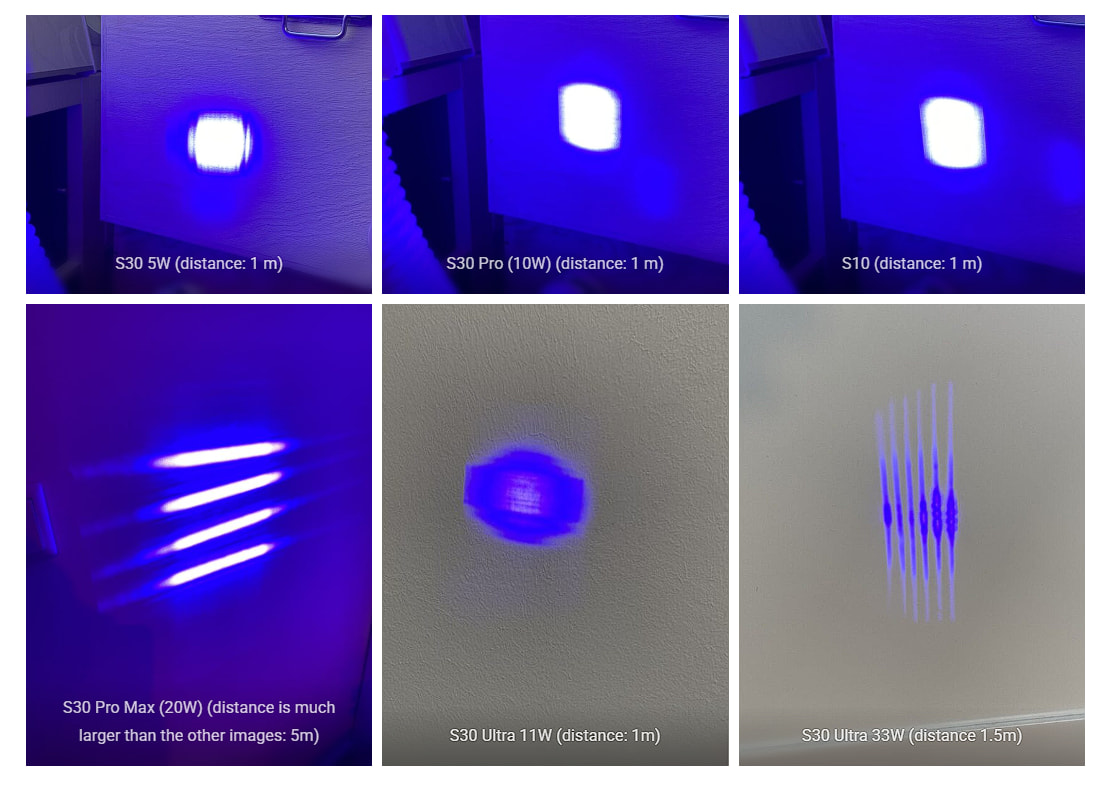
Diode lasers are not as efficient in one or the other direction because the spot is not round like a CO2.
I don’t think you answered whether these tests where on the same pieces of wood.
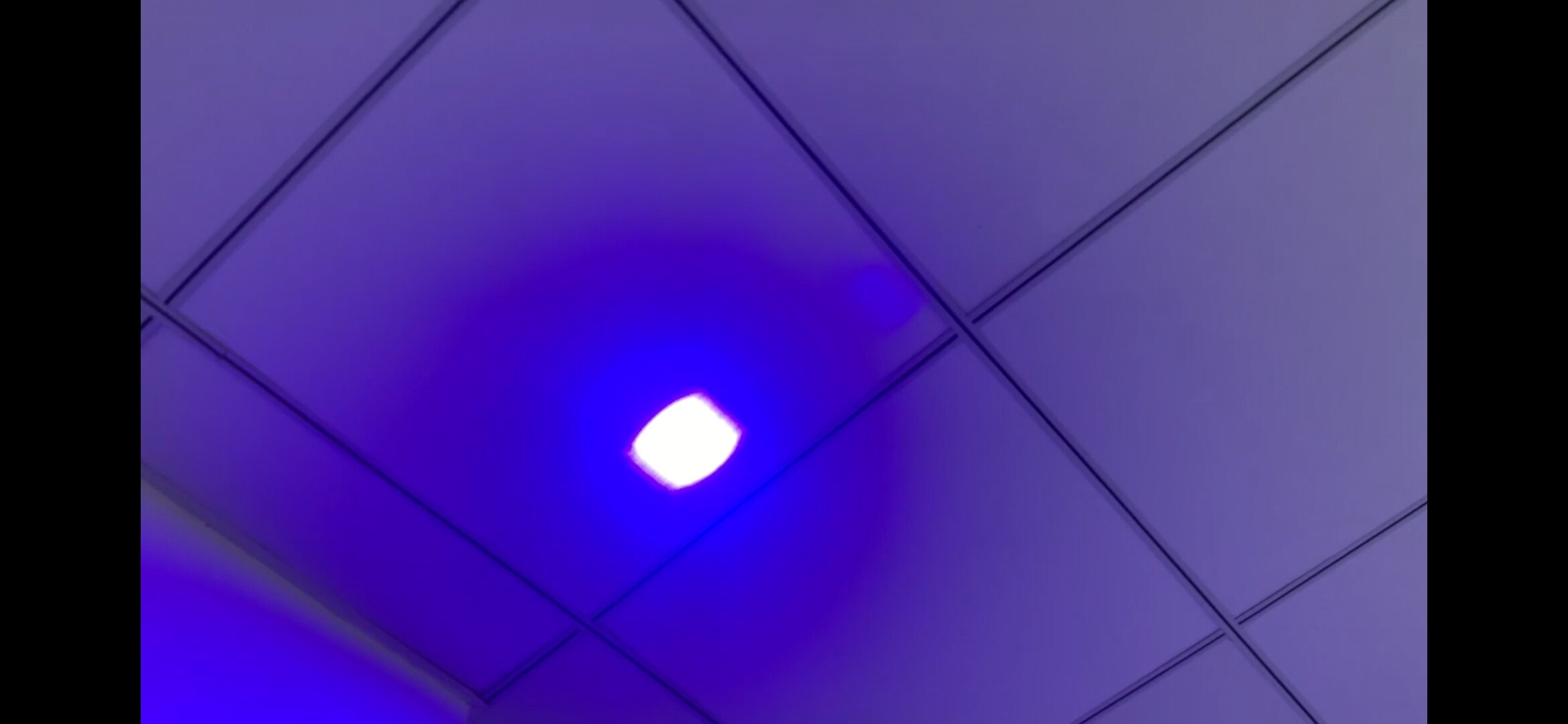
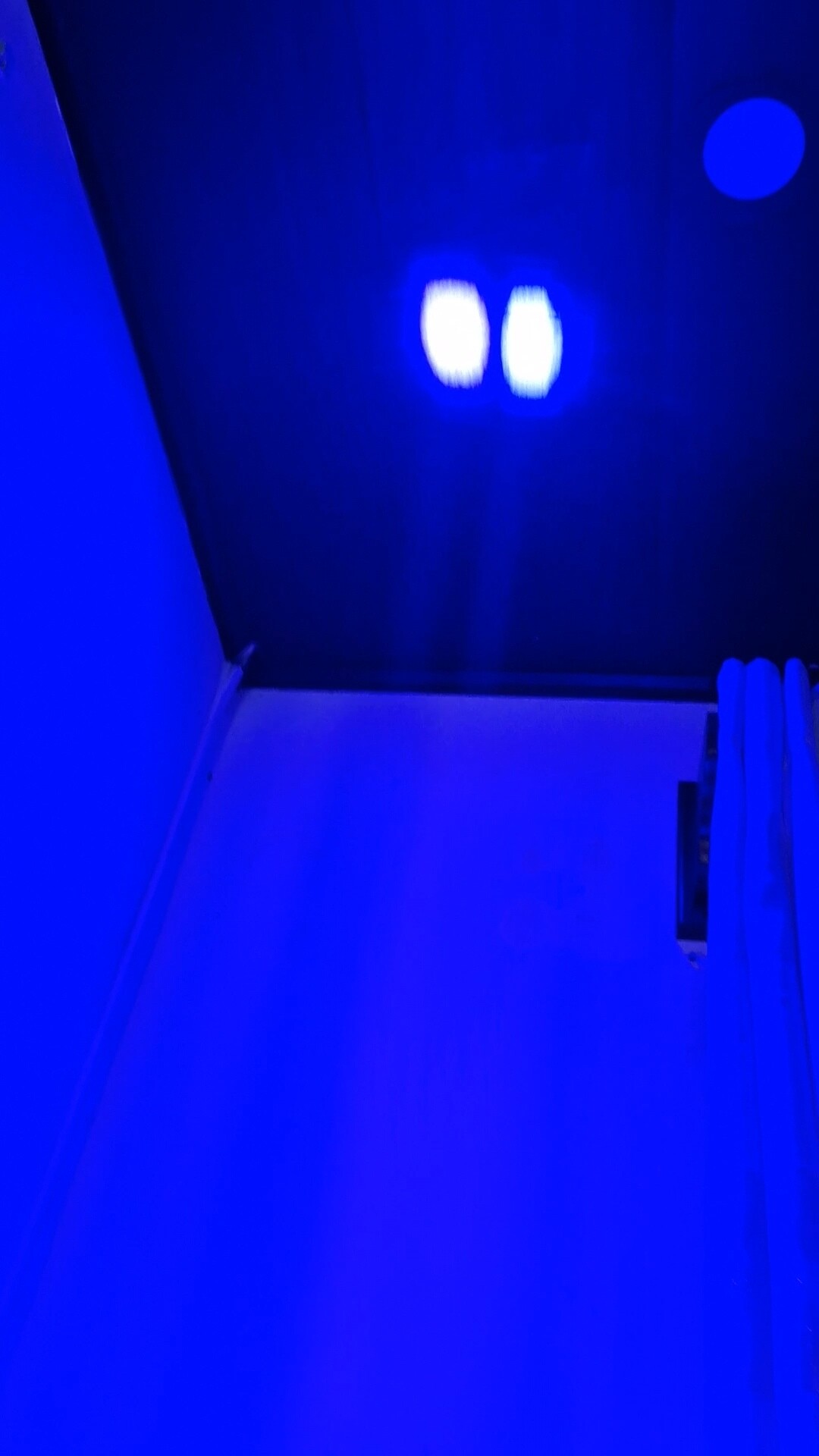
I filed a report with Sculpfun and they sent me a new module, but the tests give the same result and it projects the image with the shadow in the middle exactly the same, which is why I was asking if it’s normal for a 20W diode laser beam to look like that?
Valid question. There are 3 kinds of wood. New you just bought. New you buy later. Wood you have had on hand for a while. All from the same source. All behave differently when you use them.
Those photos clear up a lot of my doubts. It seems that visual effect of the laser is normal since it has four 5W lasers. As for the material, it’s the same, from the same sheet — there’s no new or different wood from one to the other.
If you can mark a circle and a square and they look normal, then the mechanical operation is OK. If you can cut through on some areas of the wood but not others…It’s the material.
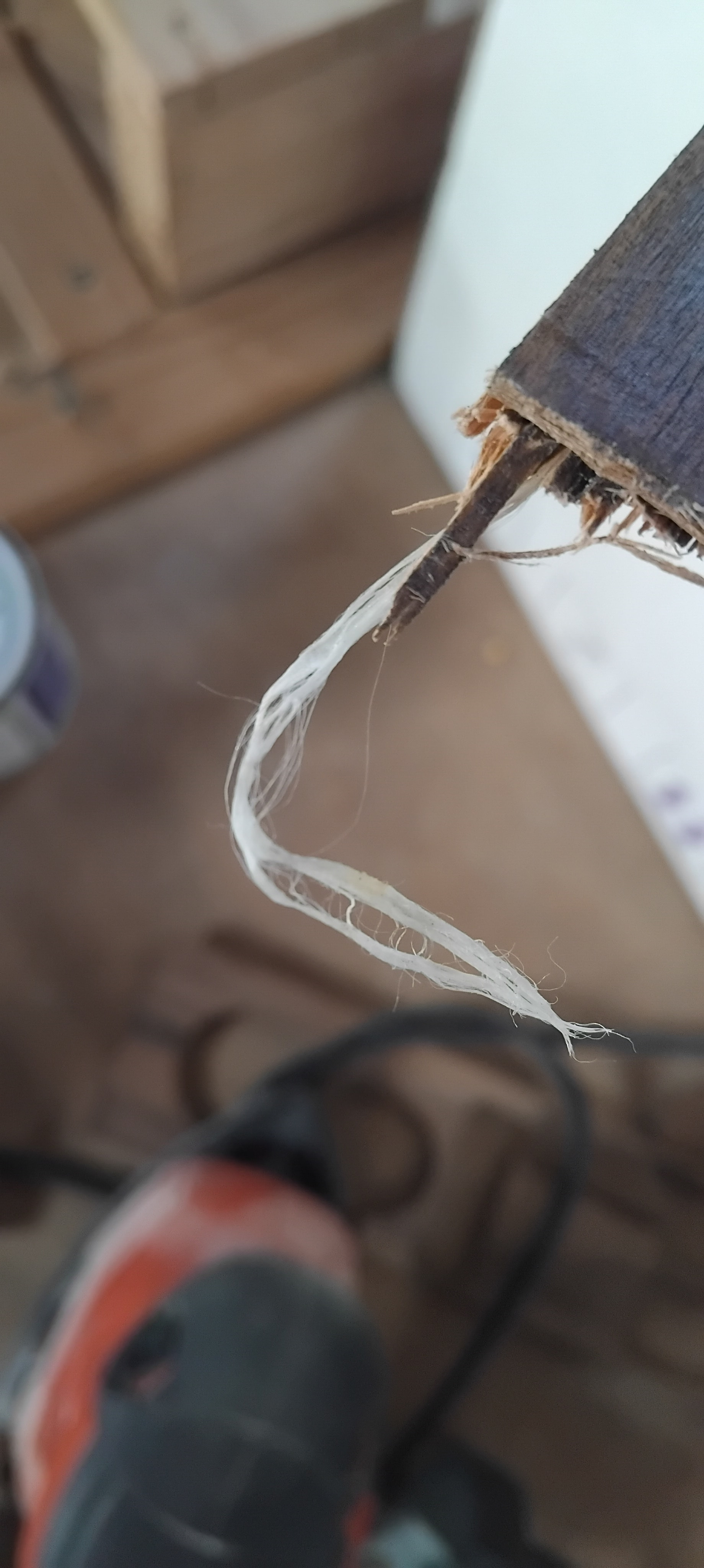
Plywood can have a variety of bonding glues and resin and I’ve had some that 18 passes wouldn’t cut through in specific areas of an otherwise OK sheet, as well as stuff that looked like other waste materials in between the outer surfaces.
It’s a good idea to source some reliable material for your quality jobs especially if there’s cutting involved and just practice on cheaper stuff that may let you down.
Find out what specific type of material your having issues with and build a bit of knowledge on what’s worth avoiding because some materials may be cheap but will cost more in time and disappointment.
Thank you so much for the info Peter, and thanks for taking the time to help. I was honestly a bit stressed, but reading everyone’s replies I’m starting to see that the issue might not be the machine and is more about the material. So from what I understand, in most cases you usually need more than one pass to cut through the material completely.
Yes, My laser started cutting at 6 passes for 5mm ply and was consistent until I had to buy some more sheets, then it varied with every new purchase…good and bad.
It’s confusing when you get started but you’ll settle into it when the shock value of new occurrences reduces…I’m not far ahead of you and still puzzled by things after over a year of practice.
You can find lots of posts related to the subject of material quality in ‘Topics search’ and they are well worth reading and the forum members are always a great source of knowledge and past experience…Ask anytime even if just curious.
What worried me the most is that it cuts fine on one axis and not on the other. What I mean is, hypothetically, the X-axis cuts all the way through the sheet and the Y-axis doesn’t go through. When I rotate the plywood sheet, now the cut on the X-axis doesn’t go through and the Y-axis does cut all the way through.
Kann es sein das die Arbeitsfläche Höhenunterschiede hat und dadurch die Brennweite des Lasers sich verändert , ich hatte dieses Problem auch schon mal