I thought I had this all figured out, but…
I’ve been running the X axis on my XY table using rotary, thought I would give splitmarking a try.
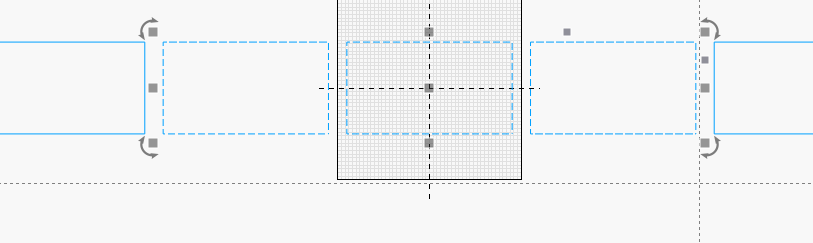
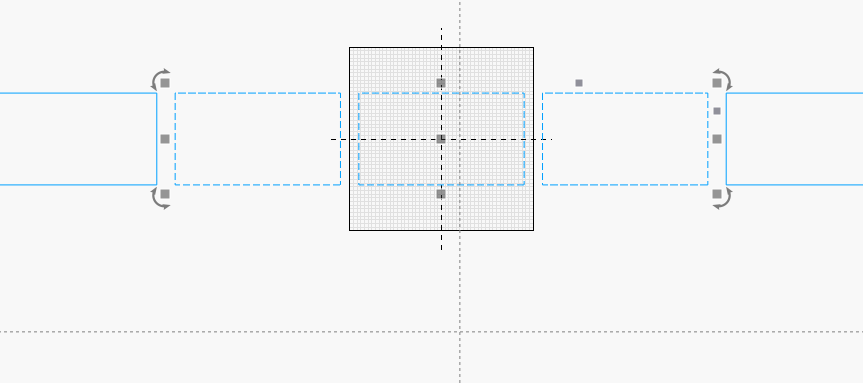
Ver 2.1.03 split marking works but will not frame anything outside the working area. Working area 100X100. Make a 90X40 rectangle, it frames. Make 3 90 x 40 rectangles, 100mm on center, set split size to 100, select all 3 it won’t frame any of them..The table moves to each rectangle during framing. The laser will burn all 3 rectangles correctly 100mm on center, just no framing.
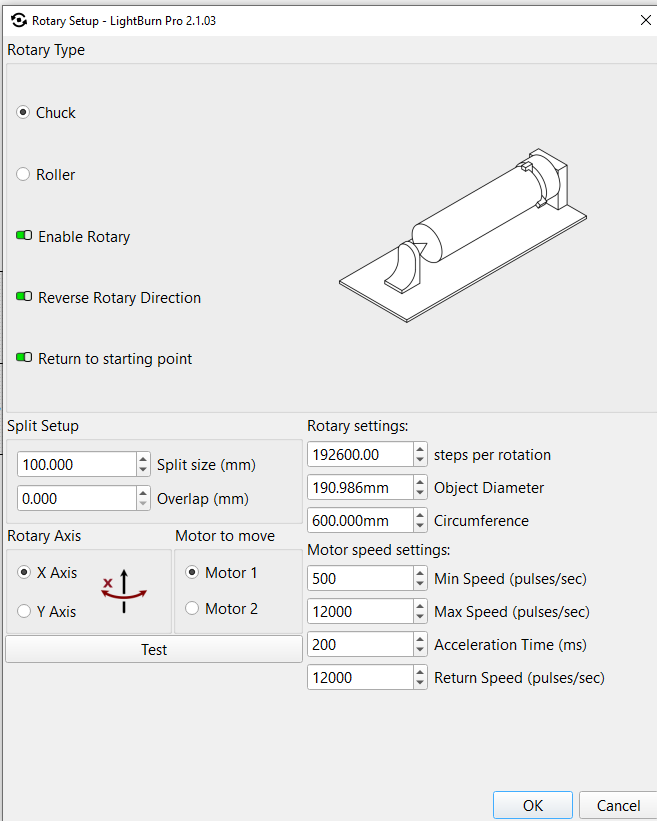
As a check went back to using rotary setup for XY table, set 3 90x40 rectangles 100mm on center,100mm split and it frames them, and burns them properly.
Answers to questions:
Yes, it burns, just no framing with split Mark if any of the selection is outside the work area.
Yes, it burns and frames using rotary to drive table even outside the work area
Will not frame any of this in splitmark:
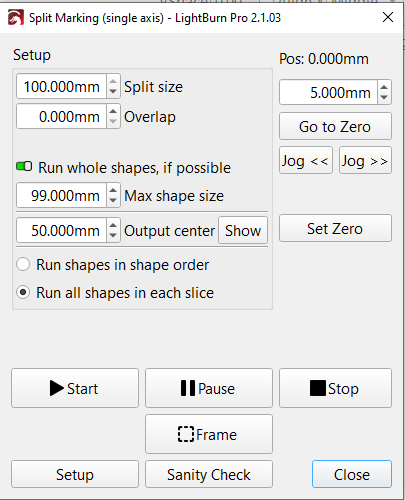
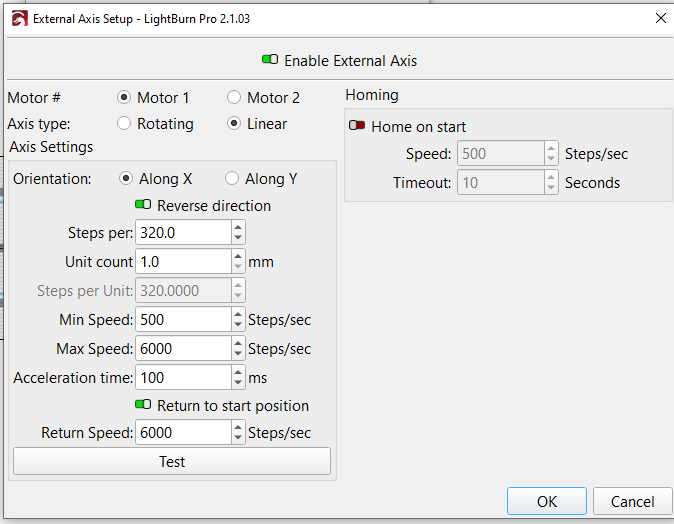
Will frame this in splitmark:
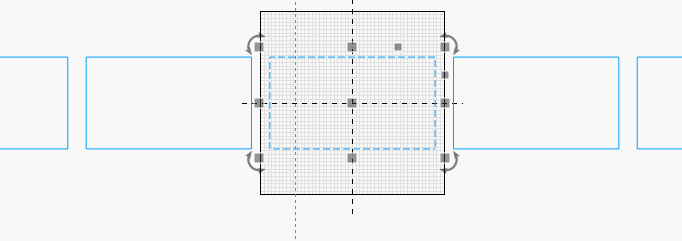
Will frame and burn in rotary:
Anyone have any clues?
SplitMarkTest(Rotary).lbrn2 (5.7 KB)
SplitMarkTest(SplitMark).lbrn2 (5.7 KB)