I found another issue in LightBurn Pro 2.2.00 RC-1.
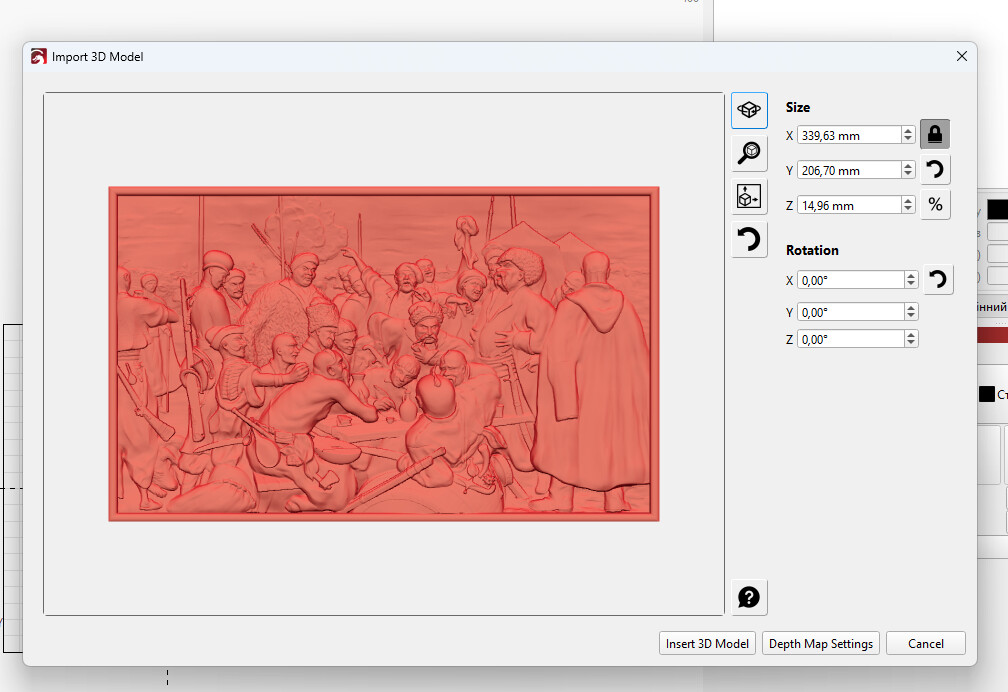
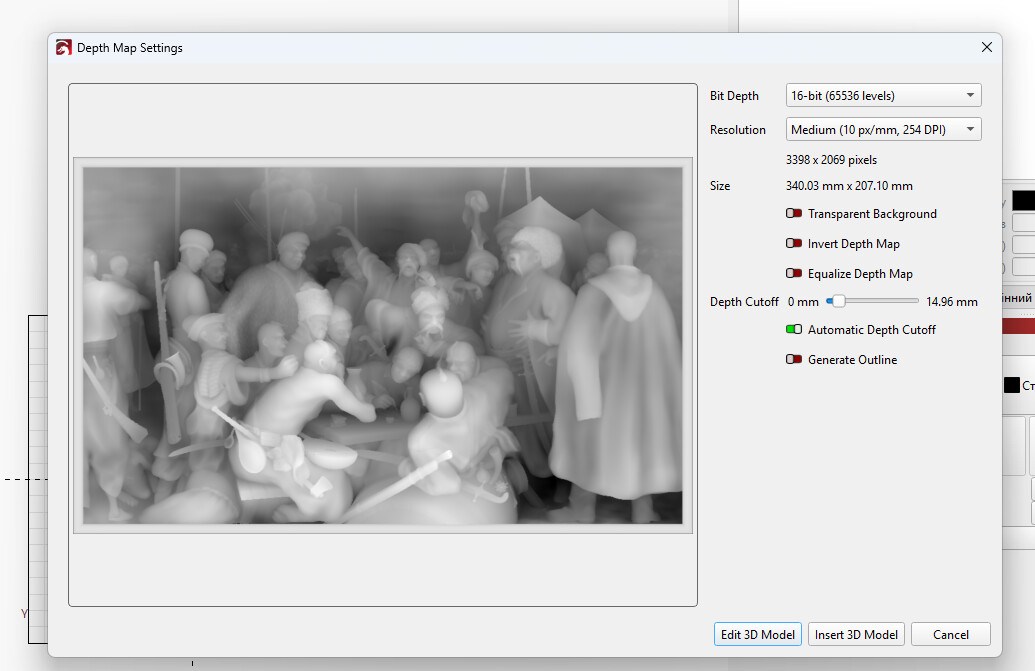
When I import an STL model, the complete model is displayed correctly in the “Import 3D Model” window. The 16-bit depth map is also generated and displayed correctly in the “Depth Map Settings” window.
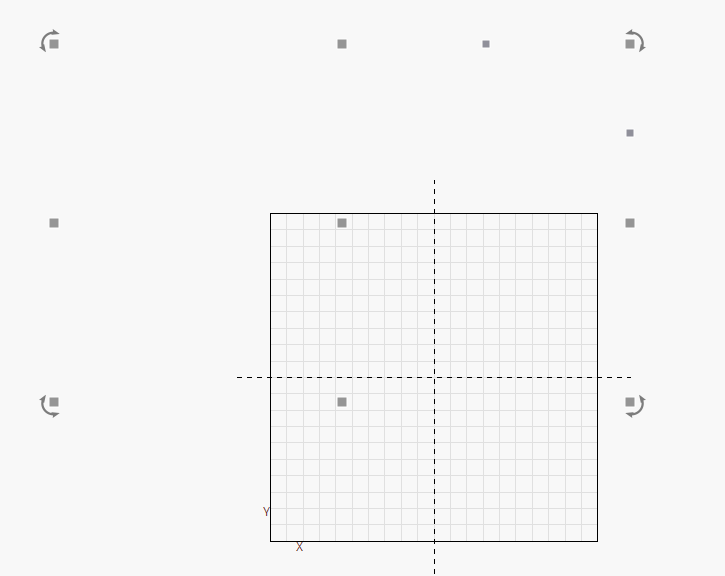
However, after clicking “Insert 3D Model”, the model becomes invisible on the LightBurn workspace. Only an empty selected object with the correct bounding box and dimensions is visible. The layer is enabled for output and display, but no depth-map image appears on the canvas.
Steps to reproduce:
-
Open LightBurn Pro 2.2.00 RC-1.
-
Import an STL model.
-
Confirm that the model preview is displayed correctly.
-
Open “Depth Map Settings”.
-
Generate a 16-bit depth map.
-
Click “Insert 3D Model”.
-
The inserted object is blank, although its dimensions and selection handles are present.
Expected result:
The generated depth-map image should be visible on the workspace and available for 3D Sliced engraving.
Actual result:
Only an empty bounding box with the correct dimensions is inserted.
LightBurn version: 2.2.00-RC-1, build 02356f3
Device: JCZFiber (USB-Lite)
Laser source: JPT MOPA M7 60W
Operating system: Windows 11