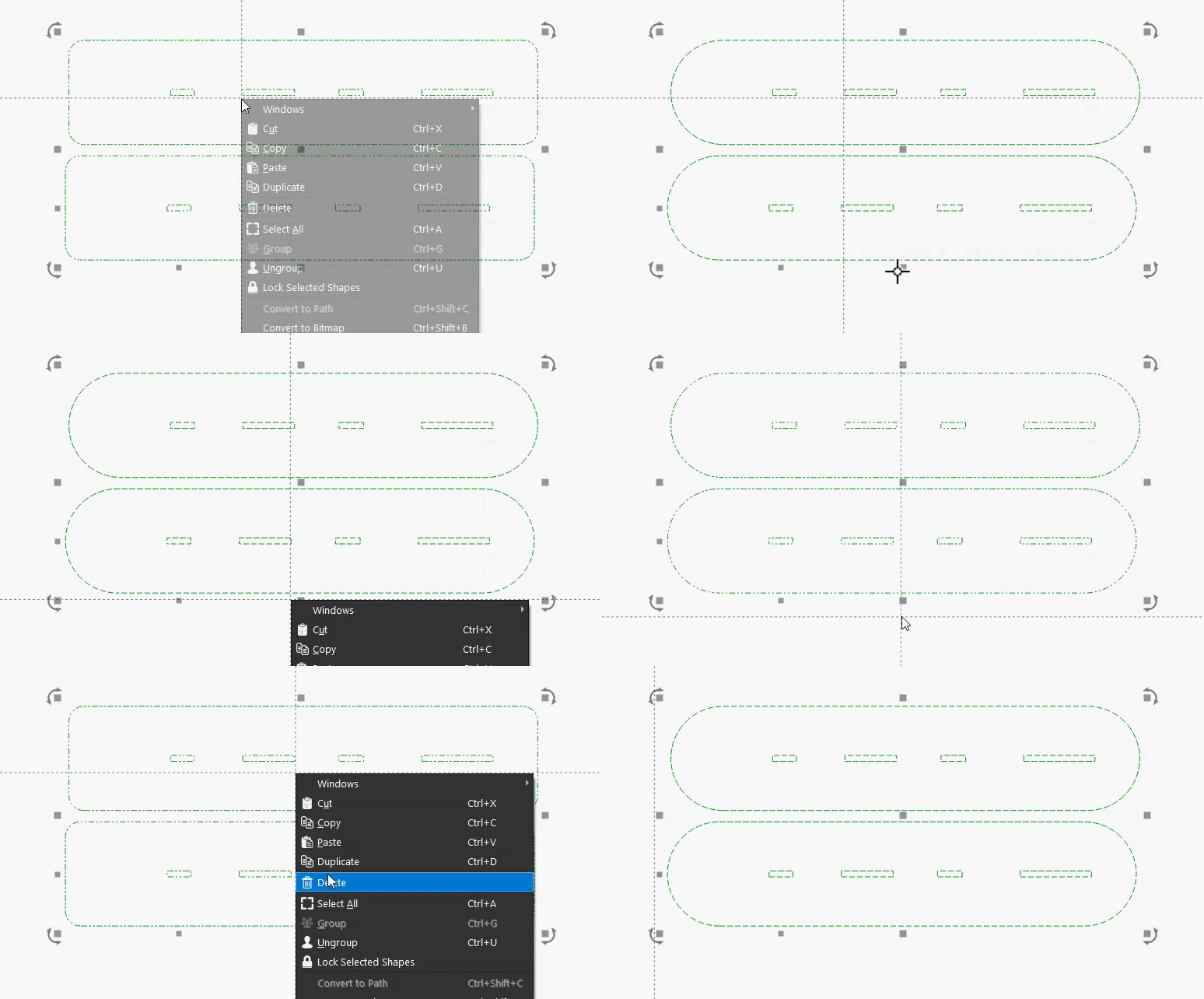
I am having a strange issue when ungrouping a specific object. It’s basically two rectangles that are grouped together and have a 8mm fillet on each corner. When I ungroup the filleted corners become rounded for no apparent reason.
Any help would be appreciated.
I’ve tried recreating this a couple of different ways, but I’m not seeing the same behavior yet.
Could you attach the LightBurn project file containing that object before it is ungrouped?
It would also help to know:
Which LightBurn version are you using
your operating system — Windows/macOS/Linux
how the grouped shapes were created originally
whether they were drawn directly in LightBurn, imported from another program, duplicated/offset, or edited in some other way
No doubt you realize that ungrouping should only change the grouping/selection structure, not alter the corner geometry, so the original project file is likely the key thing we need to inspect.
LB version 2.1.02
windows 11
was an import of a project purchased on Etsy, although I have removed all the other parts but the problem still exists even with just the two rectangles in the project.
@parsec I accidentally uploaded the full project by accident could you please delete it from your post as I don’t want to violate my purchase agreement from Etsy. The version with just the rectangles is re-attached to my other post.
Thanks.
Having the same issue with the latest version of Lightburn. I found if you open the SVG in inkscape, then copy and paste (not export) back into Lightburn, you won’t have the rounded corners.
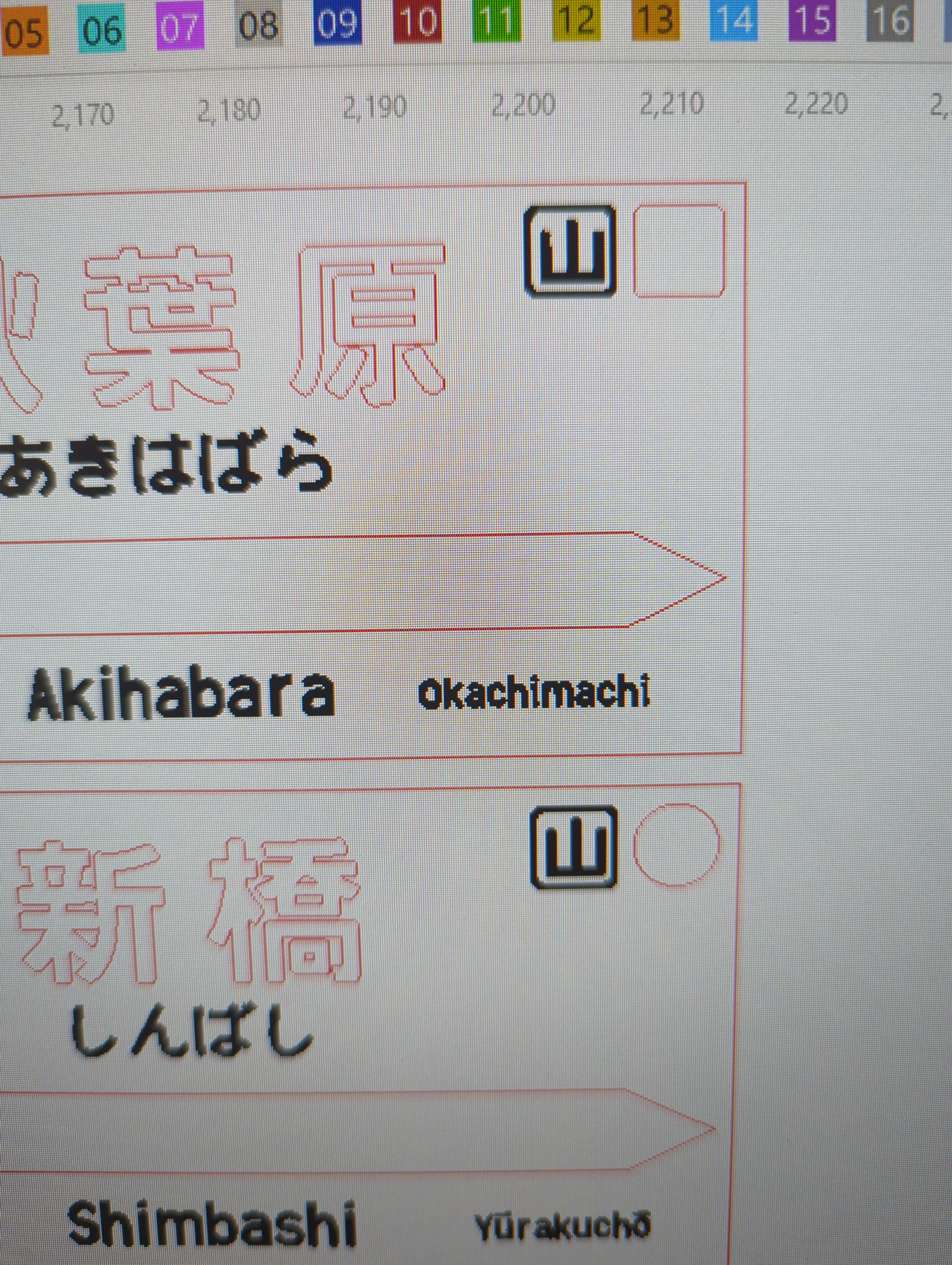
And if I press again control+ u the other square on the left also becomes a circle. I’ve been using this file since version 1.6 and this problem appeared when I upgraded to 2.0 and still happens.
Attached is the minimal version of my project that demonstrates the issue.
Just ungroup the two boxes that have a filet on each corner and you will see the issue.
That was 21 days ago and since nothing was mentioned about what release that fix would be in how do we know we don’t already have it and its still an issue?
Your file behaves as expected in my current dev version. This has been fixed and we’ll have a patch out soon. I’m checking with Adam about the timeline.