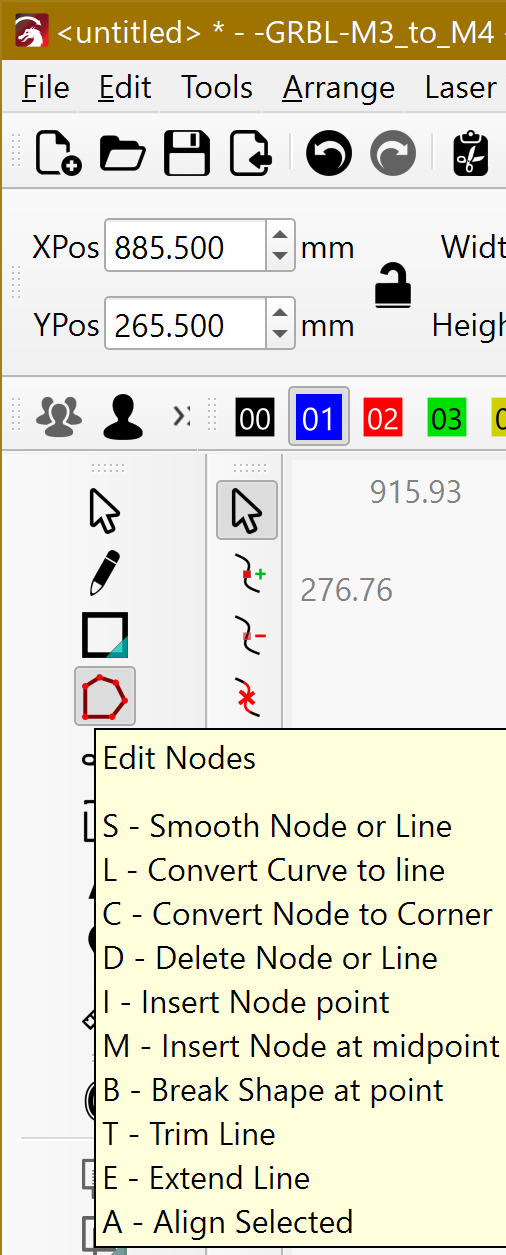
I downloaded and SVG file and dragged it into LightBurn. Two images are surrounded by a dotted line and I can’t separate them. They are neither grouped or ungrouped. Crop and Break Apart commands are grayed-out. And I cannot click on either one without the dotted line appearing around them. Any help is appreciated. Johns3330
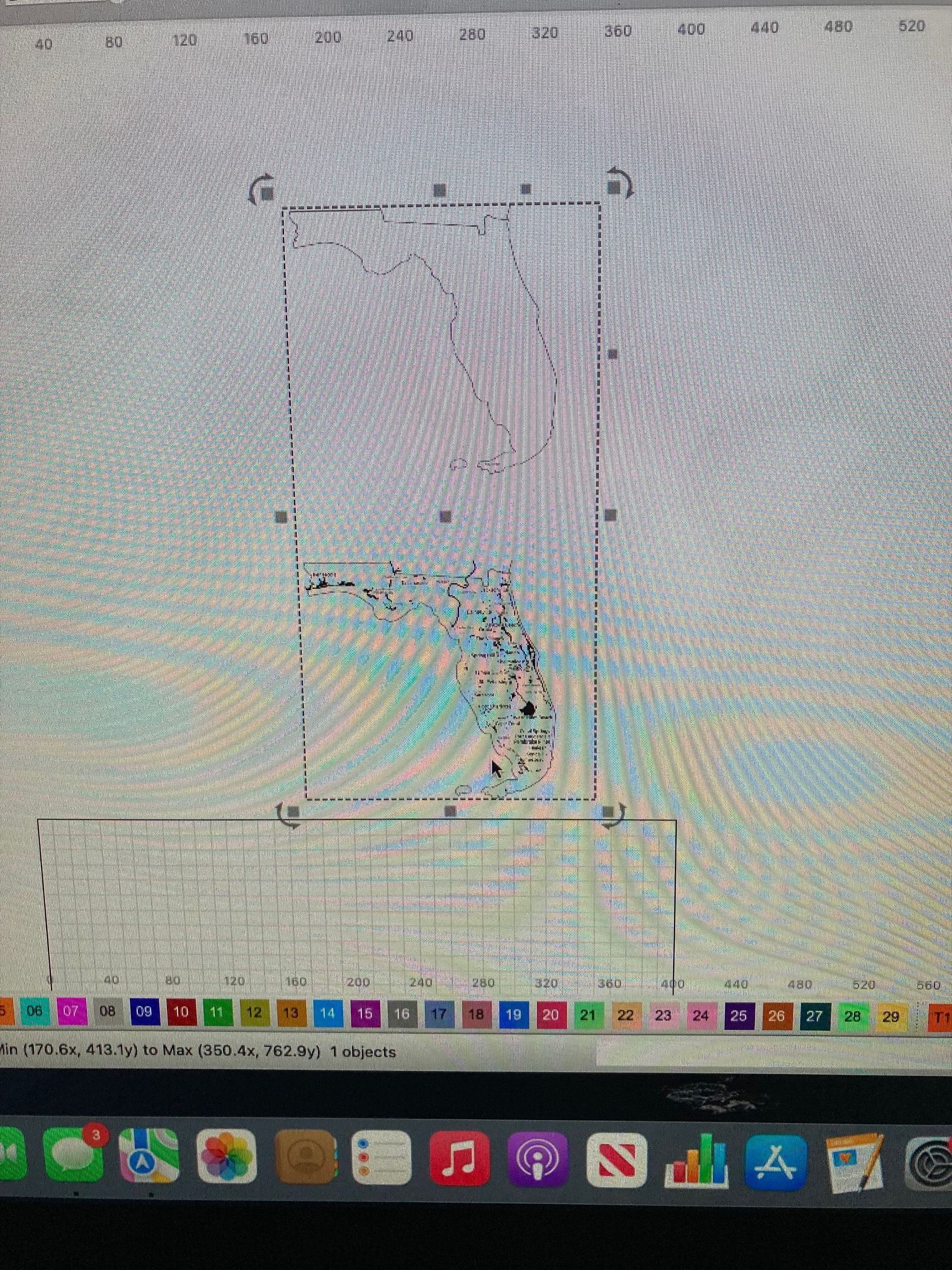
If you don’t mind posting your project file (.lbrn2) many can look at it and help you figure it out. These photos are nice, but really don’t help us help you.

Thank you Jack! Here you go.
Johns3330 project.lbrn2 (525.6 KB)
It´s an image.
You may have to use the Cut Shapes Tool.
Do at least 4 copies off the image.
Trace the Image:
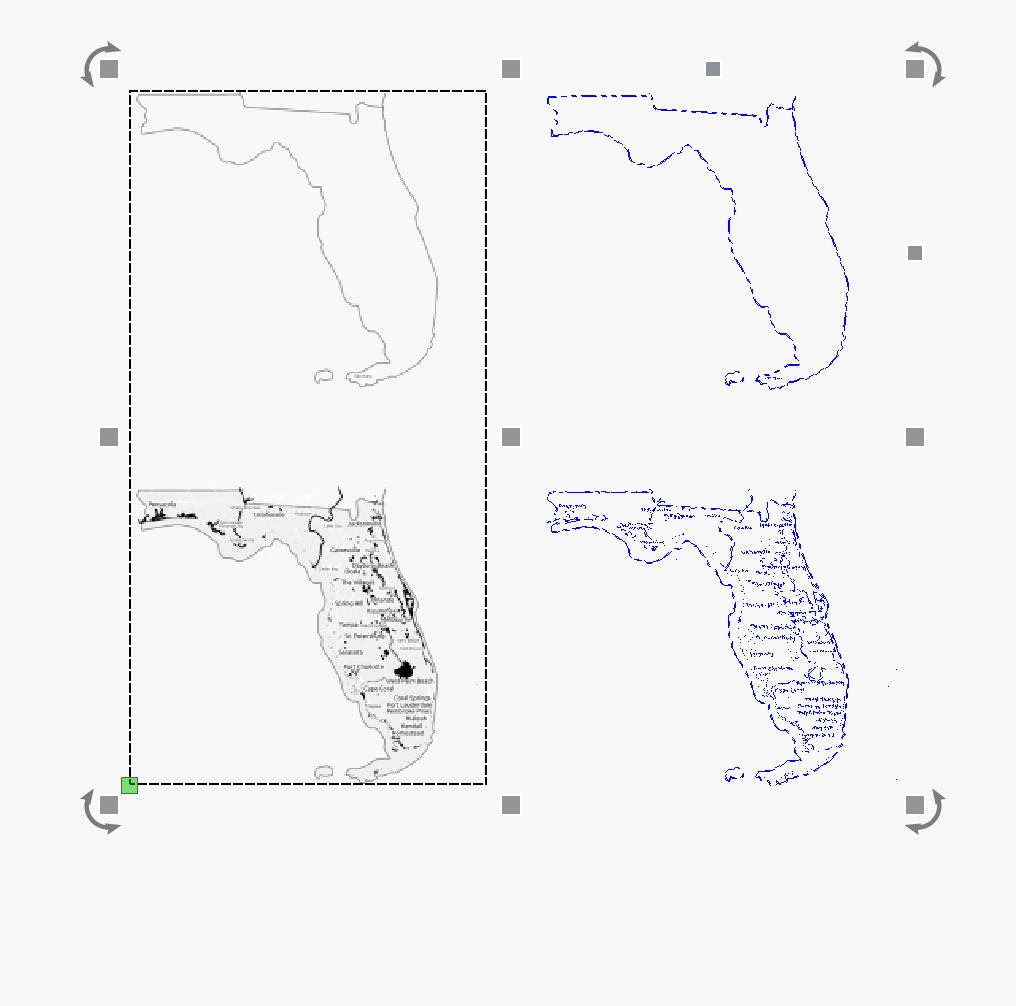
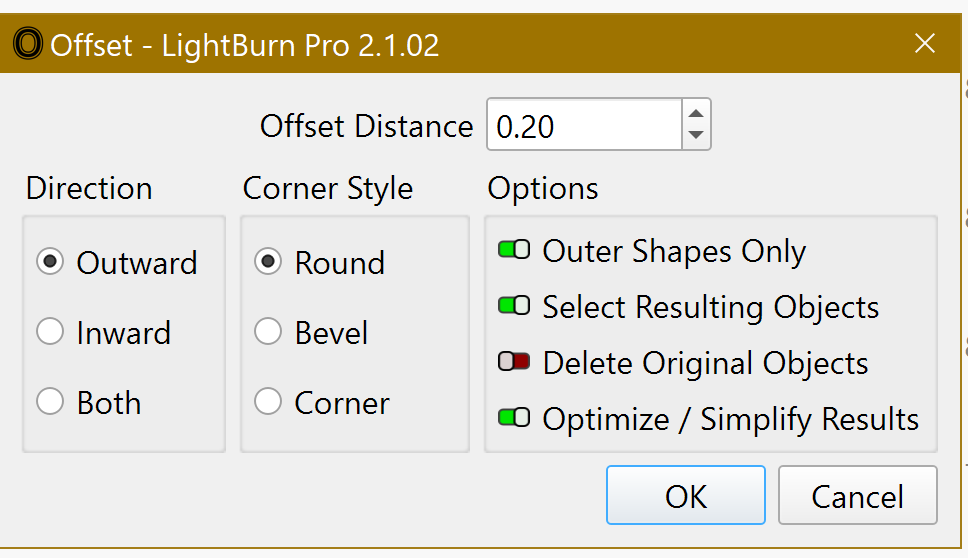
Offset the traces with the following options:
Select the outline and check if the shapes are closed:
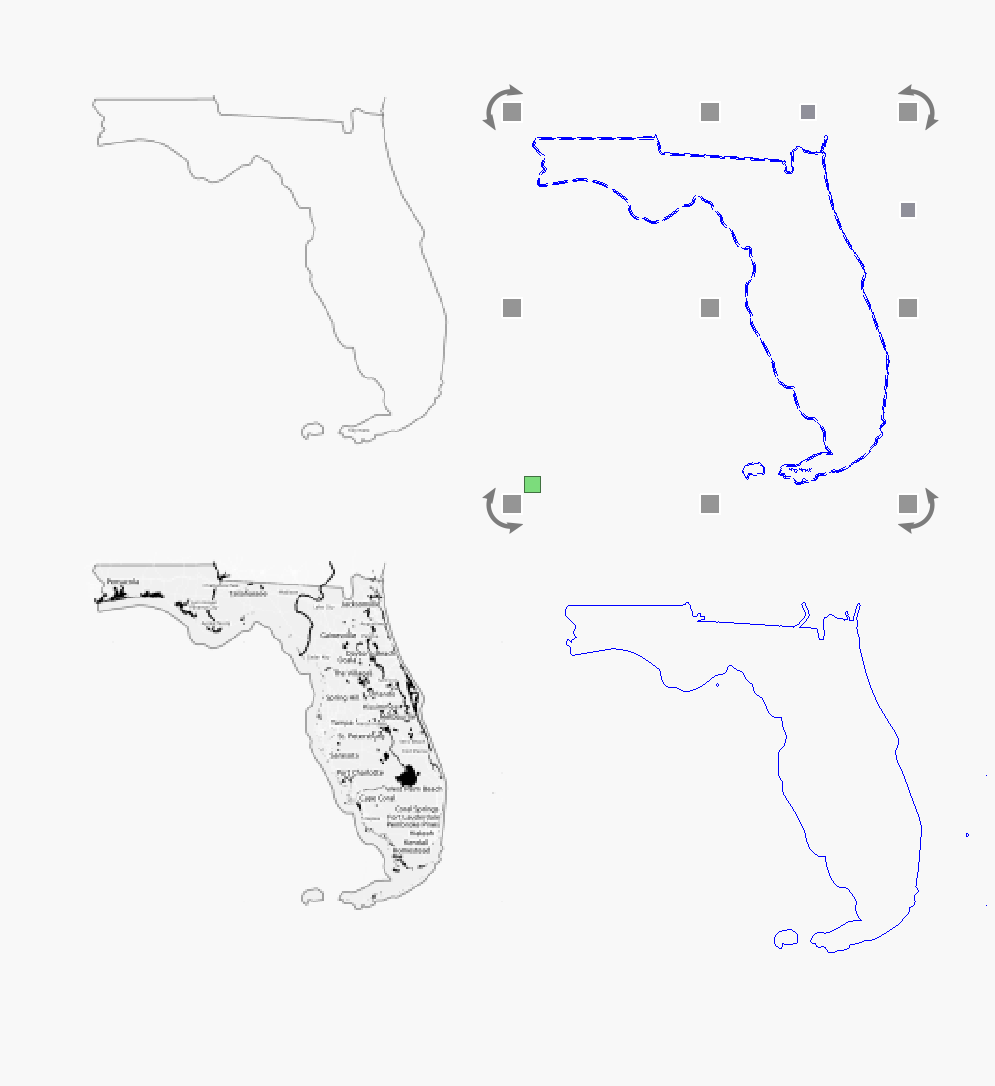
Align upper trace with one image and the lower trace with other, apply the Cut Shapes Tool to each :
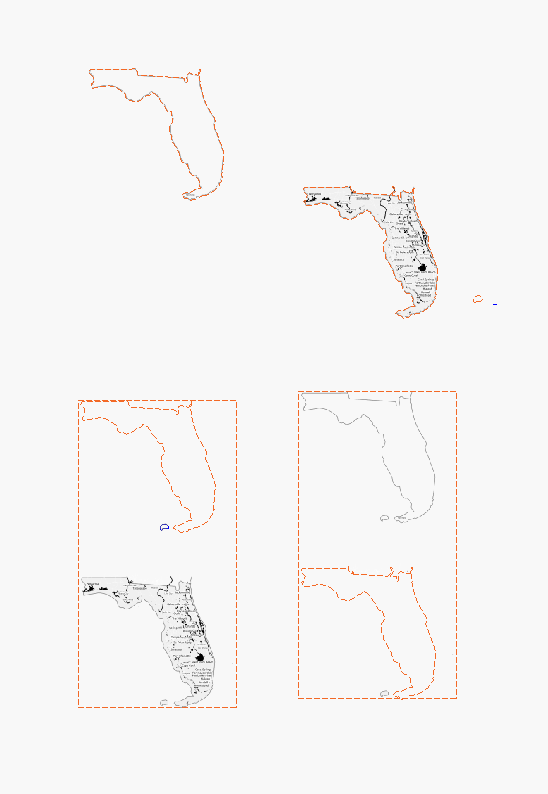
You have to repeat for the islands:
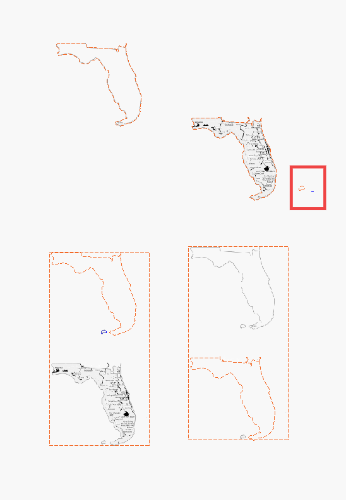
For the upper part of the image you can just use the traced shape.
If it’s an image, using the Cut Shapes tool or just using a paint program to crop it will be the simplest.
After sleeping on the subject extracting the upper part separately as vector and masking the bottom it´s better, the procedure is similar to Cut Shapes but allows to Group the shapes of the Mask:
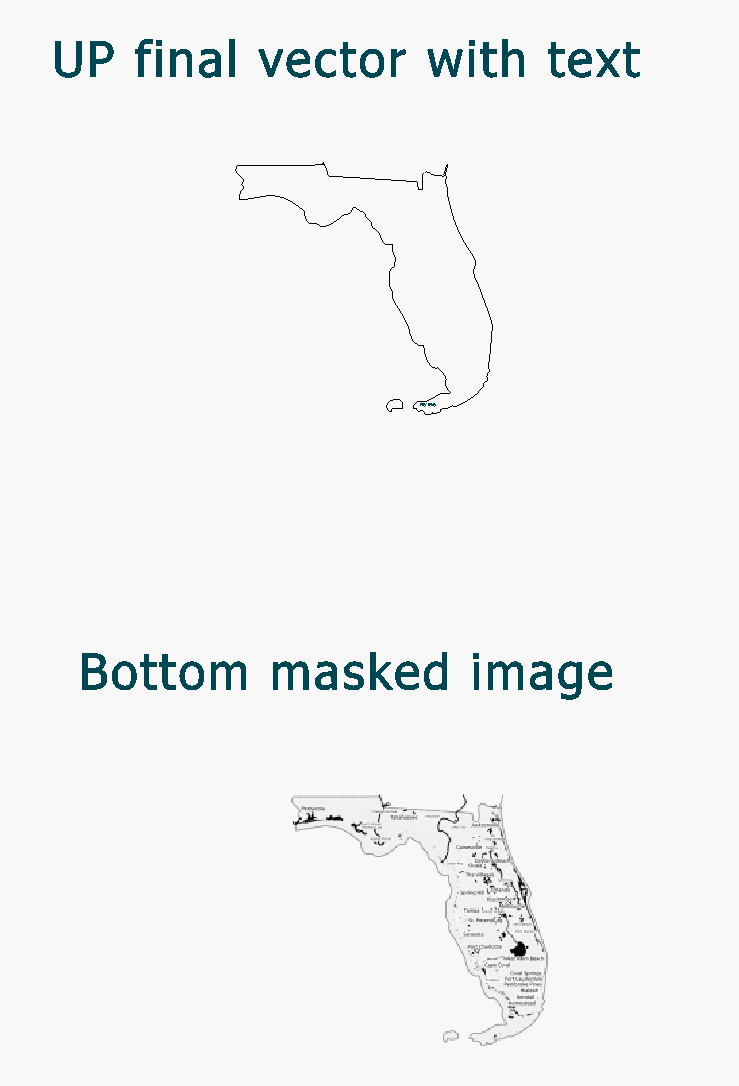
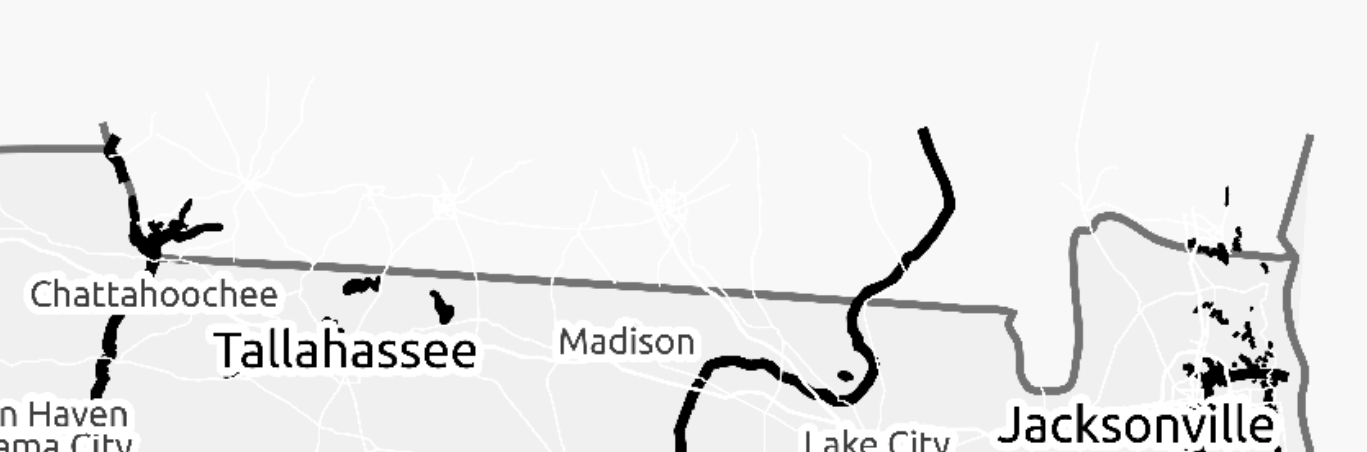
Although pay attention that the “roads” (white) are not aligned with the outline in the original:
The official Doc on the matter:
The file for you to check:
Johns3330 Mask.lbrn2 (2.3 MB)
Especially to FerAS (and Oz and Jack),
Especially to FerAS (and Oz and Jack),
Thanks for all the effort that you’ve taken to get me past this frustrating roadblock, and so quickly. Just to tell you what I’m up to, is to frame Florida in a wall hanging as a housewarming gift for my son and his family, for their very first home located in Miami. There’s probably a new gas BBQ in their future as well !!!
Thanks again! Johns3330