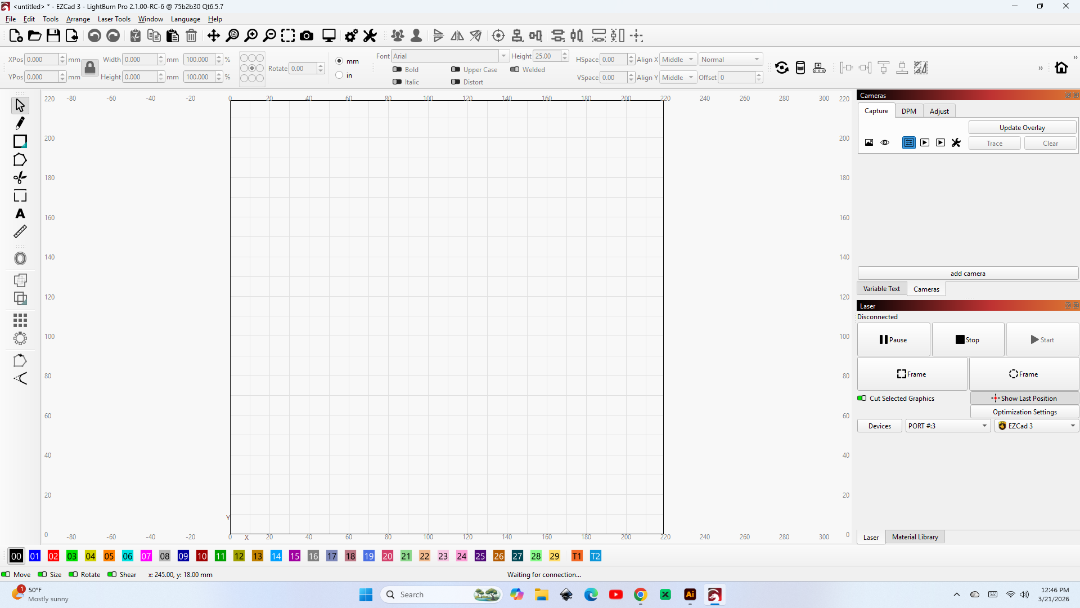
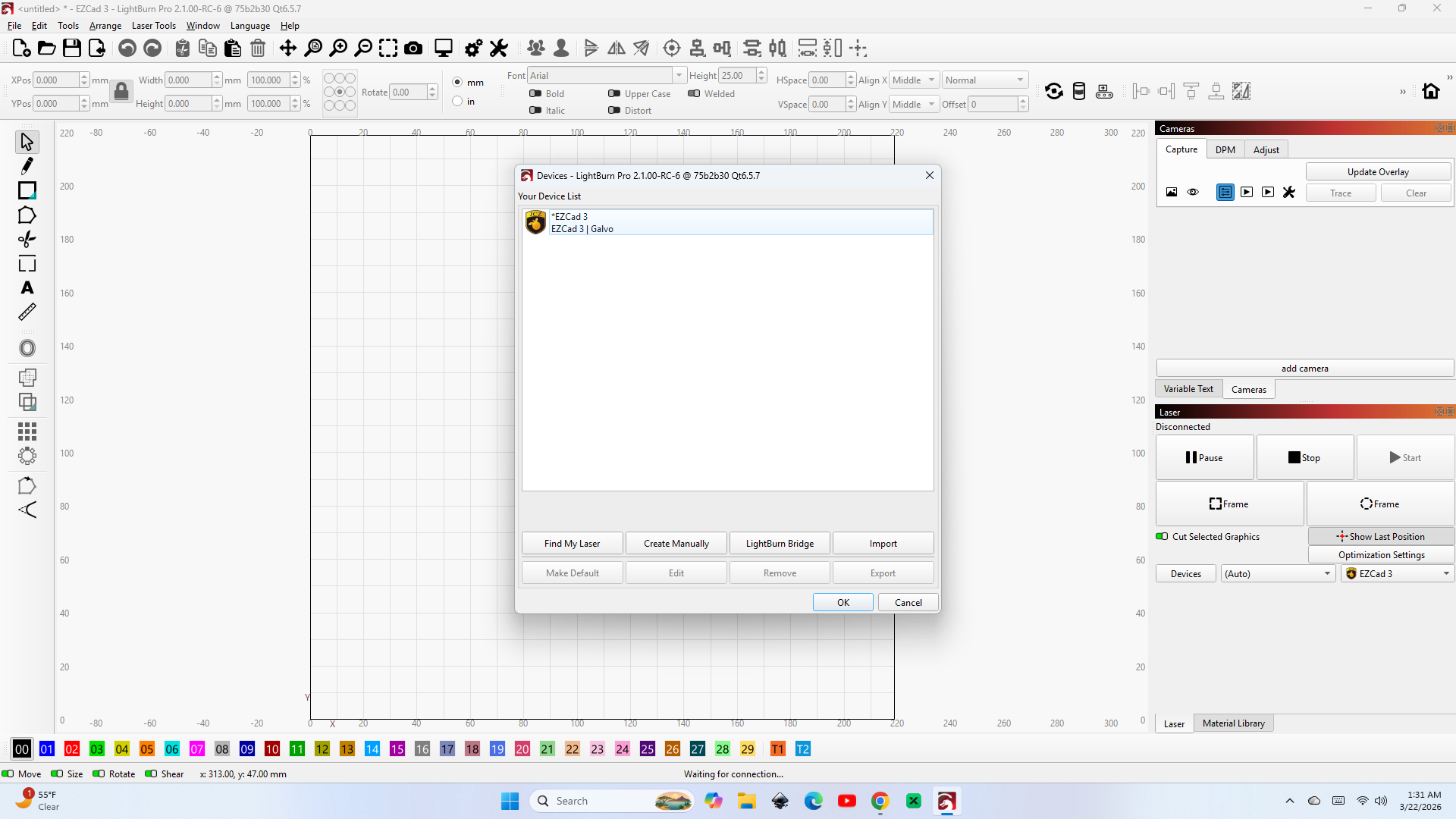
I downloaded and installed the new LightBurn 2.1.00 Release Candidate.
My laser is a Haotian 60W JPT MOPA with a ezcad3 board.
jkwilborn
March 21, 2026, 8:13pm
2
Don’t know about EZCad3, but an EZCad2 board has a different driver than Lightburn.. so they are not interchangeable..
Is the device shown in the device manager?
Its there. It just won’t connect
MotoX
April 11, 2026, 8:22pm
5
I have same issue with my ezcad3 based fiber laser.
MikeyH
April 12, 2026, 7:54pm
6
I see “(Auto) ” in the COM Port box. Does it offer any actual COM ports to choose from?
Yes. Whenever I plug my laser into a different USB port it will give me a different number.
jkwilborn
April 12, 2026, 11:02pm
8
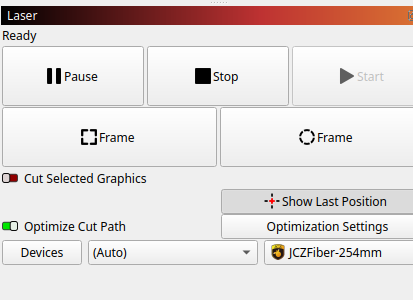
It’s connected and ready, device is (Auto). Mine has always done this.
What’s interesting is that it appears to use the normal type of device connection but doesn’t show up in the /dev on my Ubuntu box. This is the last Linux version.
My guess is its the driver…
MotoX
April 13, 2026, 8:45pm
10
Mine started working with the RC9 update!
2 Likes
No EZCAD3 isnt running. I also thought that might be the problem.
I just downloaded the RC9 update. That fixed the problem !
1 Like