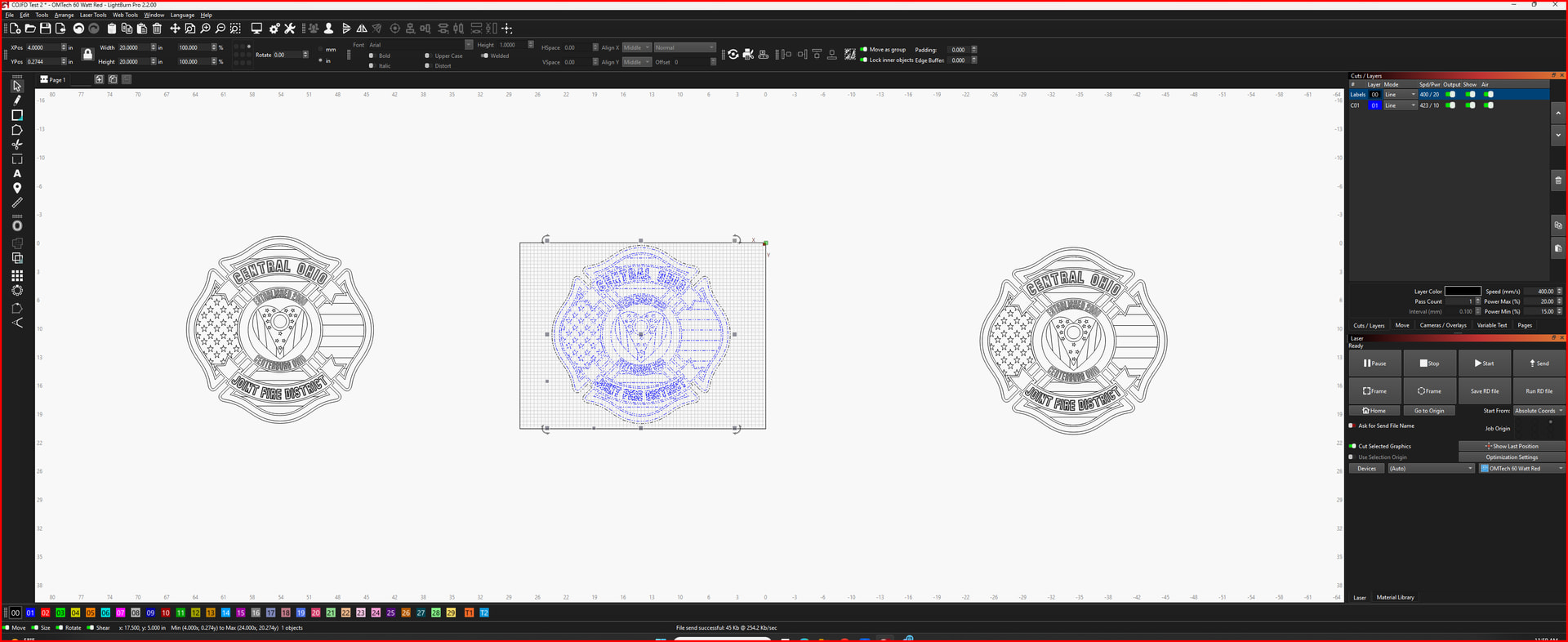
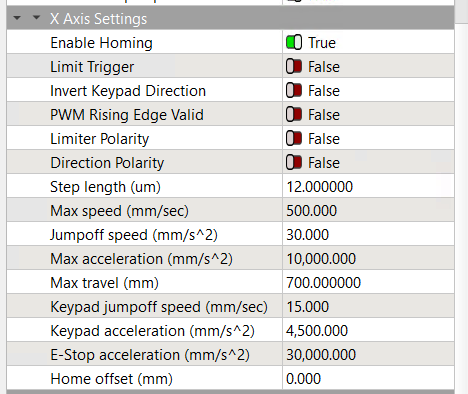
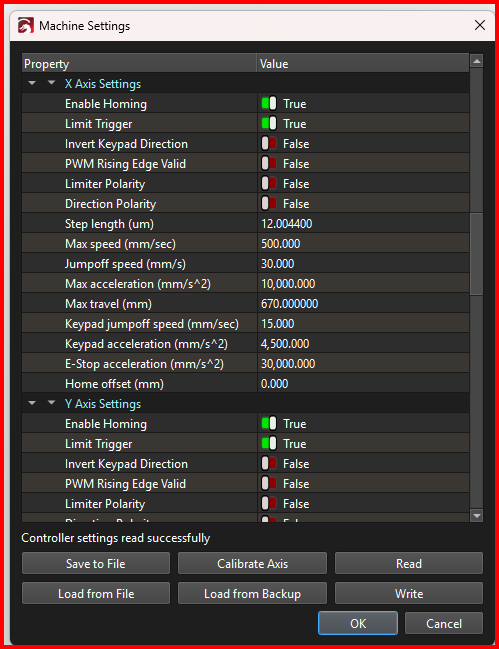
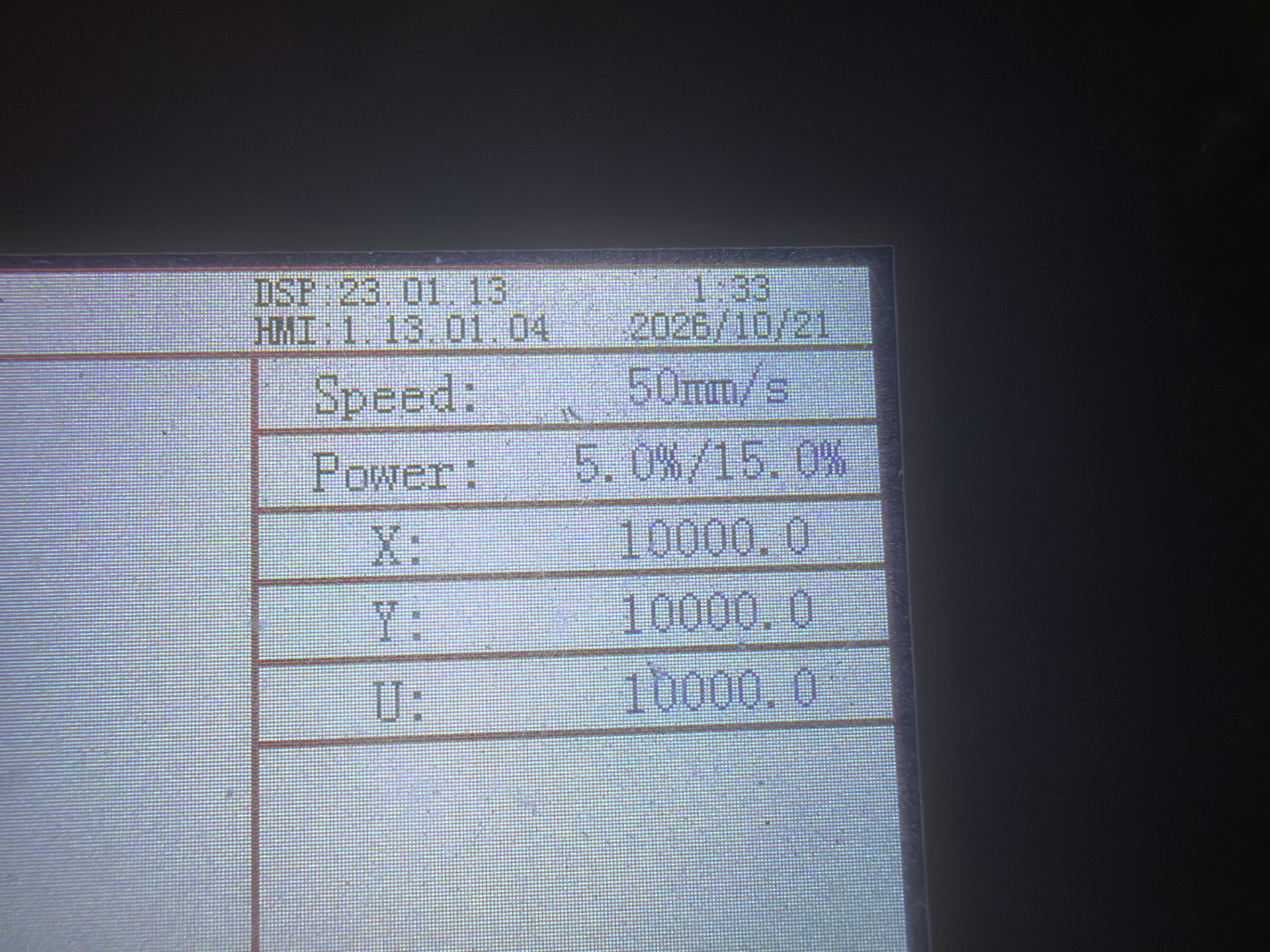
I tried to run something yesterday and started getting this error message. Now anything I run, regardless of size, gives me this error message on my Ruida controller.
I have searched the database and cant find anything on this.
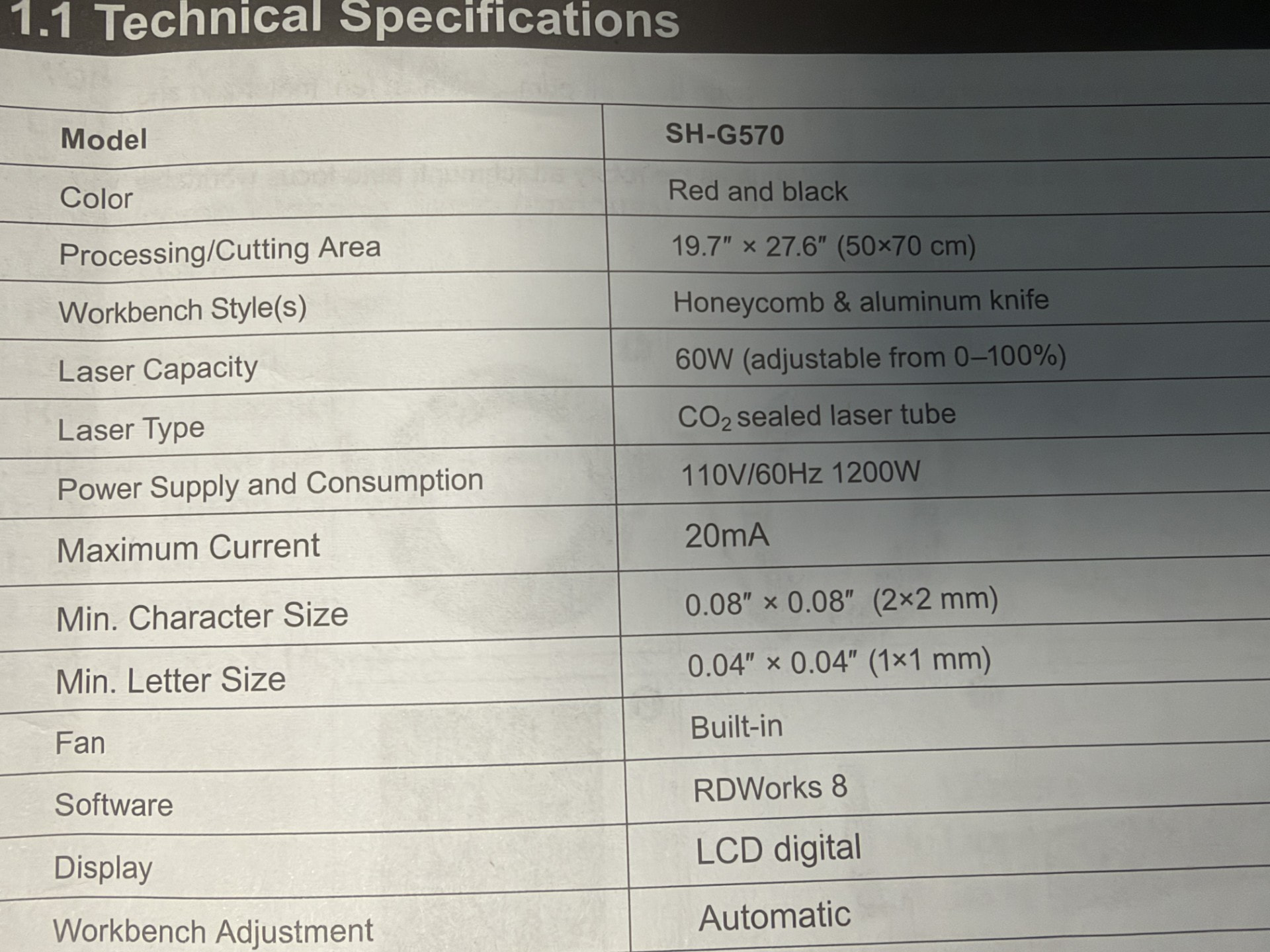
Although the doc gives the size as 50×70 cm, that’s backwards from the usual (around here, anyway) 70×50 cm or 700×500 mm order: X first, Y last. Doesn’t matter as long as you know which is which.
Those coordinates indicate the controller has not successfully homed the machine, which means the controller has no idea where the laser head is on the platform and positioning things won’t work as expected.
I bet the cable to the X axis sensor on the gantry has broken somewhere in the drag chains, which would explain why the machine suddenly behaves differently. The manufacturers typically use (cheap) PVC insulation that gets brittle due to all the flexing, then the (cheap) might-be-copper wires inside break at the sharp bend points.
These machines (typically) use proximity sensors to home the machine. They look something like this:
The target on the top indicates the active part of the sensor and a red LED in the clear bottom indicates when it’s triggered by a steel object near the target. Usually the LED lights up when the switch is triggered, but some are normally lit and go dark when triggered; the key point is the LED changes.
Jog the laser head to the middle of the platform and test each switch with a flat steel object (ruler, putty knife, but not a magnet). If either of the switches doesn’t respond, that indicates a problem.
If both switches light up as they should, then there’s a real problem afoot, but we’ll burn that bridge when we come to it.
I put the gantry in the middle of the bed. I checked the wiring and it is intact. Both sensors light up when I place a flat screwdriver on the top of them.
You’ve got an issue with the machine. It should home properly when powered up. If you have to wait for a full moon or something, you have some type of problem.
I’ll say it more strongly: The machine must home properly every time you turn it on.
Because it does not, it cannot operate correctly. Trying to use it in that condition will only cause heartache & confusion.
The intermittent homing problem strongly suggests a failing wire in the drag chain. There is no good way to locate the fault, because it’s intermittent: moving the wire will almost certainly make it work while you’re testing it.
However, some careful observation will help.
When you turn it on, pay attention to the laser head motion. When it does not do the move-bump-retract-bump-retract dance and set both coordinates to 0.0, then without moving the laser head test both of the home switches. This will be awkward & difficult, but if one of them does not respond, that’s the one with the broken wire.
When the coordinates are not 0.0 after turning it on, do not attempt to use the machine for real work. Turn it off, turn it on, and see if the situation improves. When it stays broken, then you can find the fault.
The best way is to test them at the controllers inputs, as it works Since they are Hall effect switches, Ferris metal has to be within a certain distance of the sensor for it to operate. Laying a screw driver on the sensor is only going to tell you if it works, not if it’s positioned correctly.
Since both do work, sometimes. Can you measure the voltage to the limit switches on the Ruida?