I’ve tried 3 different background-removing sites, but no matter which one, the .png image I import, LB 1.5.02 won’t open it in the Trace Image Window. The same .png with its background will load for Trace, but that’s not what I need. (And prior to this, my routine was to use remove.bg and import that download into LB to trace it.)
Could you upload one of the images or point the websites you used to convert them?
My go-to is remove.bg
I found 2 others in a search, and the same result.
Today, I installed an older version of LB (1.13.01) because I rely on tracing an image after removing the background…but it is screwing me up in the same way. I don’t have a clue what is going wrong.
(The imported image is visible in the workspace. I select and right click and select Trace Image. The Trace Image window comes up with no image, or, it could come up with a fraction of the top left of the image in the lower right of the area where the image should be seen. If I click to enlarge to full screen, I see nothing in the image area.) It is .png as downloaded by remove.bg and imported into LB and selected for tracing.
I also attached the jpg of the image that will open as it should in the Trace Image window.
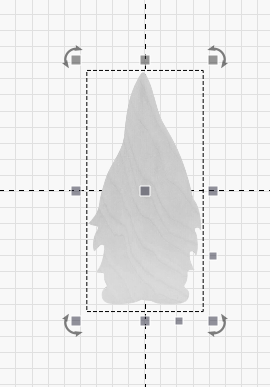
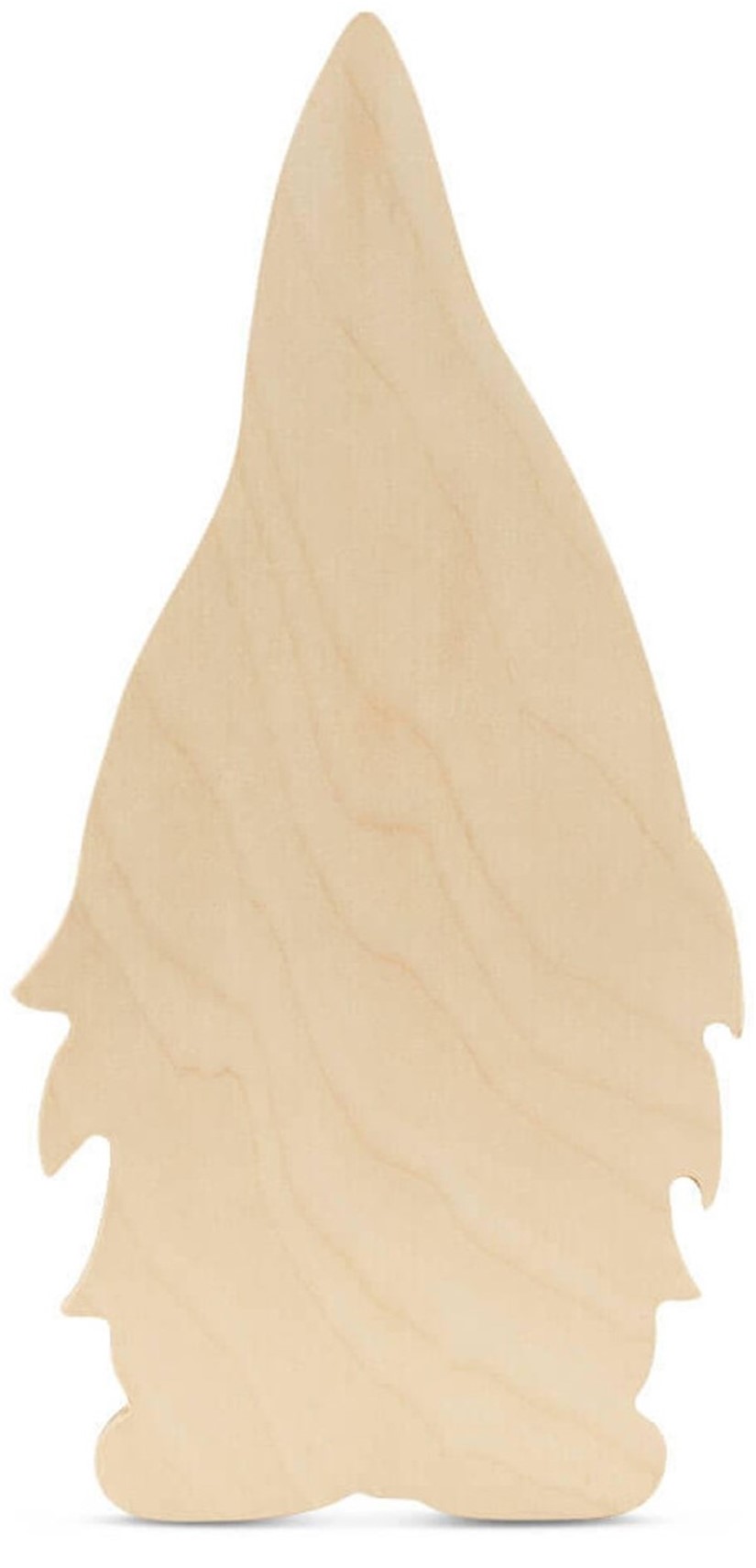
below is the .jpg of the original image that does open ok in the Trace window, followed by screen shot of Trace Image window, showing a fraction of the image in the lower right.
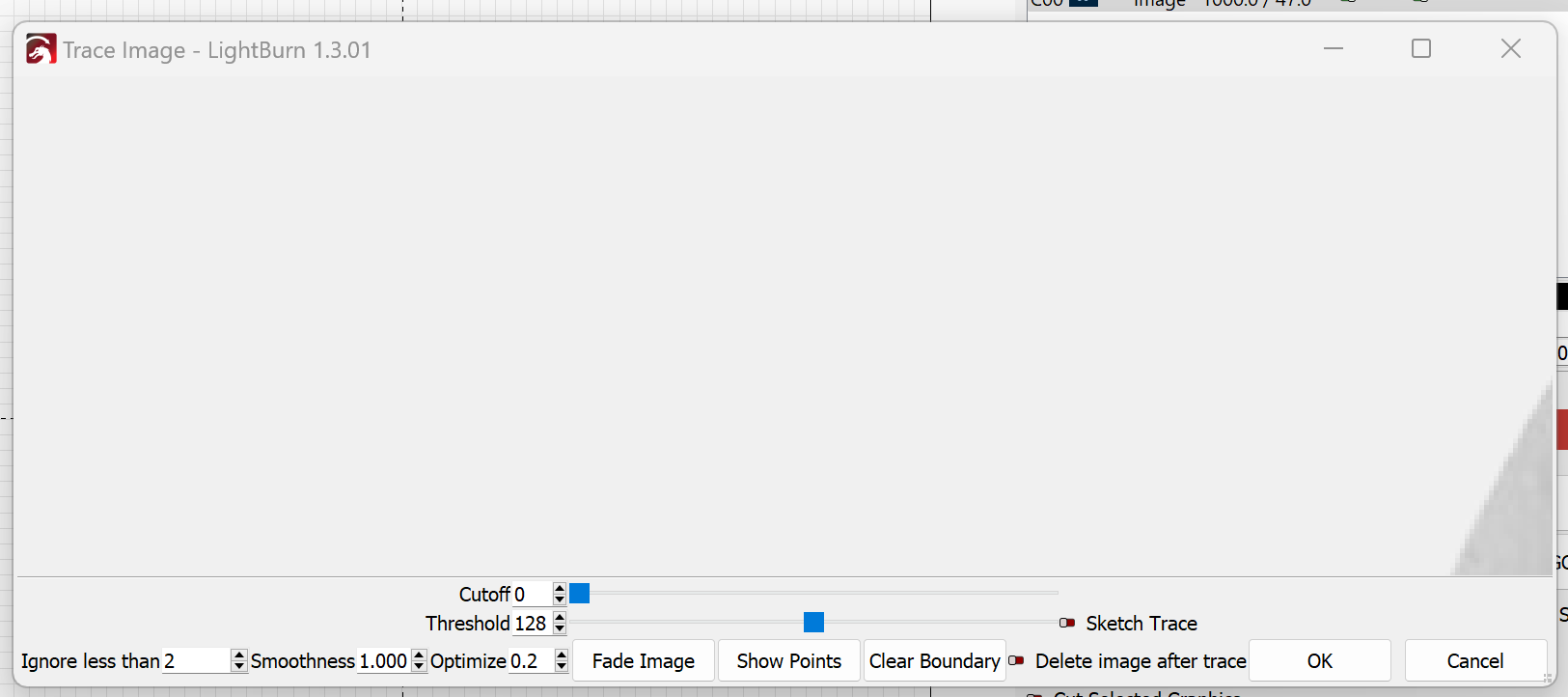
Note the trace window, the image is there but seems your image is massive
so seems you have a scale issue
a) confirm you are in the right scaling.
Edit menu → Settings
Are you in mm/min ? or inch/min
Select whichever is correct for you
then make sure on Edit → device settings the side of machine IS set to the right scale too
So xtool should be 400x400 or 15x15 inches thereabouts
Once that is done click the image and in the size boxes at the top confirm the image has the real size you need, because i believe at the moment your issue is the image is 15x bigger than it should be.
However your grid is big too, so seems a scale issue on the configurations
Thanks. I will look into those… but I just want to comment… I never went into any of those areas to make changes. I had a routine, and updating LB seems to be the event that started the altered experience. BTW, I’ve lost files from their stored places, like SHX files and libraries.
And, the original jpeg imports and traces just fine.
in your settings folder there should be multiple backups from previous versions you could verify and reimport.
Did you try this?
Hello, maybe I’m saying something that you already tried, but did you decrease the zoom with the mouse wheel, and did you try moving the image by pressing the mouse wheel? All this about the trace image window obviously.
PS: I’m using a translator, sorry
At the moment, the image is 1.5" x 3.5" and it loads into the Trace Window as above, ie just the top left of the gnome’s hat is visible in the lower right of the Trace image area. (The .png image had background removed in www.remove.bg . Up until now, I did this all the time and it worked well for me.)
But did you try to zoom out? What about dragging while pressing the middle mouse button (the wheel)?
BINGO! My computer has a touchpad, not a mouse, but using fingers on the pad to zoom out did work!
I should not have to do this…it is a glitch in importing .pngs with background removed and it wasn’t an issue 2 weeks ago… but since it works, I’m good. Thank you for the helpful suggestion.
1 Like
This topic was automatically closed 30 days after the last reply. New replies are no longer allowed.