The latest release candidate:has multi-camera support:
LightBurn Release Candidates – LightBurn Software .
I’m not too sure how it would go if the resolution was very high?, with a 3MP capture I noticed already the captures felt like they took somewhere between 1/2 a second to a second, so 12MP might take take a good few seconds before you get the capture… if it will stream ok? You can only try I guess and let us know how it goes, or @JediJeremy may have tested higher resolutions?
I dont think I have any suitable raspberry pi zero’s about, but over the weekend I hooked up a couple of ESP32’s and OV5640 cameras, so I could test this myself with wireless cameras, and give you an example of the view (in this case @ 2048x1536 resolution), and what it looks like at the seam.
Notes:
1: This is only a small (600x400mm) workbed and I had to set the cameras about 450mm away from the bed since they have a 69deg FOV.
2: The cameras I used were autofocus which is not great since I think they can slightly change the FOV which I’m sure would have resulted in a less than ideal lens correction and alignment:
3: In this test I used the manual alignment method and was messing with it so the board looks busy, so in case you were wondering - I used the middle set of alignment marks.
Image of a two-camera view, showing the seam.
Then I burnt some text through the seam to see how it would look:
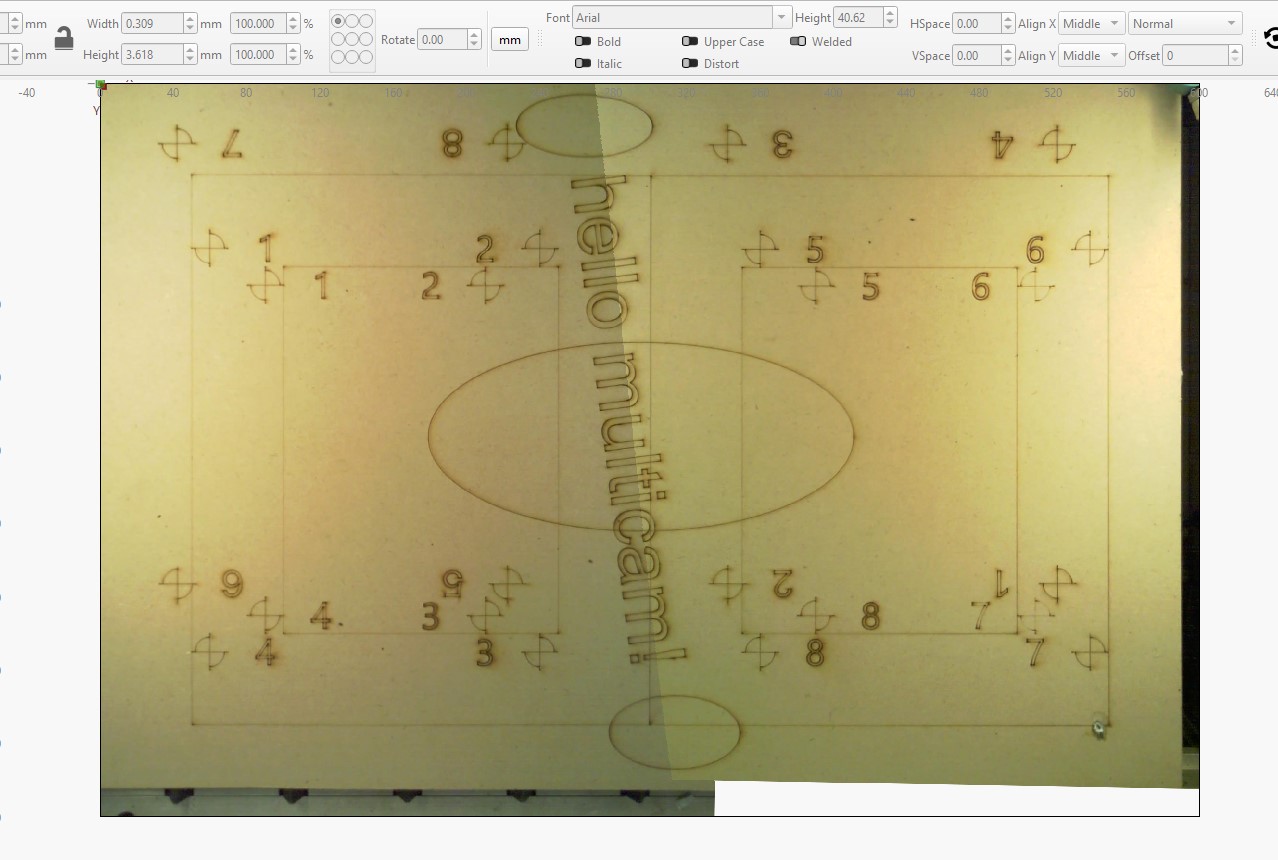
Closeup at the seam:
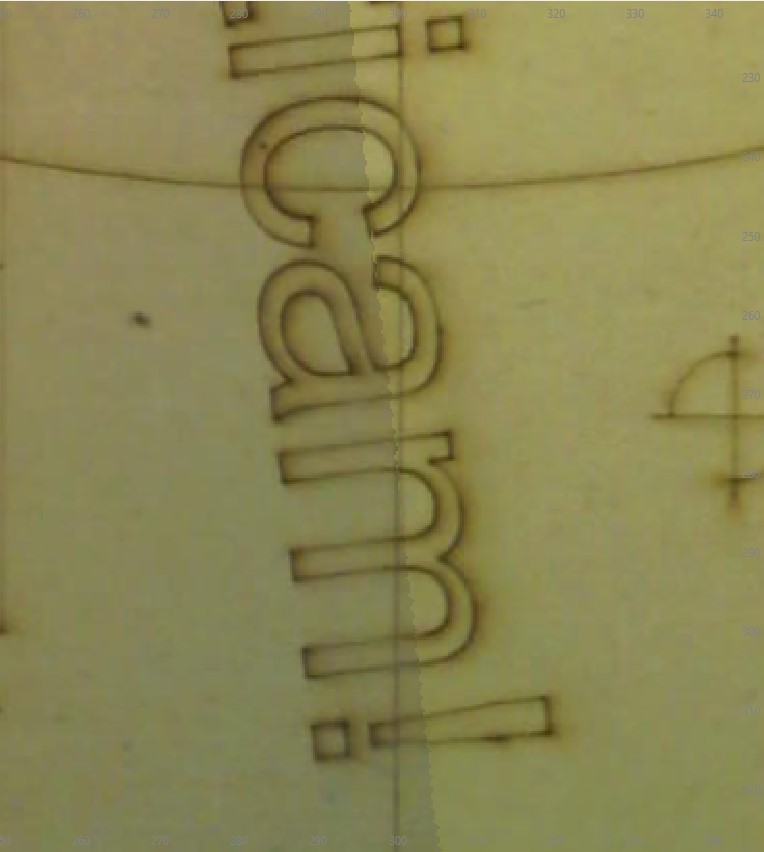
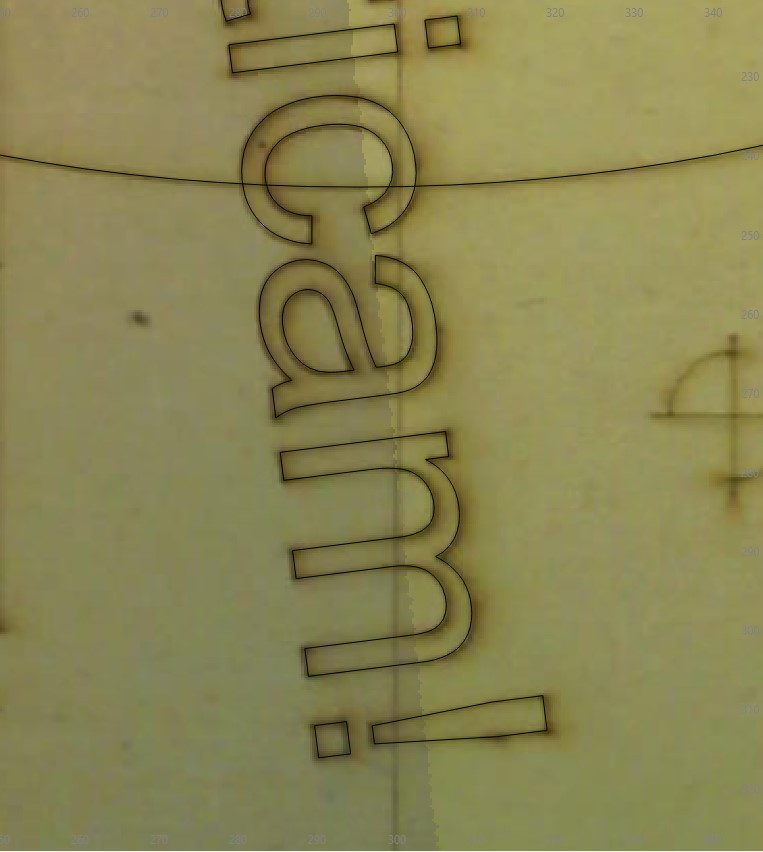
With the cut layer visible (lined up pretty well!):
Alignment overview of left side:
Alignment overview of right side:
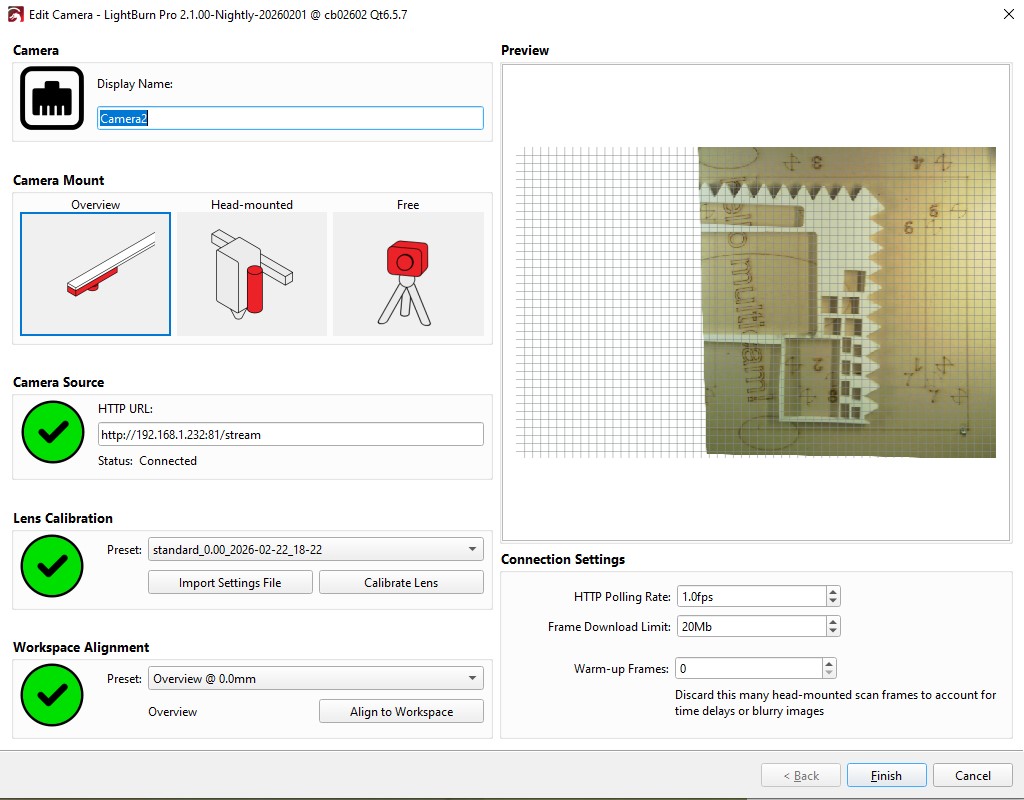
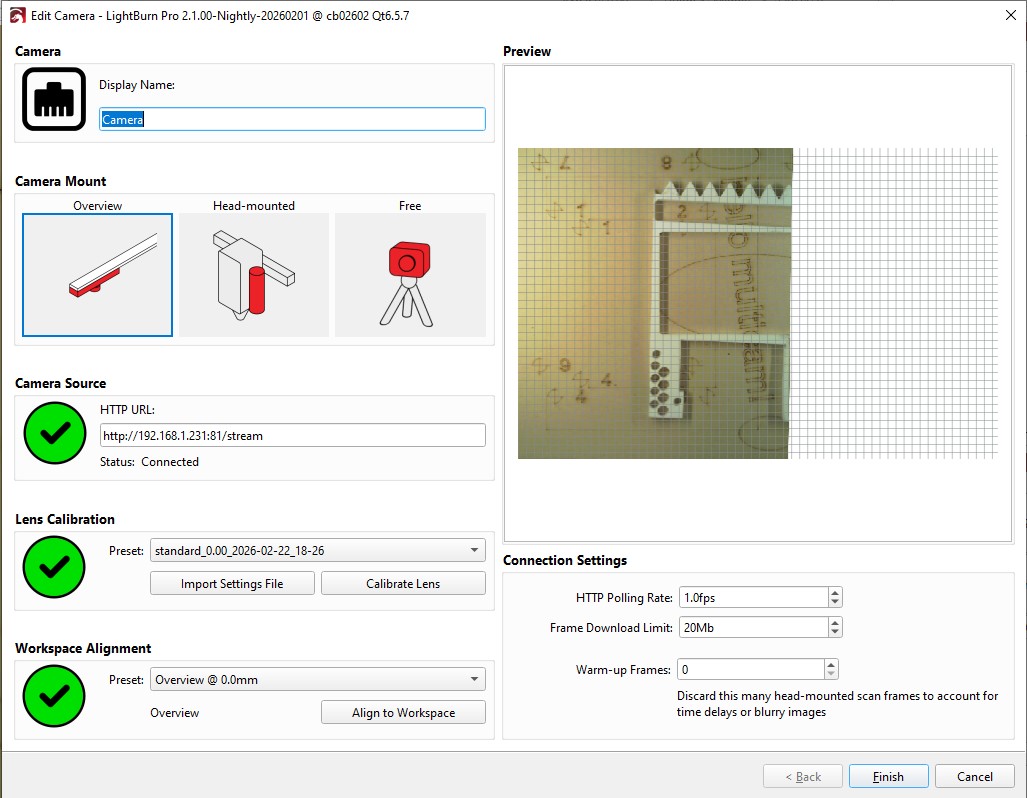
In the camera live preview in the Cameras window, the images are in landcape - that is because I setup each camera in portrait view to better accomodate the aspect of each side:
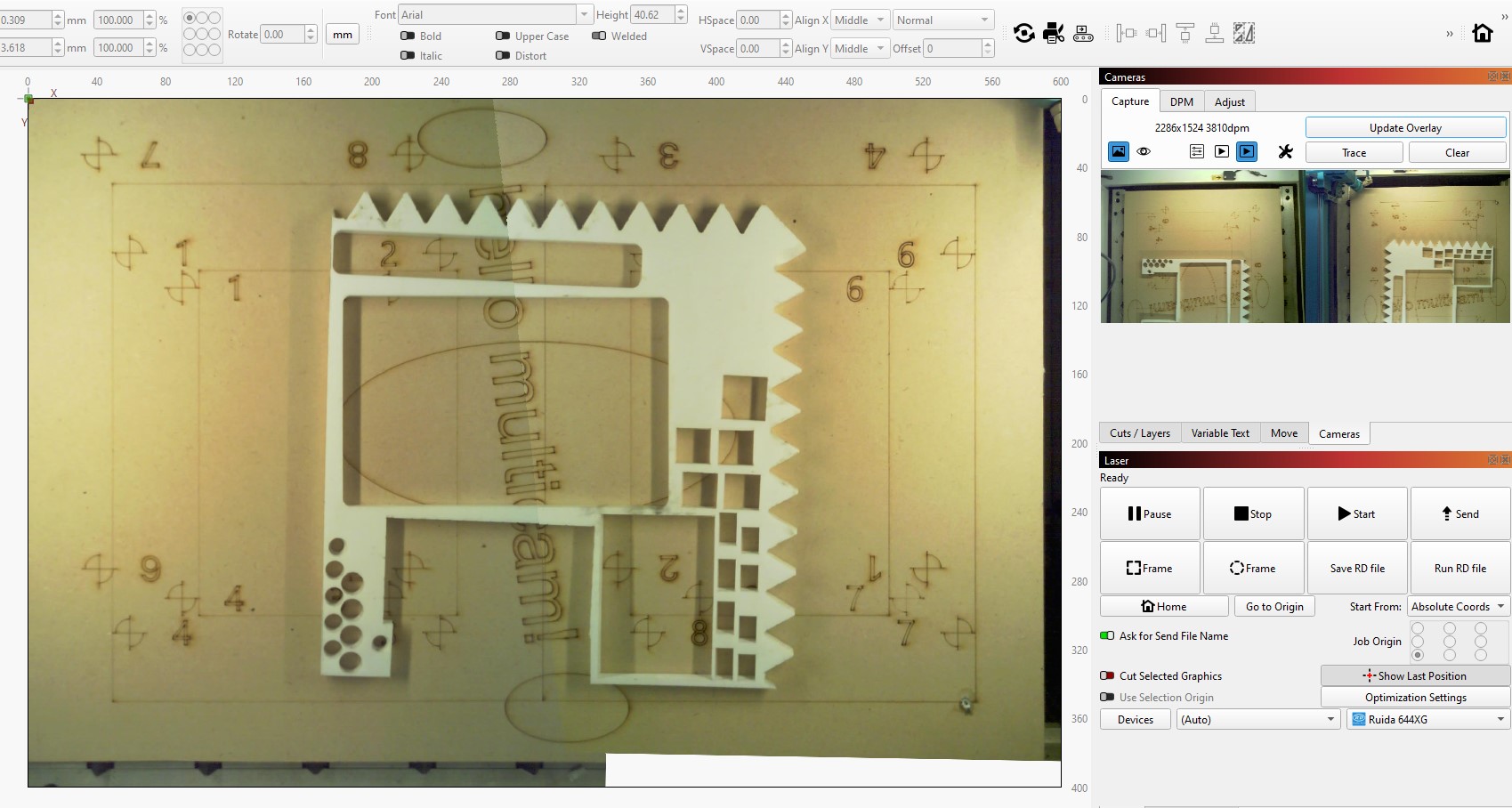
Here I put various thickness H-packers in the view just as I was curious to see how the seam would look with different thickness out-of-focus parts on it.

I