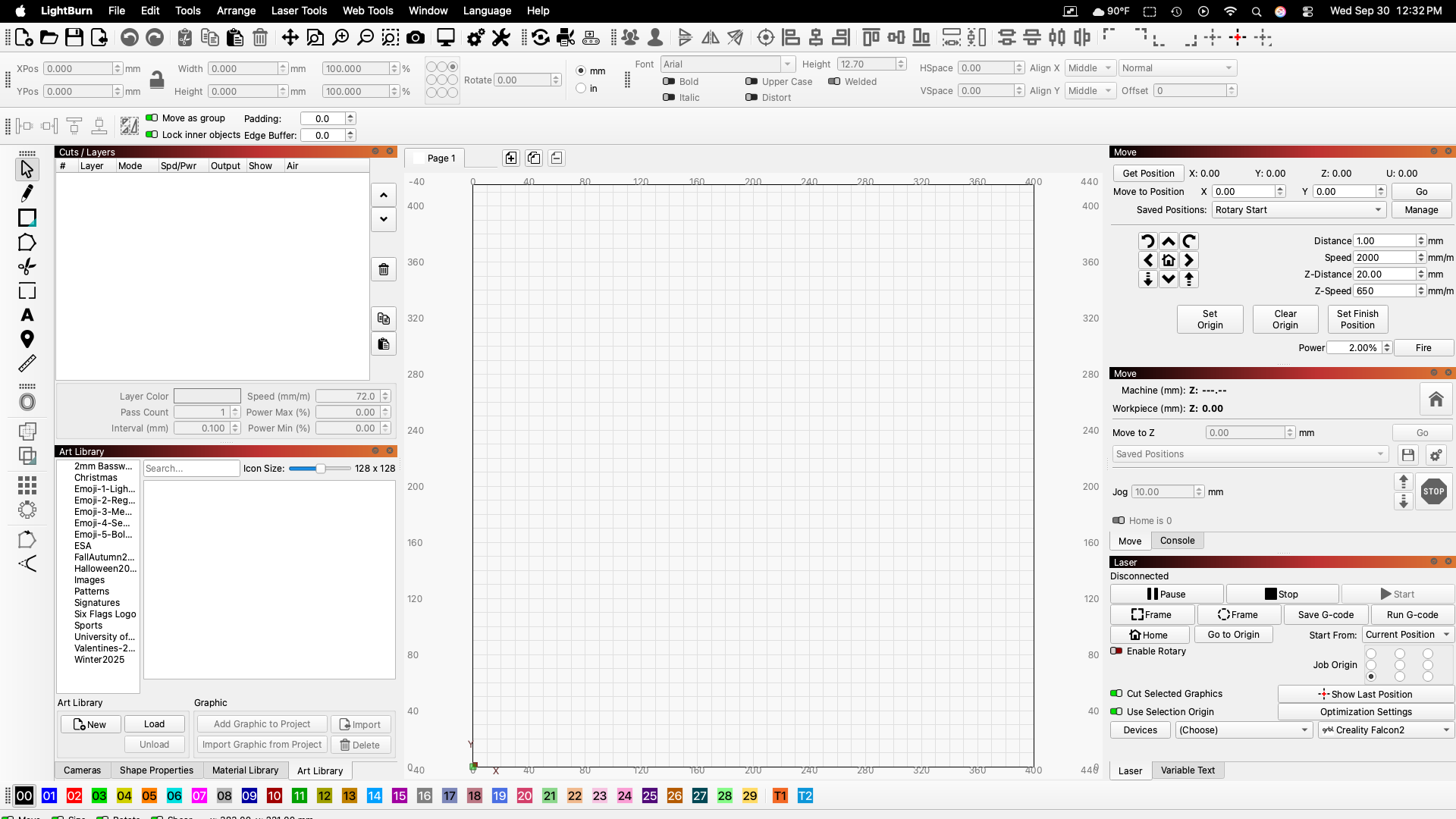
Just downloaded 2.2 PR and it doesn’t fit on the screen. I can grab the sides of the window and resize but I can’t grab the top or corners. No way to grab the bottom because it is completely below the bottom of the screen. In fact half of the layer buttons are below the screen. Even when I go to full screen, I can only see the very top of the 4 little switches and the cursor coordinates at the bottom.
I’m on Mac and haven’t had any issues. I’m sure you clicked esc? restart maybe.
What do you mean I clicked esc?
Restarted the Mac and still have the same problem.
What is your screen resolution? Can you take a screenshot and show us what you see? https://www.take-a-screenshot.org/
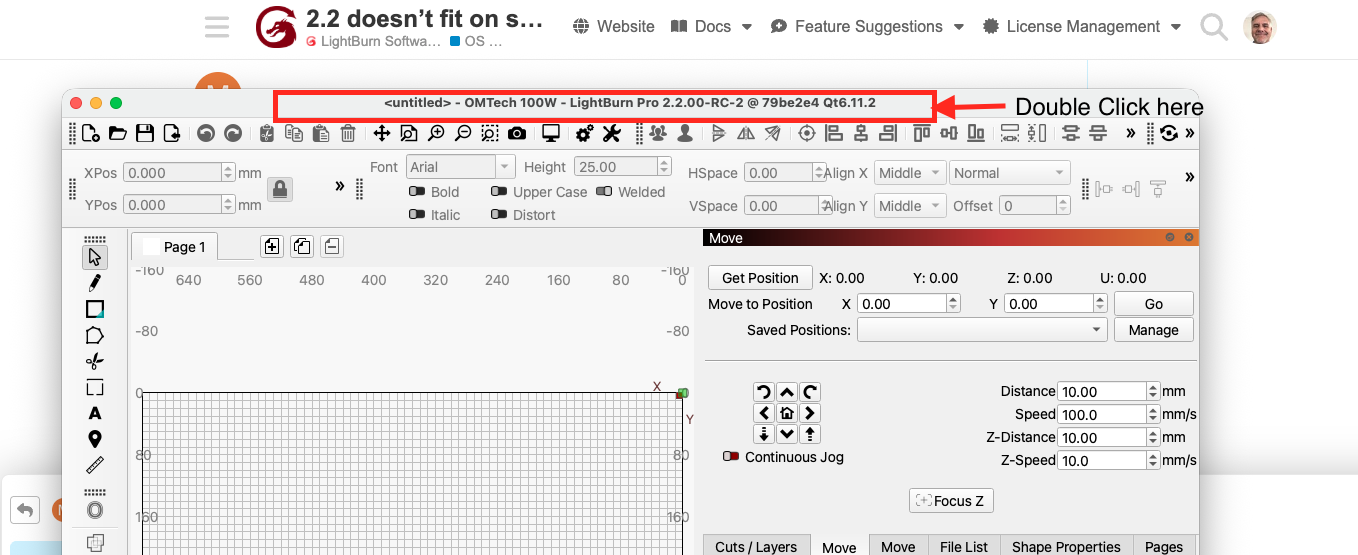
FYI I’m trying to reproduce the LB/Mac issue on the macMini. Double click title puts it in the dock, I have not found a “full screen” view option. full screen-"fn"f does nothing to LB.Changing resolution makes no change to LB. My next step would to be redownload the 2.2
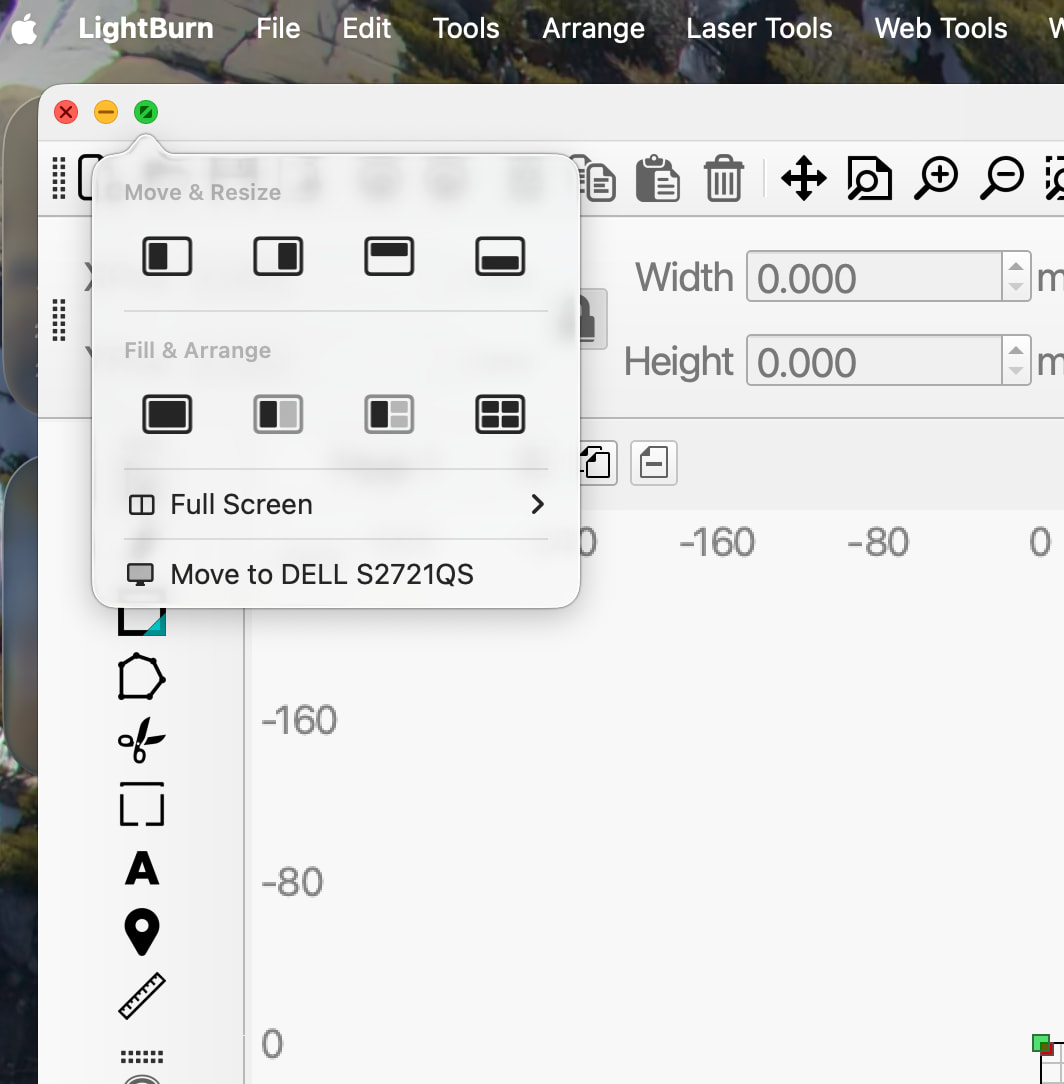
Double clicking the title bar puts it in full screen and everything is visible.
But I would prefer to not be in full screen mode.
Clicking the green button just widens the window to the sides of the screen. it does not make it fit the screen top to bottom.
In all cases, I can not grab the bottom or the corners to resize. only the sides.
How do you add a screen shot to this?
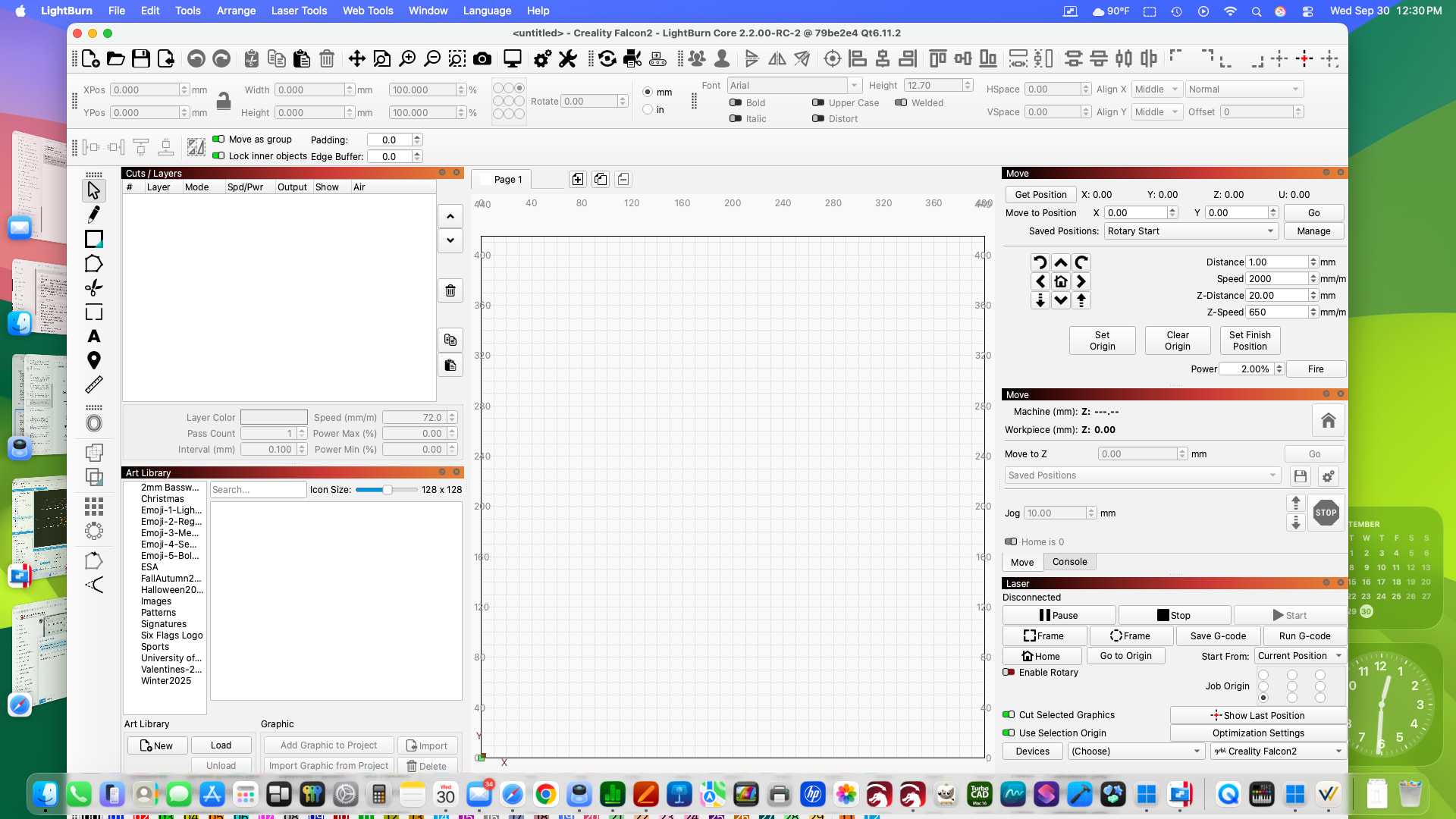
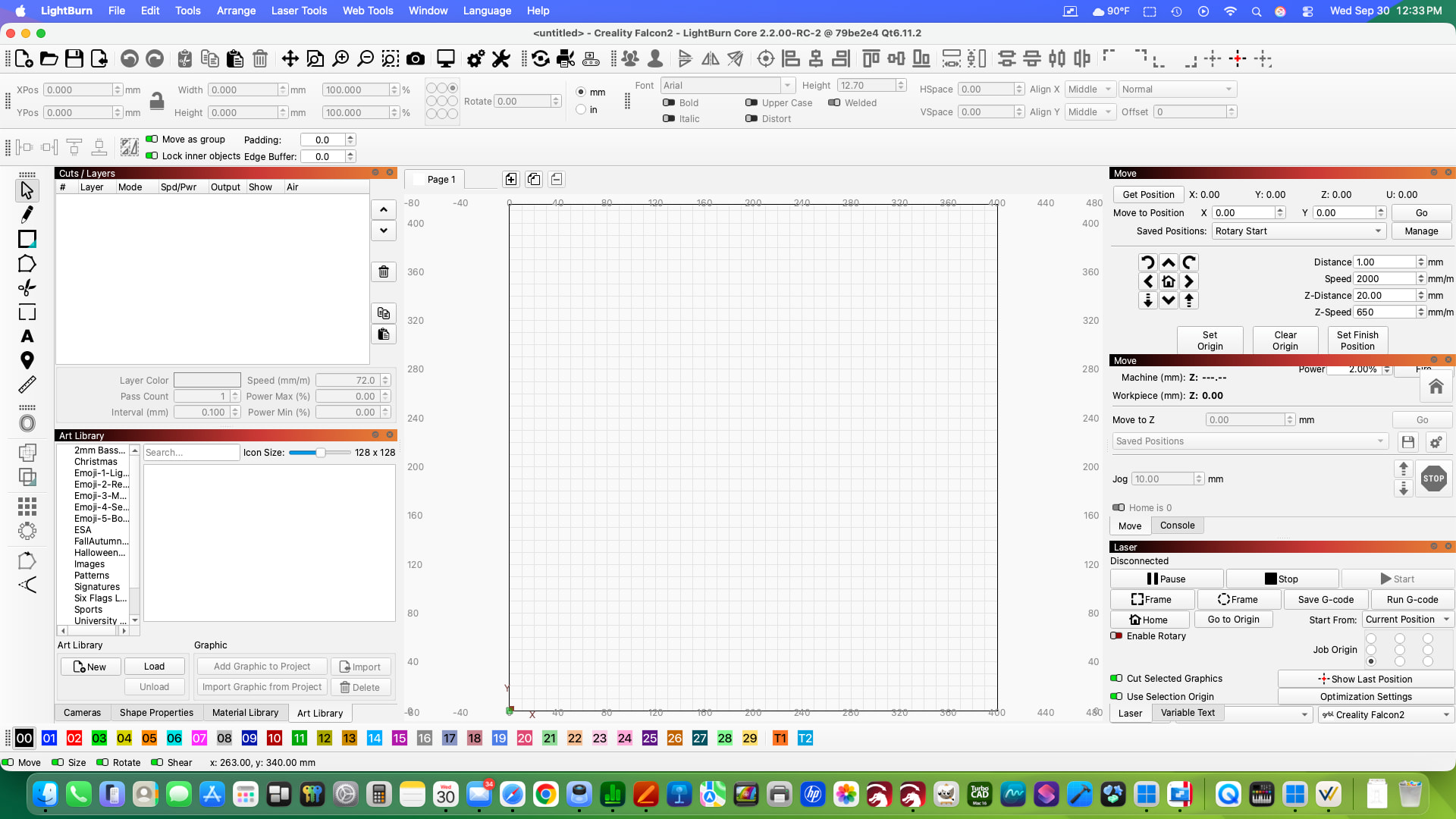
Is your OS up to date? the key response is very different than mine. i’m Tahoe 26.6.2
If your using an earlier OS might be you should use a previous LB
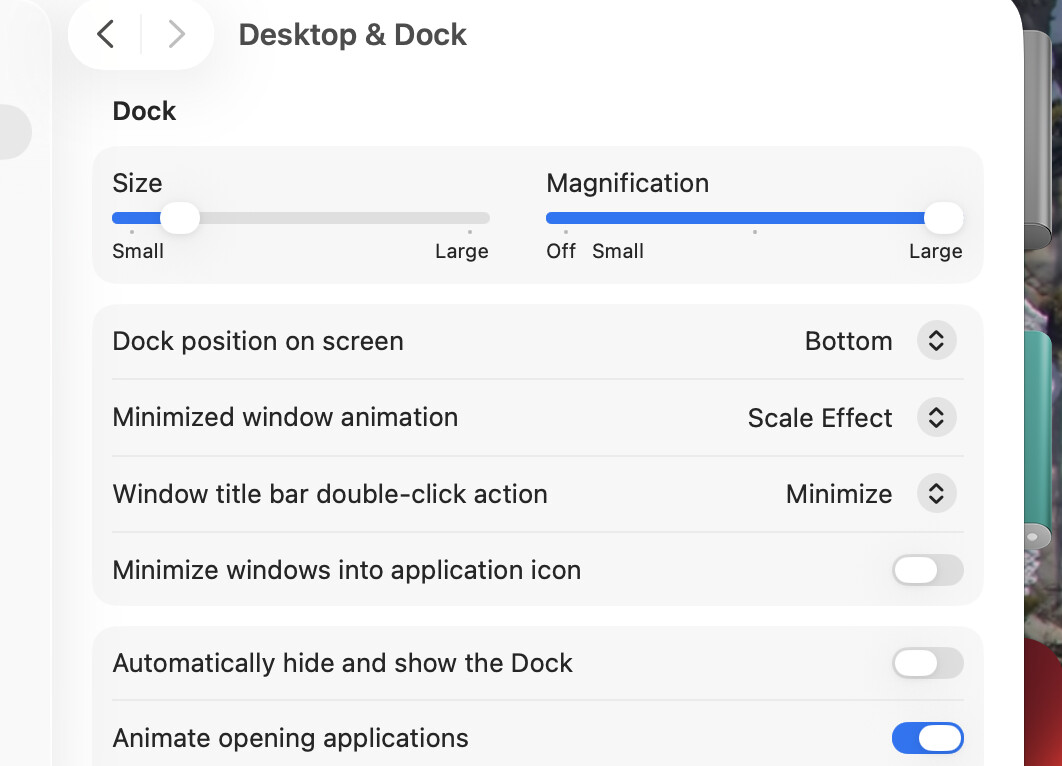
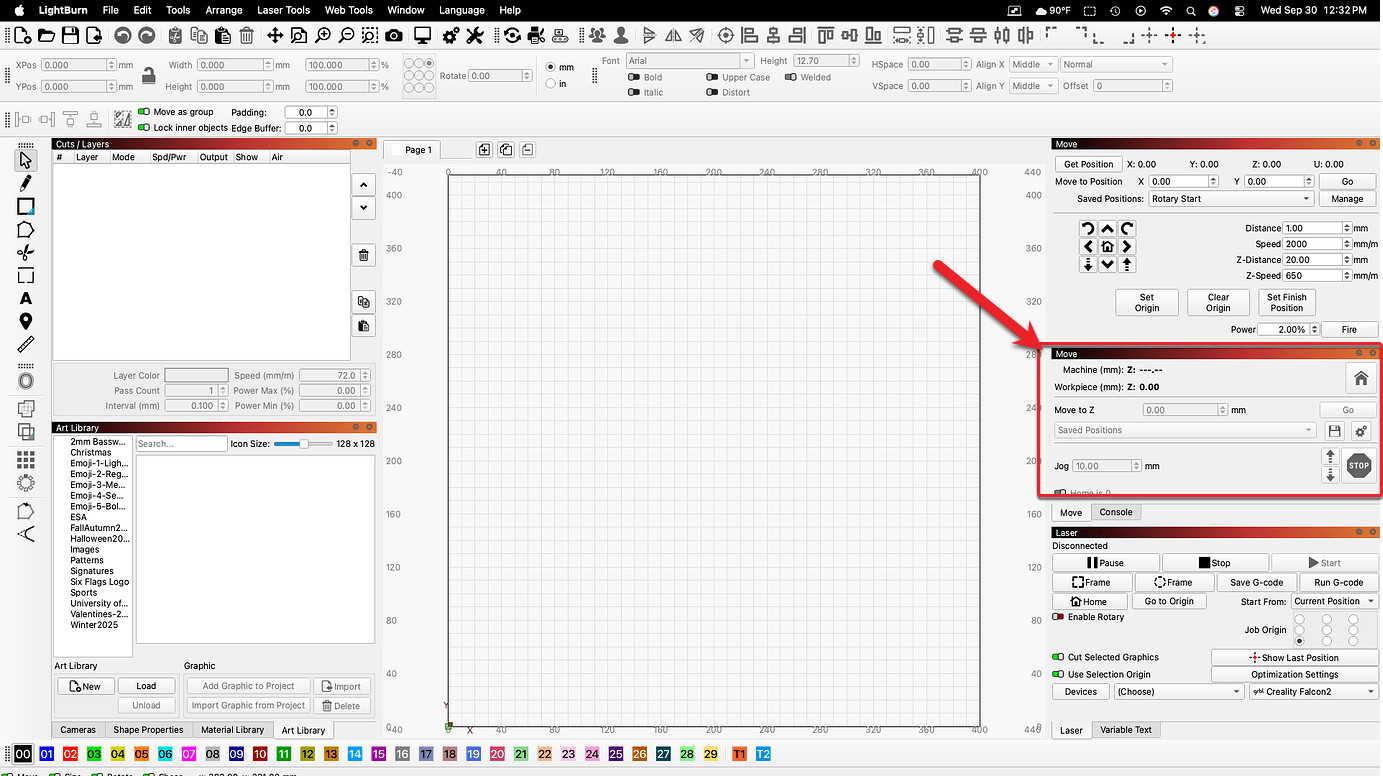
All you had to say was get rid of the second move window and it disappeared. It’s not there anymore, all by itself, and everything is working fine without moving the Console. So the issue appears to have been the 2nd Move window.
Yes, confirmed and we have a new RC inbound. 
- The Galvo Move window appeared on gantry, JCZ and BSL devices, and once shown was remembered for that device. Each Move window now decides from the device profile whether it applies, the galvo one defaults to hidden and refuses to show elsewhere, and profiles that had stored it as visible correct themselves.