3D Model generate outline issues

i watched the video over and over

https://www.youtube.com/watch?v=49_RiHlrPu4 especially at the 8.45 min mark

i have tried about 5 different files and cant get the outline to move by itself like in the video it keeps bringing the boarder back

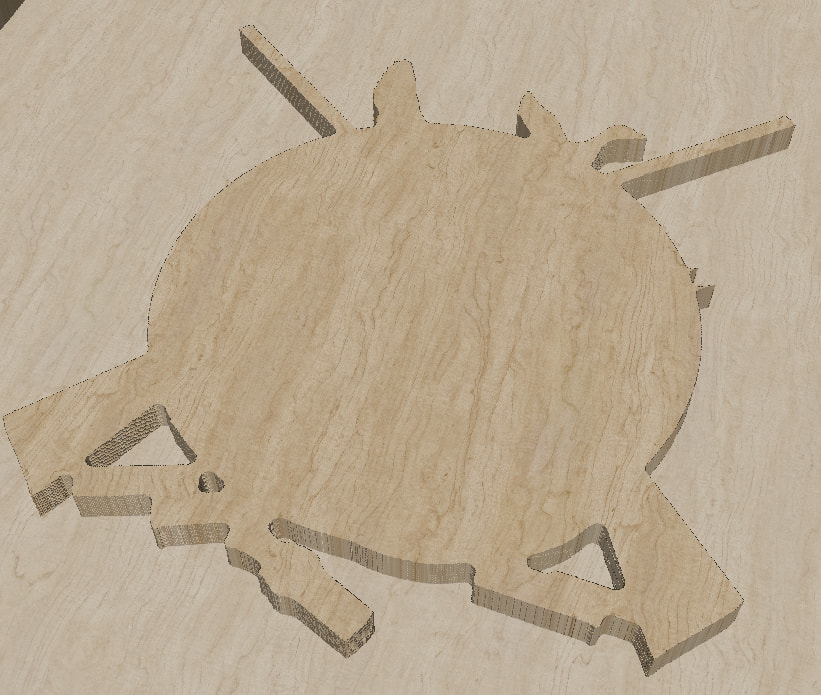
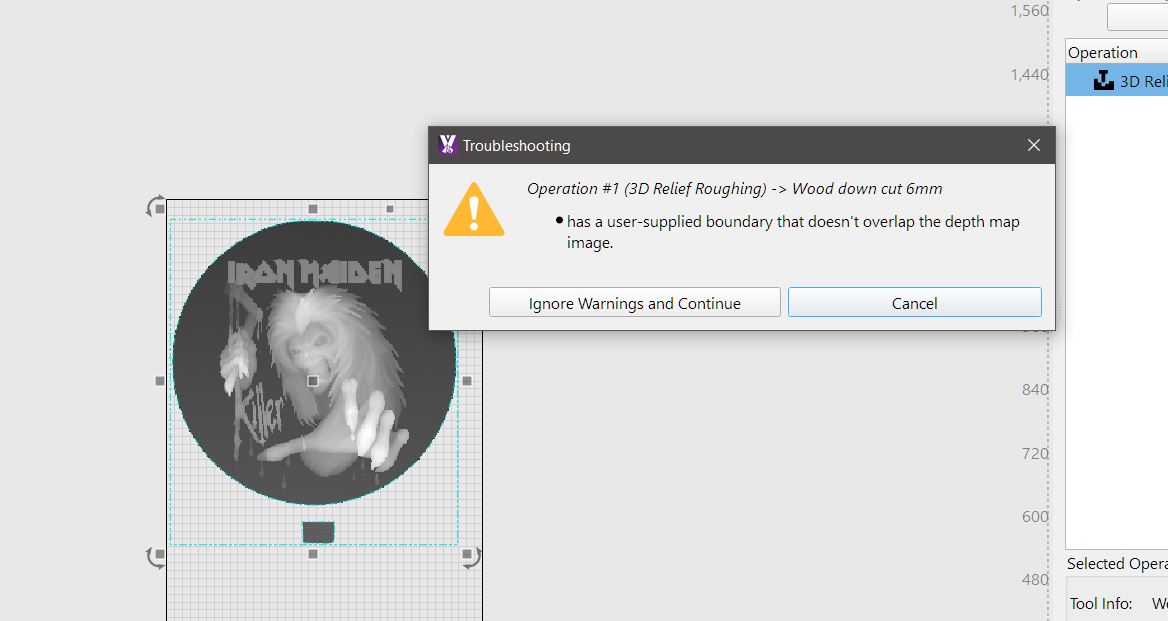
if i assign a roughing pass i get this

if i assign a relief finish it accepts it and shows preview inside the boundary ?

is this a file issue of a glitch in MM

boundary issue.mage (196.7 KB)

That bug has been fixed apparently, and we’ll have a new RC out shortly with the fix.

Your file has a few other fun things going on though:

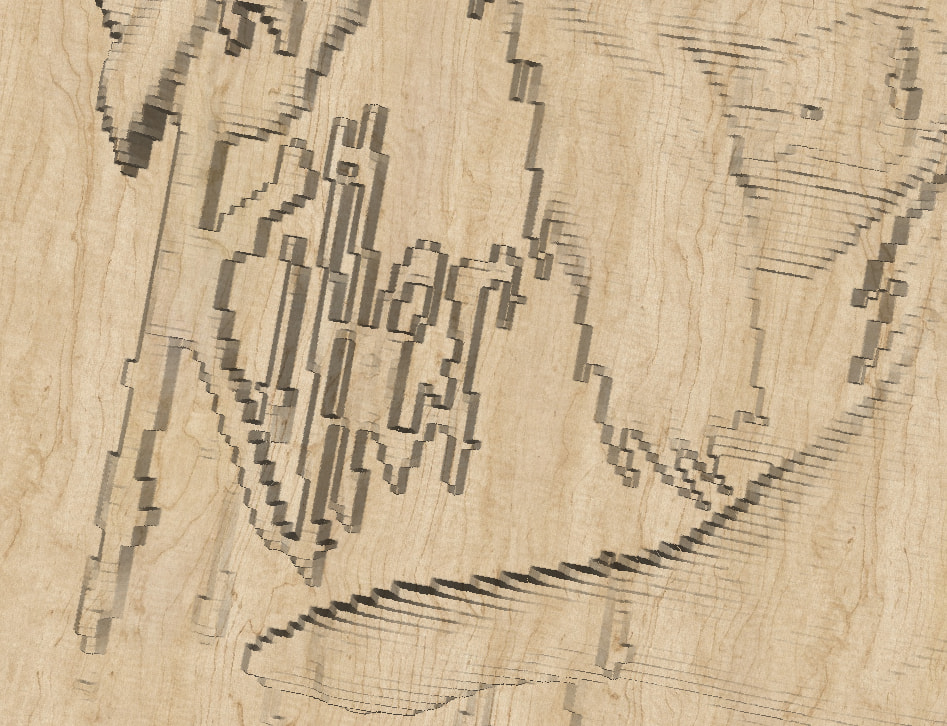
  • Your roughing pass doesn’t actually do any roughing, because you told it to only do one pass at 5mm deep, and your image is gray and doesn’t go to full black - none of the image is “deep enough” to get picked up by that single full-depth roughing pass.
  • The image is also really low resolution, so if you have a better one, you’d end up with a much better looking result.

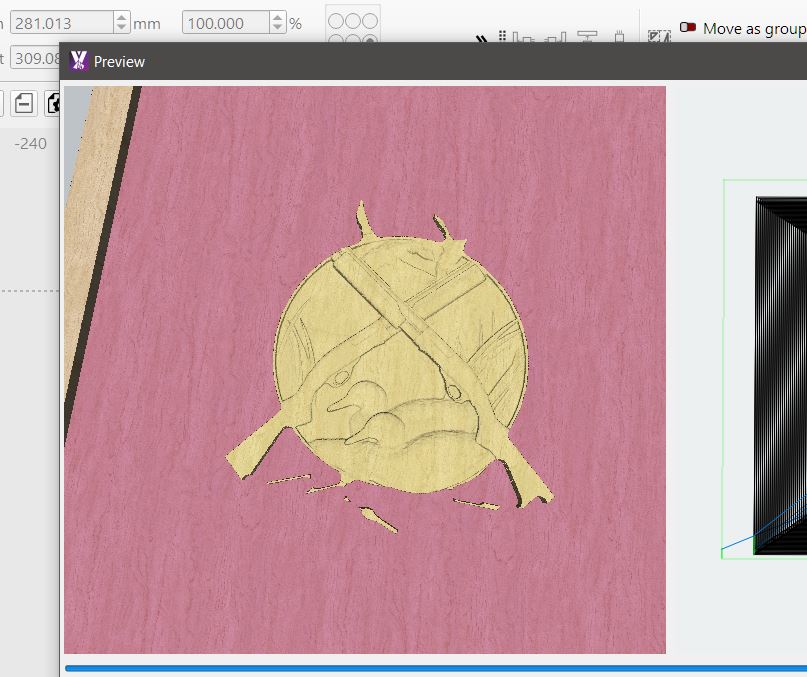
This is what the finishing pass looks like with the one you have:

cheers oz

my bad on the depth pass

yes have found that some files i have trailed are not of best quality

is there a good software out there that you know of that you can load a file into to view its properties etc before bringing it into MM, im just using creality to view filess at present but that doesn’t show much

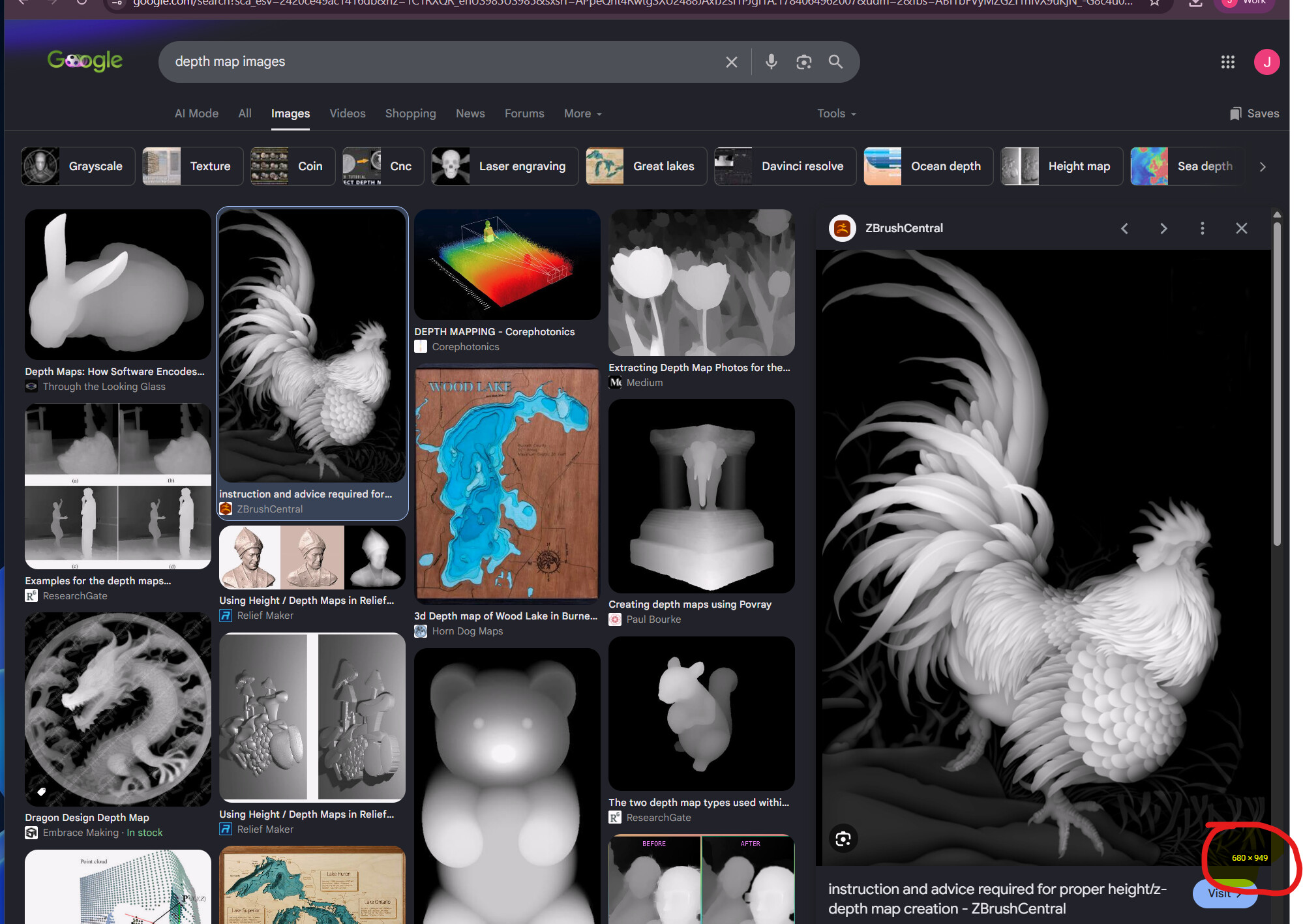
Just ‘Properties’ in windows can show you the size of the image. Google itself will also tell you if you hover over the image with the mouse:

would the bug also be causing issues, when trying to create a pocket operation ? wheer it ends up cutting into the 3d carve

I don’t understand how a pocket operation and a 3d carve operation are related in any way. Can you be more specific?

say i want do a 3d in the middle of a big board but have it raised above

so the way im thinking it would work , hence this post is generate out line them say draw square around full sized material , select inner genereated outline and create pocket , let me see if i can access the file from my home computer if not ill send it later when in workshop

3d and pocket.mage (3.7 MB)

i wipped up a new project if you look in preview the pocket cuts away at some of the 3d

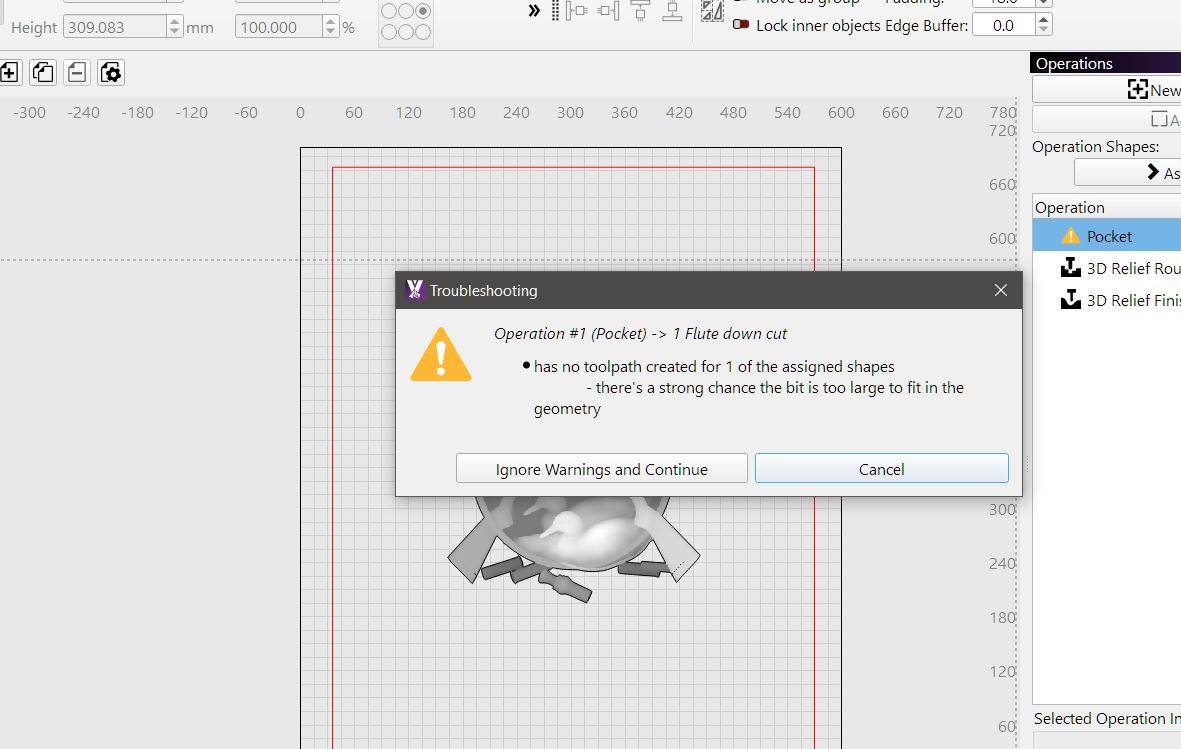
it does give the bit to big warning

You included the image itself as part of the pocket operation.

We’ll need to filter those out, otherwise it gets treated as another boundary, so the pocket op was backwards.

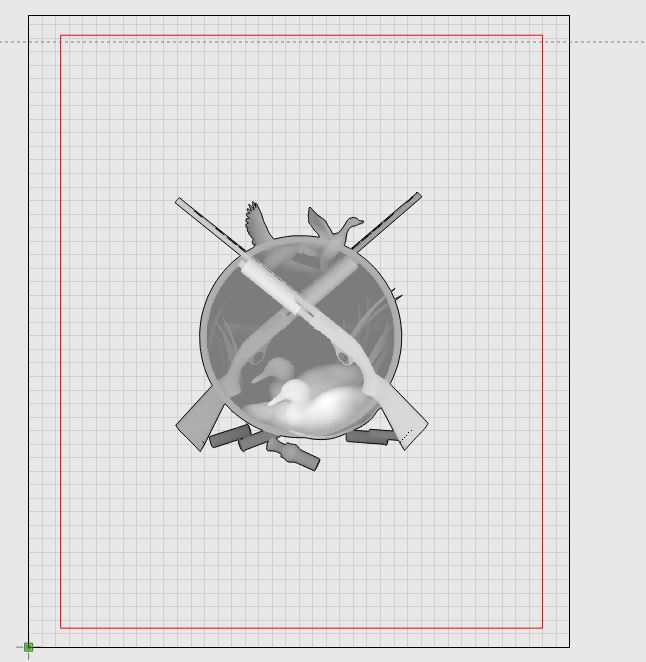
With the image included in the pocketing op:

And without:

It looks like it flipped the definition of “inside” and “outside” for the vectors within the boundary of the image.

so basically user error, mouse cant of been on the line properly when i clicked it

ill re do the operation and pay more attention to where i click , cheers

You can just click on the image anywhere to select it, highlight the operation, and click the (-) button in the operations view to remove the selected shape(s) from the operation.
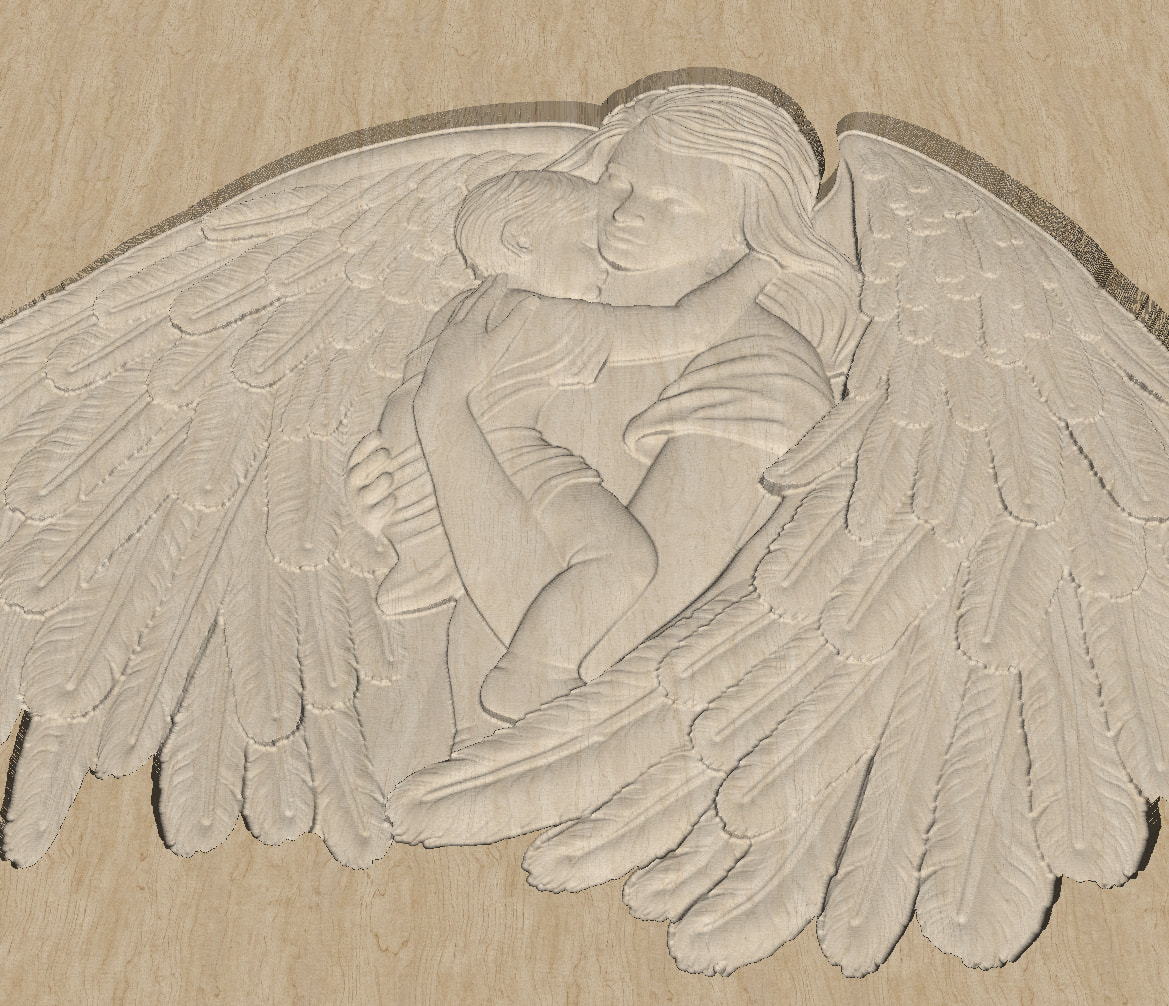
If you want to try stl with good details:
Check size when importing to MillMage because some 3D are bigger than your CNC.

https://makerworld.com/en/models/432928-mother-angel

cheers for that , ill give it a go in few days when i get shed back together and some tappered bull nose bits turn up :slight_smile: