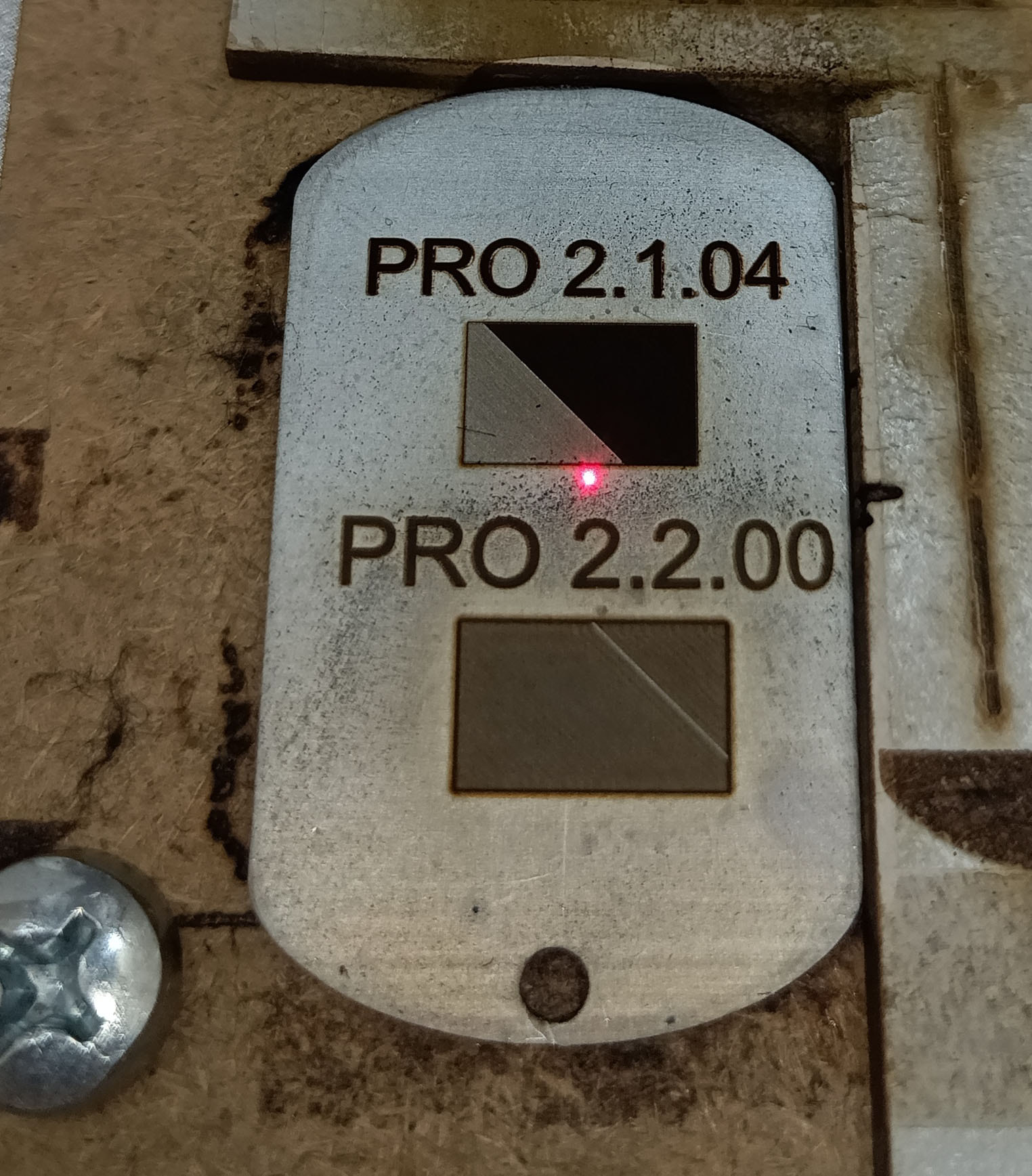
3D Sliced Cleanup Pass Does Not Run in LightBurn 2.2
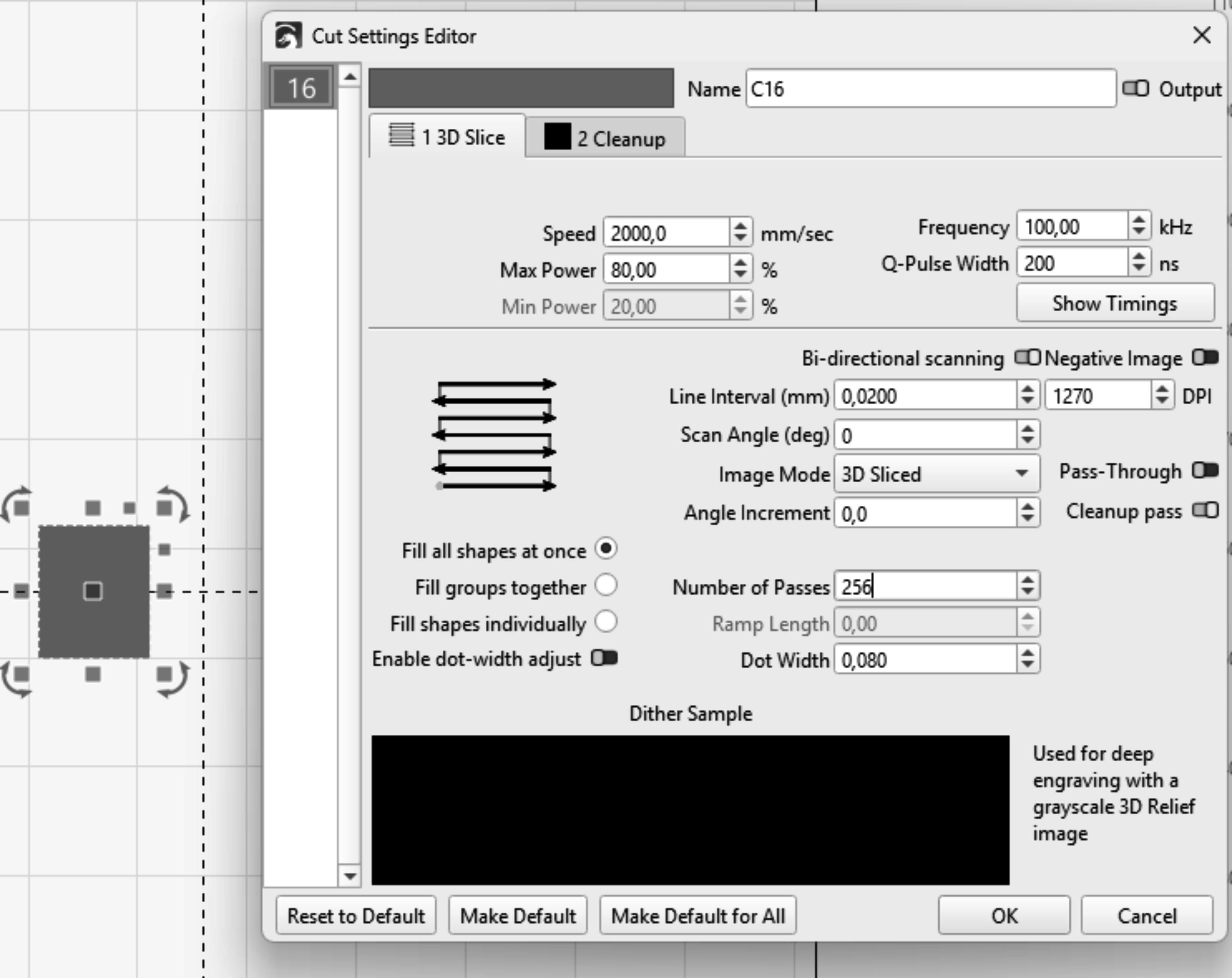
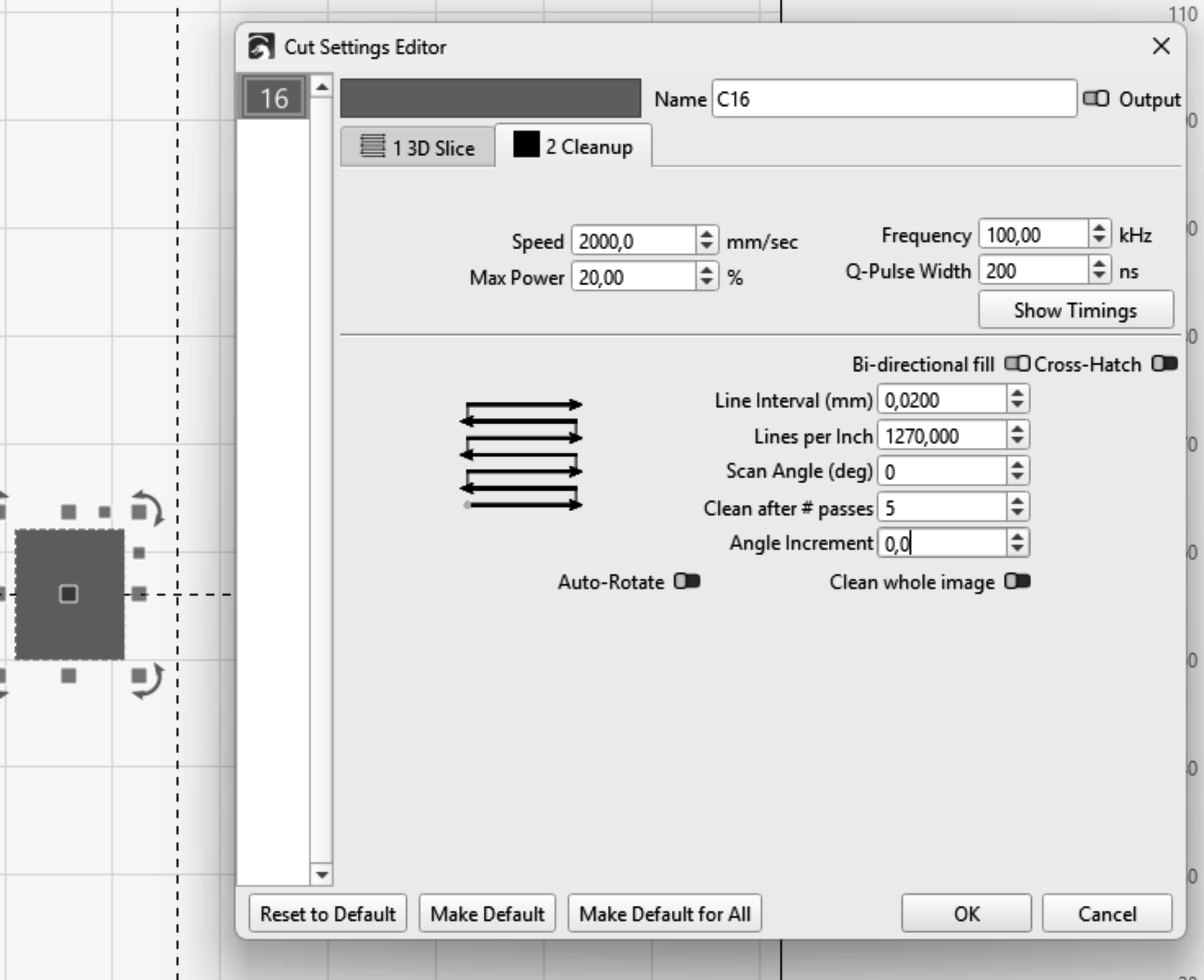
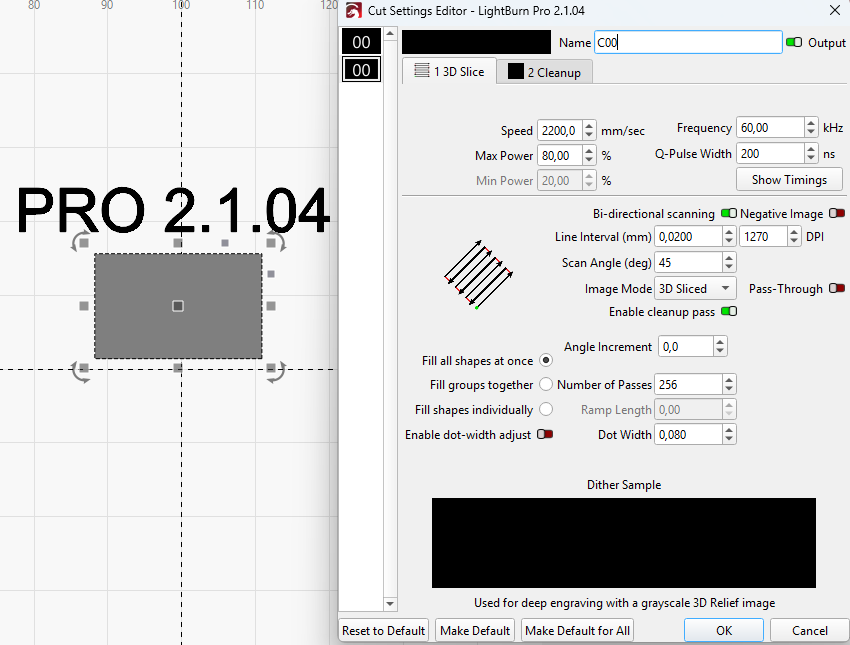
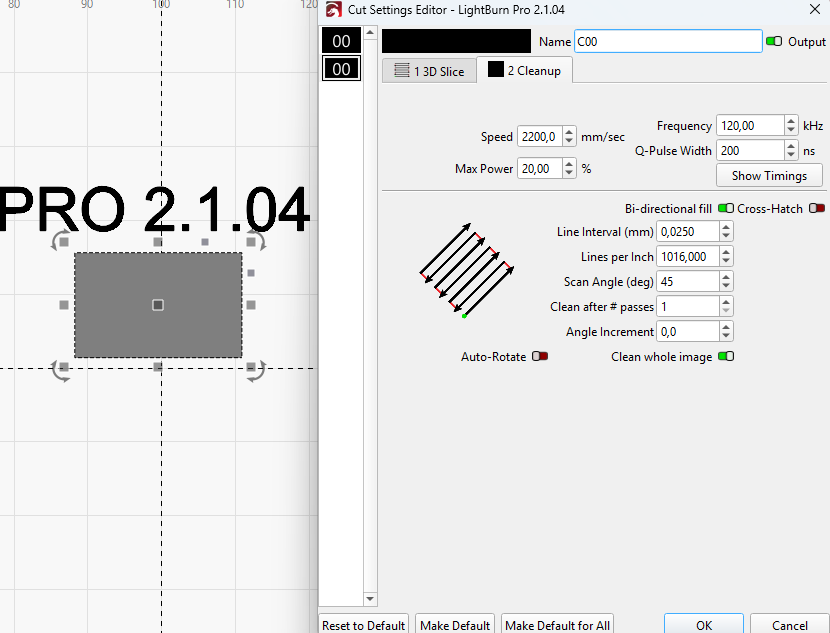
In LightBurn 2.1.04, the 3D Sliced engraving mode works correctly: the main engraving passes run, and the Cleanup layer starts automatically according to the “Clean after # passes” setting.
In LightBurn 2.2, the main 3D Sliced engraving passes run normally, but the Cleanup layer is never activated. The job finishes immediately after the main engraving passes.
I tested the same engraving settings and laser on both versions. Restarting the computer did not resolve the problem. After returning to LightBurn 2.1.04, the Cleanup layer worked correctly again.
I don’t see anything wrong with the basic settings for using a cleaning layer.
Someone is going to ask you, how do you know it’s not being executed?
My learning and understanding is that when you do a cleaning pass you a higher frequency and a quicker q-pulse. The frequency is the very analogous to sandpaper, the higher the frequency the finer the sand paper. Usually this work well to sweep out remaining debris. I also have used compressed air to remove debris.
I have been using LightBurn for more than two years and already have considerable experience with 3D engraving. The laser is right next to me, so I can observe the entire engraving process directly.
When I set 10 engraving passes with a cleanup pass after every pass, I should see 10 engraving passes plus 10 cleanup passes. Instead, I can clearly see only 10 engraving passes: the metal becomes darker, and then the job finishes. The usual cleanup passes that I am accustomed to seeing do not occur.
However, everything works correctly in the stable LightBurn 2.1 version.
Ok, anyone would likely ask, if you’re used to watching it, I get it. If it works in a previous version, I’d wait for one of the Lightburn people to answer that.
I run an older version and it looks set up correctly.