Hello Everyone. I found some fonts and images I really liked and I bought them. I have the zip files and tried unsuccessfully several times to load them into my art library (banners etc not fonts). I have followed the youtube tutorials and been through 44 posts on this forum trying to figure it out. Can someone step by step me through the process to load these files into my art gallery or link a video showing this? Everything I have seen has been for loading a single image etc. Been banging my head off the monitor now for hours… I appreciate any help and thanks in advance.
Lets start with review of this information, Art Library - LightBurn Software Documentation.
Please let us know where in this process you are finding obstacles to your successful use of the Art Library options in LightBurn, and we can go from there. 
Ok, i did that and it worked somewhat. Instead of individual pieces though I have large groups that look like this. Needless to say they are tough to see and you can’t select a single item it pulls the whole thing over. I mean atleast i have them but can i break up the group? I have another file of fonts and images that I need to bring over and it will be a nightmare if I have them this way. The other file is 5 times as big as this.
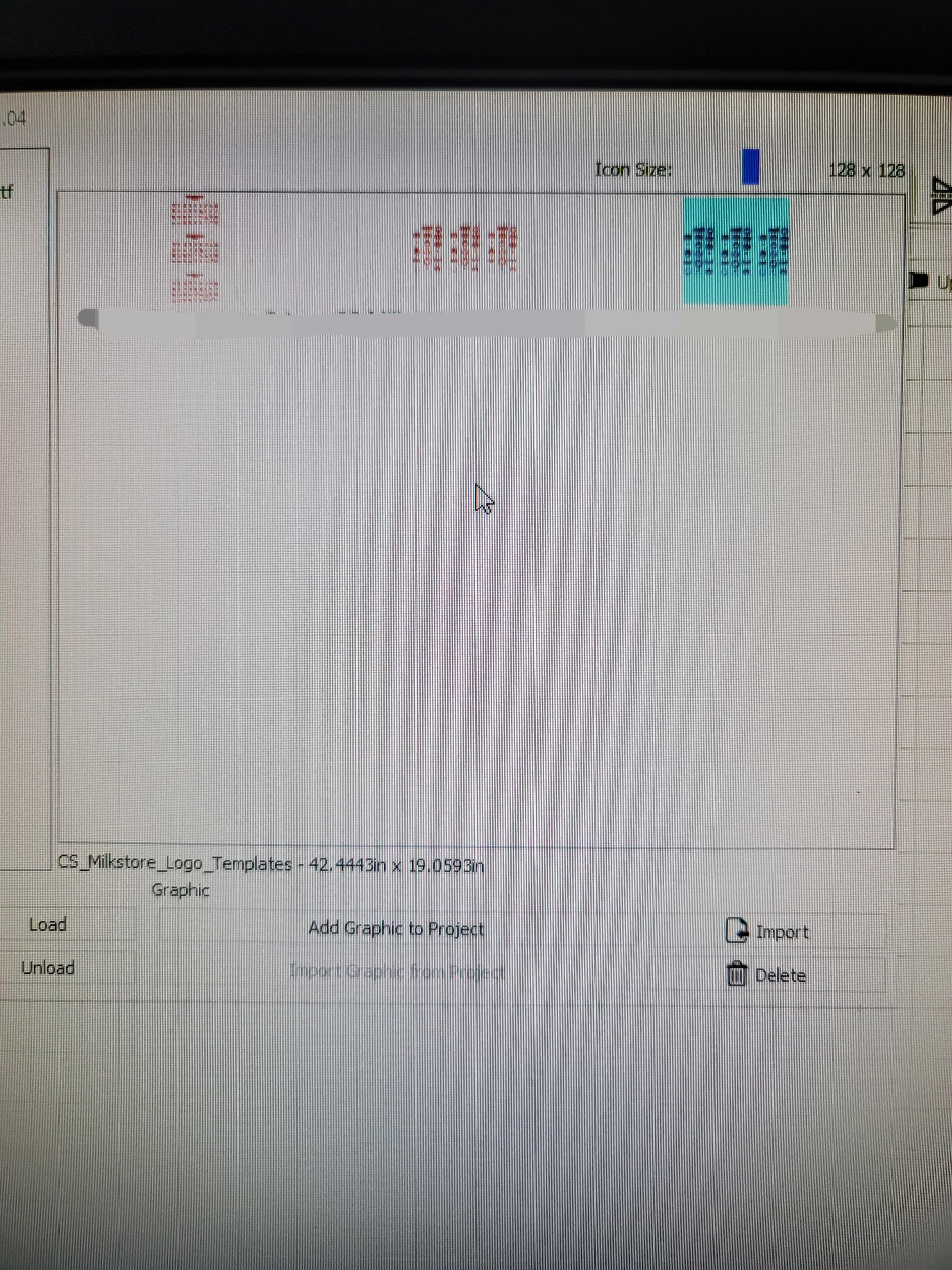
Have you tried to ungroup the items first, then select the single one you want and add that to the library? Additionally, there is a slider near the top-right of that window to change the size of the icon displayed. Bump that up a bit to help you see what these are. Basic Usage: The Essentials - LightBurn Software Documentation
Would be nice to have a bulk import (if that’s not a thing already).
1 Like
There are a few related suggestions worth review and up voting, or you can make a new one if the others don’t fully address your idea.

I have not tried to ungroup, I guess this is where you get confirmation I’m an idiot because I didn’t even know I could do that. Please advise on this process… and yes apparently the K.I.S.S theory will have to be applied to your explanation… sorry, I am trying to learn…
We all start somewhere, you are fine. I provided a link above to our documentation, where you can learn about every tool and option we offer in LightBurn. You can open that link, then search for ‘Group’. I would also suggest reviewing the Simple Project section as it covers a bunch of things in project form, to help with learning.
This topic was automatically closed 30 days after the last reply. New replies are no longer allowed.