I’ve tried just about everything. I couldn’t get lightburn to work with my Omtech with usb cables. Now I went and bought a pc and entered all the numbers in the laser changing the last digit. But when I went to add new laser in lightburn manually, every youtube I watched the ip address was entered on lines with periods behind them. My box was just a long empty box and there were no lines to enter the numbers so I did them in sequence b/c if I spaced or added a period it said invalide number/ What am I doing wrong?
…not sure if it works the same on all Ruida controllers, but here with my KT332N you have to press enter for many settings and change with the arrows to the next “field” and start with enter again to “activate” the input field, write the value and press enter again and use the arrow keys to get to the next field. You may have to read the current setting and write (save) the new one, at the end.
(in my case I have to do this procedure for every single number and field, if I remember correctly)
It is also worth noting that (my) controller has “reserved” a static IP address, 192.168.000.100, which must match your LAN subnet mask, typical 255.255.255.0
The easiest thing here is to create the OMT profile manually, you have the few necessary information and are asked to enter it, including the IP address.
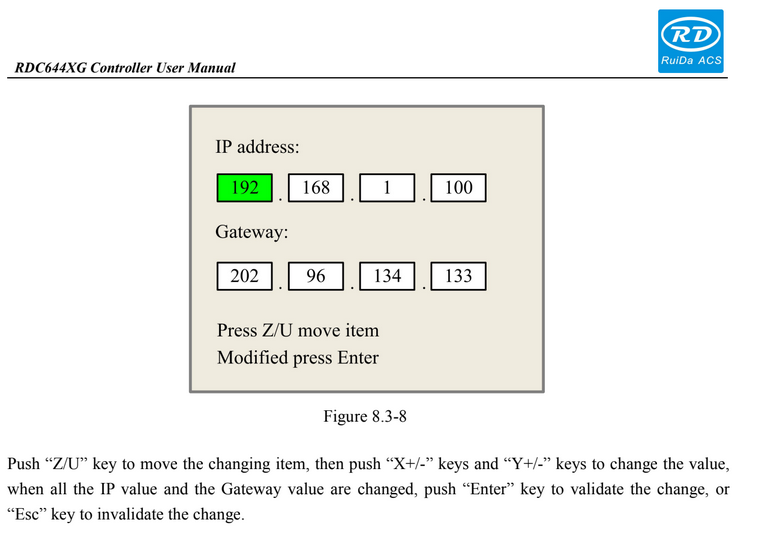

I have it all entered into the laser correctly but when putting in the numbers in lightburn in the add manually it is just a long open bar and every video I’ve seen it has seperations with lines?
You type in the IP address as four numeric values separated by periods.
My laser is at:
192.168.1.47
The field can also accept a hostname, presumably for controllers smarter than your average Ruida, but the numeric IP address will work fine.