I updated my Lightburn recently. My lightburn is now at 2.0.04. I used to have a bar at the bottom of my screen that would show the different layers so I could add in more layers and select the different parts of my project. However, ever since the update, I cannot find how to add that bar back in and I cannot find the exit button in the top right. How can I fix this so I can continue to work with different layers?
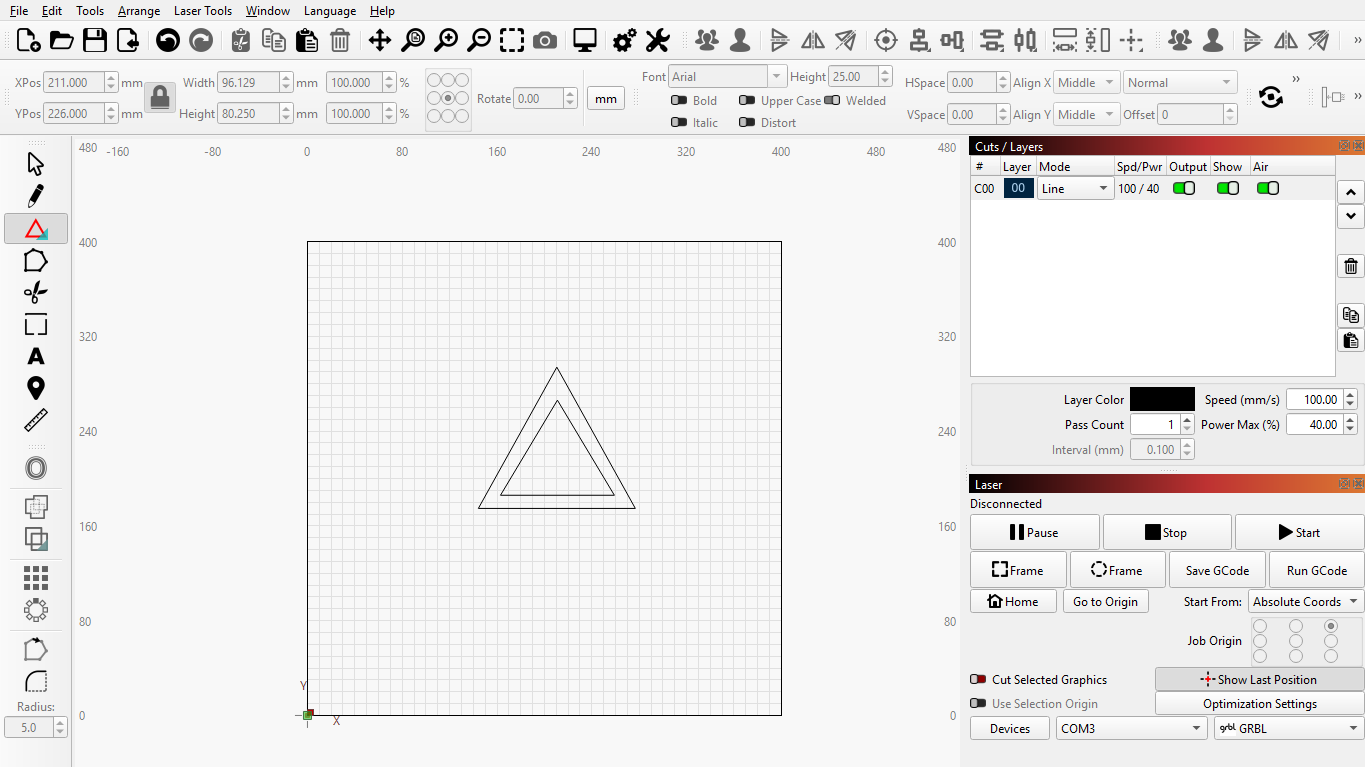
Windows → Reset to default layout.
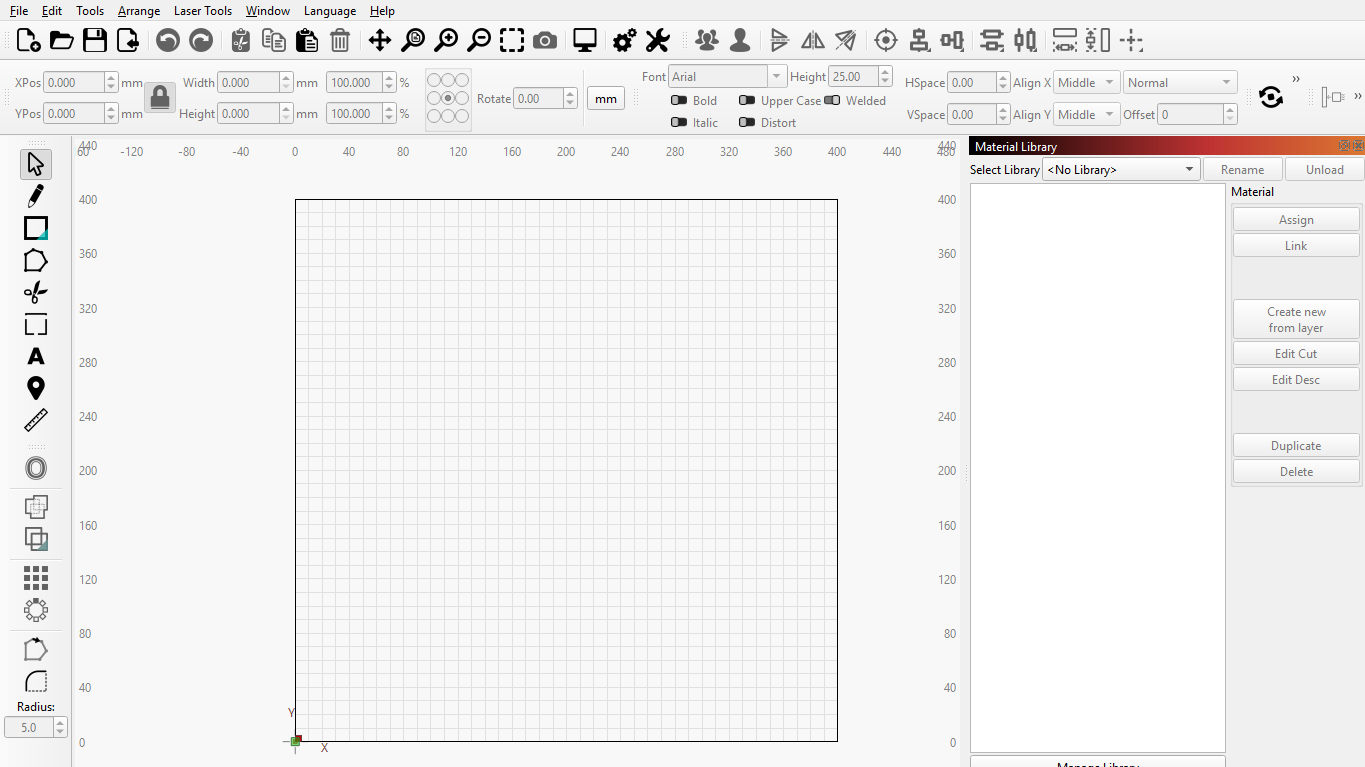
I just tried that and this was what it showed. I still am unable to see the layers on the bottom of the screen.
Your window is not maximized as well. The buttons are missing. Use keyboard shortcuts to maximize the Window.
Thank you!! Alt + Space worked! Thank you
1 Like
This topic was automatically closed 30 days after the last reply. New replies are no longer allowed.