I make it out as a 6442 and have never understood why the labels must be on hidden surfaces:

Everything else confirms the machine is set up correctly and all the pieces seem functional, which is sometimes a completely unwarranted assumption. Thanks for the check!
My guess: they saved a buck by eliminating an Ethernet jumper cable.
As @jkwilborn notes, the controller’s flash memory file system is completely internal.
Perhaps you’re referring to a USB stick?
Wise man! You’ll go far around here! 
One consequence of using Send, however, is the controller’s memory eventually fills up, which then causes all manner of peculiar problems. Use the LightBurn File List window to get rid of them, which is easier then doing it one-by-one standing at the laser.
Possibly, but more likely it’s noise in the USB connection, which is why we always recommend using Ethernet for Ruida controllers.
If you plug it into a LAN, ensure the router cannot assign the same IP address to another device using DHCP. The method varies according to the router, but this can cause baffling problems later on.
A long discussion covers many of the gotchas:
With any luck, your router will be frendlier. 
The Ruida config photo suggests there’s now a mismatch:
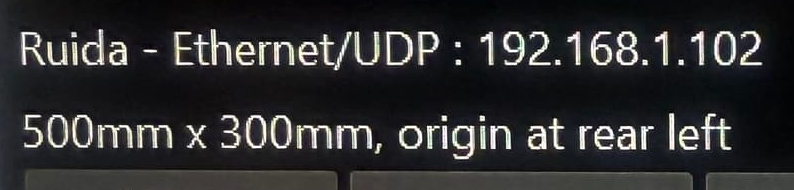
Make sure LightBurn’s device origin matches the corner where the machine homes.
Happy lasing!