Since the latest update I havee had issues. I do see the blue laser light speed is 150 power is 100, I use a focus block for my Neje 3 Trying to engrave and cut 3m wood. Had this laser and Lightburn for 2 yrs without issur.. The laser will Homw, move when you jog it around. It just wont make the wood at all.
@BillPiper Maybe the new setup is the problem?
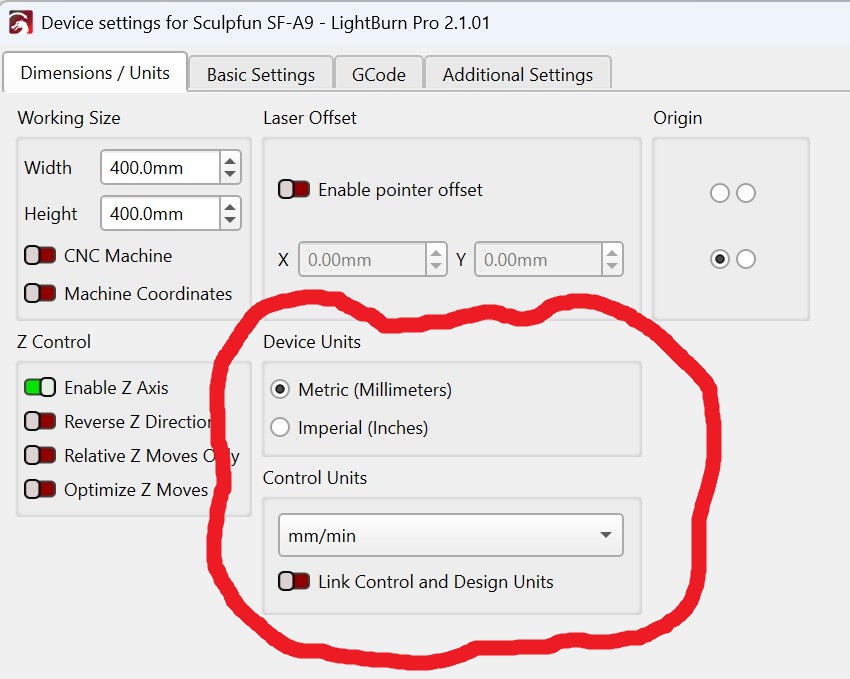
Thank you. I will try this. What is the “Link Control and Design Units,” for?
Some people (I think they said half) use strictly Imperial or Metric. Turning the switch on ensures they are on the same units throughout the design and control system.
The other half, me included, design on one units and run in the other. I always use metric (mm/m) for the laser control settings. However in the design grid, I switch back and forth between inches and millimeters like I can’t make up my mind. So I turned the switch off.
I appreciate the information.
Since installing the latest update of Lightburn on my Neje 3, every time I send a file, the laser lights up and moves like it is engraving and/or cutting, but nothing is happening other than the blue laser showing on the material.I have adjusted the speed and power to no avail. I have even gone into the machine drop down and tried different in/mm/sec or min settings and nothing helps. I am using Version 2.1.03. Note: I have had this laser and Lightburn for about 2 years without any issues.
@BillPiper I’ve merged your conversations into this topic just to keep them together.
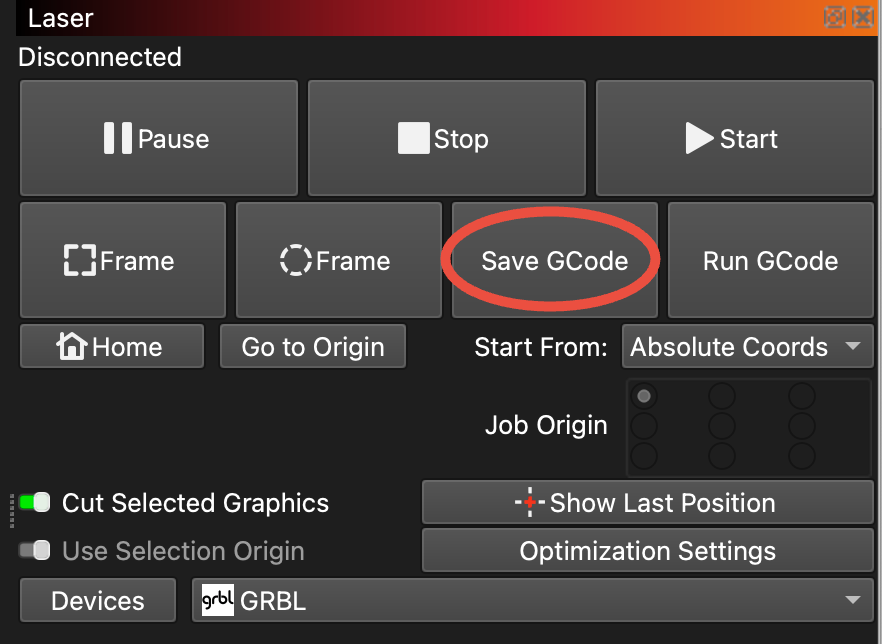
If you are still having issues, try cutting just a simple square shape, and use the “Save GCode” button and attach that gcode file here.