Alarm :11 problem

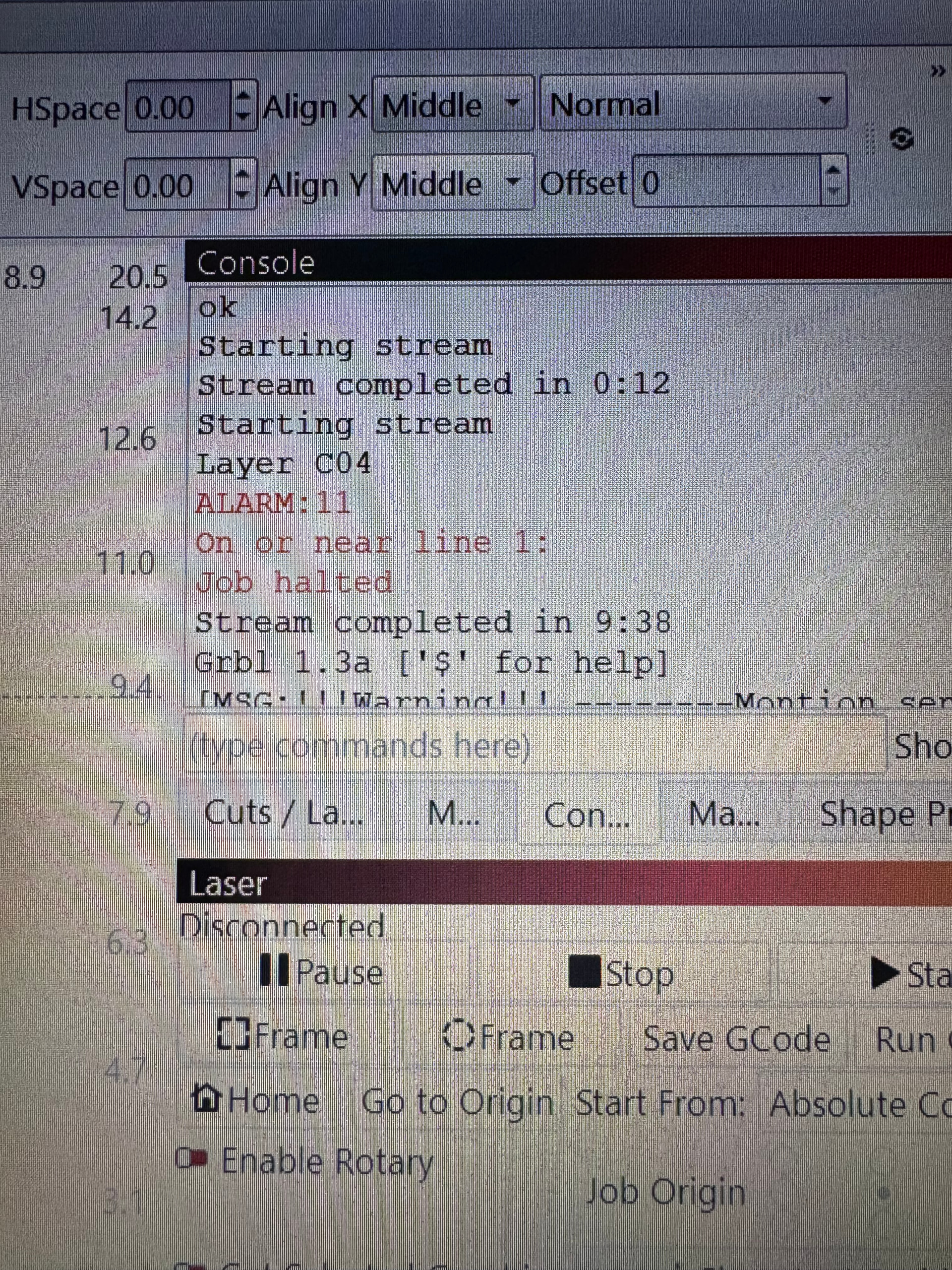
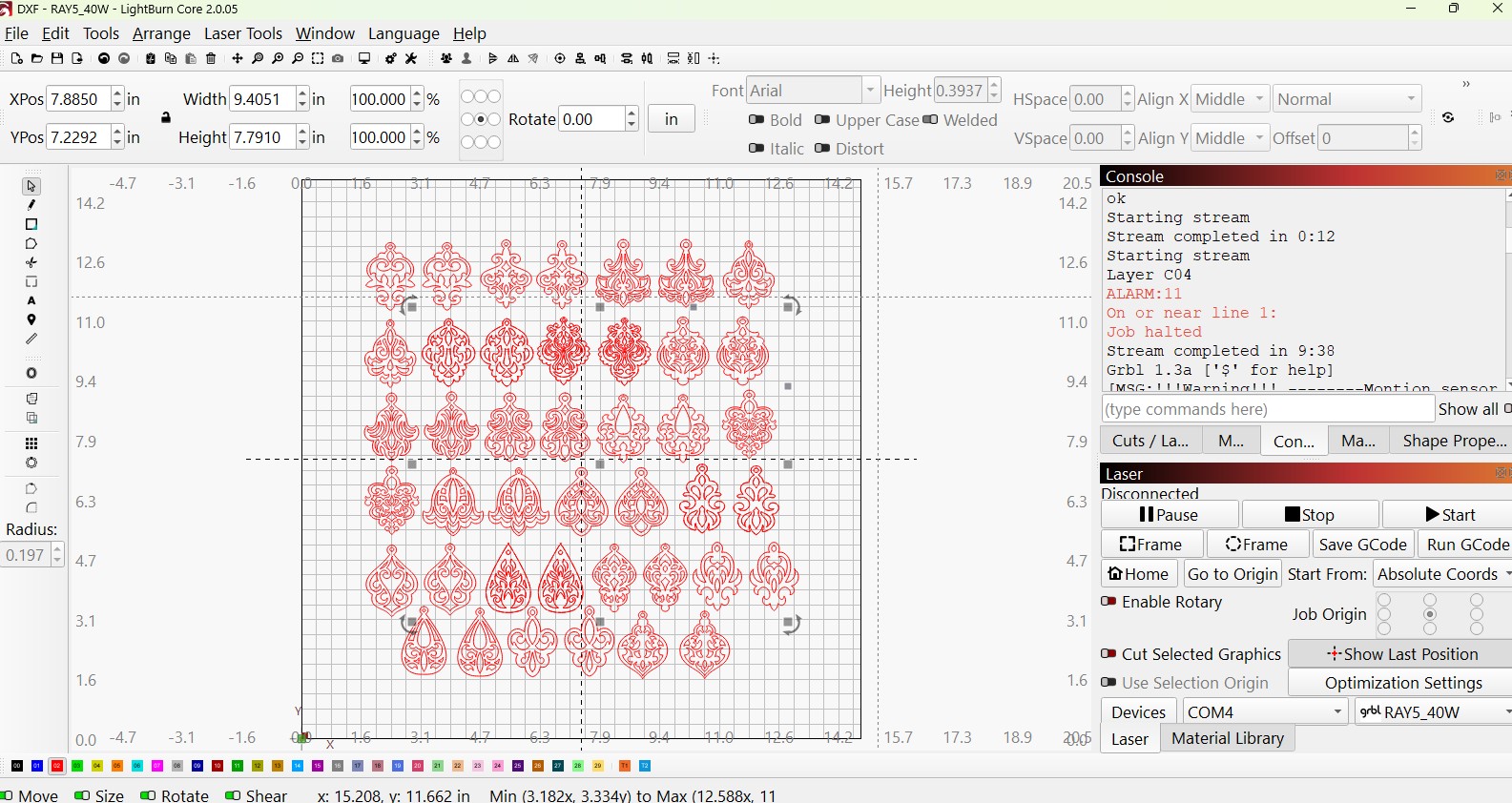
I’m having difficulty with a burn that I have completed before with no issues. I am now encountering an:

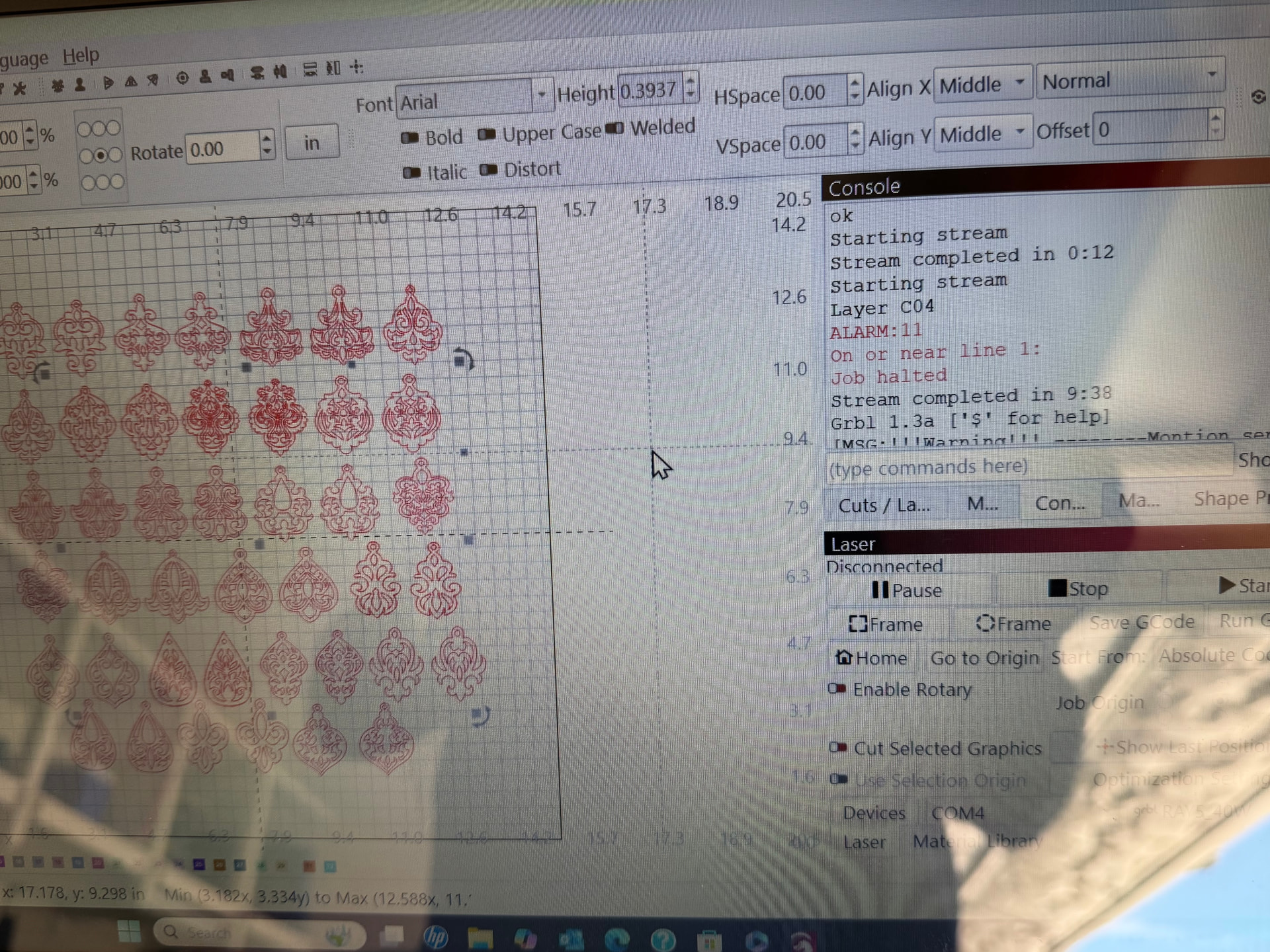
Alarm:11 on or near line 1: Job halted

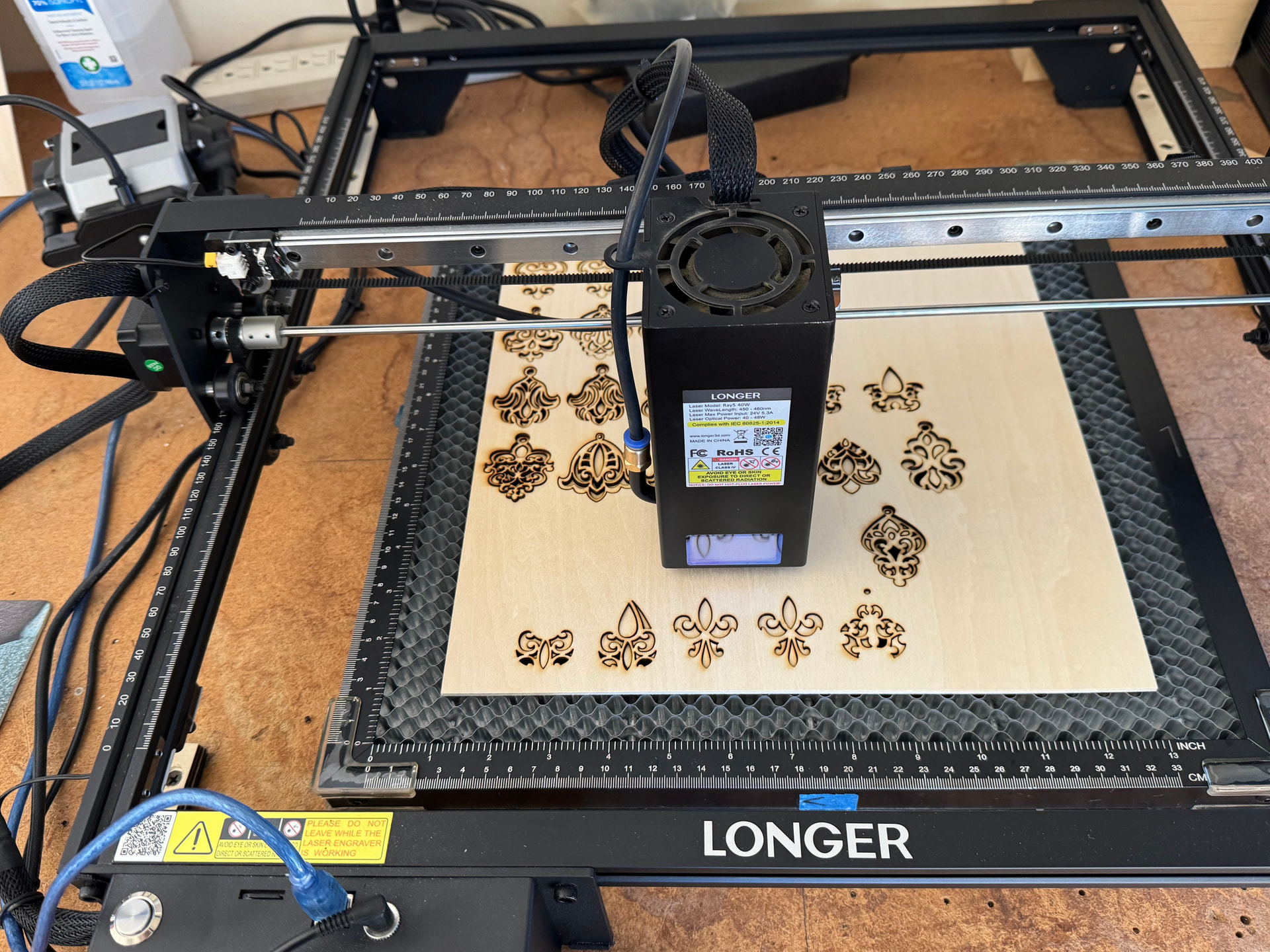
and I’m not sure how to proceed. My current burner is the Longer Ray 5 40W, Core 2.0.05 (had to roll back from the latest editions as started running into errors with the Svalue). Connected to an HP 17-cn3 via usb cable.

This code has come up before when I attempted a separate burn that I had to break individual pieces out and burn as single items, but this current burn has been completed several times before with no issues.
Any ideas or guidance on how to proceed would be greatly appreciated.

The highest ALARM number I can find is “10”. Alaem 11 does not appear on anybody’s list.

This means you will have to contact the manufacturer directly because it is specific to their controller.

Are you loading the GCode to the controller, then running from there (instead of using the Lightburn Run button)? If so, you may have a full memory issue.

A few things to try:
Home the machine and test.
Remove and reinsert the SD-Card and test.
Check USB links and plugs.
Type ? into Console Window and check for any letter(X Y or Z) after the PN.
Hi Roger,

ALARM:11 is a less common GRBL alarm. On Melvin’s page here, it’s described as a “Line overflow”

“Max characters per line exceeded. Received command line was not executed.”

If you enable “Show All” in the console, and re-run the job, we can see which exact line of code is causing the Alarm.


It’s possible that GCode Clustering plays a role here, if you have it enabled, but it’s not supported by the Ray5.
Can you send us a screenshot of the “Basic Settings” tab of “Edit > Device Settings”?

Sorry for delay in responding to everyone, I’m helping my father in-law with this issue and was out of town for the past week. Roger contacted Longer and they think it may begin with a bad circuit board as some test they sent him to do did not turn on a “blue’ led on the board.. replacement board has same result and did not give the blue led.
I’ll be down to work on his machine in a day or so, beginning with firmware and then software, will then run some tests and get some of the information that everyone has requested. Will also post under his account, just wanted to reach out as Roger didn’t see the other replies

Hello Dan,
Thank you for the update. I’ve seen other reports suggesting that Alarm : 11 could also be caused by a hardware issue. So, fair guess by longer to replace the PCB.

I’d be curious about the “blue LED test” they had you perform, if you can share it.


If not checked already, I’d make sure that GCode Clustering is turned off in the Device Settings.
If you can show us the console showing which exact line of GCode throws the error, that could help us diagnose.

I’m curious to hear what you discover. Please keep us posted.

Hi Aaron, turns out the interpretation of the blue led was incorrect. It’s out of the Longer support documentation (I didn’t follow the links through it, but was shown the actual instructions). When you power on your device, should be able to see a red led when you look from the top. The blue one should come one while it’s burning, and that was the part that was missed, laser fires just the way it should. Updated LightBurn, can’t tell if there’s new firmware for the 40w so haven’t updated that. On a material cut test, machine would fail (no codes, just stops) on anything 90% power or greater. Changed both s-value and $30 to 800 and can now burn successfully. Have not encountered the Alarm 11 yet, but working out other issues (mainly images that now show duplicates on same layer). Will update as we encounter/fix issues.

Hi Mike, no, everything was done directly through LightBurn and using the run button

An update to what I just posted to Aaron, I believe the alarm 11 has now been replaced by the duplicate image notification as while I’m now reviewing what we tried today (at home, no longer over at Roger’s where the burner is), this burn that was attempted was the one that caused alarm 11 originally. When looking at the images, the original that popped the alarm looks identical, the darker images having the multiple images on same layer. Beginning to think it may be a corruption through the original image when importing into LightBurn. We did get a successful burn/cut of a new single earring from a fresh download.

That’s an interesting approach. Can you explain how you came up with that?
This will shorten a cut move command by one digit compared to an S-Value of 1000.
Example at 100% laser power:
G1 X100Y100 S800
vs
G1 X100Y100 S1000

This solution does kinda track, since Alarm: 11 is described as

“Max characters per line exceeded. Received command line was not executed.”

If you ever see this alarm again, It would be helpful if you can enable “Show All” in the console, repeat the same task that caused the alarm and show us a screenshot of the console. This way, we can see exactly which line of GCode is triggering it.


Small correction on this part. I don’t want to school you, but there’s an important distinction between Images vs Vectors.

Could you send us this source file you imported? I’d like to investigate where the duplicated shapes came from.
I currently don’t think the alarm has anything to do with this, but who knows.

You can also select everything and “Edit > Delete Duplicates” Alt + D

Changing the S value was an experiment after the first time Roger updated his LightBurn software and started having the machine shut down with no error code during a material test (rolled back software and this particular issue persisted) I don’t recall exactly what started me down the path of Svalue for laser power other than it would stop around 90-100% during the material test, and got it to quit failing when I set the Svalue to less than 850. Was unaware of the $30 values supposed to be matching until I did further research trying to understand what was going on (I’m mainly helping out Roger as I don’t have a laser myself, but have been involved with computers since early 80s, so learning about LightBurn and lasers as I go). When I was last down working with Roger and updated to latest version of LightBurn, tried to to the cut test at 100% maximum and it would fail again until I set the Svalue to 800, which then it would work.

Thank you for the link for images vs vectors, and will accept as much schooling is I can get :+1:

Will attach the file next time I see Roger unless he sees this thread post and uploads it before I do.

and…

S999 would be short by one digit, so I do not think this is the cause/solution.

Could it be something like an overheat or overcurrent detected alarm?

And if there is a command G1 X100.375Y100.375 S800.
?

Yes, that would lead to the same error again.
It was probably something else.

Alarm 11 happened “On or near line 1”.
The GCode generated on lines 0 and 1 don’t contain any cuts, so the S value would not have been emitted yet, therefore changing the S value length should have had no effect yet.

I think GRBL reports Line 0 as the first line with valid GCode commands. Comment lines are not included. But after reading thru this thread, and seeing it doesn’t work, then it does work, gives me the feeling it is a communications issue and not a code issue.

Did you update the laser firmware?
Maybe try enabling DTR in Device Settings…