Has anyone had any luck achieving consistent control of this machine using Lightburn. I hear work is being done to achieve it’s use but have had no luck as of now.
Did you follow their instructions when adding the laser?
How do the compatibility issues you experience manifest themselves?
We don’t have an AlienCell machine in house. When we have talked to them they tell us “things are working great”
This is honestly my first interaction that tells me they are shipping and in the wild. I will reach out to our contact for more information but please. Give me literally all the details. What’s your setup like. What issues are you seeing? Are they isolated?
Tell me everything.
First of all let me say this machine is absolutely amazing in every aspect.
It does connect to Lightburn both via USB and WiFi with very minimal configuration.
Problem is motion control and inability to use it’s amazing cameras at this point.
I’ve tried on multiple machines using both Windows 10 & 11 with the same result.
I would love to see Lightburn fully utilize the capabilities this machine has to offer, but in the interim I’ve found the Native Software developed for this system to be very impressive. I’m by no means an expert but have many years of Computer and CNC experience under my belt and have had no luck getting the functionality between the two to offer acceptable stability. There is a gentleman on Youtube that goes by “The Clack Shack” that recently released a video attempting to demonstrate this machines ability. During the video he experienced the same behavior that has kept me from using Lightburn for machine control.
Yes sir, instructions and procedure were very simple.
Machine is recognized no problem but machine doesn’t respond properly to Lightburn control.
I may be speaking out of turn here but LA Hobby Guy has said LB has Aliencell machines and is working on compatibility. Nobody know for sure. Big world out there.
Hi, I am the Vendor Relations Manager for LB. It’s quite literally my job to know the status of this for LB. I am going to follow up on this, though.
Rich (LA Hobby guy) is a great dude, and I am sure he is passing on what he was told.
1 Like
Are you referring to this video?

I quickly clicked through it, but didn’t see him use LightBurn at all.
Can you describe what you mean by “motion control problems” in as much details as possible?
I’ll review my history and let you know.
That goes without saying. Will keep a sharp eye out for updates.
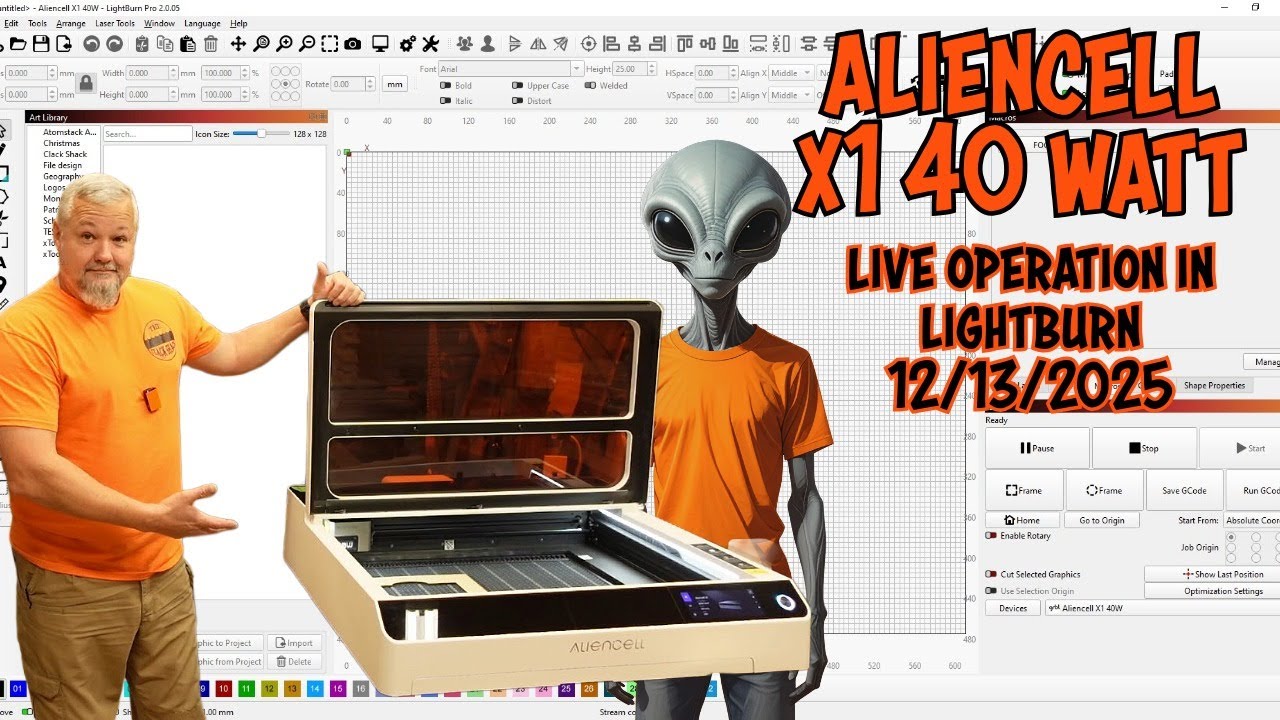
This is the video.
1 Like
Thanks for the video.
You must be referring to this error when he clicked on “Frame”
LightBurn Mode has exited. Please re-establish the connection.

That does not look like something we could fix on our side.
In the video, he’s connecting over WiFi. Did you try it with USB too?
No sir, not the issue I encountered. Machine maintained a connection via USB and WiFi but seemed to freeze after a move was attempted. Issued the Home command and for some reason the result was damage to the Distance Sensor. According to Aliencell Engineers the log file showed some trouble with Lightburn so won’t be using it for machine operations until if and when compatibility is achieved. I appreciate your time and effort on this issue, it’s much appreciated!
So, you used the Jog buttons in the “Move” window? What happened after this? We would need to see a screenshot of any errors in the Console Window when this happened.
If you send the machine the Home command, it’s being executed by the laser itself. LightBurn does not control the sequence of the cycle.
The firmware is supposed to move towards the limit switches, touch off, and report back to LightBurn that the sequence is finished.
I’d be interested to see the log file you mentioned here.
Console shows no indication of errors. When Lightburn is first launched with Auto Home On it performs the task as expected. When console appears to show no errors upon attempting to jog either a measured amount or continuous it will attempt to move a very small amount on first attempt and then appear to receive no further commands to respond to. You can hear what sounds like the steppers are receiving virtually no power to move. I’ll try to send the Log file.
Log file is 17.2 MB so system refused it. It’s in an unknown format to me ending with .SIGN extension so I can’t reduce it manually.